+
=❤️

Dictado por voz con IA para StackBlitz

Explica pantallas, flujos, estados y cambios de producto en StackBlitz sin escribir instrucciones largas. Ottex convierte tu intención hablada en instrucciones claras.

Cursor

Dictado de ejemplo

so um basically we need to implement oauth support from google and like I'm not happy with the stability of our next auth component so let's do a refactoring actually a full migration and move everything to better auth um I want you to first analyze the current auth flow second identify all the breaking changes and third um give me a migration plan oh and also make sure we keep the supabase postgres adapter yeah bring me the plan when you're done

Lee este ejemplo en voz alta o di algo de tu elección.

Ottex escribe

We need to implement OAuth support from Google. I'm not happy with the stability of our NextAuth component, so let's do a full migration and move everything to Better Auth. I want you to: 1. Analyze the current auth flow 2. Identify all the breaking changes 3. Give me a migration plan Also, make sure we keep the Supabase PostgreSQL adapter. Bring me the plan when you're done.
Instrucciones del perfil

Descargar para macOS

Cómo funciona

Tu voz. Justo donde trabajas.

  1. Mantén pulsada Fn

    Coloca el cursor en cualquier app y mantén pulsada la tecla Fn.

  2. Habla con naturalidad

    Di lo que quieres escribir. Ottex sigue tus reglas de escritura guardadas.

  3. Suelta. Ya está escrito.

    El texto aparece justo donde está el cursor.

Qué puedes hacer

Aprovecha todo StackBlitz con tu voz

Dar instrucciones a agentes de programación con IA

Dicta instrucciones detalladas para asistentes de programación con IA en Cursor, Copilot o Claude Code. Explica lo que necesitas sin perder el hilo.

Cursor

Dictado de ejemplo

so um basically we need to implement oauth support from google and like I'm not happy with the stability of our next auth component so let's do a refactoring actually a full migration and move everything to better auth um I want you to first analyze the current auth flow second identify all the breaking changes and third um give me a migration plan oh and also make sure we keep the supabase postgres adapter yeah bring me the plan when you're done

Lee este ejemplo en voz alta o di algo de tu elección.

Ottex escribe

We need to implement OAuth support from Google. I'm not happy with the stability of our NextAuth component, so let's do a full migration and move everything to Better Auth. I want you to: 1. Analyze the current auth flow 2. Identify all the breaking changes 3. Give me a migration plan Also, make sure we keep the Supabase PostgreSQL adapter. Bring me the plan when you're done.
Instrucciones del perfil

Capturar ideas rápido

Captura ideas en cuanto aparecen. Usa Ottex en cualquier app para guardar pensamientos y refinarlos más tarde.

Editor de texto

Dictado de ejemplo

oh okay so what if we flip the onboarding completely um instead of asking users to set up their workspace first we let them record something immediately like within 10 seconds of signing up they're already talking and seeing the magic actually no not 10 seconds make it the very first screen and then we save that as their first note so they have an aha moment before they even configure anything

Lee este ejemplo en voz alta o di algo de tu elección.

Ottex escribe

What if we flip the onboarding completely? Instead of asking users to set up their workspace first, we let them record something immediately. Within the very first screen of signing up, they're already talking and seeing the magic. Then we save that as their first note—so they have an aha moment before they even configure anything.
Instrucciones del perfil

Por qué Ottex funciona tan bien con StackBlitz

Funciones que hacen potente esta integración

3x más rápido que escribir

Habla a más de 150 palabras por minuto frente a unas 40 al escribir. Termina tareas en una fracción del tiempo.

Una mujer habla con naturalidad mientras trabaja en su portátil.

Más contexto, mejores resultados

Hablar da más contexto que escribir. Explica intención, casos borde y nombres de archivos con la naturalidad de tu voz.

Unas notas sueltas forman un plan más completo.

Soporte para IDEs y editores

Funciona en VS Code, Cursor, JetBrains, Xcode y más. Dicta instrucciones para asistentes de programación con IA.
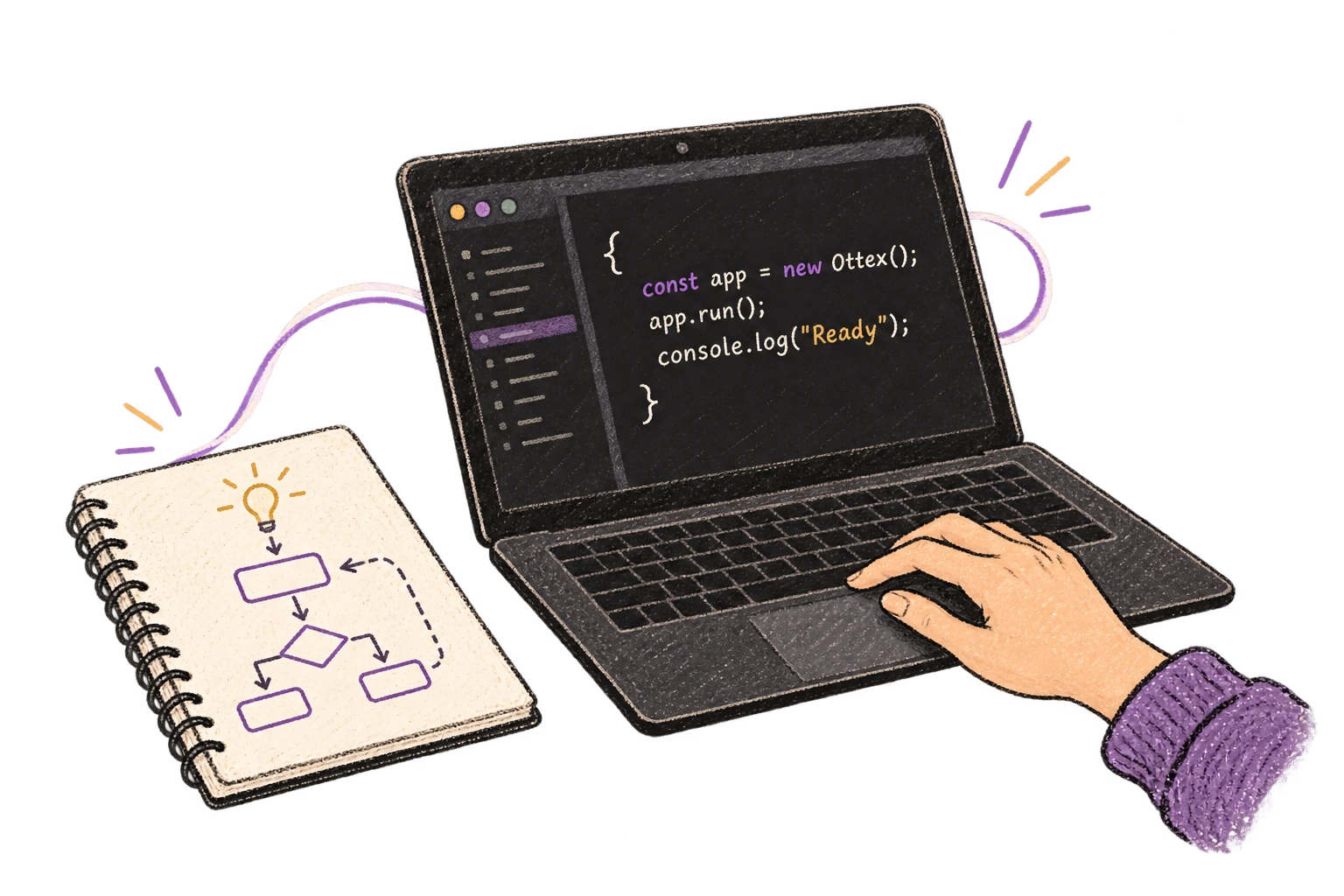
Una idea dictada conecta un diagrama con un editor de código.

Precisión con términos técnicos

Los modelos de IA reconocen jerga técnica, terminología de código y vocabulario especializado.
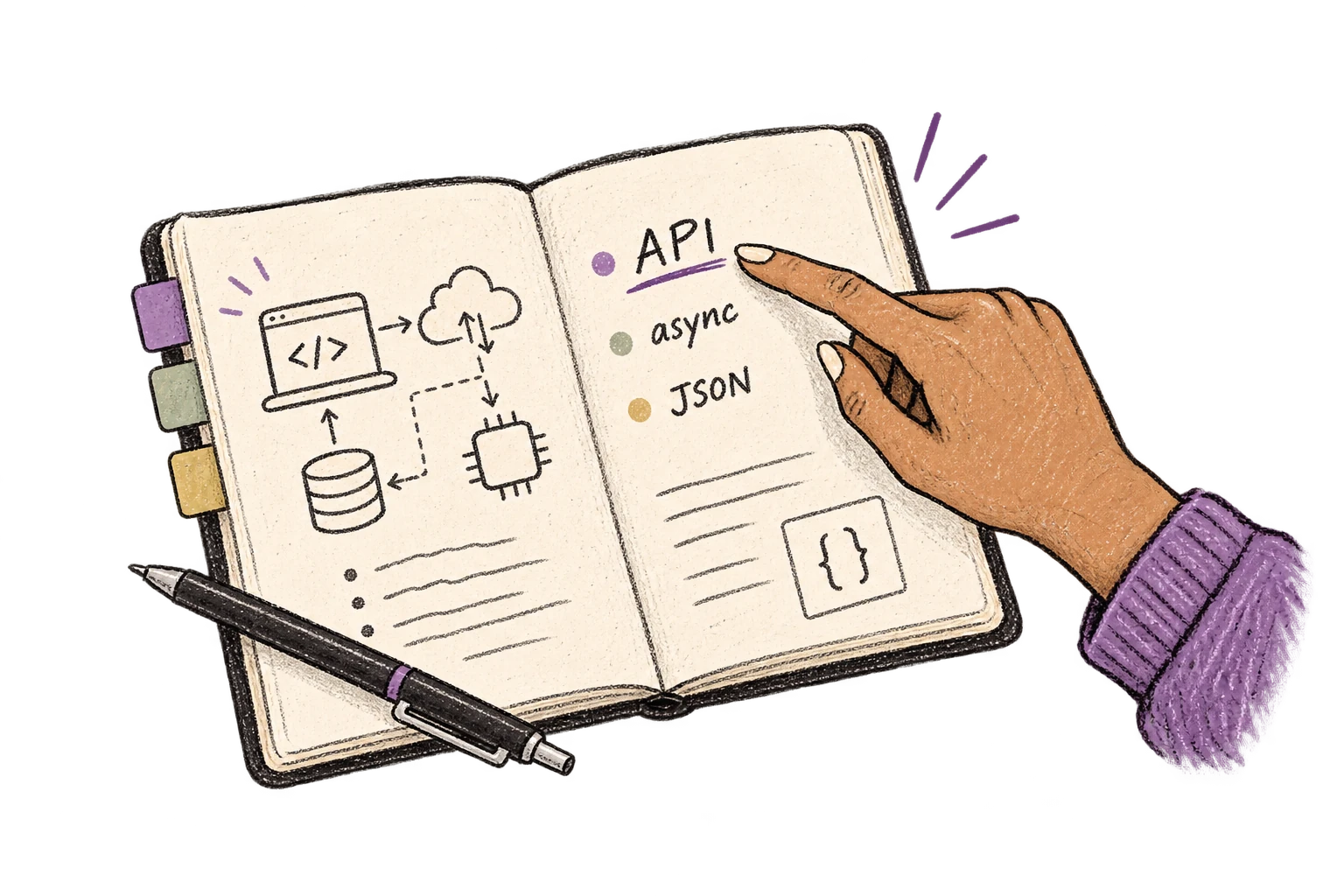
Un cuaderno técnico organiza los términos API, async y JSON.

Diccionario personalizado

Añade nombres, términos técnicos y jerga. Ottex los transcribe correctamente cada vez.
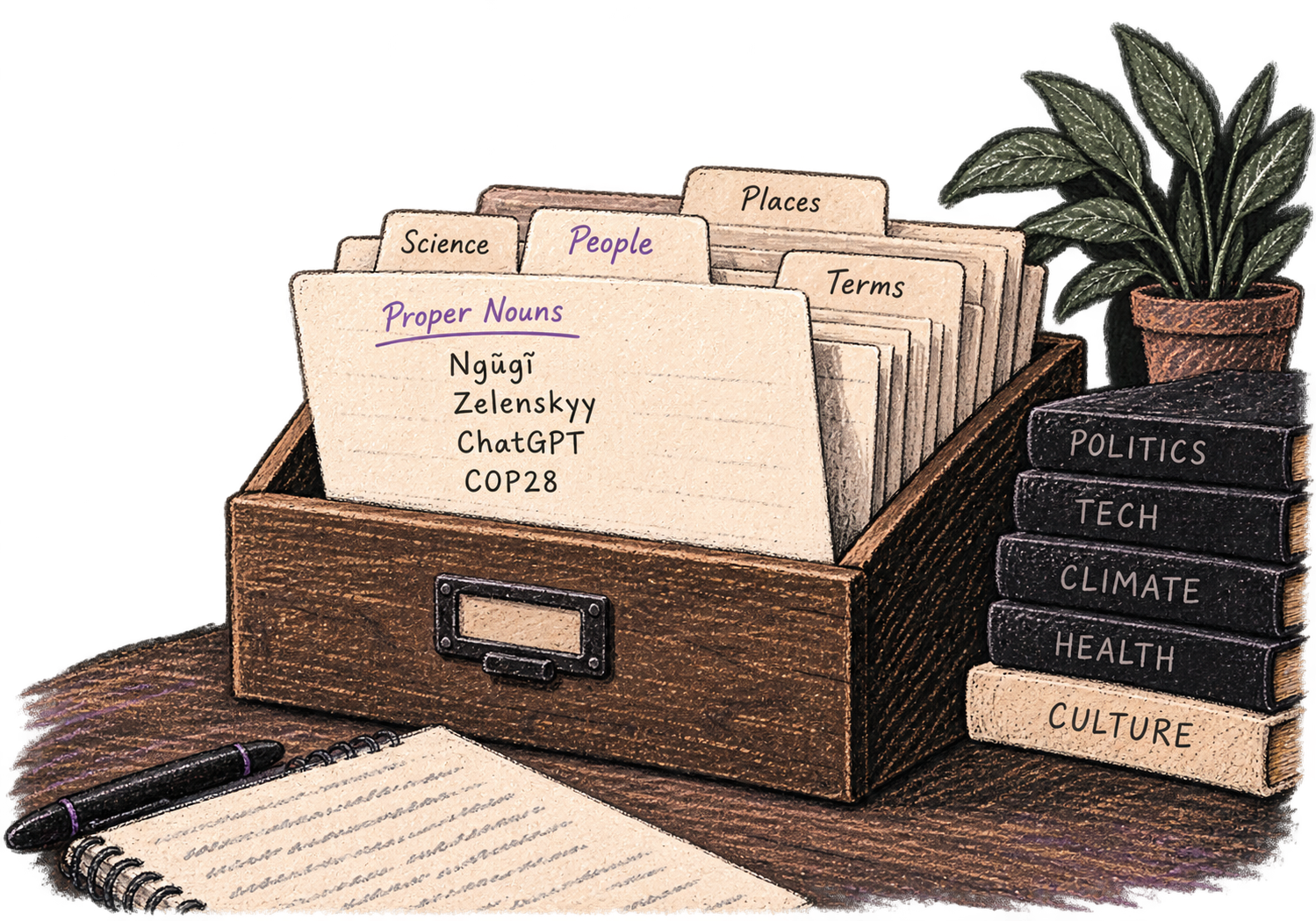
Un fichero personal organiza nombres y vocabulario especializado.

Correcciones por voz

Di "borra eso" para eliminar errores o "mejor dicho" para reformular. Corrige sin cortar el flujo ni tocar el teclado.

Thursday at six aparece tachado y se sustituye por Friday at ten.

Atajos globales

Empieza a grabar con Option+D, mantén pulsado para hablar o cancela con Esc. Todos los atajos son configurables.
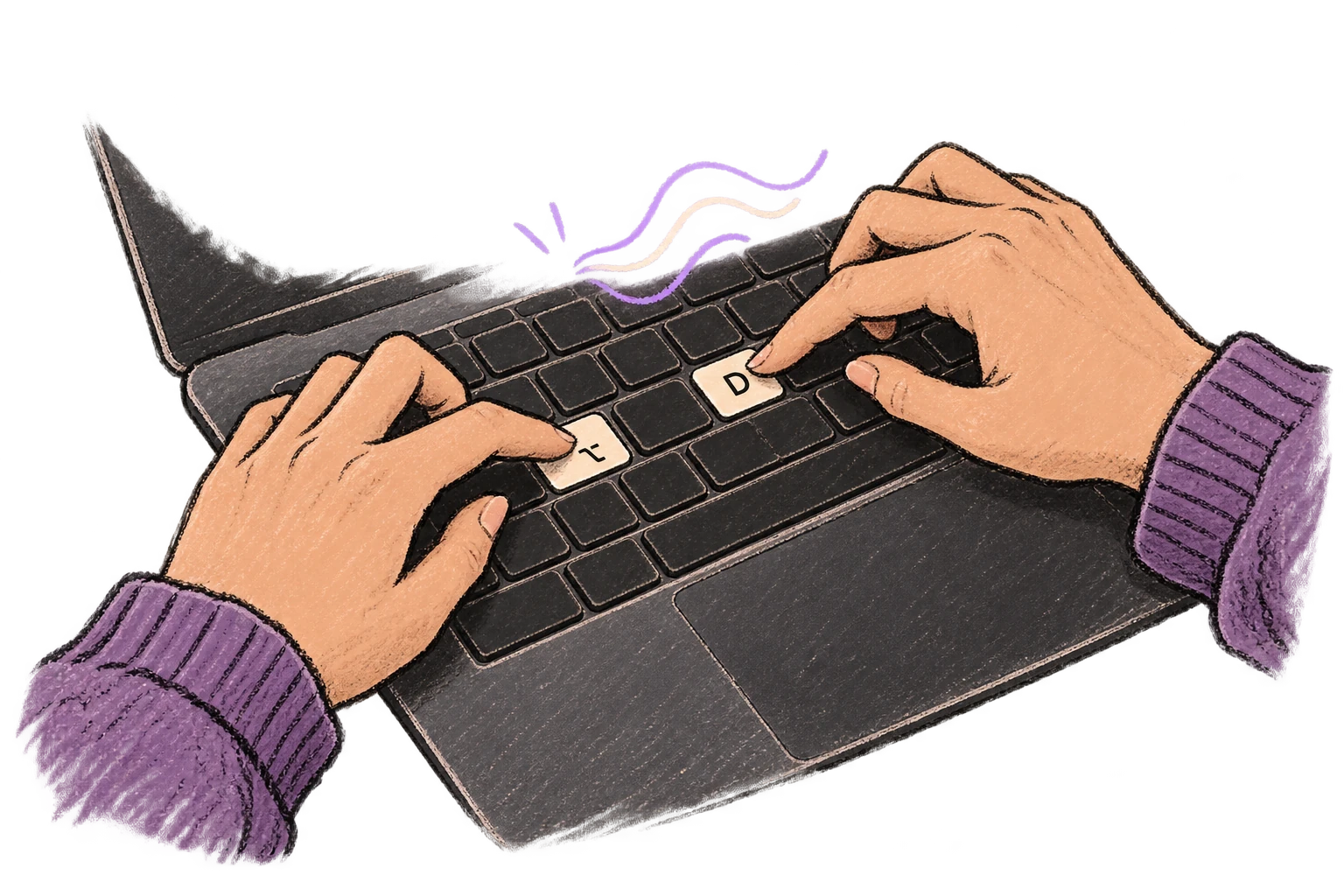
Unos dedos pulsan Opción y D para iniciar el dictado.

Funciona en cualquier app

Sistema completo en macOS: Ottex funciona donde puedas escribir, sin integraciones específicas por app.
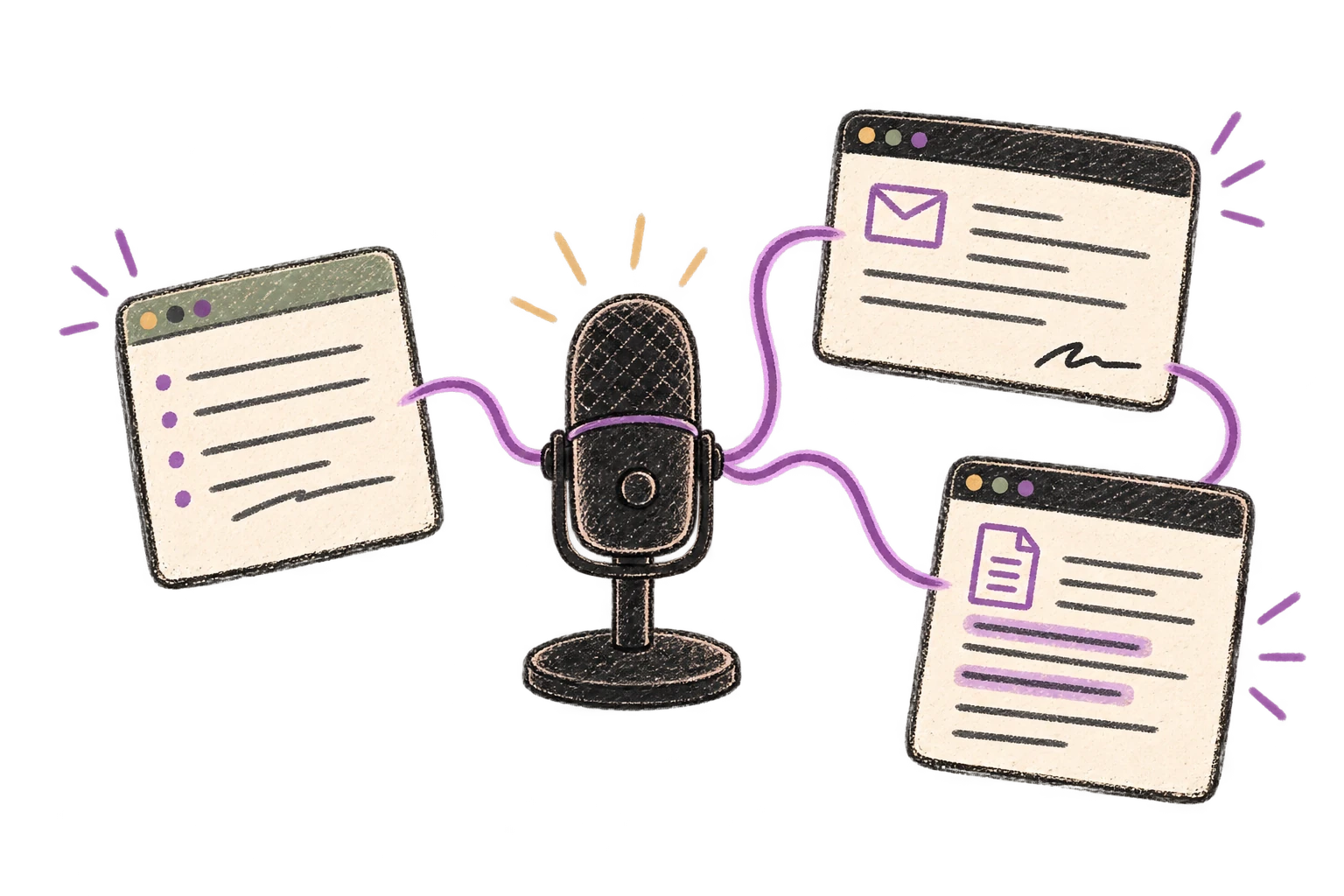
Un micrófono conecta varias ventanas de aplicaciones.

Eliminación de muletillas

Elimina automáticamente muletillas como "eh", "mmm", "como" o "o sea". Obtén texto limpio y profesional desde habla natural.

Se retiran los recortes con muletillas para dejar una página limpia.

Consejos para usar Ottex con StackBlitz

1

Describe primero el objetivo y luego los detalles

2

Usa listas por voz para requisitos y criterios

3

Corrige con voz en vez de reescribir la instrucción completa

Preguntas frecuentes

¿Ottex funciona con StackBlitz sin instalar una integración?

Sí. Ottex funciona a nivel del sistema en macOS, así que puedes dictar directamente en StackBlitz y en cualquier app donde puedas escribir.

¿Qué puedo dictar en StackBlitz?

Puedes dictar instrucciones de producto y construcción, añadir contexto, corregir errores por voz y dejar que Ottex limpie el resultado antes de insertarlo.

¿Puedo mantener mi propio tono y vocabulario?

Sí. Usa modos por app, diccionario personalizado y fragmentos para que el resultado siga tus reglas.

Funciona con tus apps favoritas

Ottex encaja con las herramientas que usas cada día

¿Listo para pensar a todo ancho de banda?

Gratis para uso personal. Empieza a dictar en menos de un minuto.

Probar gratis

No se requiere tarjeta de crédito.


