+
=❤️

Dictado por voz con IA para Substack

Dicta borradores, documentación, artículos y notas en Substack. Ottex limpia muletillas, conserva estructura y te ayuda a avanzar sin fricción de teclado.

Editor de texto

Dictado de ejemplo

so just learned something interesting um the best way to get unstuck on a problem is to explain it out loud even if no one's listening new paragraph I was stuck on this thing for hours and the moment I started talking through it everything clicked new paragraph try it next time you're stuck

Lee este ejemplo en voz alta o di algo de tu elección.

Ottex escribe

Just learned something interesting—the best way to get unstuck on a problem is to explain it out loud, even if no one's listening. I was stuck on this thing for hours, and the moment I started talking through it, everything clicked. Try it next time you're stuck.
Instrucciones del perfil

Descargar para macOS

Cómo funciona

Tu voz. Justo donde trabajas.

  1. Mantén pulsada Fn

    Coloca el cursor en cualquier app y mantén pulsada la tecla Fn.

  2. Habla con naturalidad

    Di lo que quieres escribir. Ottex sigue tus reglas de escritura guardadas.

  3. Suelta. Ya está escrito.

    El texto aparece justo donde está el cursor.

Qué puedes hacer

Aprovecha todo Substack con tu voz

Escribir posts y contenido

Dicta tweets, posts de LinkedIn, artículos o newsletters. Convierte tus ideas en contenido más rápido que nunca.

Editor de texto

Dictado de ejemplo

so just learned something interesting um the best way to get unstuck on a problem is to explain it out loud even if no one's listening new paragraph I was stuck on this thing for hours and the moment I started talking through it everything clicked new paragraph try it next time you're stuck

Lee este ejemplo en voz alta o di algo de tu elección.

Ottex escribe

Just learned something interesting—the best way to get unstuck on a problem is to explain it out loud, even if no one's listening. I was stuck on this thing for hours, and the moment I started talking through it, everything clicked. Try it next time you're stuck.
Instrucciones del perfil

Escribir primeros borradores

Supera el bloqueo escribiendo el primer borrador por voz. No edites mientras avanzas: habla tus ideas y refínalas después.

Notion

Dictado de ejemplo

so the thing is writing is hard because you never know where to start um I think the best approach is to just get your ideas down first and worry about editing later new paragraph that's what this article is about actually this post is about overcoming the blank page

Lee este ejemplo en voz alta o di algo de tu elección.

Ottex escribe

Writing is hard because you never know where to start. I think the best approach is to just get your ideas down first and worry about editing later. That's what this post is about—overcoming the blank page.
Instrucciones del perfil

Por qué Ottex funciona tan bien con Substack

Funciones que hacen potente esta integración

3x más rápido que escribir

Habla a más de 150 palabras por minuto frente a unas 40 al escribir. Termina tareas en una fracción del tiempo.

Una mujer habla con naturalidad mientras trabaja en su portátil.

Correcciones por voz

Di "borra eso" para eliminar errores o "mejor dicho" para reformular. Corrige sin cortar el flujo ni tocar el teclado.

Thursday at six aparece tachado y se sustituye por Friday at ten.

Comandos de IA en línea

Transforma texto mientras hablas: "Ottex empieza corrige gramática Ottex termina". Edita, mejora o traduce solo con la voz.

Unas manos transforman el papel en una nueva forma.

Modos por aplicación

Ottex detecta en qué app estás y se adapta: modo código en Cursor, tono casual en Slack, profesional en Gmail.

Una voz se adapta al editor de código, al chat y al correo.

Transcripción precisa

Modelos de IA en la nube transcriben tu voz con alta precisión y limpian automáticamente muletillas.
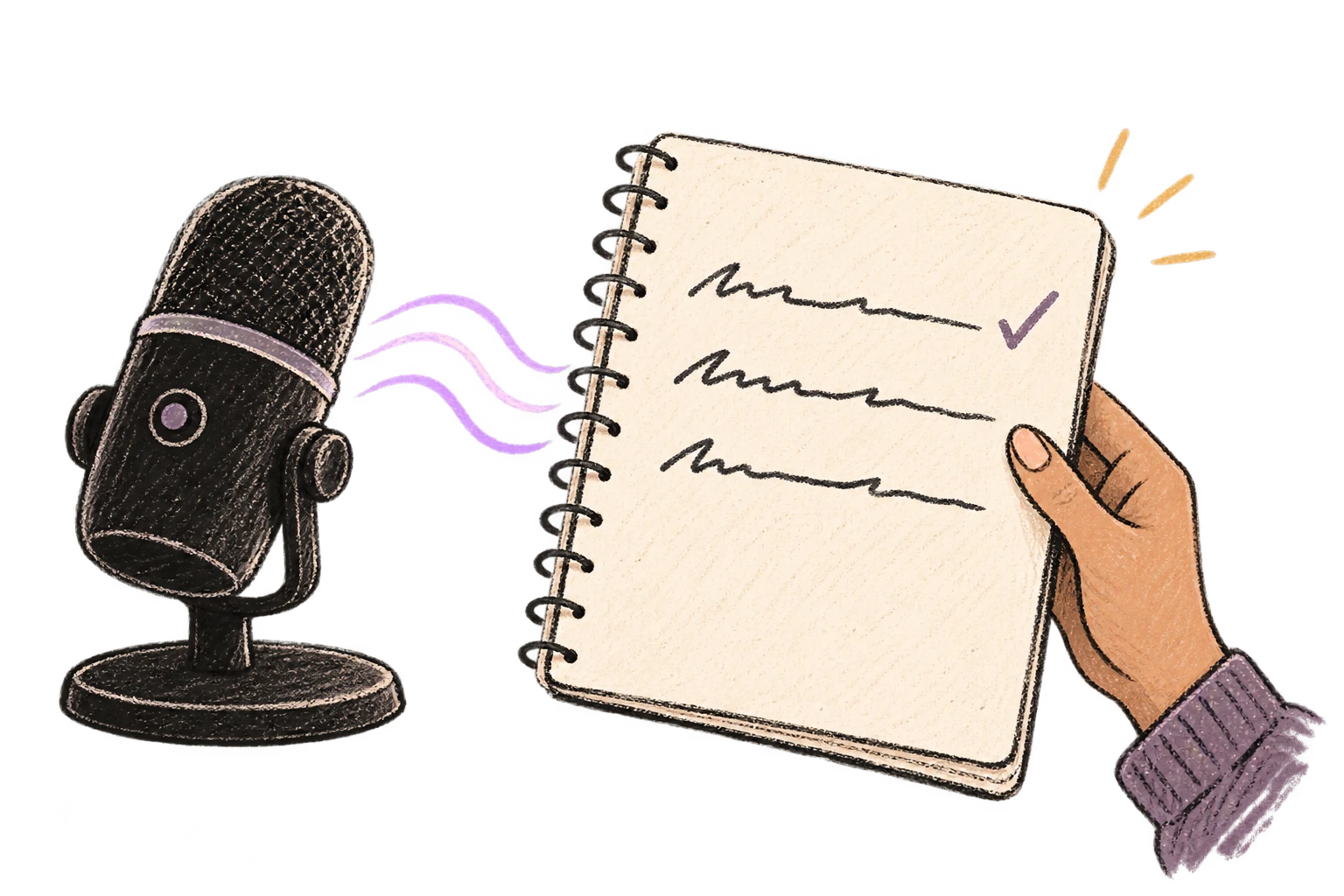
Un micrófono convierte una onda de voz en líneas de texto claras.

Consejos para usar Ottex con Substack

1

Dicta primero sin editar y pule después

2

Usa comandos de IA para cambiar tono o formalizar

3

Crea fragmentos para estructuras repetidas

Preguntas frecuentes

¿Ottex funciona con Substack sin instalar una integración?

Sí. Ottex funciona a nivel del sistema en macOS, así que puedes dictar directamente en Substack y en cualquier app donde puedas escribir.

¿Qué puedo dictar en Substack?

Puedes dictar borradores, documentos y notas, añadir contexto, corregir errores por voz y dejar que Ottex limpie el resultado antes de insertarlo.

¿Puedo mantener mi propio tono y vocabulario?

Sí. Usa modos por app, diccionario personalizado y fragmentos para que el resultado siga tus reglas.

Funciona con tus apps favoritas

Ottex encaja con las herramientas que usas cada día

¿Listo para pensar a todo ancho de banda?

Gratis para uso personal. Empieza a dictar en menos de un minuto.

Probar gratis

No se requiere tarjeta de crédito.


