Dictado por voz para Relaciones con desarrolladores

Crea más contenido y conecta con más desarrolladores

VS Code

Dictado de ejemplo

so the authentication flow works like this colon new paragraph first the client sends credentials to the auth service second the auth service validates against the database and returns a JWT token third the client stores the token and includes it in subsequent requests new paragraph note colon we're using r s 2 5 6 for token signing

Lee este ejemplo en voz alta o di algo de tu elección.

Ottex escribe

The authentication flow works like this: 1. The client sends credentials to the auth service 2. The auth service validates against the database and returns a JWT token 3. The client stores the token and includes it in subsequent requests Note: We're using RS256 for token signing
Instrucciones del perfil

Descargar para macOS

Cómo funciona

Tu voz. Justo donde trabajas.

  1. Mantén pulsada Fn

    Coloca el cursor en cualquier app y mantén pulsada la tecla Fn.

  2. Habla con naturalidad

    Di lo que quieres escribir. Ottex sigue tus reglas de escritura guardadas.

  3. Suelta. Ya está escrito.

    El texto aparece justo donde está el cursor.

Funciona con tus aplicaciones

Ottex funciona en todo macOS. Dicta directamente en estas apps y en muchas más.

Y cualquier otra app que acepte entrada de texto. Ver todas las aplicaciones compatibles

Por qué Ottex funciona para relaciones con desarrolladores

Beneficios concretos con impacto real

3x más rápido que escribir

Habla a más de 150 palabras por minuto frente a unas 40 al escribir. Termina tareas en una fracción del tiempo.

Una mujer habla con naturalidad mientras trabaja en su portátil.

Más contexto, mejores resultados

Hablar da más contexto que escribir. Explica intención, casos borde y nombres de archivos con la naturalidad de tu voz.
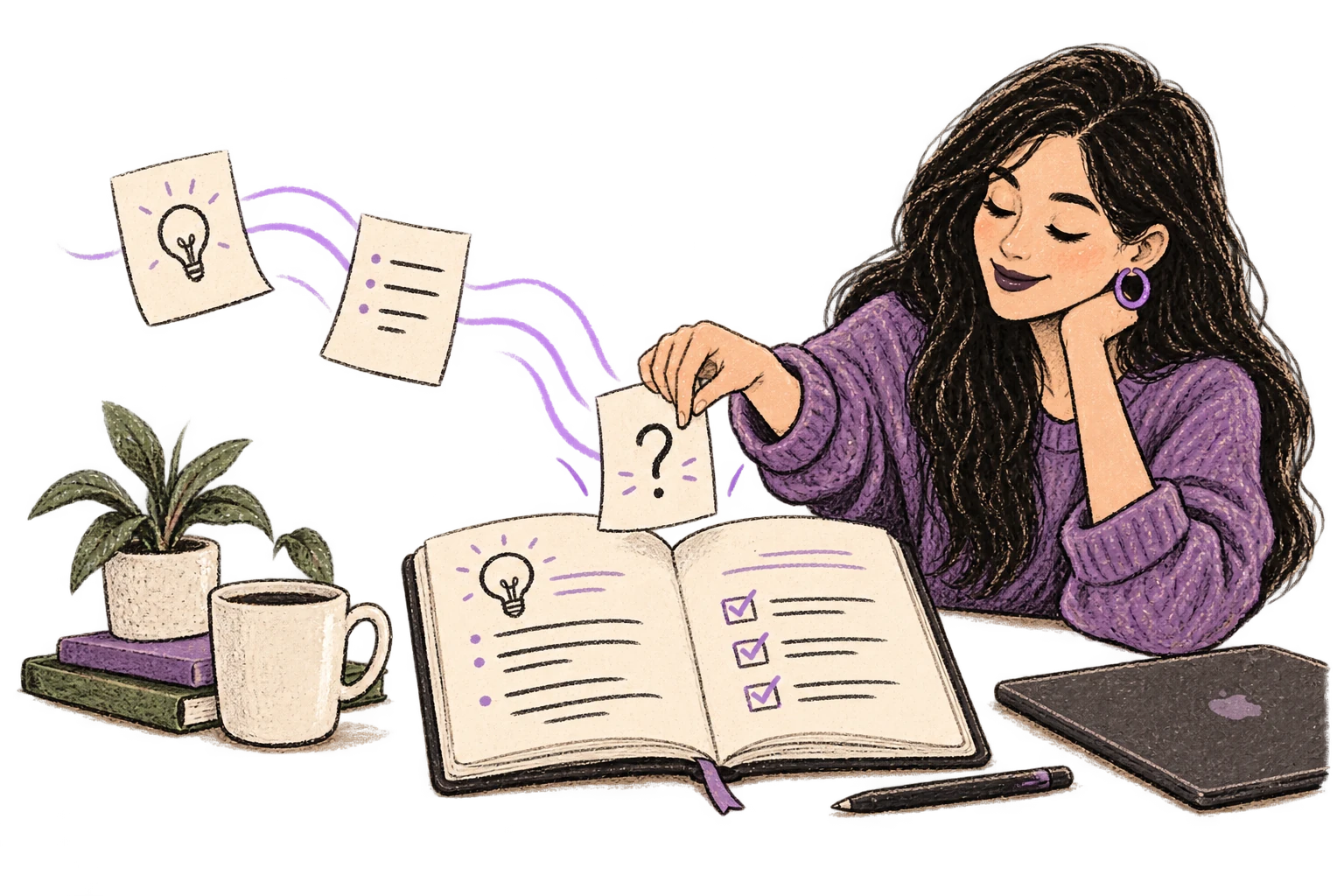
Unas notas sueltas forman un plan más completo.

Precisión con términos técnicos

Los modelos de IA reconocen jerga técnica, terminología de código y vocabulario especializado.
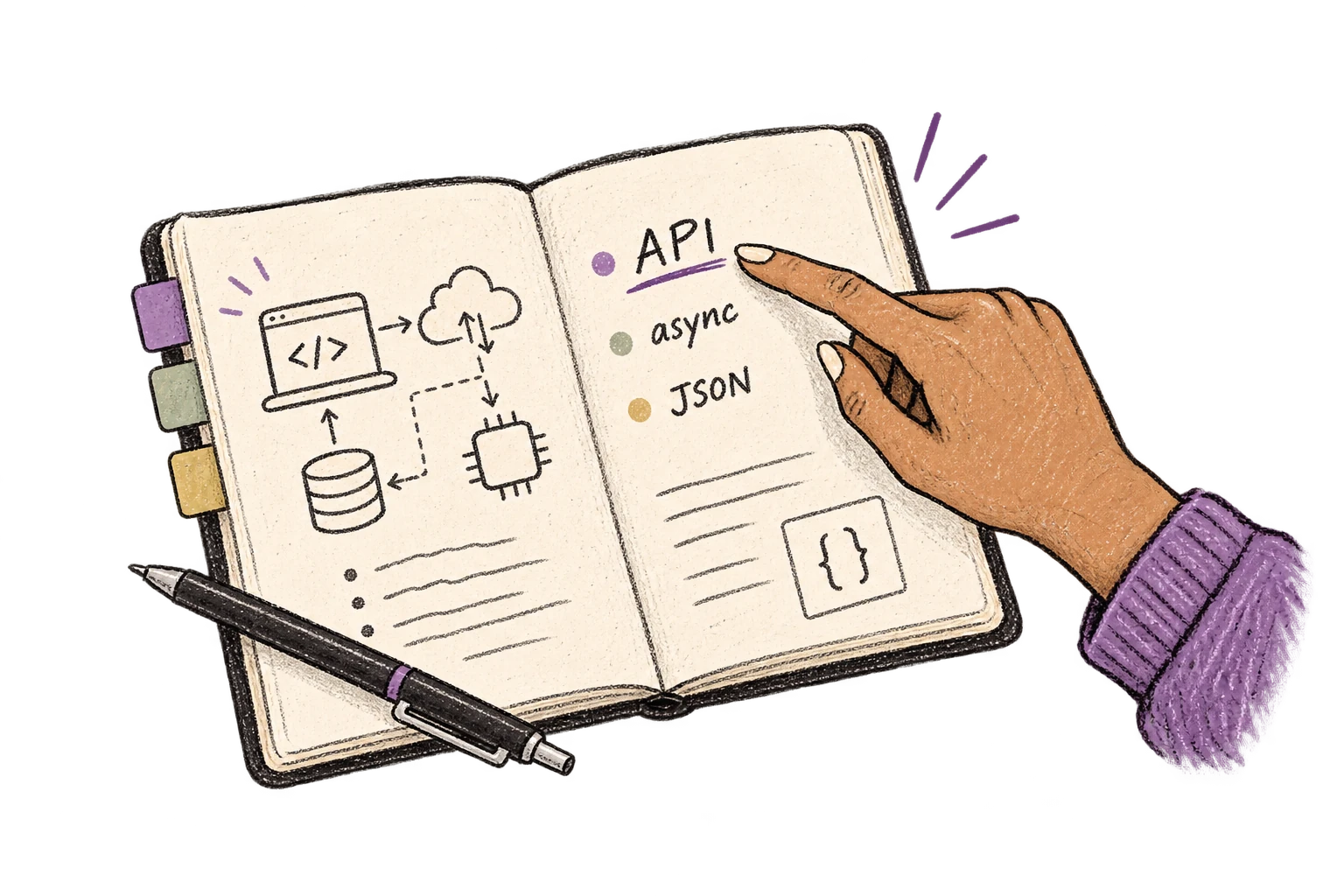
Un cuaderno técnico organiza los términos API, async y JSON.

Diccionario personalizado

Añade nombres, términos técnicos y jerga. Ottex los transcribe correctamente cada vez.
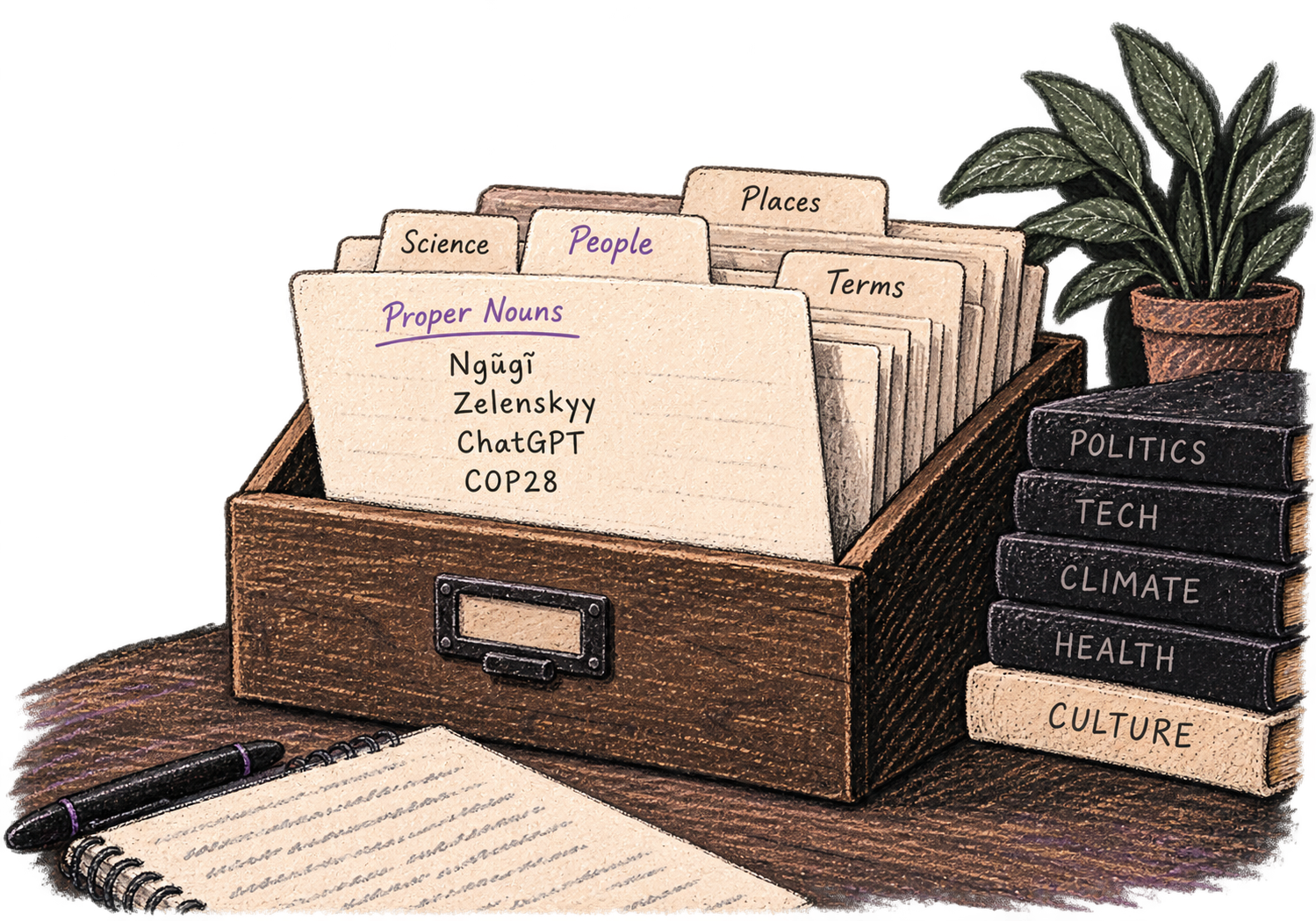
Un fichero personal organiza nombres y vocabulario especializado.

Comandos de IA en línea

Transforma texto mientras hablas: "Ottex empieza corrige gramática Ottex termina". Edita, mejora o traduce solo con la voz.

Unas manos transforman el papel en una nueva forma.

Dictado preciso

Di "nuevo párrafo", "abre comillas", "guion largo" o "puntos suspensivos". Control total del formato por voz.

Unos bloques de puntuación organizan una página con formato.

Correcciones por voz

Di "borra eso" para eliminar errores o "mejor dicho" para reformular. Corrige sin cortar el flujo ni tocar el teclado.

Thursday at six aparece tachado y se sustituye por Friday at ten.

Modos por aplicación

Ottex detecta en qué app estás y se adapta: modo código en Cursor, tono casual en Slack, profesional en Gmail.
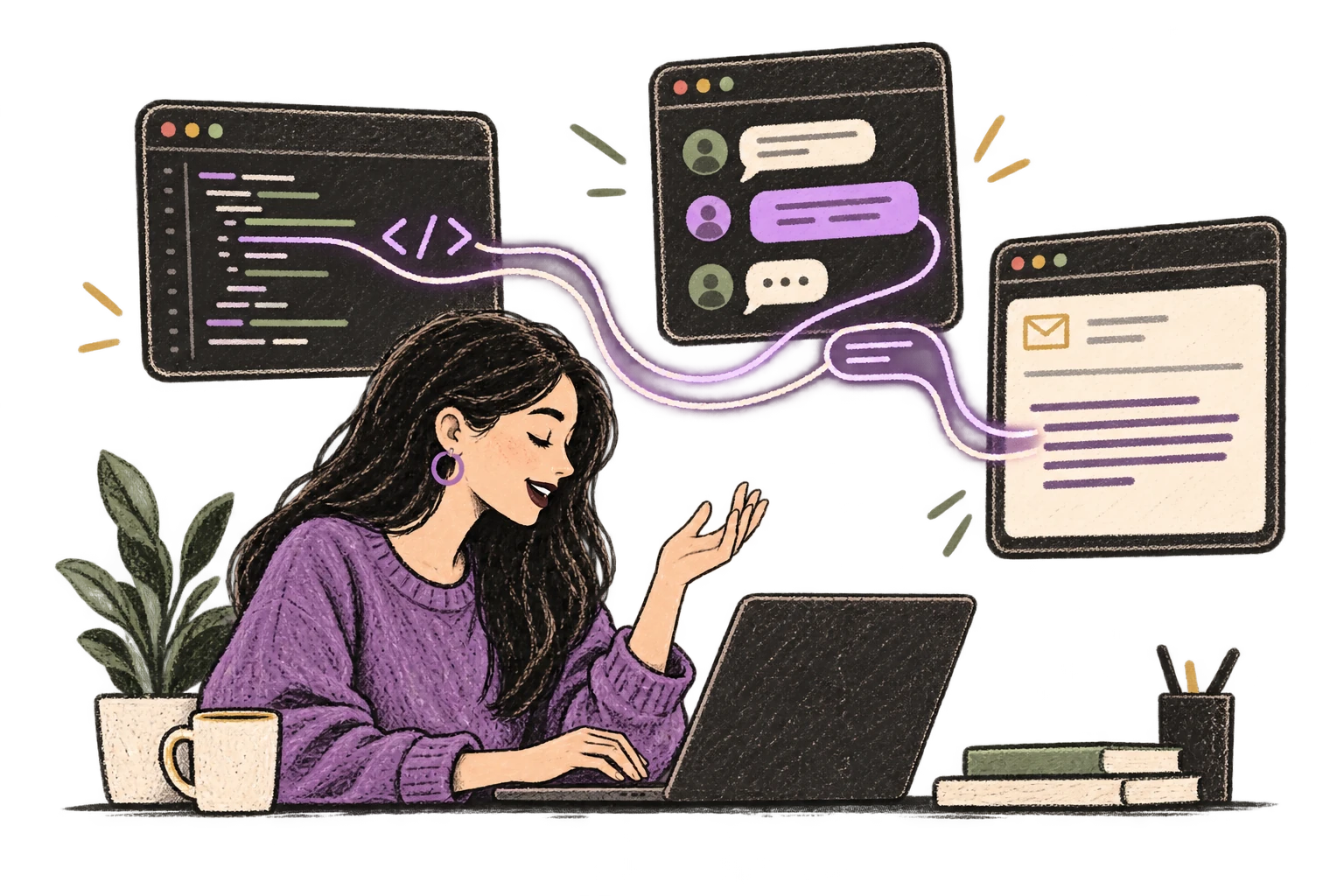
Una voz se adapta al editor de código, al chat y al correo.

Uso del contexto

Permite opcionalmente que la IA vea el contexto de pantalla para responder mejor correos, mensajes y conversaciones largas.
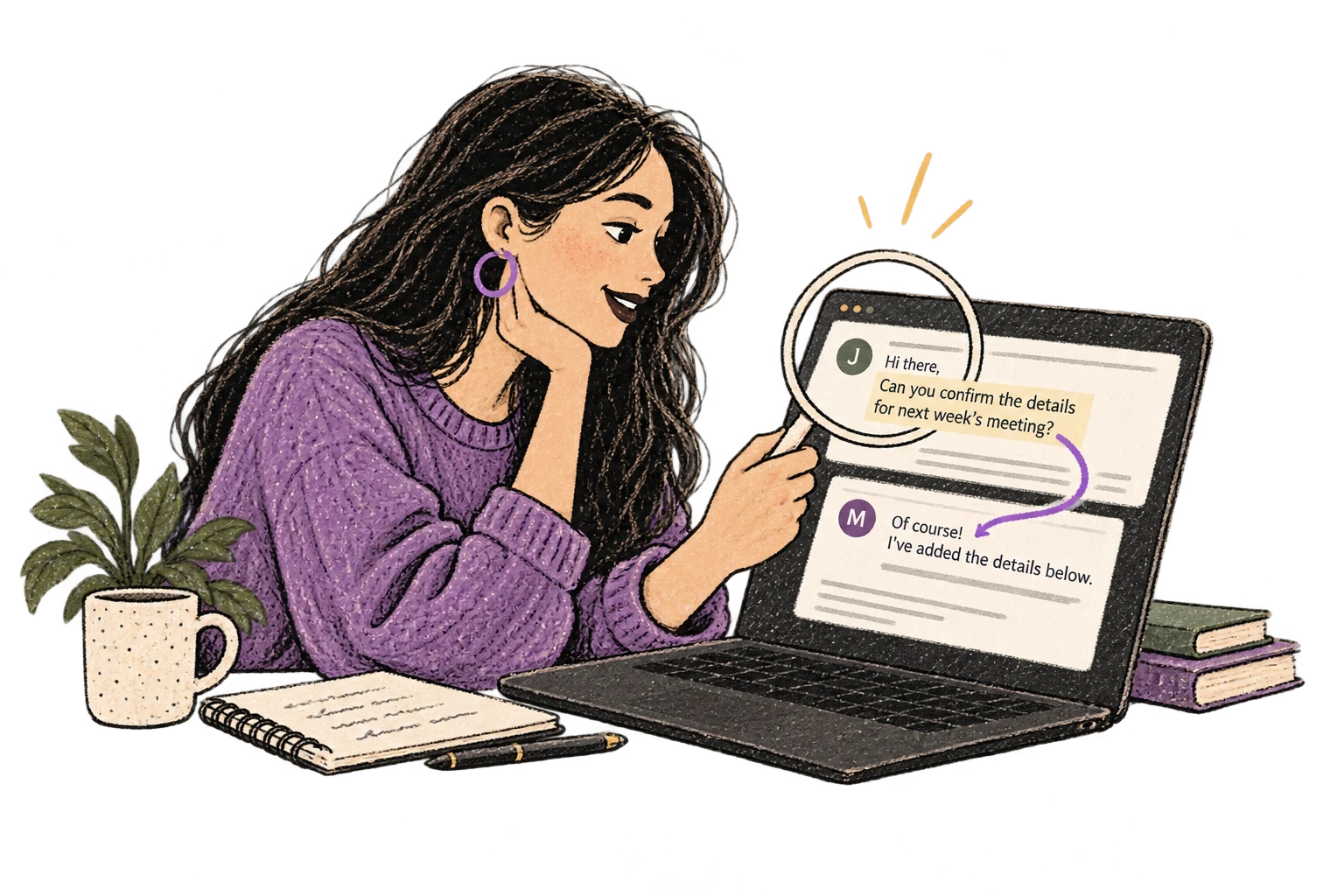
Una lupa conecta una conversación por correo con su respuesta.

Snippets inteligentes

Define reemplazos y atajos. Di "firma de trabajo" para insertar tu firma completa o "mi dirección" para tus datos de contacto.

Un marcador se despliega en notas reutilizables.

Funciona con chatbots de IA

Dicta instrucciones en ChatGPT, Claude, Perplexity o cualquier lugar donde escribas. Más contexto, mejores respuestas.
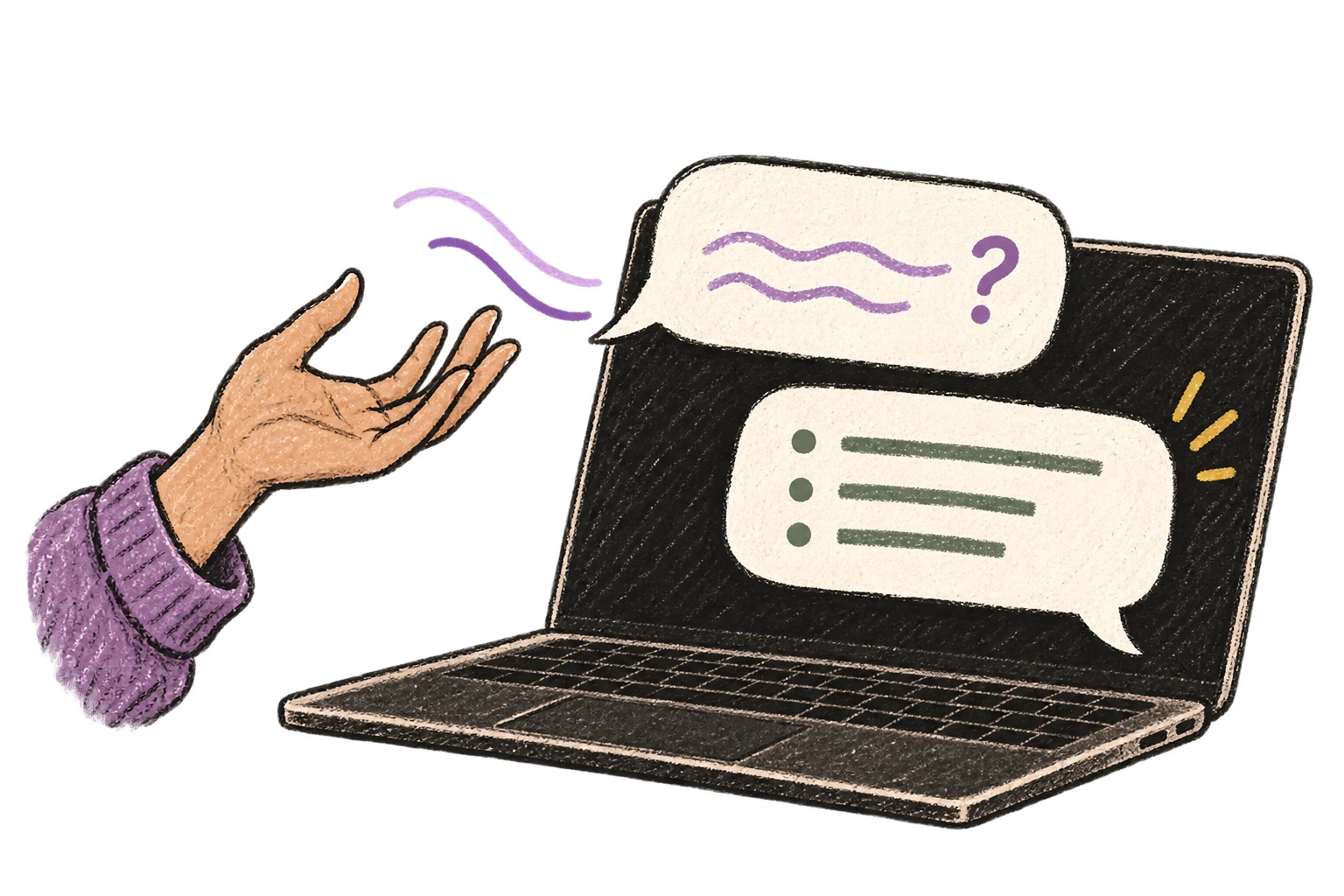
Una pregunta dictada se convierte en una conversación en el portátil.

Atajos globales

Empieza a grabar con Option+D, mantén pulsado para hablar o cancela con Esc. Todos los atajos son configurables.
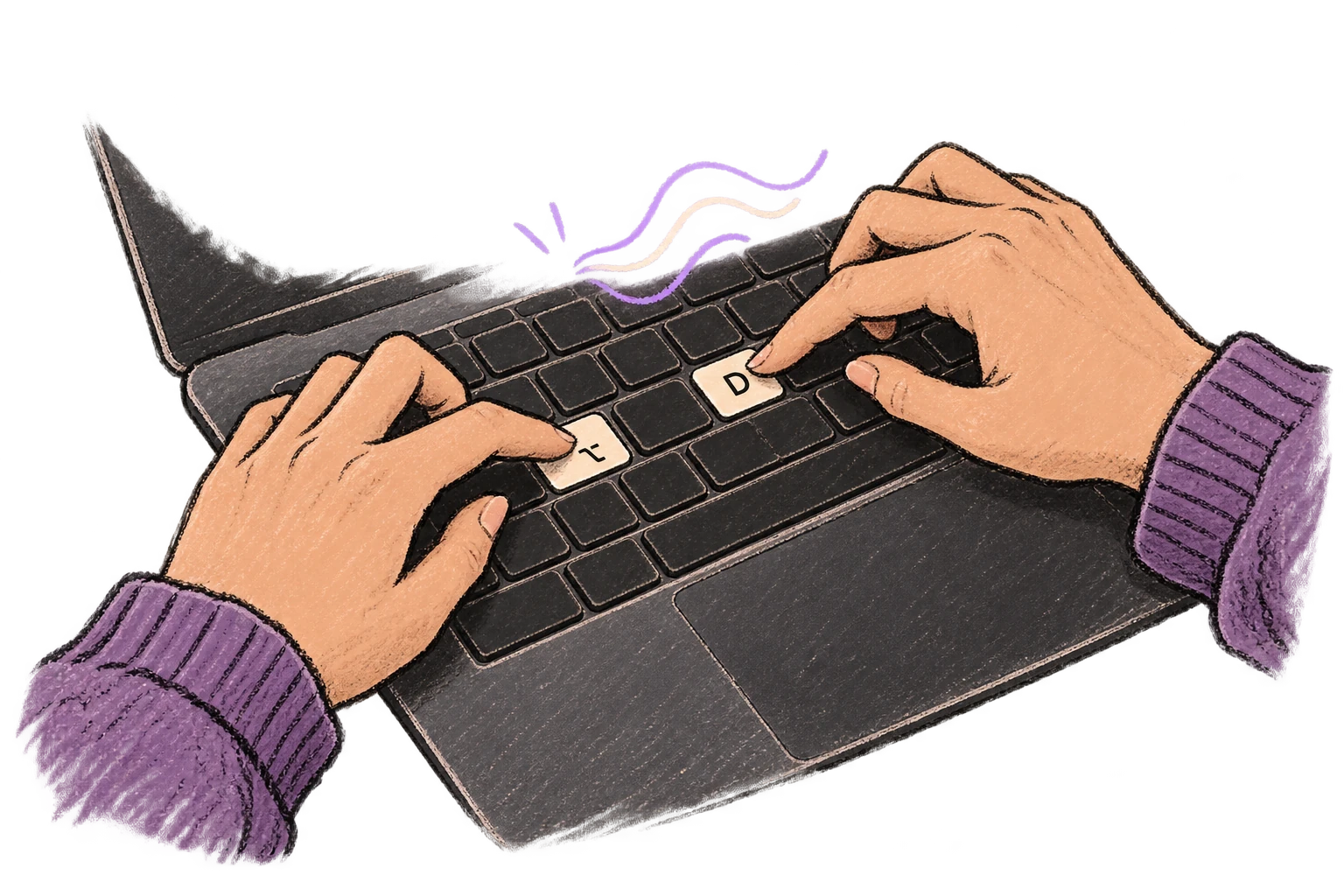
Unos dedos pulsan Opción y D para iniciar el dictado.

Funciona en cualquier app

Sistema completo en macOS: Ottex funciona donde puedas escribir, sin integraciones específicas por app.
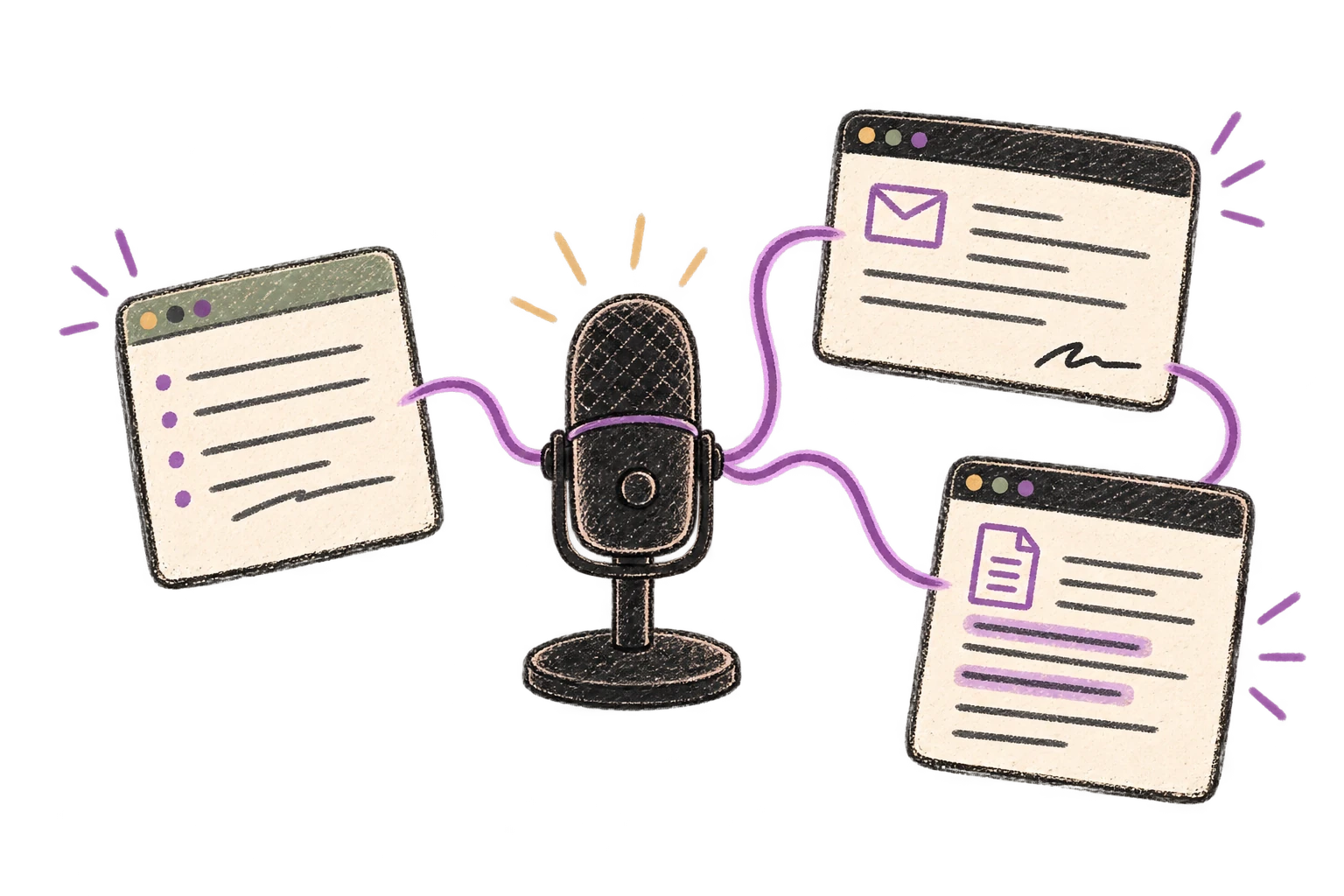
Un micrófono conecta varias ventanas de aplicaciones.

Eliminación de muletillas

Elimina automáticamente muletillas como "eh", "mmm", "como" o "o sea". Obtén texto limpio y profesional desde habla natural.
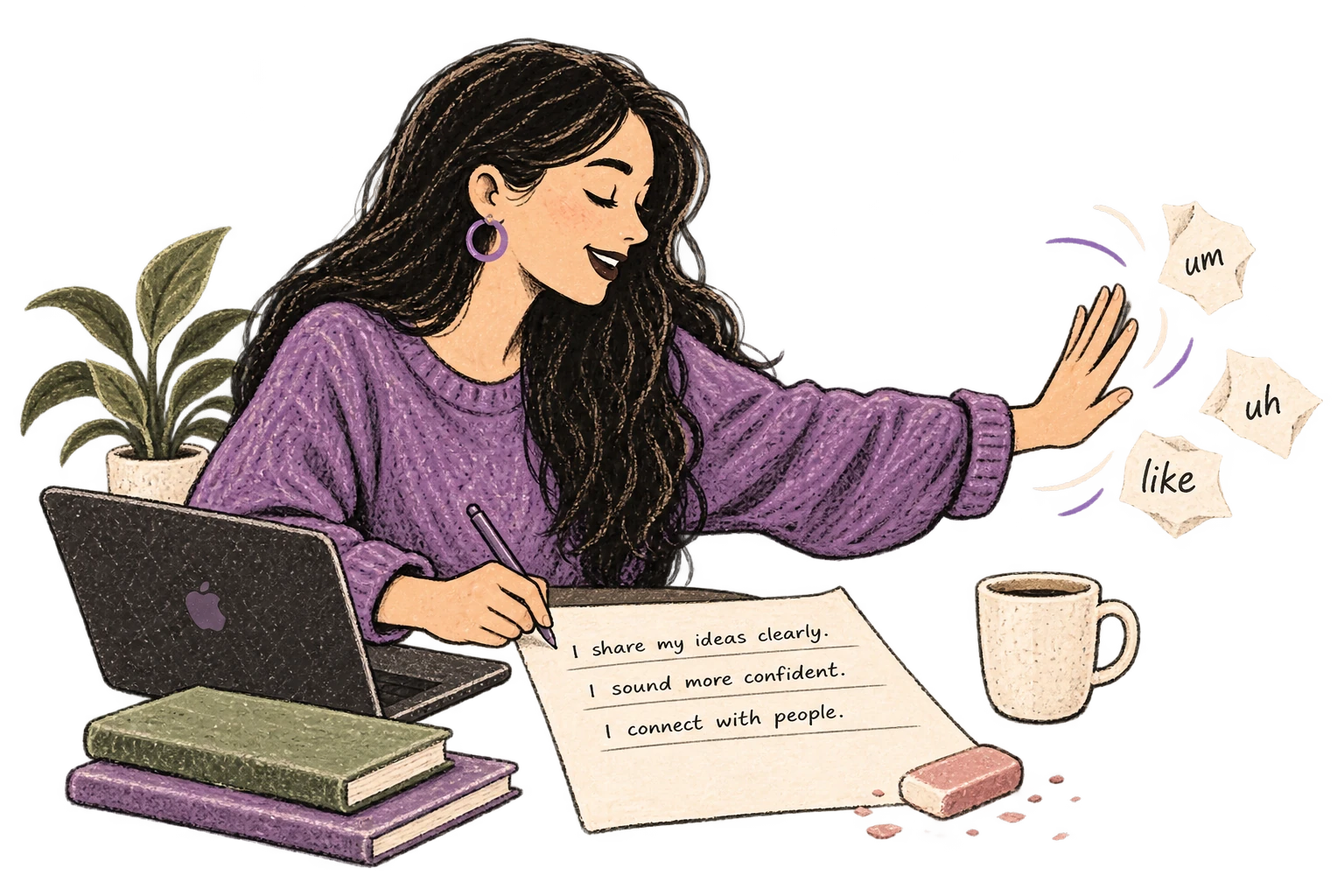
Se retiran los recortes con muletillas para dejar una página limpia.

Qué puedes hacer

Escribir documentación

Dicta documentación técnica, READMEs o documentación de API. Explica contexto, casos borde y ejemplos con menos esfuerzo.

VS Code

Dictado de ejemplo

so the authentication flow works like this colon new paragraph first the client sends credentials to the auth service second the auth service validates against the database and returns a JWT token third the client stores the token and includes it in subsequent requests new paragraph note colon we're using r s 2 5 6 for token signing

Lee este ejemplo en voz alta o di algo de tu elección.

Ottex escribe

The authentication flow works like this: 1. The client sends credentials to the auth service 2. The auth service validates against the database and returns a JWT token 3. The client stores the token and includes it in subsequent requests Note: We're using RS256 for token signing
Instrucciones del perfil

Escribir posts y contenido

Dicta tweets, posts de LinkedIn, artículos o newsletters. Convierte tus ideas en contenido más rápido que nunca.

Editor de texto

Dictado de ejemplo

so just learned something interesting um the best way to get unstuck on a problem is to explain it out loud even if no one's listening new paragraph I was stuck on this thing for hours and the moment I started talking through it everything clicked new paragraph try it next time you're stuck

Lee este ejemplo en voz alta o di algo de tu elección.

Ottex escribe

Just learned something interesting—the best way to get unstuck on a problem is to explain it out loud, even if no one's listening. I was stuck on this thing for hours, and the moment I started talking through it, everything clicked. Try it next time you're stuck.
Instrucciones del perfil

Responder comentarios

Responde comentarios de YouTube, hilos de X o menciones en redes por voz. Mantén la conversación activa sin escribir todo a mano.

YouTube

Dictado de ejemplo

thanks for watching exclamation mark um great question about the setup so I use a blue yeti actually the blue yeti x and obs for streaming let me know if you have more questions

Lee este ejemplo en voz alta o di algo de tu elección.

Ottex escribe

Thanks for watching! Great question about the setup. I use a Blue Yeti X and OBS for streaming. Let me know if you have more questions!
Instrucciones del perfil

Escribir guiones

Escribe guiones de vídeo, esquemas de podcast o screenplays por voz. Al hablar el diálogo, suena natural desde el principio.

Notion

Dictado de ejemplo

a coffee shop morning new paragraph sarah so i've been thinking about what you said yesterday about us new paragraph she looks out the window new paragraph michelle enters holding two coffees new paragraph michelle colon hey sorry i'm late the line was insane new paragraph sarah colon it's fine i was just thinking

Lee este ejemplo en voz alta o di algo de tu elección.

Ottex escribe

[A coffee shop. Morning.] SARAH: So, I've been thinking about what you said yesterday, about us. [She looks out the window.] [MICHELLE enters holding two coffees.] MICHELLE: Hey, sorry I'm late. The line was insane. SARAH: It's fine. I was just thinking.
Instrucciones del perfil

Responder mensajes de trabajo

Responde mensajes de Slack tres veces más rápido. Dicta actualizaciones casuales, explicaciones detalladas o confirmaciones rápidas sin cambiar de contexto.

Slack

Dictado de ejemplo

hey um thanks for the update on the API changes I'll uh review the PR today actually tomorrow morning since I'm still working on the database migration and I'll leave comments if I find anything also can you ping me when the tests are passing

Lee este ejemplo en voz alta o di algo de tu elección.

Ottex escribe

Hey, thanks for the update on the API changes! I'll review the PR tomorrow morning since I'm still working on the database migration. I'll leave comments if I find anything. Also, can you ping me when the tests are passing?
Instrucciones del perfil

Dar instrucciones a ChatGPT y Claude

Dicta instrucciones para ChatGPT, Claude, Perplexity o cualquier chatbot de IA. Hablar con naturalidad te permite dar más contexto y obtener mejores resultados.

ChatGPT

Dictado de ejemplo

can you help me understand um why the sky is blue like I know it has something to do with light but I'm kinda confused about why it's not violet since violet has an even shorter wavelength question mark explain it simply

Lee este ejemplo en voz alta o di algo de tu elección.

Ottex escribe

Can you help me understand why the sky is blue? I know it has something to do with light but I'm confused about why it's not violet since violet has an even shorter wavelength. Explain it simply.
Instrucciones del perfil

Escribir notas de reunión

Dicta notas de reunión en tiempo real o justo después. Captura acciones, decisiones y puntos clave sin fricción.

Notion

Dictado de ejemplo

action items colon new paragraph one john to review q 4 budget by friday actually thursday two sarah to schedule client call three uh team to finalize roadmap

Lee este ejemplo en voz alta o di algo de tu elección.

Ottex escribe

Action items: 1. John to review Q4 budget by Thursday 2. Sarah to schedule client call 3. Team to finalize roadmap
Instrucciones del perfil

Capturar ideas rápido

Captura ideas en cuanto aparecen. Usa Ottex en cualquier app para guardar pensamientos y refinarlos más tarde.

Editor de texto

Dictado de ejemplo

oh okay so what if we flip the onboarding completely um instead of asking users to set up their workspace first we let them record something immediately like within 10 seconds of signing up they're already talking and seeing the magic actually no not 10 seconds make it the very first screen and then we save that as their first note so they have an aha moment before they even configure anything

Lee este ejemplo en voz alta o di algo de tu elección.

Ottex escribe

What if we flip the onboarding completely? Instead of asking users to set up their workspace first, we let them record something immediately. Within the very first screen of signing up, they're already talking and seeing the magic. Then we save that as their first note—so they have an aha moment before they even configure anything.
Instrucciones del perfil

Preguntas frecuentes

¿Cómo ayuda Ottex a relaciones con desarrolladores?

Ottex permite dictar mensajes, documentos, notas e instrucciones directamente en las apps de trabajo, con formato limpio y reglas reutilizables.

¿Funciona con las apps que ya uso?

Sí. Ottex funciona a nivel del sistema en macOS, así que puedes dictar en cualquier app que acepte texto.

¿Puedo adaptar el tono, vocabulario y formato?

Sí. Usa modos por app, diccionario personalizado, snippets y comandos de IA para que el resultado siga tu forma de trabajar.

¿Listo para pensar a todo ancho de banda?

Gratis para uso personal. Empieza a dictar en menos de un minuto.

Probar gratis

No se requiere tarjeta de crédito.


