
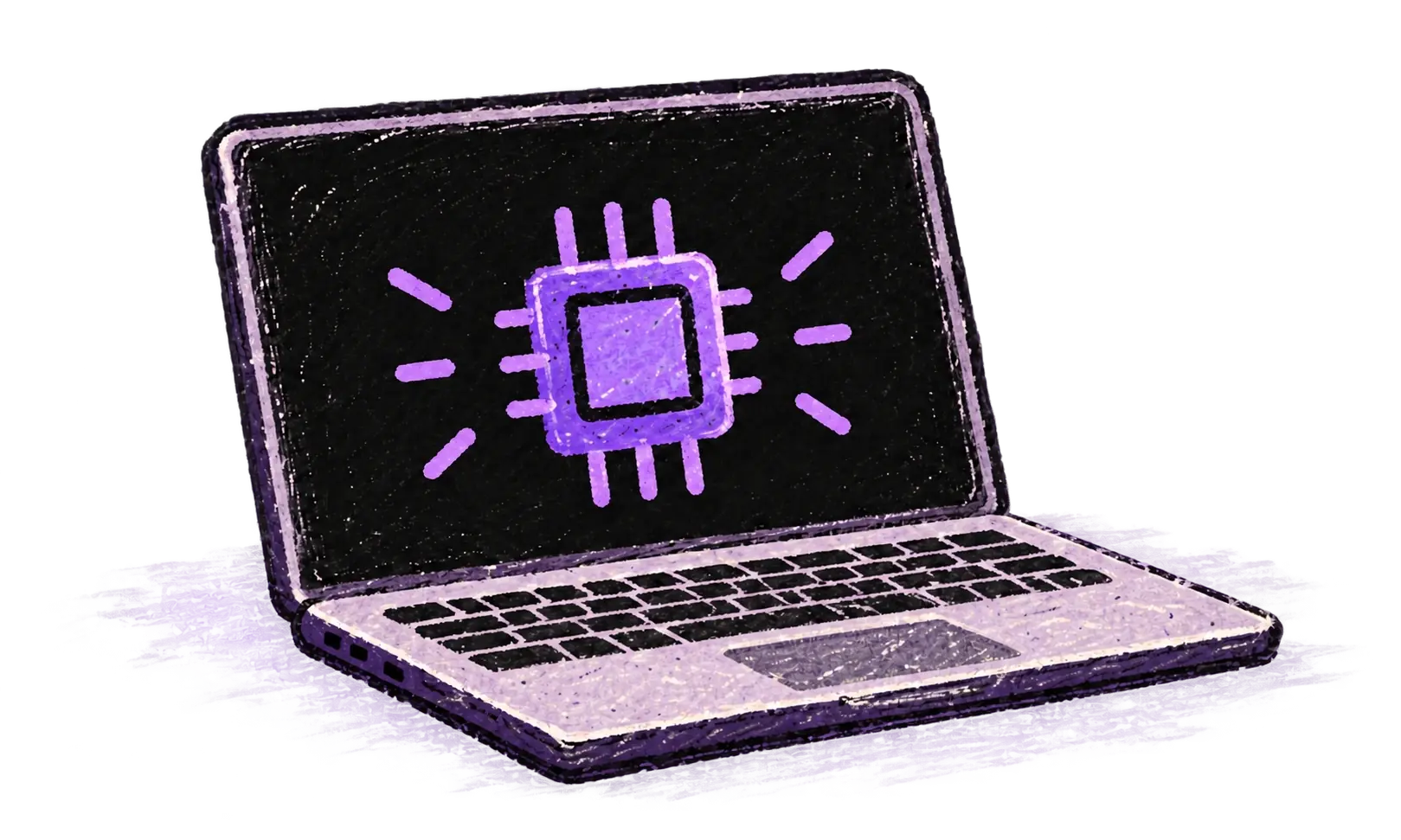
Run local models
Keep supported transcription and AI workflows on your own device when local processing is the right fit.

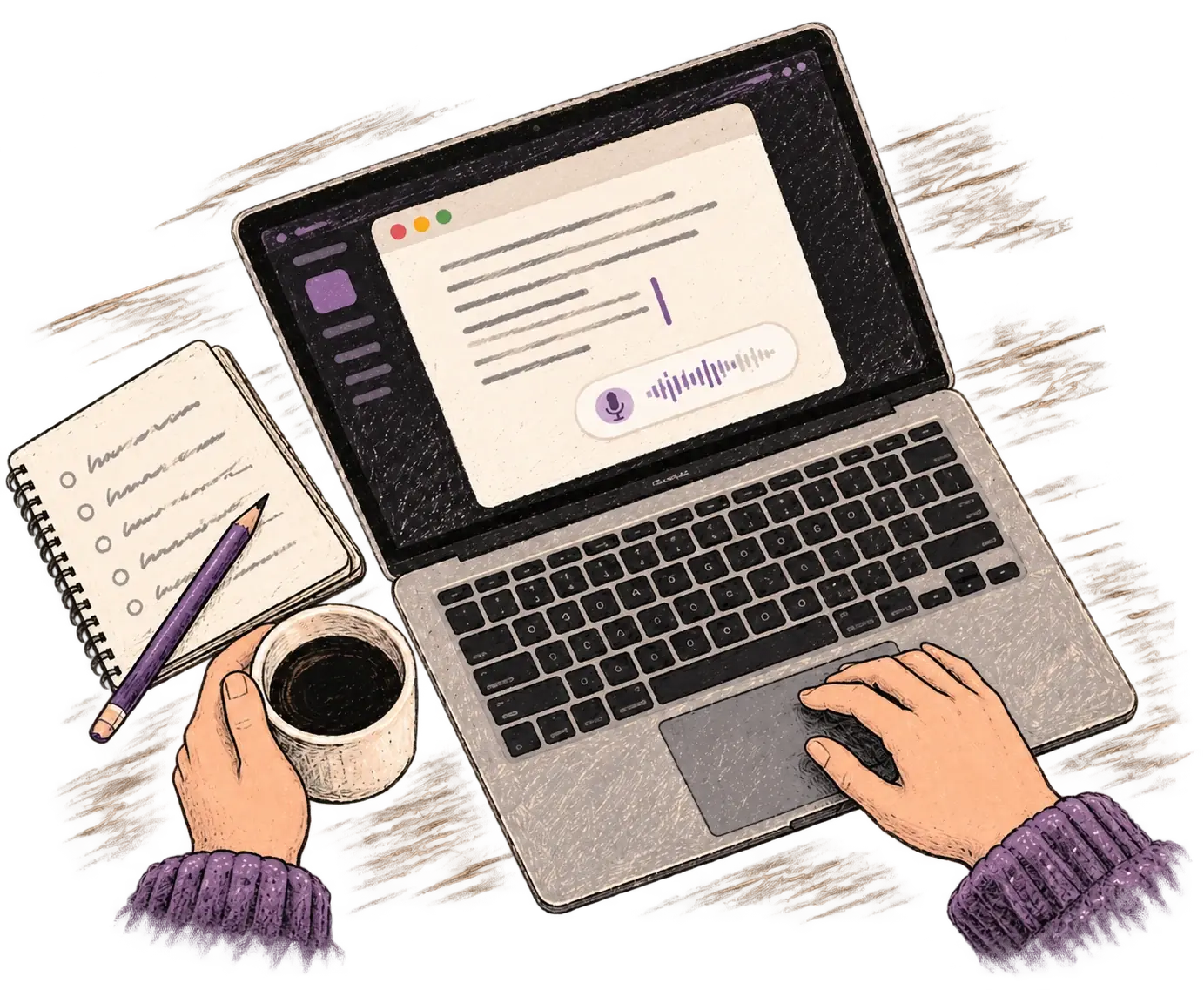
Your words, in the app you’re using.

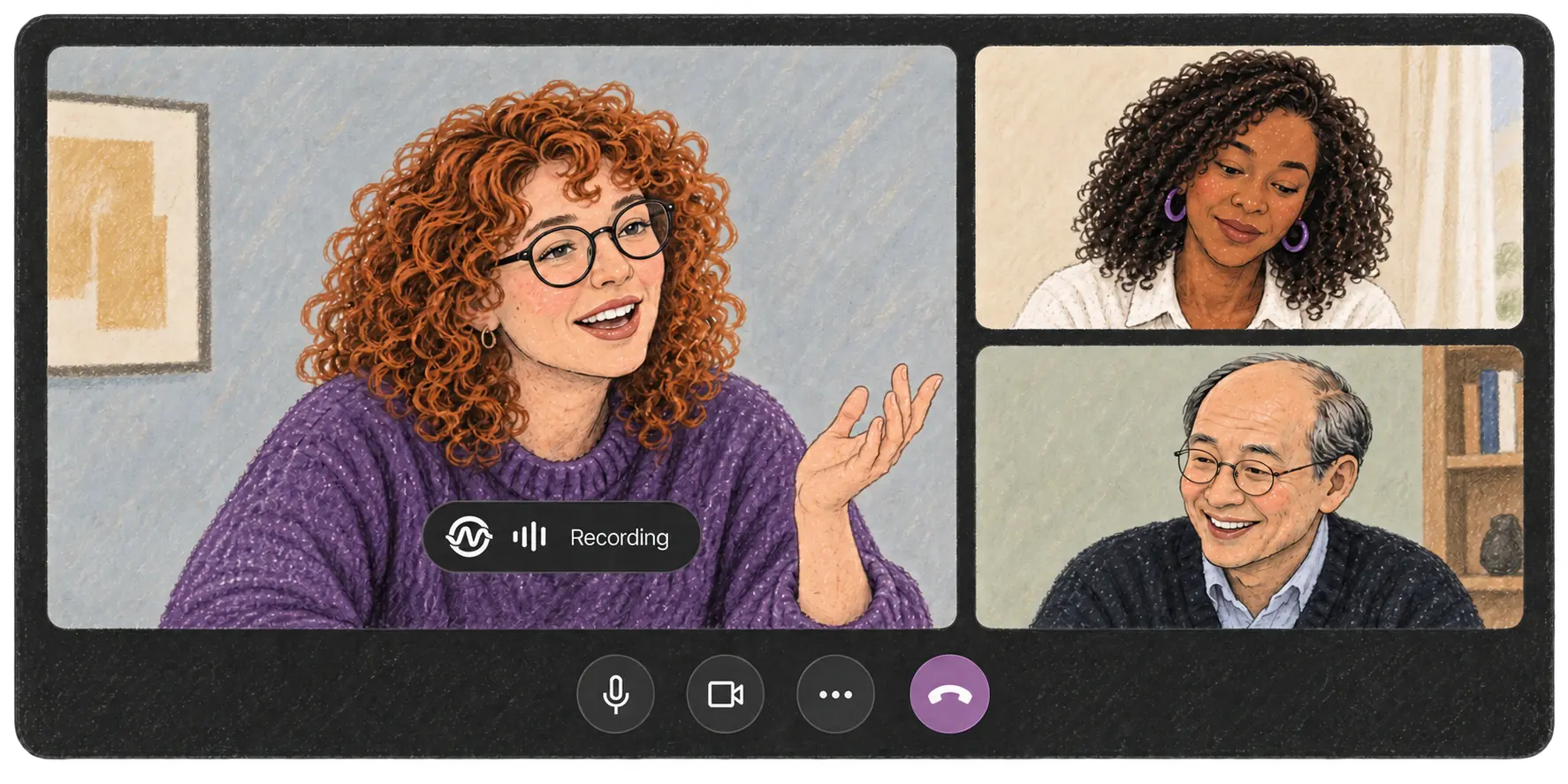
AI meeting notes you can come back to.
Your voice. Right where you work.

Place your cursor in any app, then hold the Fn key.

Say what you want to write. Ottex follows your saved writing rules.

Your text appears right where your cursor is.
Click anywhere in the text field below.
Create a profile with your writing instructions. Ottex uses it automatically in the apps and websites you choose.
Dictate an email using this profile.
Remove filler words, apply spoken corrections, and add punctuation.
Let’s meet tomorrow, Thursday at six… um, actually Friday at ten.
Dictate a sentence. Try a correction such as “Thursday — actually Friday”.
Add names, product names, and technical terms. Ottex uses them as spelling hints when you dictate.
Edit the terms, then dictate a sentence containing them.
Say a saved phrase to insert a link or other text.
You can book a time using my calendar link.
Dictate a message and say the voice trigger configured above.
Pick the option that fits the work you are doing.
Keep supported transcription and AI workflows on your own device when local processing is the right fit.
Connect directly to supported AI providers, choose the models you trust, and manage provider usage yourself.
Skip provider accounts and model setup. Personal Pro gives you the complete Ottex experience with managed AI.
Dictate in over 100 languages. Ottex detects the language automatically and turns your speech into text.
100+ languages
Try speaking in any language.


AI dictation and meeting notes with shared billing and administration.

Control where Ottex runs and which AI providers it uses.
No Bullshit
For privacy nerds and power users who want to be in control
$0forever
Use local models or your own API keys.
Zero Setup
For professionals who want superpowers with zero setup
$14/mo
Ottex-managed AI. No API keys to configure.
More Done. Together.
For growing teams who need SSO, admins, and simple billing
$26/user/mo
Centralized billing and access for your team.
For strict cloud, AI and data requirements.
Patterns learn from examples you give them — your sent emails, your ticket format, your sign-off. You approve every output before it goes anywhere.
Your audio and text are never used for training. You can bring your own API key or run transcription fully local with Whisper — then nothing leaves your machine.
Dictation works in any app via the hotkey. Finished-output flows are deepest in email, Slack, Linear / Jira, HubSpot-style CRMs, and docs — and plain text paste works everywhere.
Yes. Exact mode is plain, fast dictation with smart formatting — same hotkey habit, 1–2s latency. The work outputs are on top, not instead.
Ottex captures and transcribes the meeting, then keeps going: the follow-up drafted, the CRM update written, the tickets ready to file. Notes are the byproduct, not the product.
No — speak in whichever language the thought arrives in, mix mid-sentence, and tell Ottex what language the output should be in. Names and terms survive.