3x Faster Than Typing
Speak 150+ words per minute vs 40 wpm typing. Finish tasks in a third of the time.

Dictate email responses with the right tone. Use context awareness to see the full thread, then speak your reply naturally.
Read this example aloud, or say something of your own.
Your voice. Right where you work.

Place your cursor in any app, then hold the Fn key.

Say what you want to write. Ottex follows your saved writing rules.

Your text appears right where your cursor is.
Everything you need to do this job efficiently
Speak 150+ words per minute vs 40 wpm typing. Finish tasks in a third of the time.
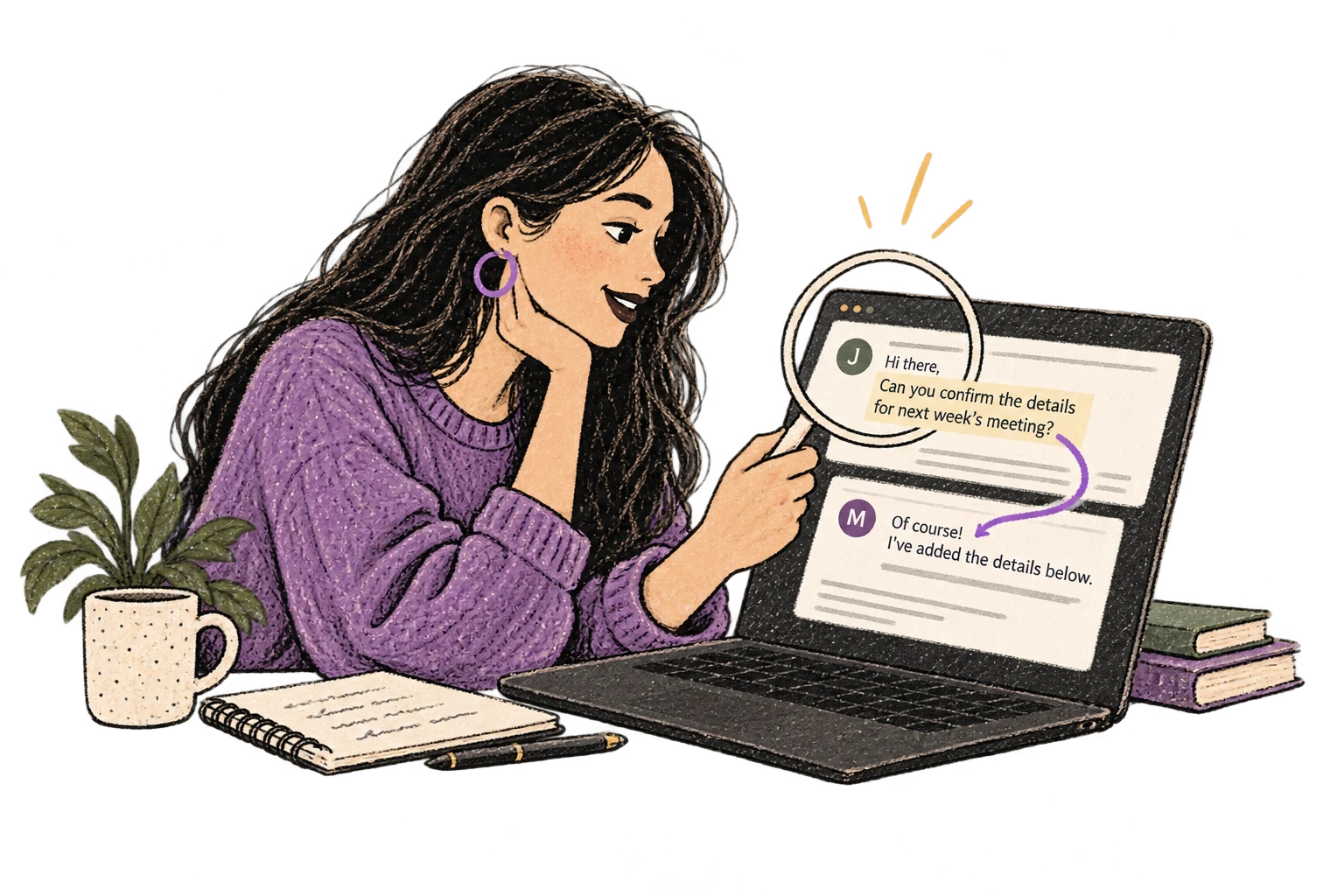
Optionally let AI see your screen for smarter responses. Reply to emails with full context, answer messages knowing the conversation history.
Define custom text replacements and shortcuts. Say 'work signature' to expand your full email signature, or 'my address' for your contact info.

Transform text as you speak: 'Ottex start fix grammar Ottex end'. Edit, improve, translate—all by voice.

Say 'scratch that' to delete mistakes, 'actually' to rephrase. Fix errors without stopping your flow or touching the keyboard.

Professionals who rely on Ottex for email replies
Know every account deeply, document effortlessly
From analysis to strategy deck in hours, not days
Capture every call, personalize every email
Document faster, advise more
Chart faster, care more
More time with patients, less with keyboards
Yes. Set up a smart snippet for your signature — say 'work signature' and Ottex inserts your full name, title, and contact info automatically.
Yes. Ottex works system-wide on macOS, typing into any email client — Gmail in the browser, Outlook, Apple Mail, Superhuman, or any other app.
Absolutely. Ottex captures your natural speaking tone. Speak professionally and your email reads professionally. Custom modes can also enforce specific tone guidelines.
Use smart snippets. Say 'calendar link' and Ottex inserts your scheduling URL (like cal.com or Calendly) automatically.
Other ways to use Ottex
Dictate SOAP notes, progress notes, or patient summaries. Add medical terms to your dictionary for accurate transcription.
Dictate interview feedback immediately after each call. Speaking lets you capture nuance and context that gets lost when typing quickly.
Dictate detailed prompts to AI coding assistants in Cursor, Copilot, or Claude Code. Explain what you need naturally without losing your train of thought.
Dictate tweets, LinkedIn posts, blog articles, or newsletters. Turn your thoughts into content faster than ever.
Dictate product requirements, feature specs, or design docs. Speaking lets you explain the full context—edge cases, user flows, and rationale—naturally.
Dictate essays, papers, or assignments. Speak your arguments naturally, then use AI commands to formalize your writing.
Get 4+ hours back every week from typing, formatting, and re-prompting AI.
Try for freeNo credit card required.