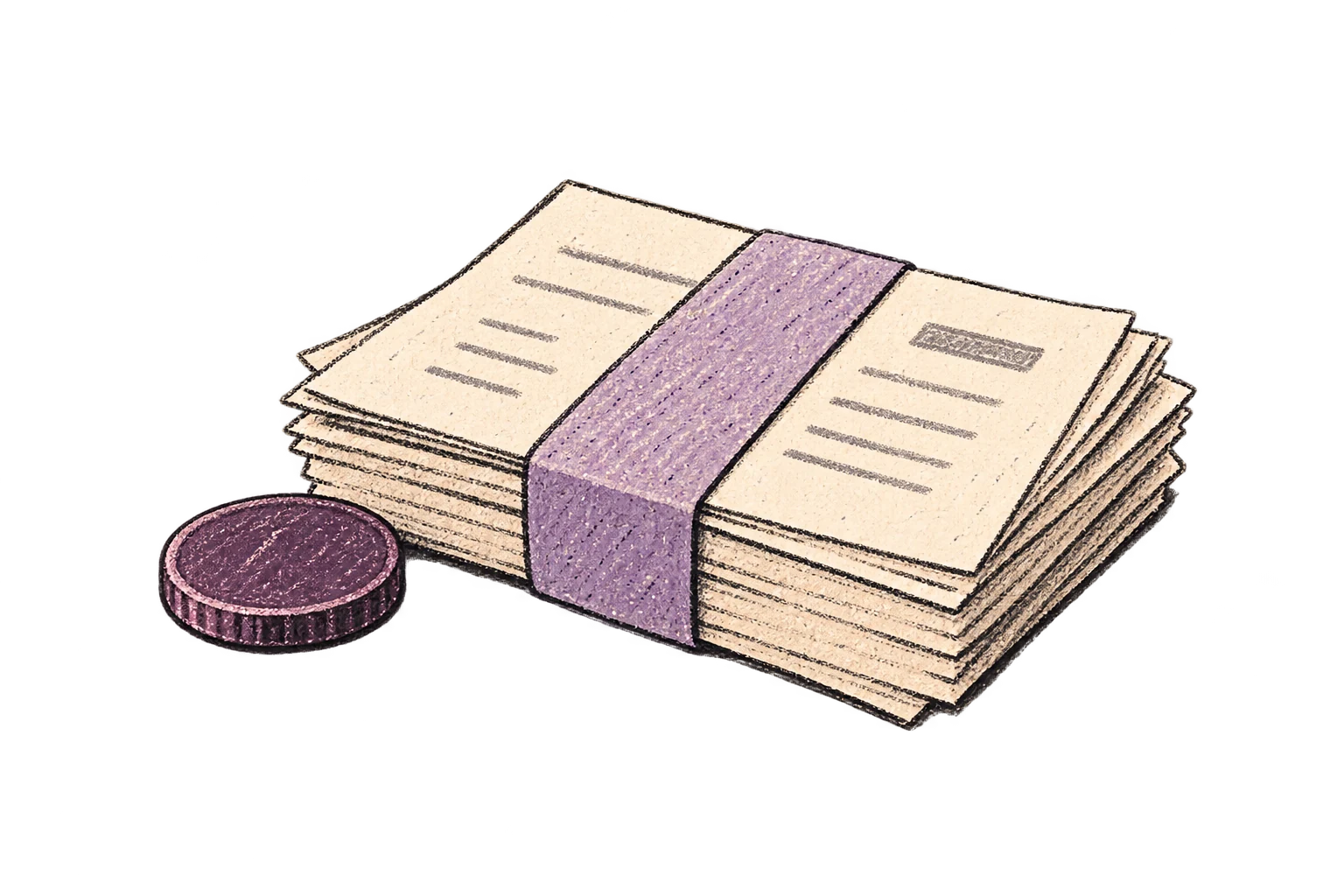
Centralized billing
Keep team subscriptions and payment in one place instead of reimbursing a collection of personal accounts.
Help everyone write faster and finish meeting follow-up, with SSO, seats, and billing in one place.

Thanks for the call.
I’ll send the updated proposal.
Dictation helps people move through everyday writing. Meeting Notetaker turns conversations into the notes and follow-up work that teams depend on.
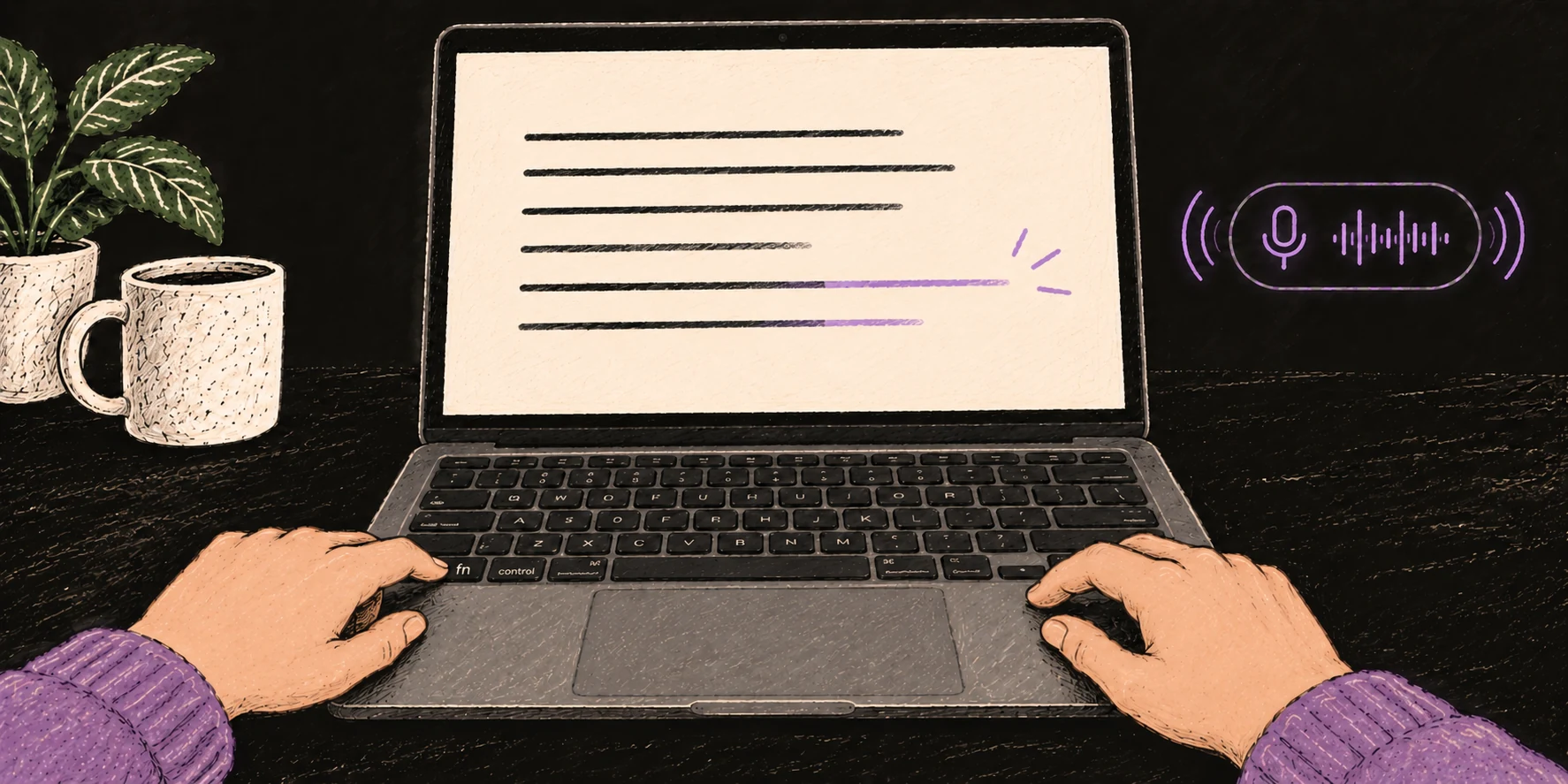
Speak into email, chat, documents, tickets, or your CRM. Get clean text right where you work.
Explore Dictation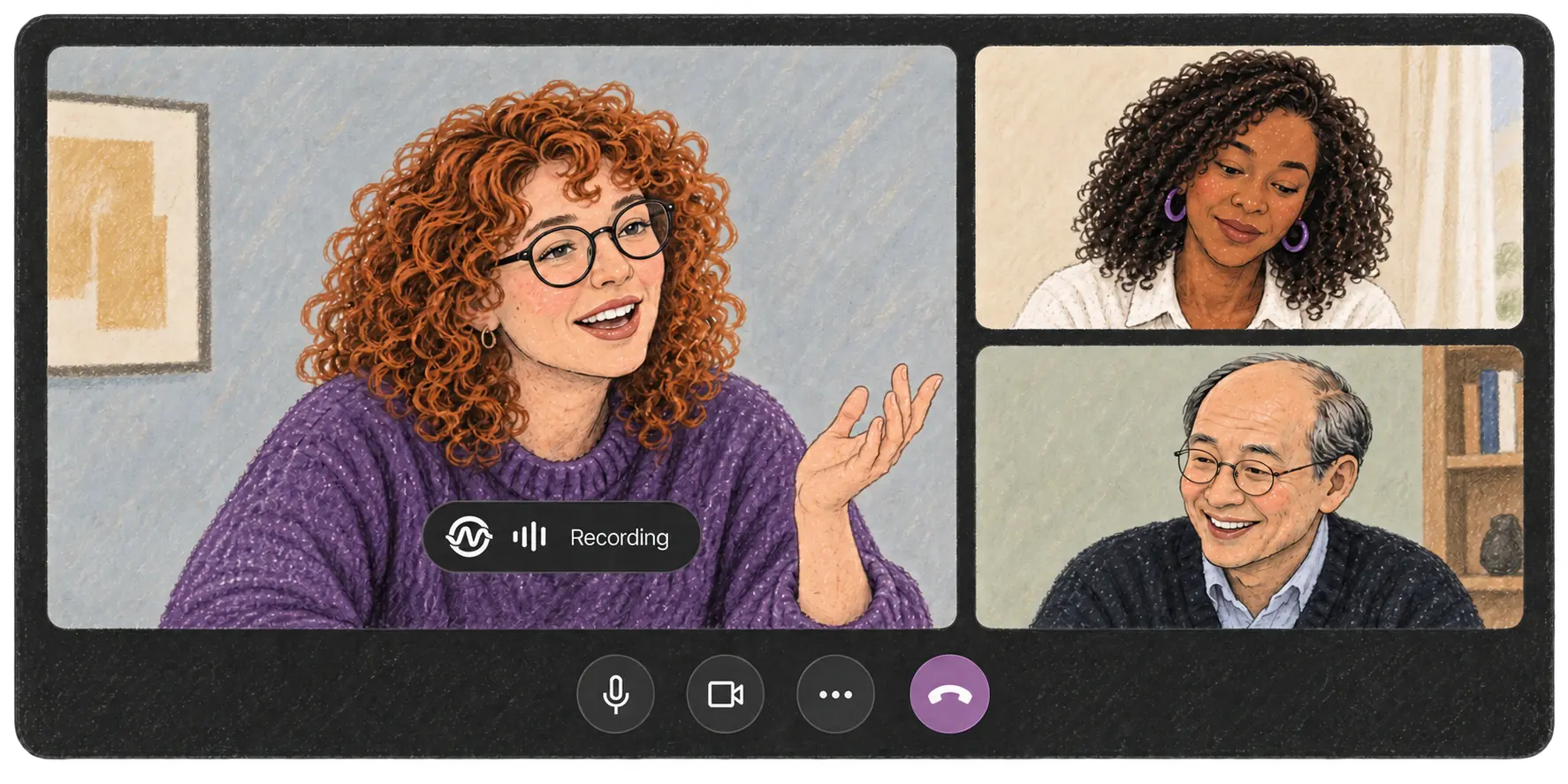
Record calls, search the transcript, and create notes, action items, or follow-up emails.
Explore Meeting NotetakerA team rollout needs more than individual subscriptions. Ottex keeps the commercial and identity layer manageable as adoption grows.
Keep team subscriptions and payment in one place instead of reimbursing a collection of personal accounts.
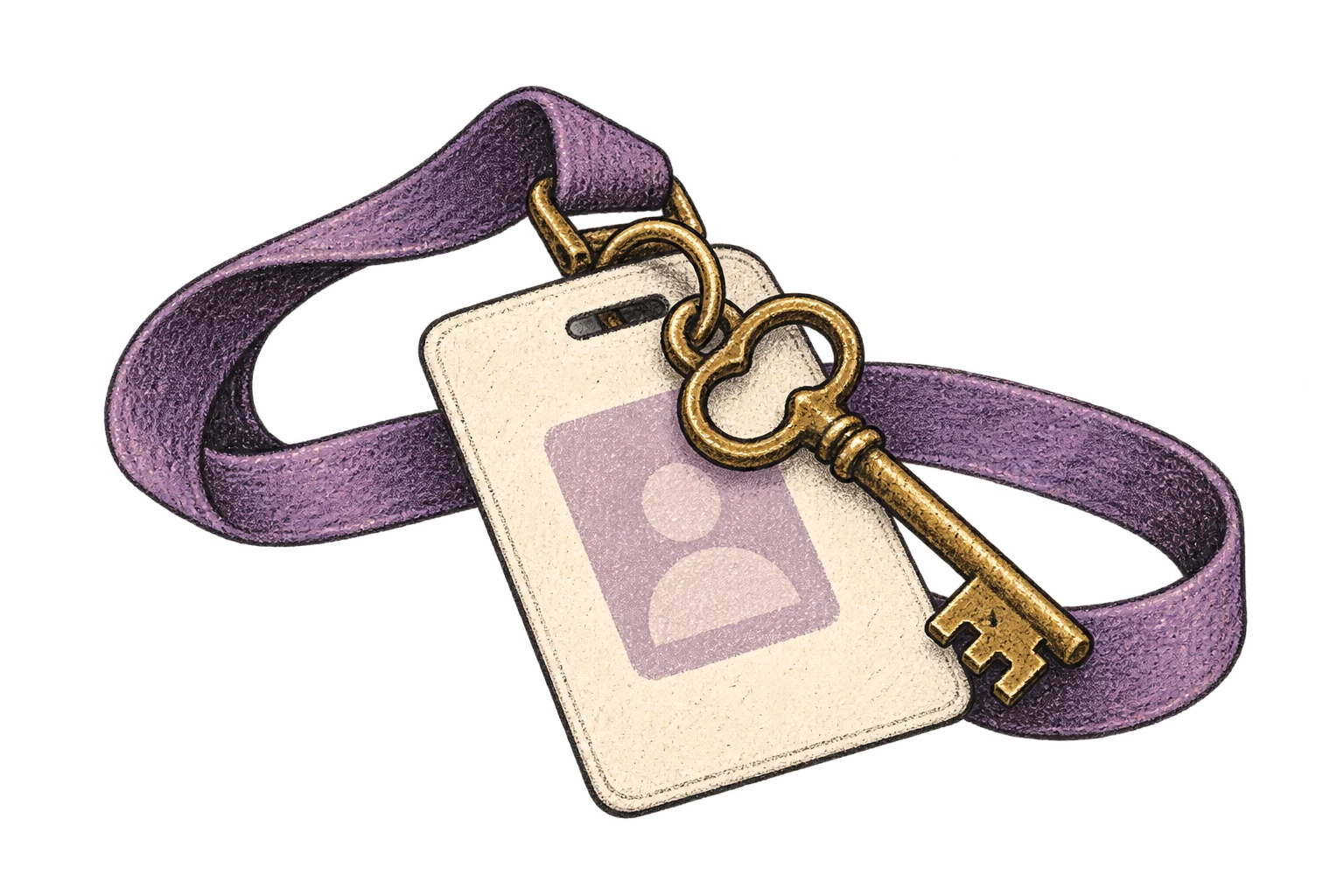
Connect Ottex to the identity system your team already uses and give employees one familiar sign-in path.
Manage access and seats centrally as people join, move within, or leave the team.
Give the team one place to get both Dictation and Meeting Notetaker without assembling separate workflows.
Start with the managed team experience and keep the controls that become important as your rollout grows.
For teams that need shared administration and simple billing
$26/user/mo
AI Dictation and Meeting Notetaker with a centralized account and identity layer for the whole team.
For strict cloud, AI and data requirements.
Let's talk
Deploy your own backend, connect your AI, and control every piece of the stack.
Ottex Camera · Experimental · macOS
Enable Camera Watermark and choose Ottex Camera in your meeting app. The Recording indicator appears automatically on your video while Ottex records.
The updated proposal is ready. Maya, could you review it by Friday?
Yes, I’ll review it by Friday.
Give employees the product they can use every day and admins the team controls they need to support it.