3x Faster Than Typing
Speak 150+ words per minute vs 40 wpm typing. Finish tasks in a third of the time.

Dictate research notes, literature summaries, or analysis. Capture your thinking process without losing momentum to typing.
Read this example aloud, or say something of your own.
Your voice. Right where you work.
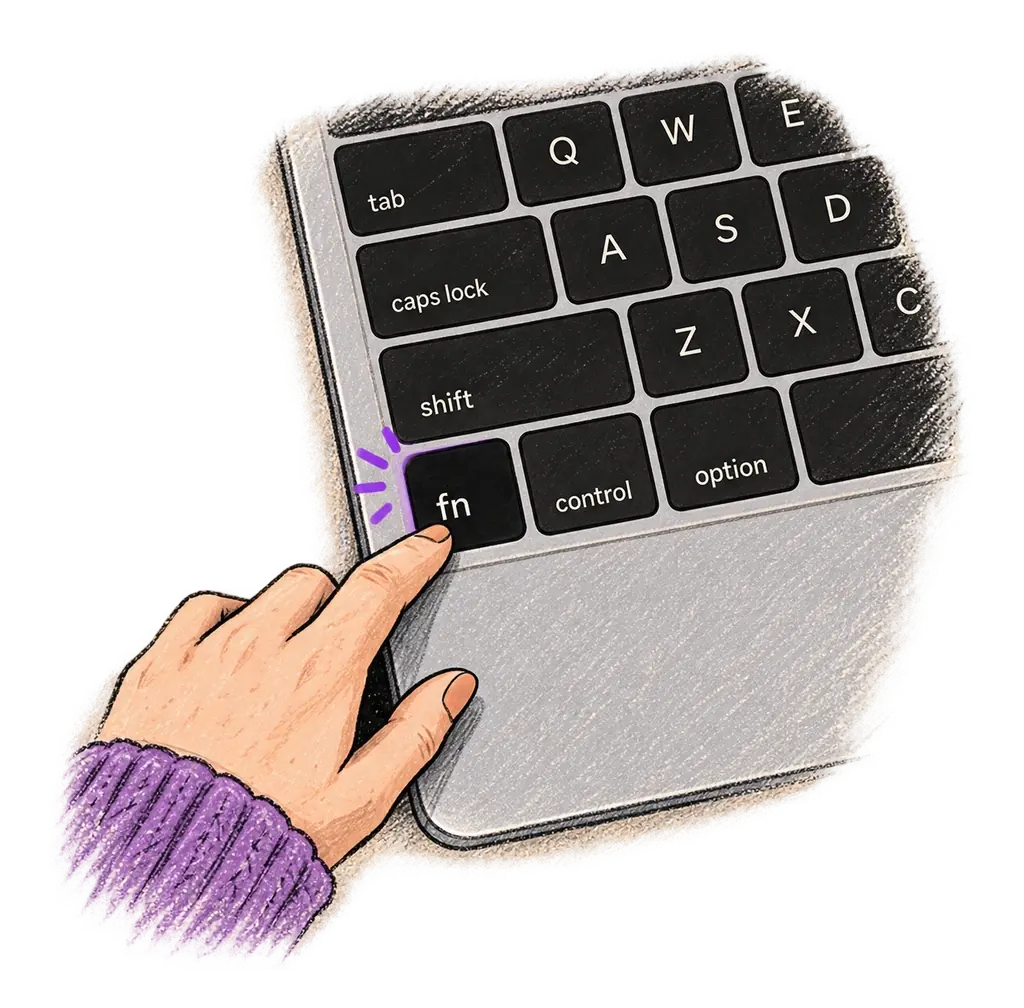
Place your cursor in any app, then hold the Fn key.
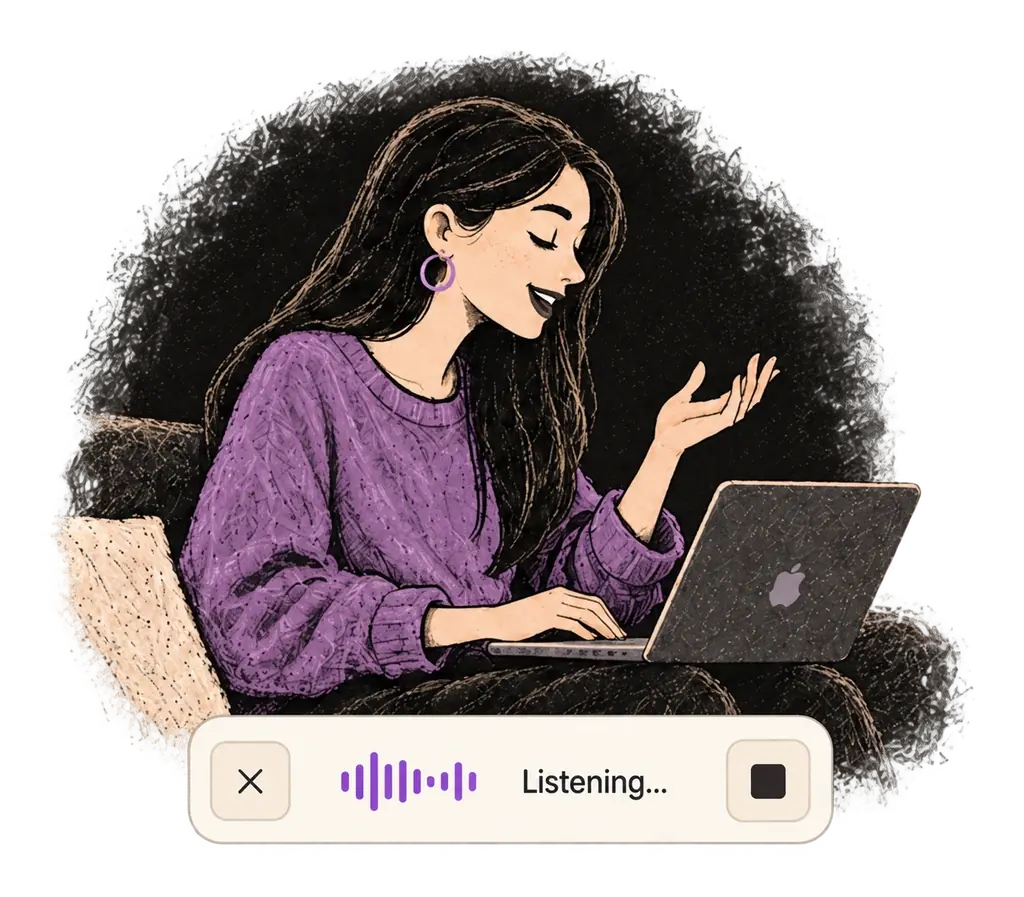
Say what you want to write. Ottex follows your saved writing rules.
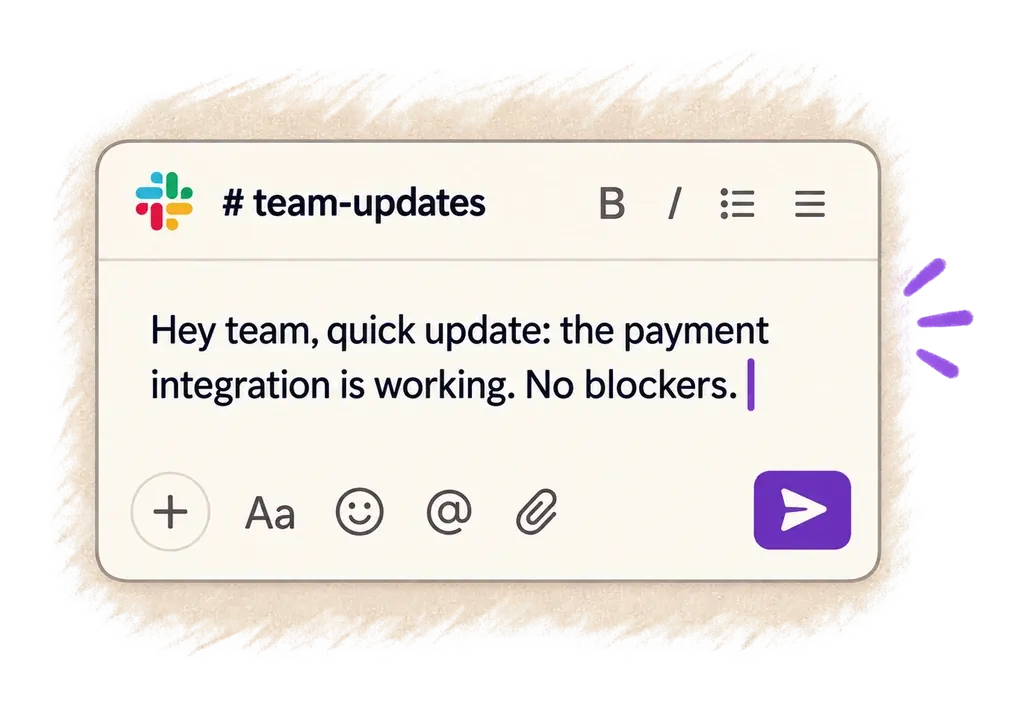
Your text appears right where your cursor is.
Everything you need to do this job efficiently
Speak 150+ words per minute vs 40 wpm typing. Finish tasks in a third of the time.
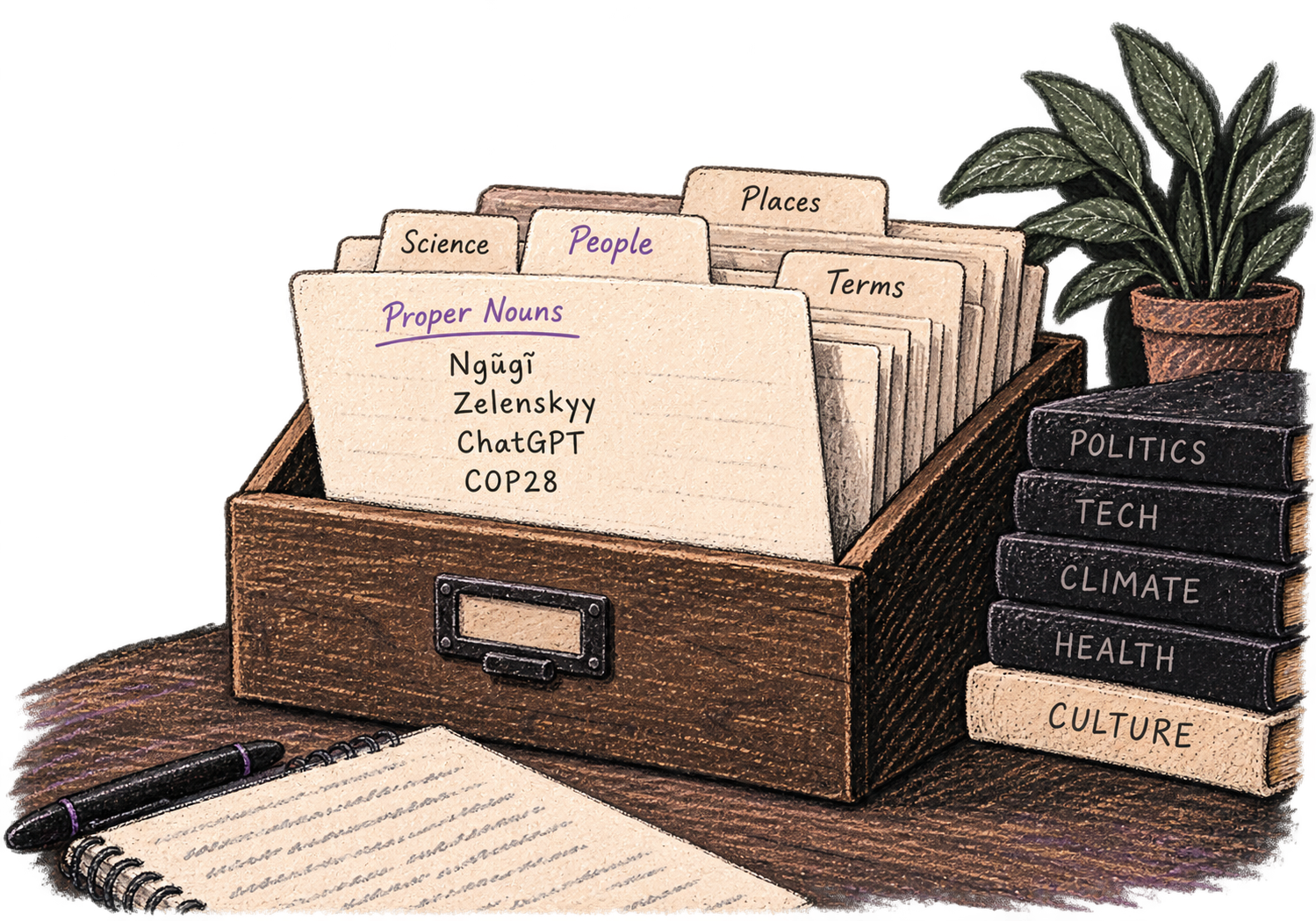
Add names, technical terms, and jargon. Ottex transcribes them accurately every time.
Say 'new paragraph', 'open quote', 'em dash', 'ellipsis'. Full formatting control by voice.

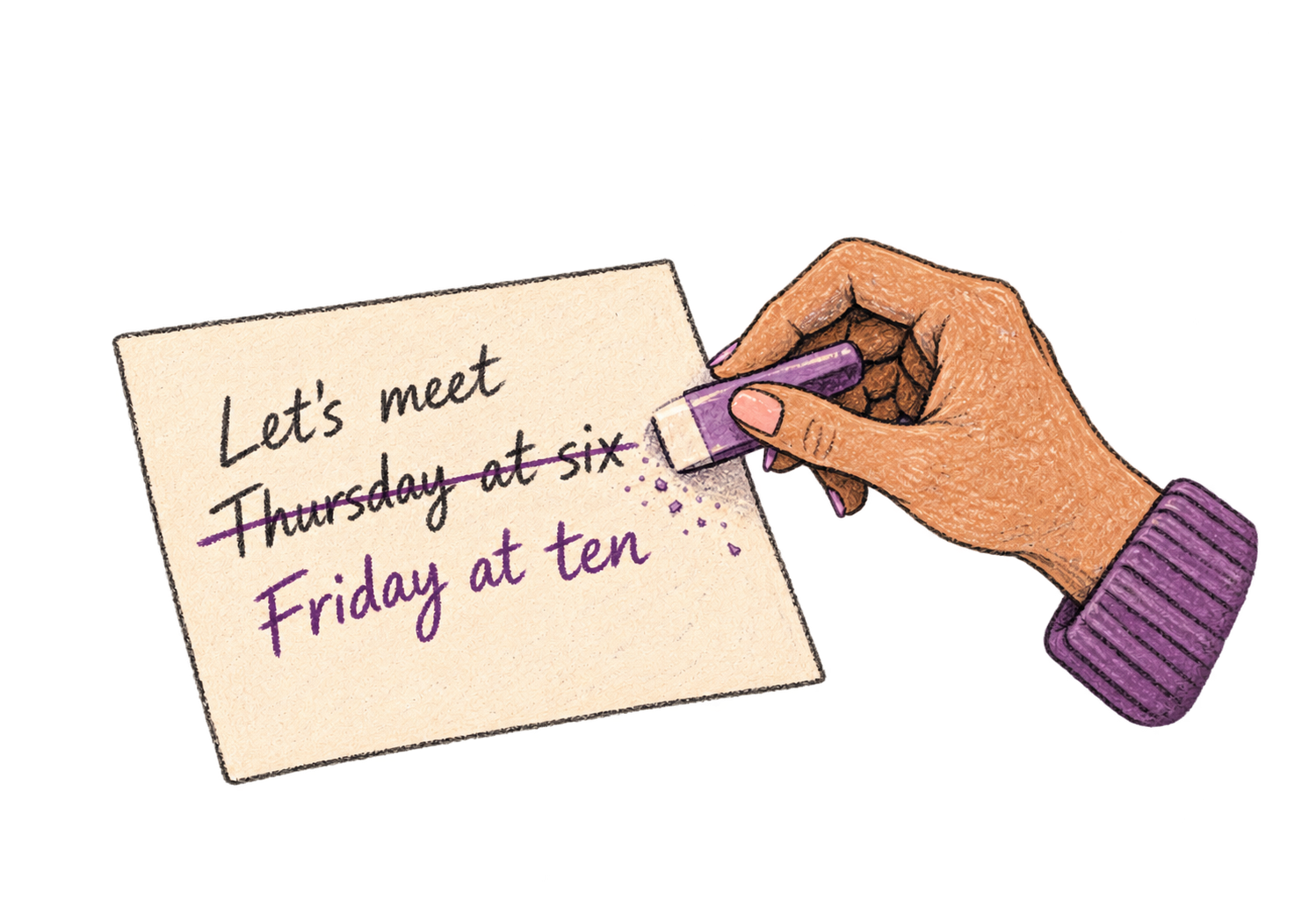
Say 'scratch that' to delete mistakes, 'actually' to rephrase. Fix errors without stopping your flow or touching the keyboard.
Professionals who rely on Ottex for research notes
Write investment memos at the speed of insight
Capture insights without breaking eye contact
From interview to article in record time
Document insights at the speed of discovery
Speak your newsletter. Ship every week.
Write essays without the struggle
Yes. Add your field's terminology to your custom dictionary — journal names, methodologies, technical terms — and Ottex transcribes them accurately.
Yes. Keep your paper open and dictate notes alongside it. Speak your observations, critiques, and connections as you read — no context switching needed.
Yes. Say 'heading', 'bullet point', or 'new paragraph' and Ottex formats your notes with structure. Custom modes can enforce specific note-taking templates.
Excellent. Speaking lets you capture nuanced observations and interpretive memos naturally — the kind of rich detail that gets lost when typing quickly.
Other ways to use Ottex
Handle support tickets efficiently. Speaking lets you explain solutions thoroughly—more context means fewer follow-up questions.
Speak in your native language, get text in your target language. Perfect for non-native speakers or multilingual communication.
Reply to Slack messages 3x faster. Dictate casual updates, detailed explanations, or quick acknowledgments without switching context.
Dictate tweets, LinkedIn posts, blog articles, or newsletters. Turn your thoughts into content faster than ever.
Dictate personalized follow-up emails right after calls. Strike while the conversation is fresh.
Dictate contracts, briefs, or legal memos. Use custom dictionary for legal terms and client names.
Get 4+ hours back every week from typing, formatting, and re-prompting AI.
Try for freeNo credit card required.