3x Faster Than Typing
Speak 150+ words per minute vs 40 wpm typing. Finish tasks in a third of the time.

Dictate call notes, update deal stages, or log activities. Keep your CRM current without the tedium.
Read this example aloud, or say something of your own.
Your voice. Right where you work.
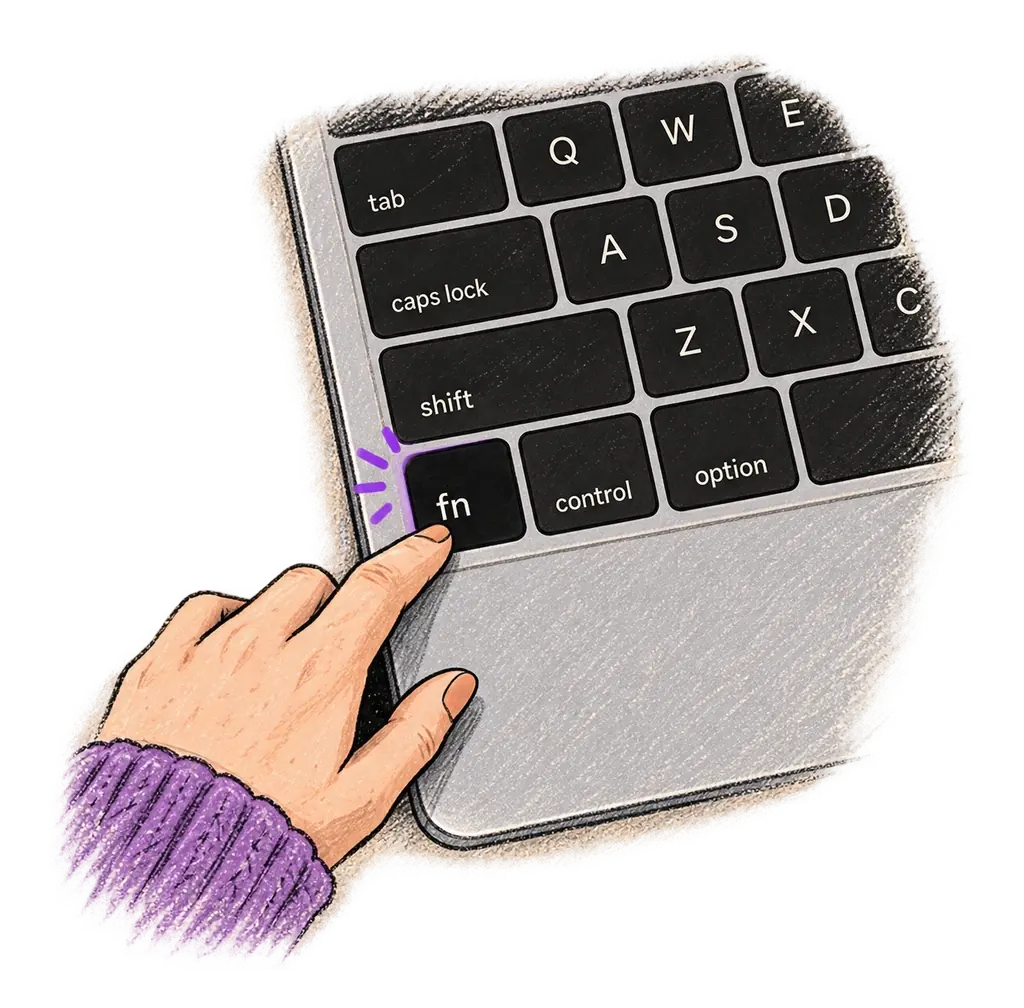
Place your cursor in any app, then hold the Fn key.
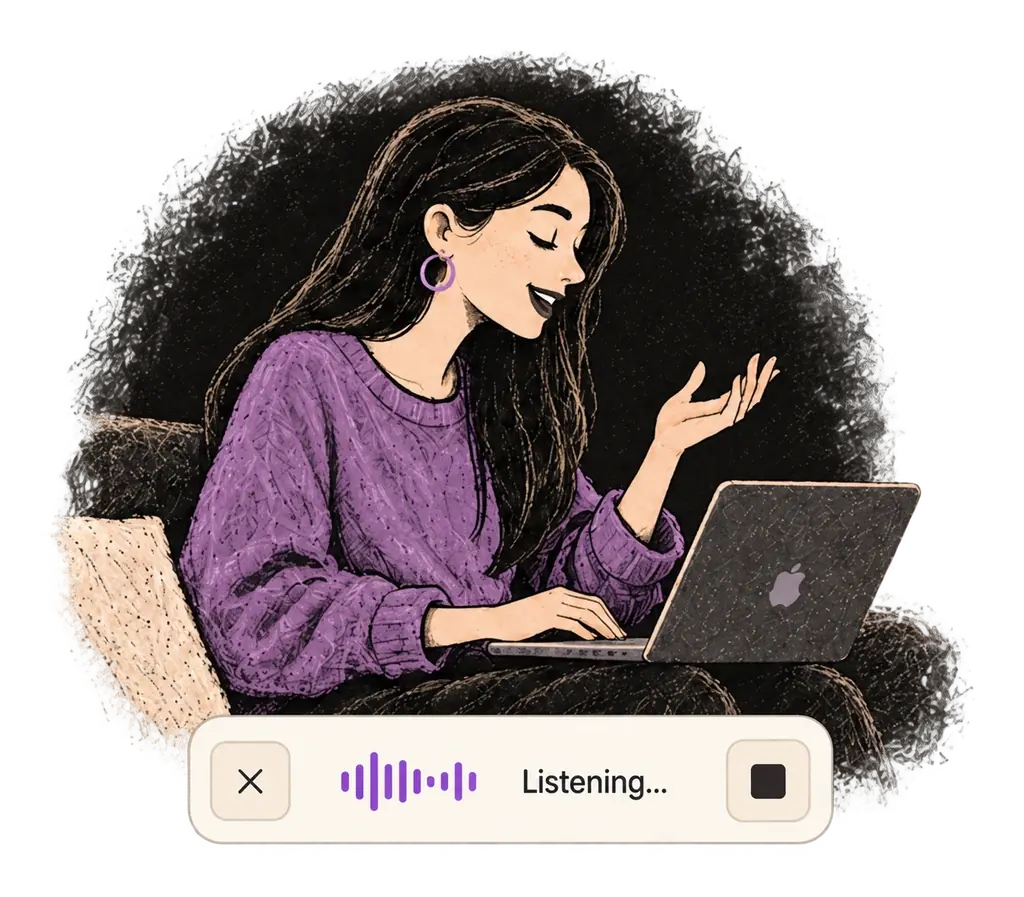
Say what you want to write. Ottex follows your saved writing rules.
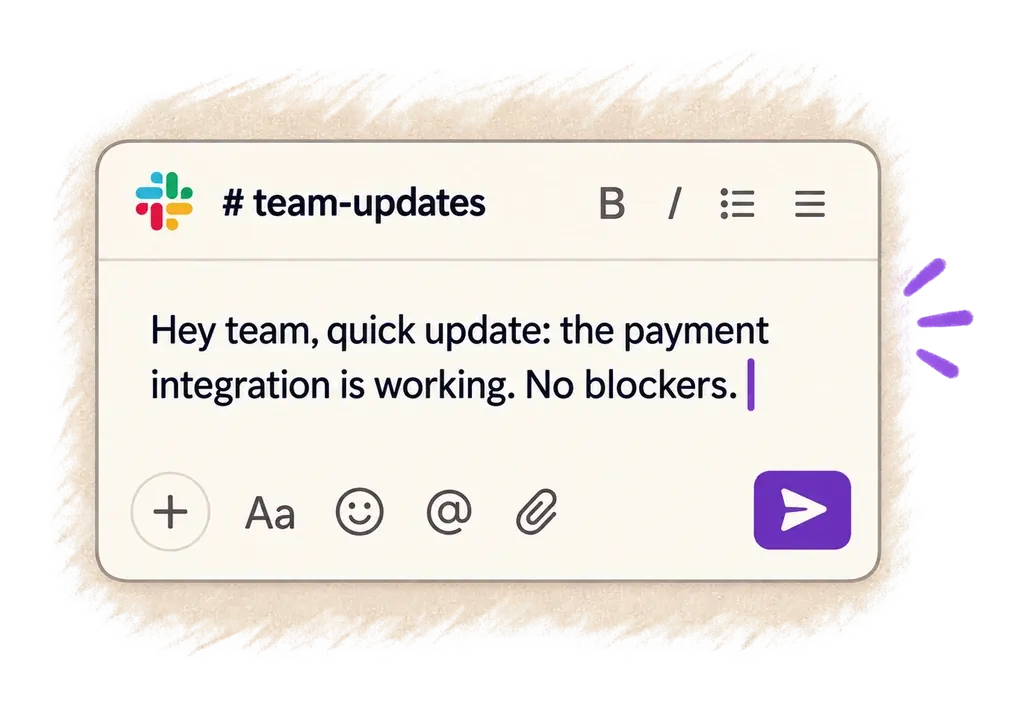
Your text appears right where your cursor is.
Everything you need to do this job efficiently
Speak 150+ words per minute vs 40 wpm typing. Finish tasks in a third of the time.
Define custom text replacements and shortcuts. Say 'work signature' to expand your full email signature, or 'my address' for your contact info.

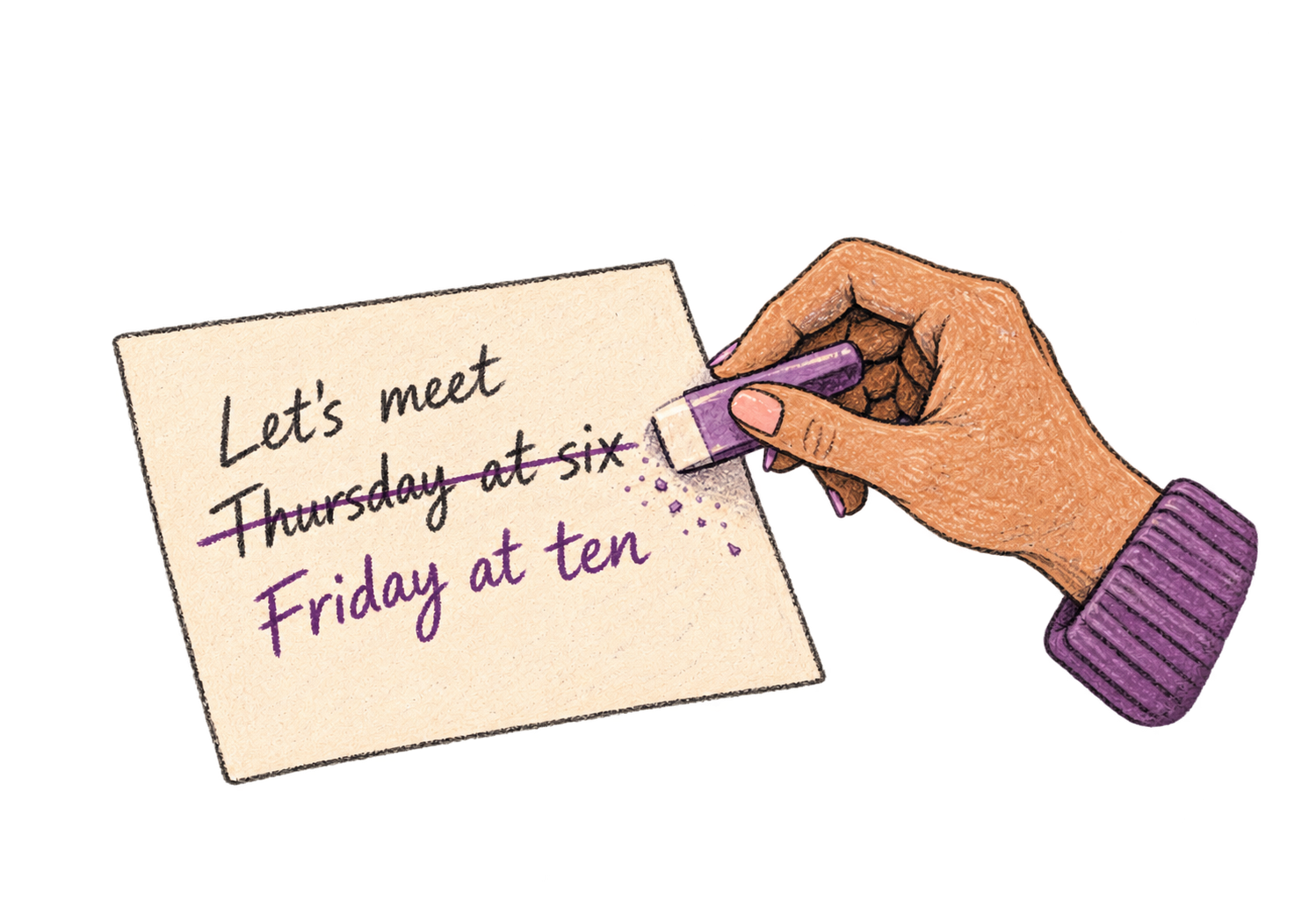
Say 'scratch that' to delete mistakes, 'actually' to rephrase. Fix errors without stopping your flow or touching the keyboard.
Professionals who rely on Ottex for crm updates
Listings that sell themselves
Know every account deeply, document effortlessly
Win deals with better context
Capture relationship nuances, not just data points
Capture every call, personalize every email
Close more deals, type less
Yes. Ottex types into any text field on macOS — Salesforce opportunity records, HubSpot deal properties, Pipedrive notes, or any web-based CRM.
Yes. Open the contact record, press your hotkey, and speak your notes. Capture key details, next steps, and deal updates while the conversation is fresh.
Yes. Add your deal stages, product names, and company acronyms to your custom dictionary for accurate transcription every time.
When logging notes is easy, reps actually do it. Voice makes CRM updates take seconds instead of minutes — so data stays current and forecasts stay accurate.
Other ways to use Ottex
Dictate essays, papers, or assignments. Speak your arguments naturally, then use AI commands to formalize your writing.
Dictate detailed prompts to AI coding assistants in Cursor, Copilot, or Claude Code. Explain what you need naturally without losing your train of thought.
Dictate technical documentation, READMEs, or API docs. Speaking lets you explain context, edge cases, and examples naturally—better docs with less effort.
Dictate SOAP notes, progress notes, or patient summaries. Add medical terms to your dictionary for accurate transcription.
Dictate therapy session notes right after appointments. Capture clinical observations while maintaining client privacy.
Voice-prompt AI coding agents like Cursor and Claude Code. With Ottex handling dictation and AI handling the code, you can architect and ship features with almost zero typing. Perfect for RSI recovery or accessibility.
Get 4+ hours back every week from typing, formatting, and re-prompting AI.
Try for freeNo credit card required.