+
=❤️

AI Voice Dictation for Loom

Dictate video descriptions and comments in Loom. Async video with voice input.

VS Code

Example dictation

so the authentication flow works like this colon new paragraph first the client sends credentials to the auth service second the auth service validates against the database and returns a JWT token third the client stores the token and includes it in subsequent requests new paragraph note colon we're using r s 2 5 6 for token signing

Read this example aloud, or say something of your own.

Ottex outputs

The authentication flow works like this: 1. The client sends credentials to the auth service 2. The auth service validates against the database and returns a JWT token 3. The client stores the token and includes it in subsequent requests Note: We're using RS256 for token signing
Profile instructions

Download for macOS

How it works

Your voice. Right where you work.

  1. Hold Fn

    Place your cursor in any app, then hold the Fn key.

  2. Speak naturally

    Say what you want to write. Ottex follows your saved writing rules.

  3. Release. It’s written.

    Your text appears right where your cursor is.

What you can do

Unlock the full power of Loom with your voice

Write Documentation

Dictate technical documentation, READMEs, or API docs. Speaking lets you explain context, edge cases, and examples naturally—better docs with less effort.

VS Code

Example dictation

so the authentication flow works like this colon new paragraph first the client sends credentials to the auth service second the auth service validates against the database and returns a JWT token third the client stores the token and includes it in subsequent requests new paragraph note colon we're using r s 2 5 6 for token signing

Read this example aloud, or say something of your own.

Ottex outputs

The authentication flow works like this: 1. The client sends credentials to the auth service 2. The auth service validates against the database and returns a JWT token 3. The client stores the token and includes it in subsequent requests Note: We're using RS256 for token signing
Profile instructions

Respond to Comments

Reply to YouTube comments, Twitter threads, or social media mentions by voice. Stay engaged with your audience without the typing fatigue.

YouTube

Example dictation

thanks for watching exclamation mark um great question about the setup so I use a blue yeti actually the blue yeti x and obs for streaming let me know if you have more questions

Read this example aloud, or say something of your own.

Ottex outputs

Thanks for watching! Great question about the setup. I use a Blue Yeti X and OBS for streaming. Let me know if you have more questions!
Profile instructions

Why Ottex works great with Loom

Features that make this integration powerful

3x Faster Than Typing

Speak 150+ words per minute vs 40 wpm typing. Finish tasks in a third of the time.

A woman speaks naturally while working on her laptop.

Better Context, Better Results

Speaking naturally gives AI agents more context than typing. Describe your intent, explain edge cases, mention file names—your voice carries nuance that typing shortcuts.
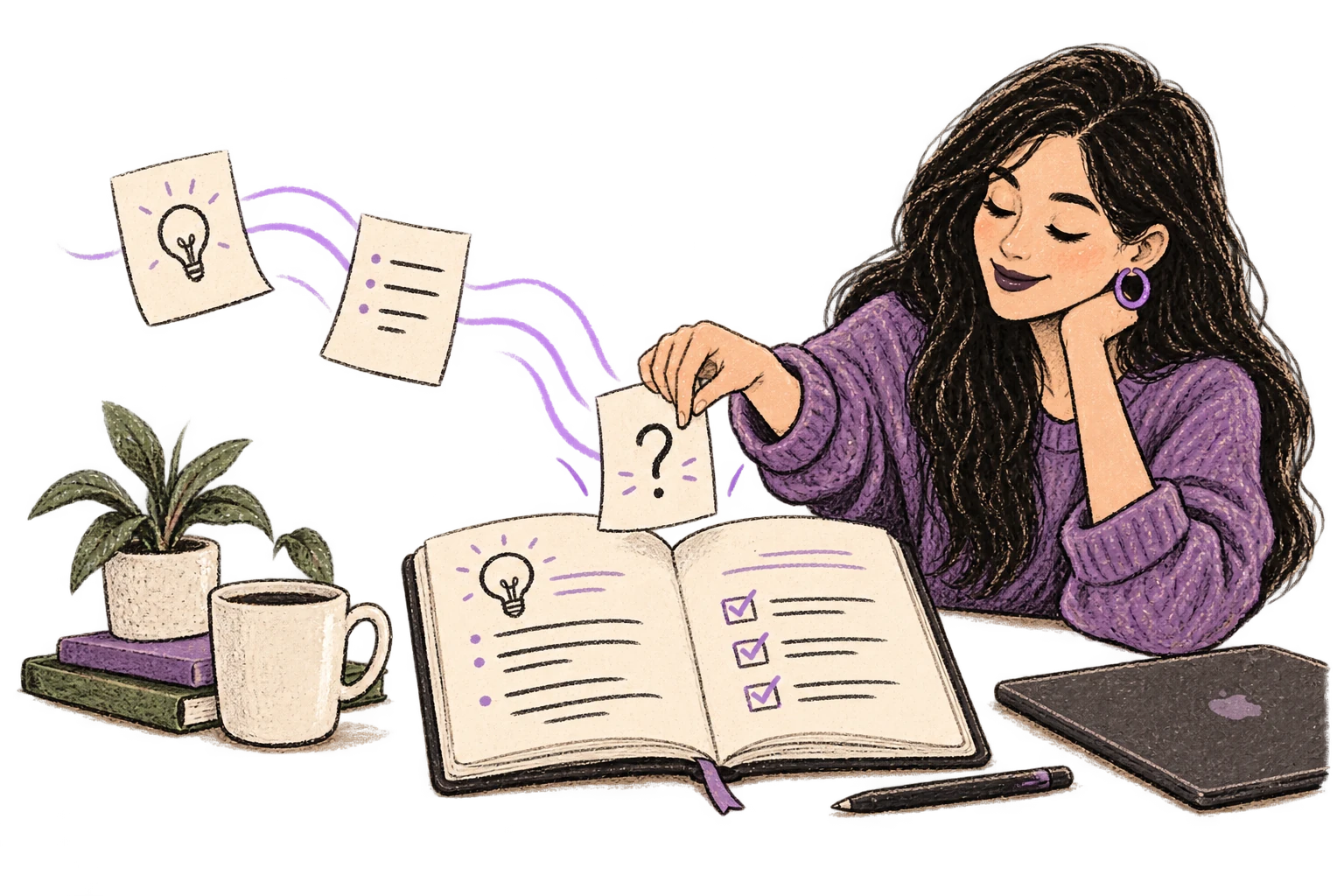
Loose notes become a richer organized plan.

Technical Term Accuracy

Cloud AI models excel at technical jargon, code terminology, and specialized vocabulary.
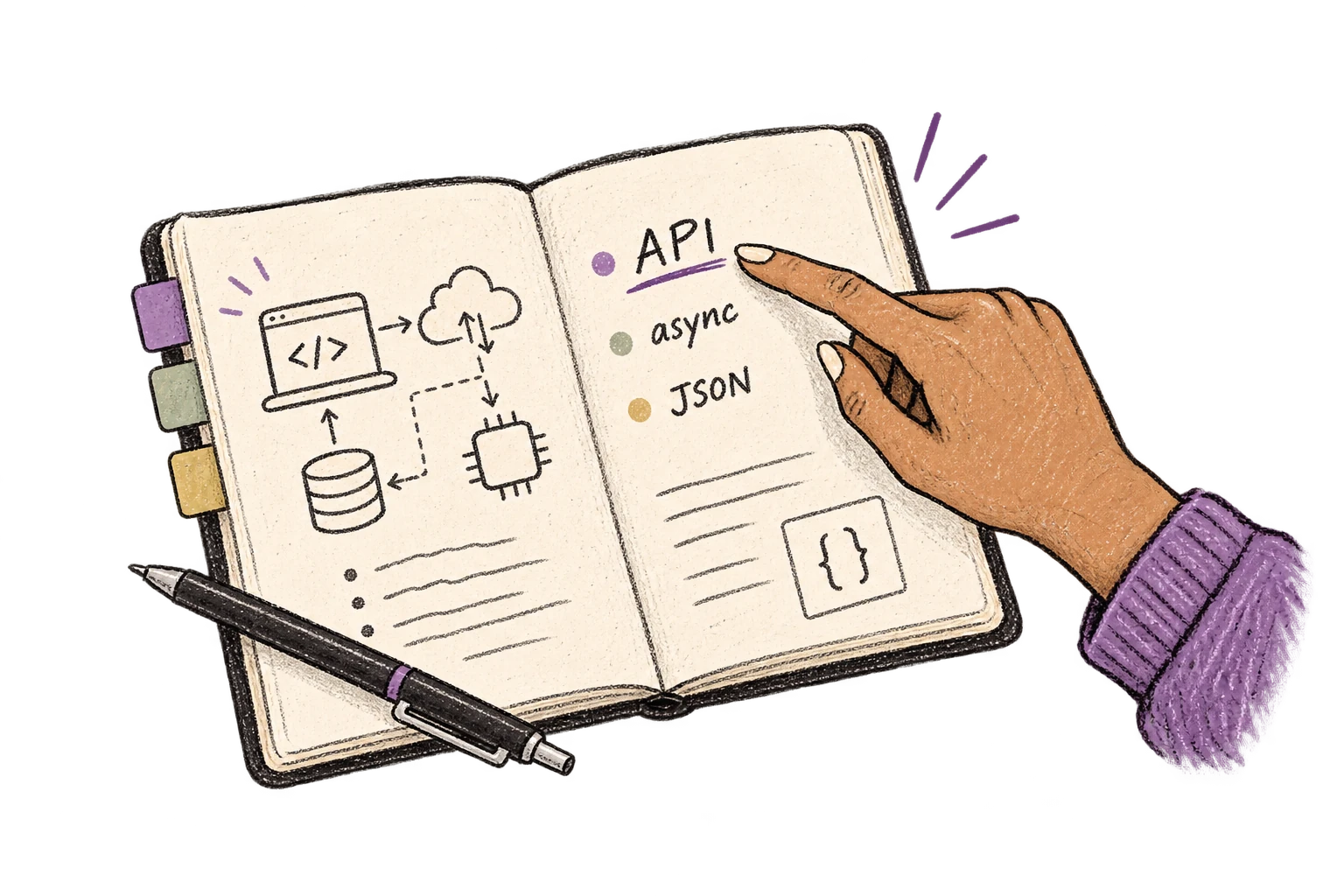
An engineering notebook keeps API, async and JSON terms clear.

Custom Dictionary

Add names, technical terms, and jargon. Ottex transcribes them accurately every time.
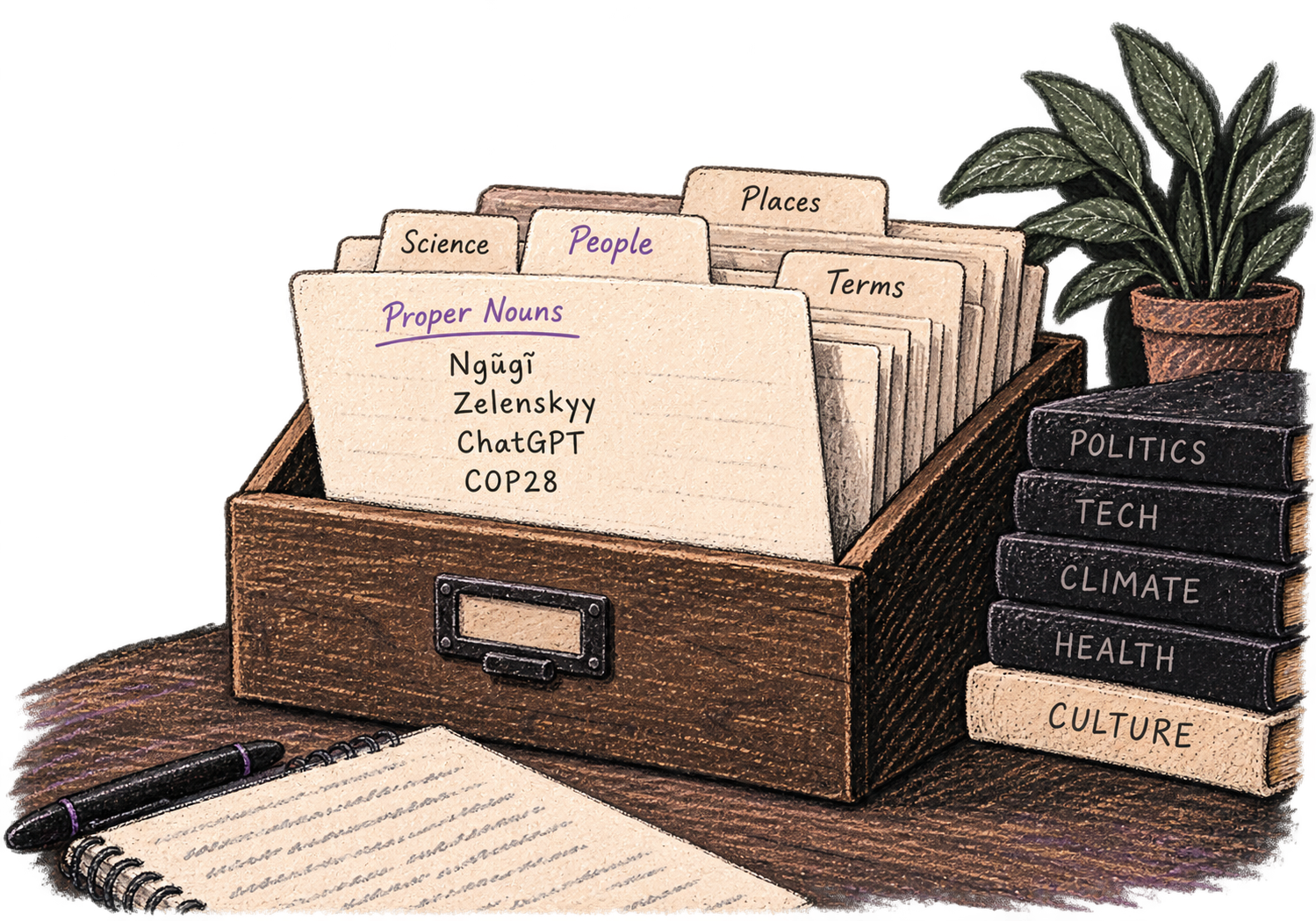
A personal card file organizes names and specialist vocabulary.

Inline AI Commands

Transform text as you speak: 'Ottex start fix grammar Ottex end'. Edit, improve, translate—all by voice.

Hands transform paper into a new form.

Precision Typing

Say 'new paragraph', 'open quote', 'em dash', 'ellipsis'. Full formatting control by voice.

Punctuation blocks organize a clearly formatted page.

Voice Corrections

Say 'scratch that' to delete mistakes, 'actually' to rephrase. Fix errors without stopping your flow or touching the keyboard.

Thursday at six is crossed out and replaced with Friday at ten.

App-Specific Modes

Ottex detects which app you're in and adapts. Coding mode in Cursor, casual tone in Slack, professional in Gmail—automatic context switching.
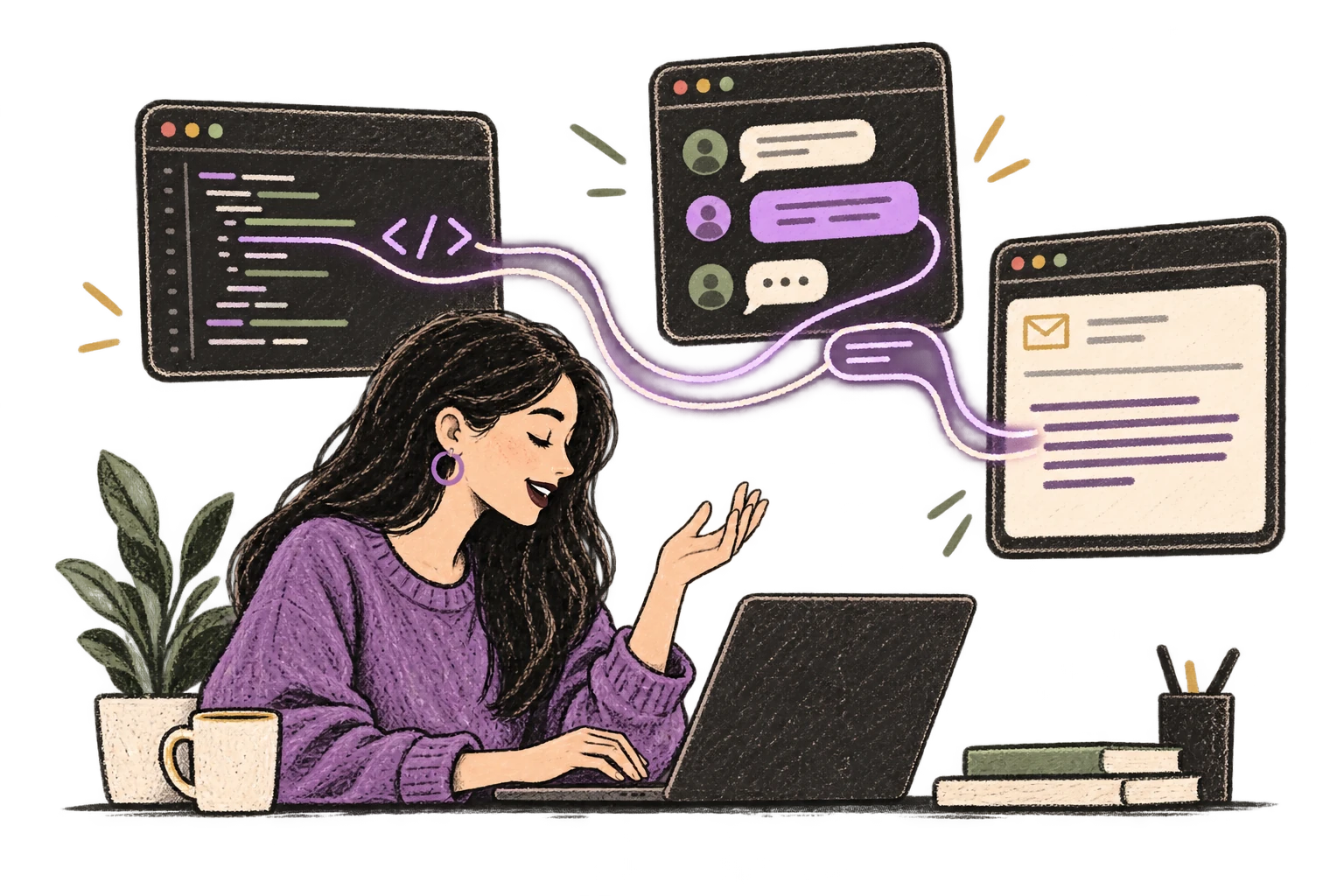
One voice adapts to a code editor, chat and email.

Works with your favorite apps

Ottex integrates seamlessly with the tools you use every day

Ready to think at full bandwidth?

Free for personal use. Start speaking in under a minute.

Try for free

No credit card required.


