+
=❤️

AI Voice Dictation for Mem

Dictate notes in Mem. AI-first note-taking that organizes itself, with voice input.

Text Editor

Example dictation

oh okay so what if we flip the onboarding completely um instead of asking users to set up their workspace first we let them record something immediately like within 10 seconds of signing up they're already talking and seeing the magic actually no not 10 seconds make it the very first screen and then we save that as their first note so they have an aha moment before they even configure anything

Read this example aloud, or say something of your own.

Ottex outputs

What if we flip the onboarding completely? Instead of asking users to set up their workspace first, we let them record something immediately. Within the very first screen of signing up, they're already talking and seeing the magic. Then we save that as their first note—so they have an aha moment before they even configure anything.
Profile instructions

Download for macOS

How it works

Your voice. Right where you work.

  1. Hold Fn

    Place your cursor in any app, then hold the Fn key.

  2. Speak naturally

    Say what you want to write. Ottex follows your saved writing rules.

  3. Release. It’s written.

    Your text appears right where your cursor is.

What you can do

Unlock the full power of Mem with your voice

Capture Ideas Quickly

Speak ideas the moment they hit you. Use Ottex anywhere to capture thoughts, then refine them later.

Text Editor

Example dictation

oh okay so what if we flip the onboarding completely um instead of asking users to set up their workspace first we let them record something immediately like within 10 seconds of signing up they're already talking and seeing the magic actually no not 10 seconds make it the very first screen and then we save that as their first note so they have an aha moment before they even configure anything

Read this example aloud, or say something of your own.

Ottex outputs

What if we flip the onboarding completely? Instead of asking users to set up their workspace first, we let them record something immediately. Within the very first screen of signing up, they're already talking and seeing the magic. Then we save that as their first note—so they have an aha moment before they even configure anything.
Profile instructions

Write Research Notes

Dictate research notes, literature summaries, or analysis. Capture your thinking process without losing momentum to typing.

Notion

Example dictation

H1 Navigation study H2 Main finding Participants found the new navigation easy to use but struggled to find export. Quote I expected export to be next to share end quote. H2 Next step Test placing export next to share in the next prototype.

Read this example aloud, or say something of your own.

Ottex outputs

# Navigation study ## Main finding Participants found the new navigation easy to use but struggled to find export. > I expected export to be next to share. ## Next step Test placing export next to share in the next prototype.
Profile instructions

Why Ottex works great with Mem

Features that make this integration powerful

3x Faster Than Typing

Speak 150+ words per minute vs 40 wpm typing. Finish tasks in a third of the time.

A woman speaks naturally while working on her laptop.

Global Shortcuts

Start recording with Option+D, use Push-to-Talk, or cancel with Esc. All shortcuts are fully configurable.
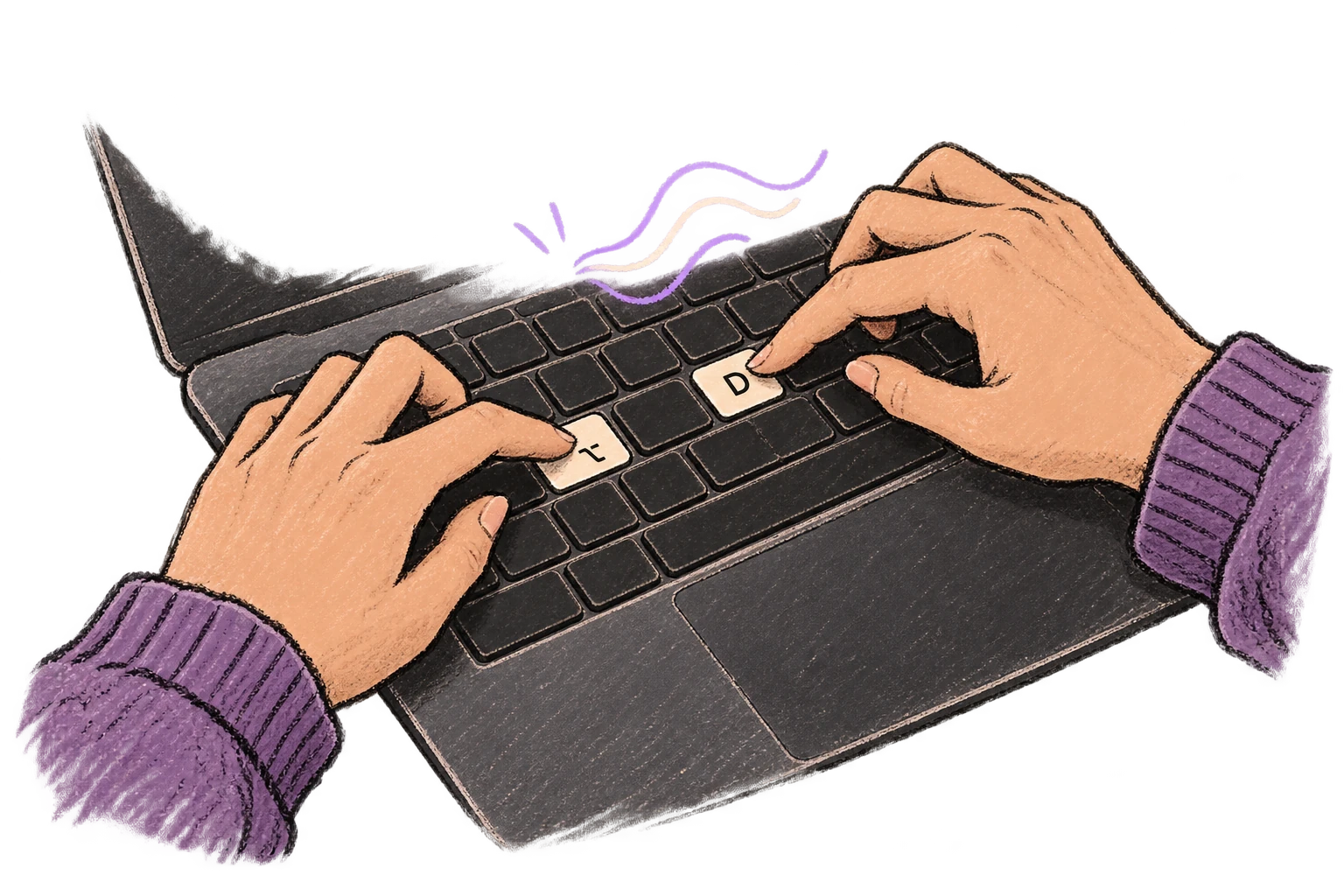
Fingers press Option and D to start voice input.

Works in Any App

System-wide on macOS—Ottex works wherever you can type. No app-specific integrations needed.
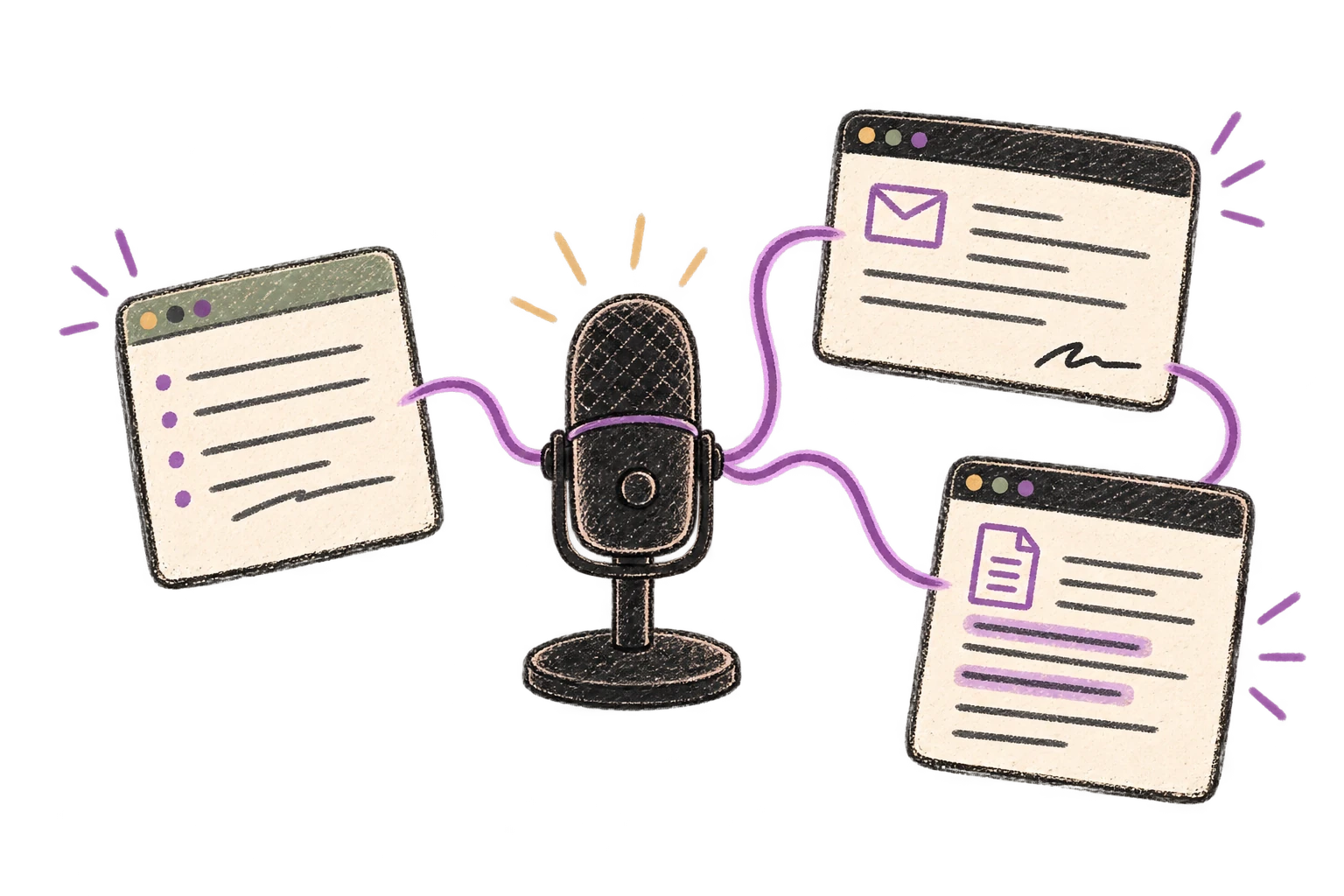
One microphone connects several different application windows.

Voice Corrections

Say 'scratch that' to delete mistakes, 'actually' to rephrase. Fix errors without stopping your flow or touching the keyboard.

Thursday at six is crossed out and replaced with Friday at ten.

Filler Word Removal

Automatically removes filler words like 'um', 'uh', 'like', 'so' from your transcription. Get clean, professional text without verbal hesitations.
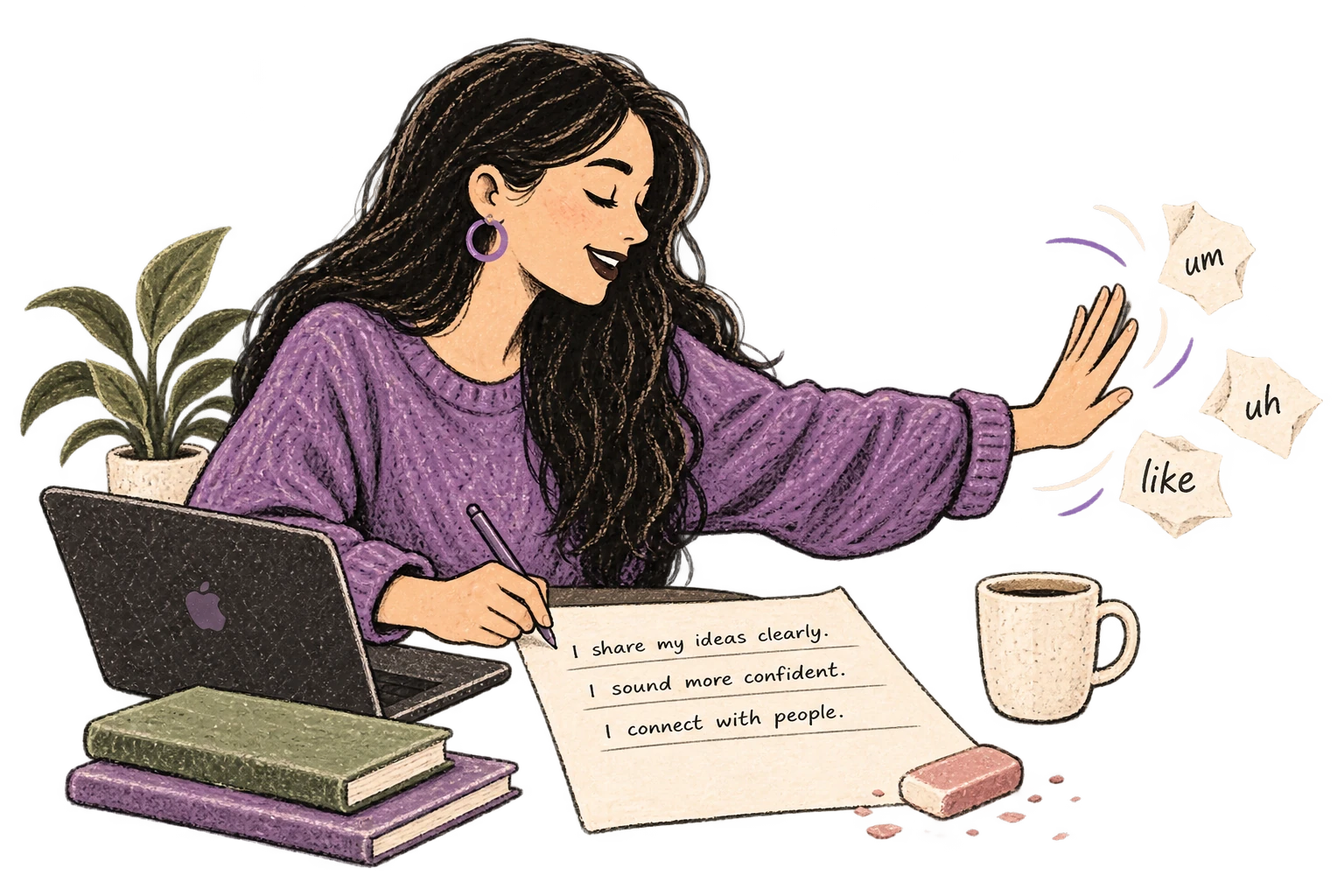
Filler-word scraps are brushed away from a clean page.

Custom Dictionary

Add names, technical terms, and jargon. Ottex transcribes them accurately every time.
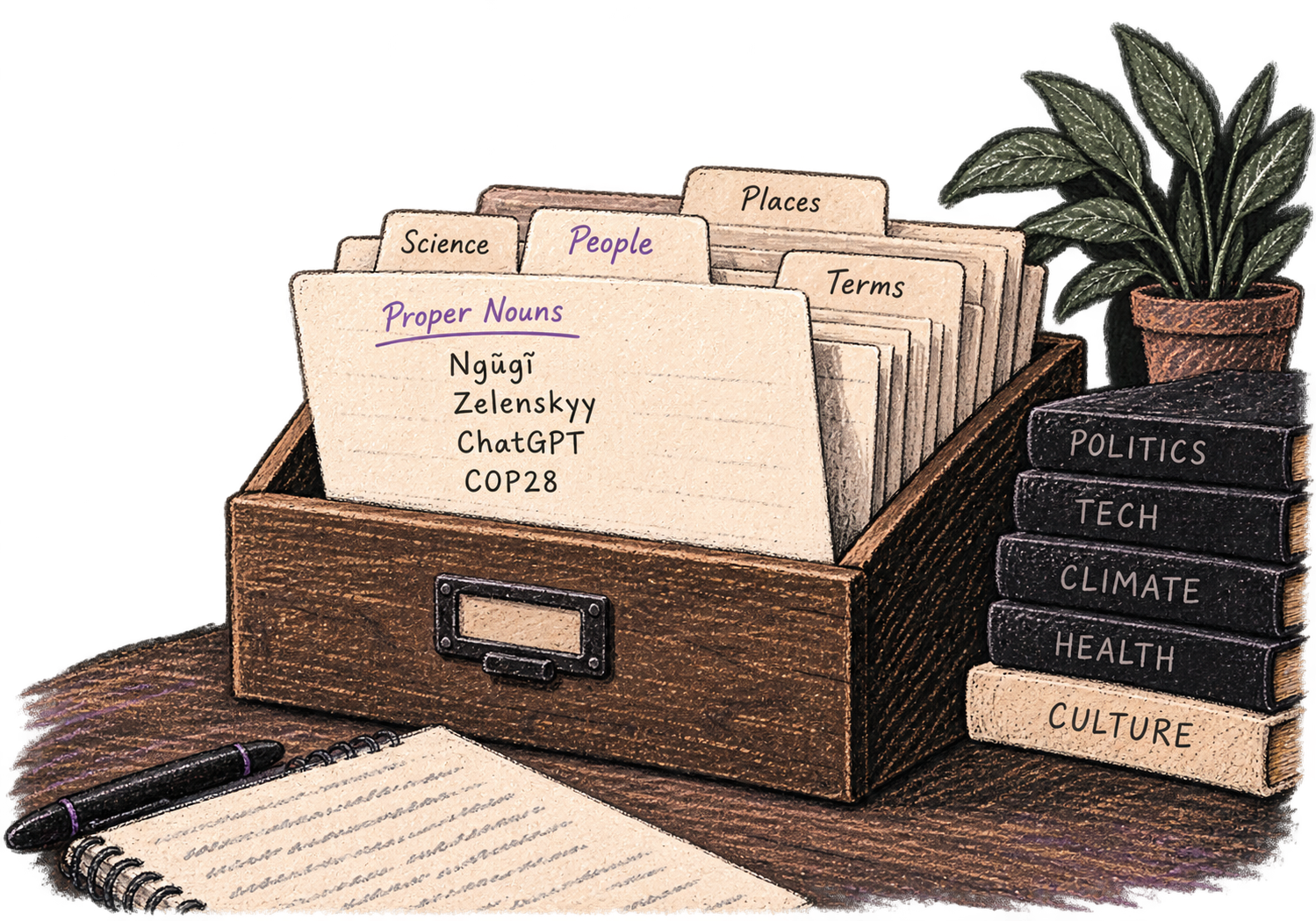
A personal card file organizes names and specialist vocabulary.

Precision Typing

Say 'new paragraph', 'open quote', 'em dash', 'ellipsis'. Full formatting control by voice.
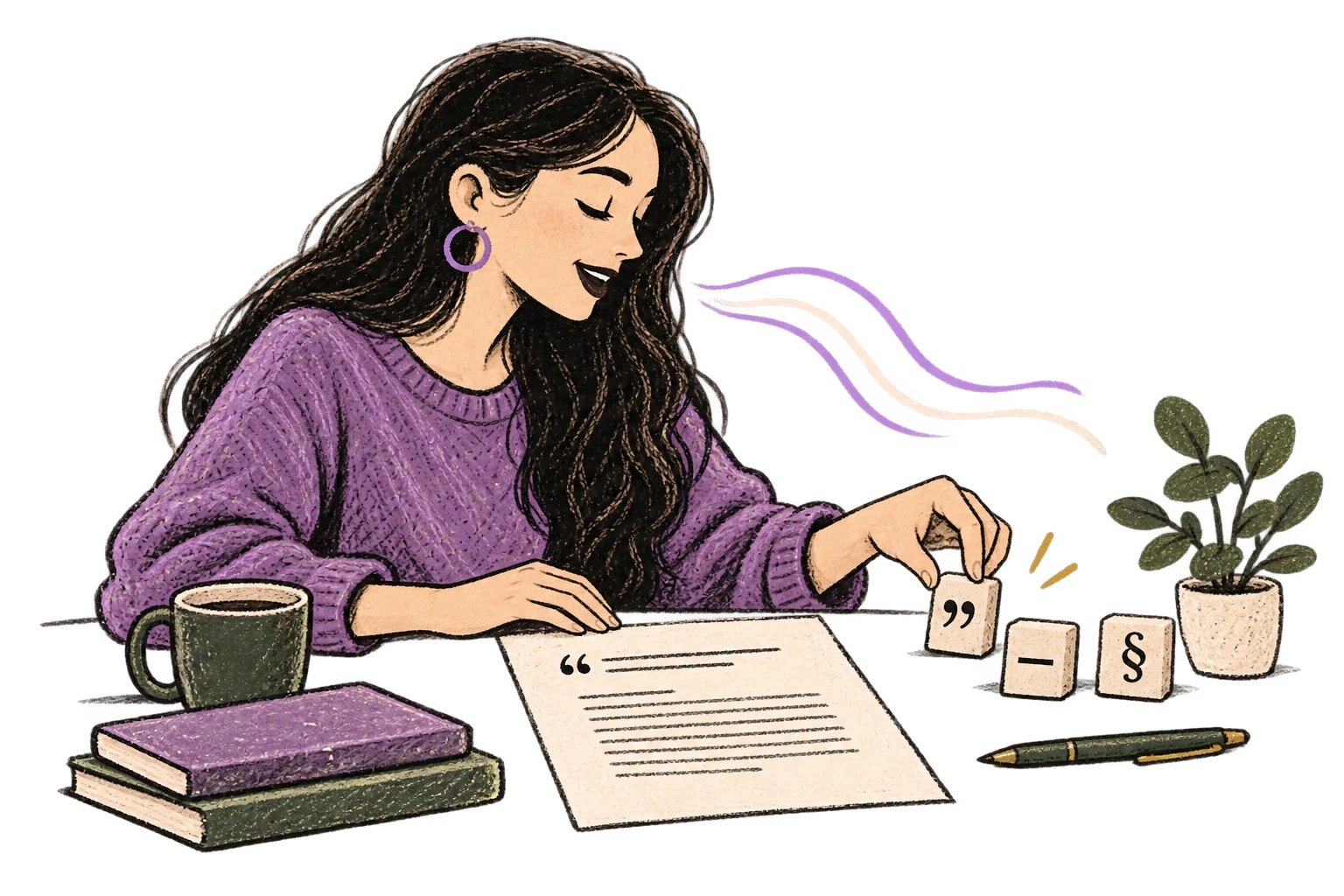
Punctuation blocks organize a clearly formatted page.

Works with your favorite apps

Ottex integrates seamlessly with the tools you use every day

Ready to think at full bandwidth?

Free for personal use. Start speaking in under a minute.

Try for free

No credit card required.


