3x Faster Than Typing
Speak 150+ words per minute vs 40 wpm typing. Finish tasks in a third of the time.

Hire faster, communicate better
Read this example aloud, or say something of your own.
Your voice. Right where you work.
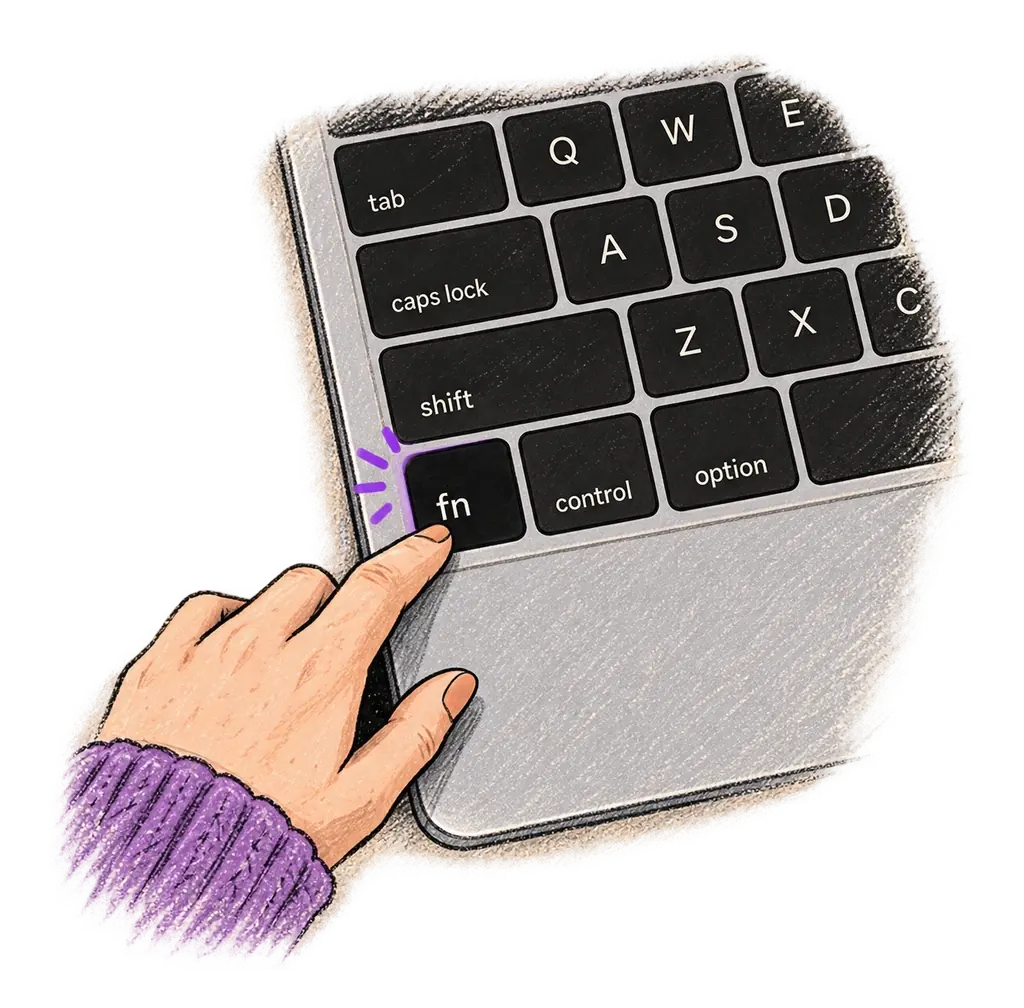
Place your cursor in any app, then hold the Fn key.
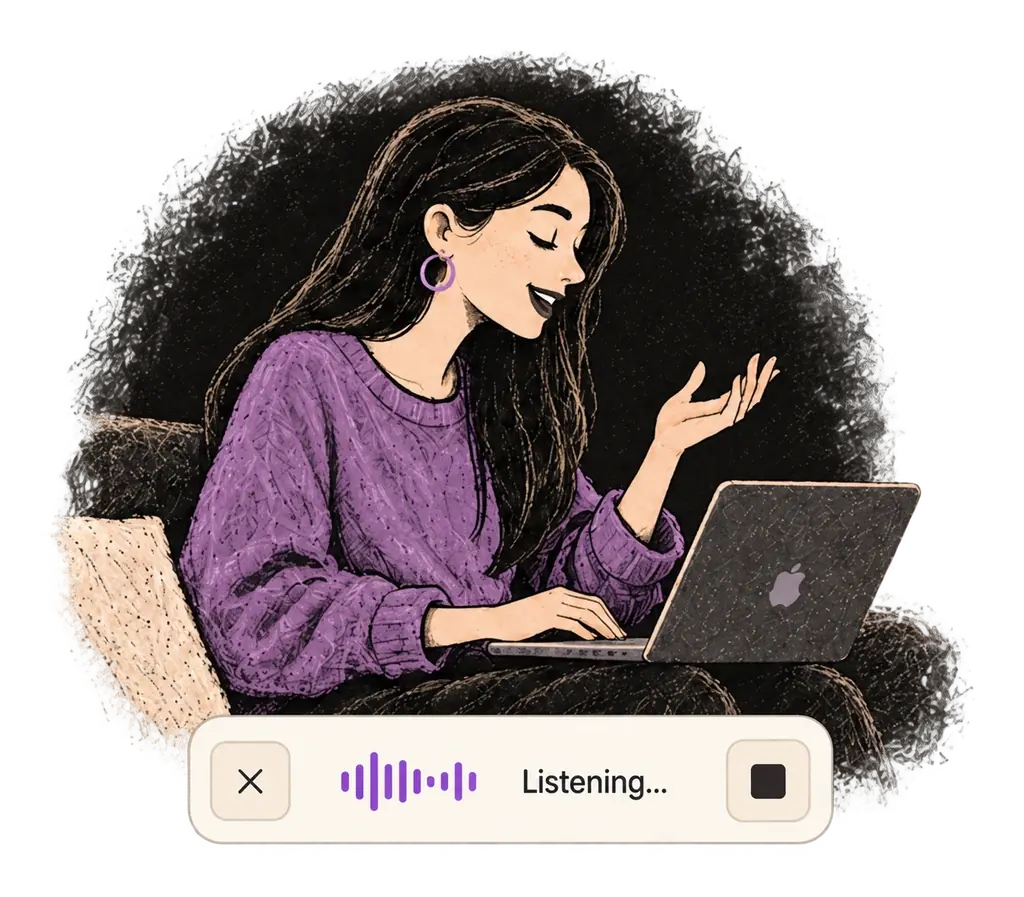
Say what you want to write. Ottex follows your saved writing rules.
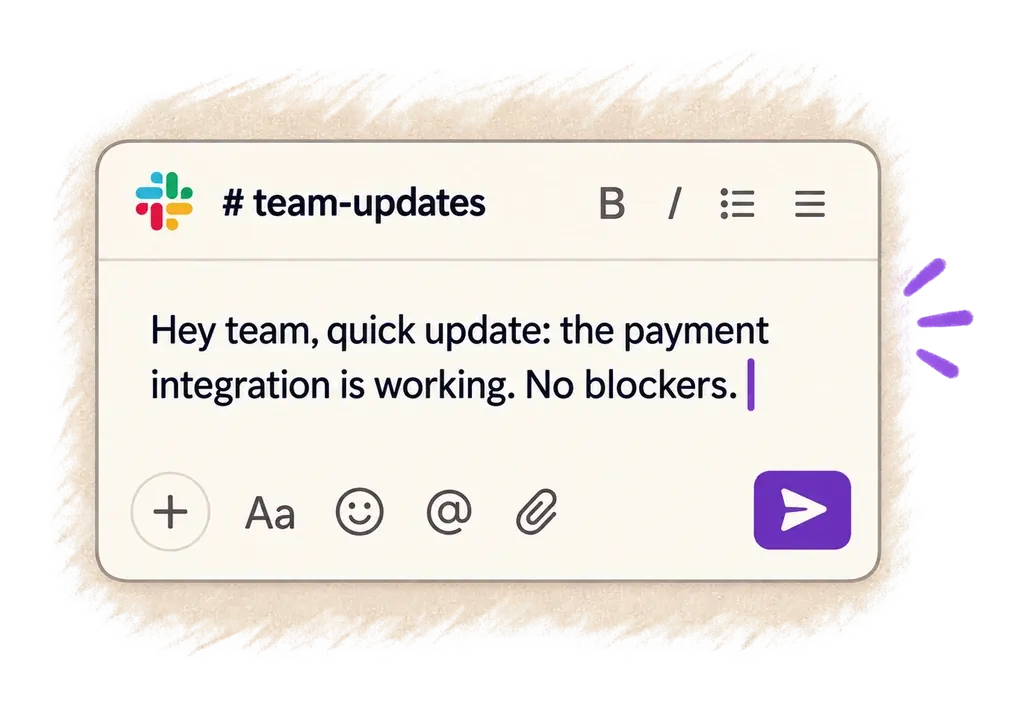
Your text appears right where your cursor is.
Ottex works system-wide on macOS. Dictate directly into these apps and more.
And any other app that accepts text input. See all supported apps
Concrete benefits with real-world impact
Speak 150+ words per minute vs 40 wpm typing. Finish tasks in a third of the time.
Speaking naturally gives AI agents more context than typing. Describe your intent, explain edge cases, mention file names—your voice carries nuance that typing shortcuts.
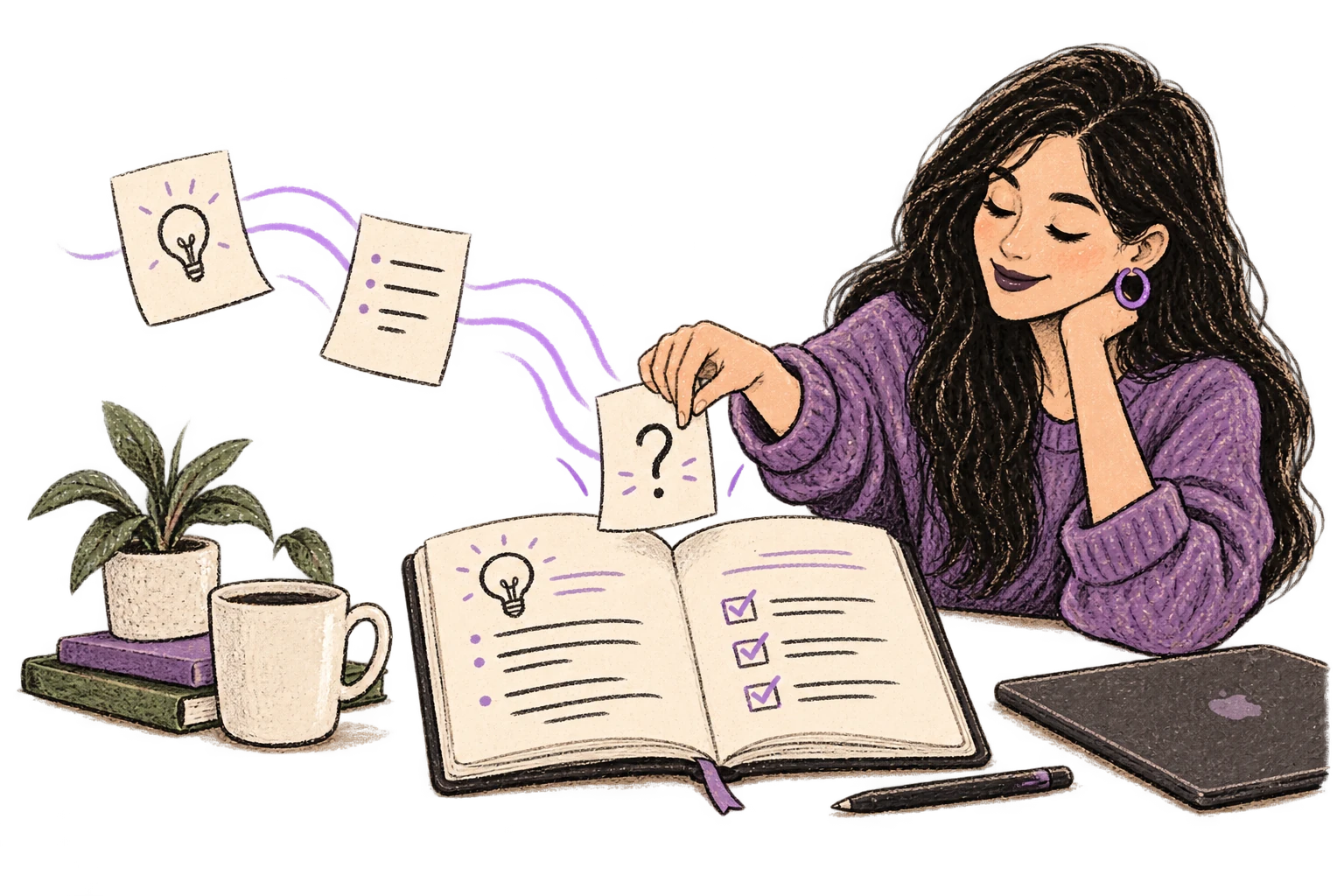
Transform text as you speak: 'Ottex start fix grammar Ottex end'. Edit, improve, translate—all by voice.

Say 'scratch that' to delete mistakes, 'actually' to rephrase. Fix errors without stopping your flow or touching the keyboard.

Define custom text replacements and shortcuts. Say 'work signature' to expand your full email signature, or 'my address' for your contact info.

Optionally let AI see your screen for smarter responses. Reply to emails with full context, answer messages knowing the conversation history.
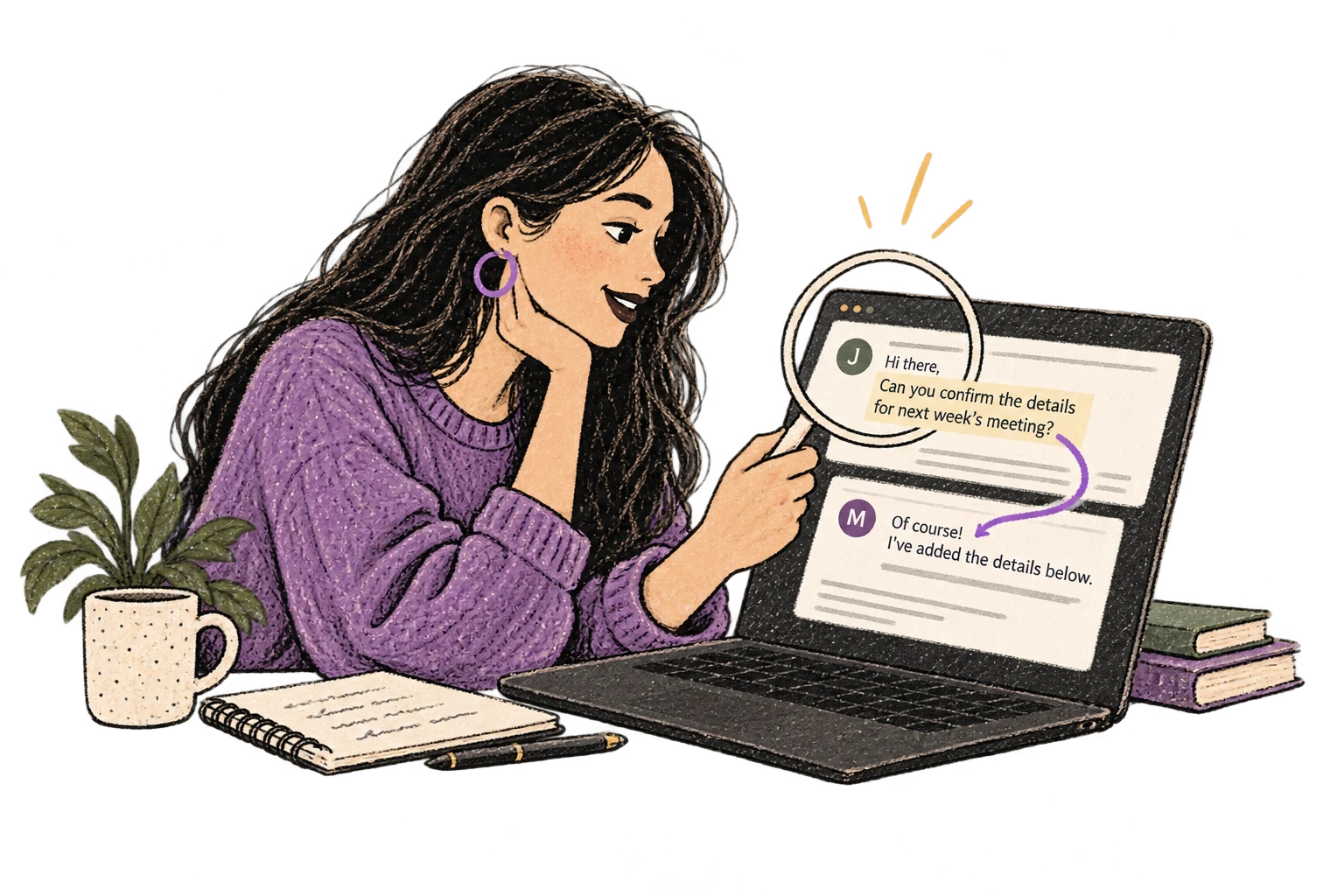
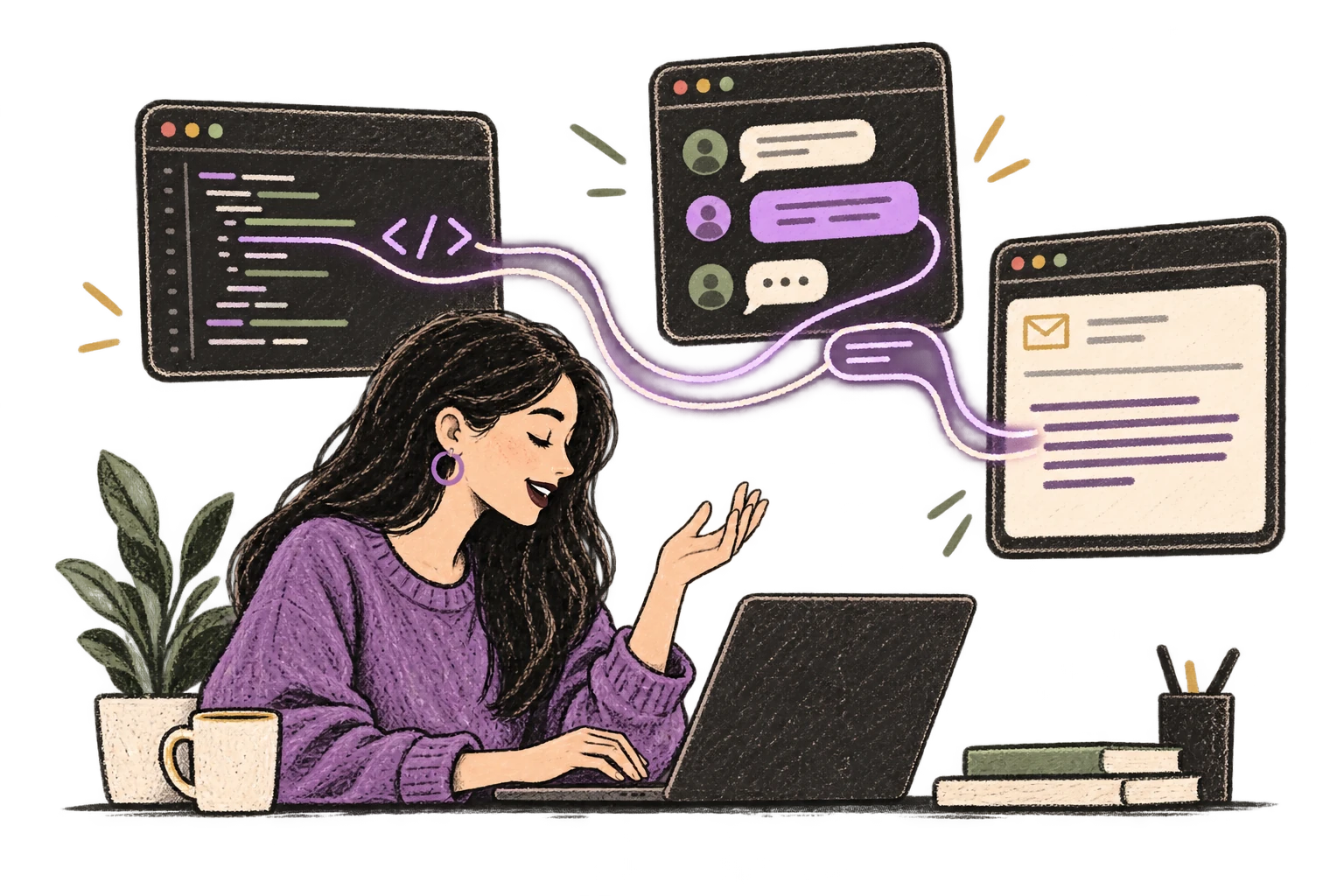
Ottex detects which app you're in and adapts. Coding mode in Cursor, casual tone in Slack, professional in Gmail—automatic context switching.
Dictate unique job descriptions that capture what makes the role special. Speaking helps you articulate culture, growth opportunities, and team dynamics naturally.
Read this example aloud, or say something of your own.
Dictate interview feedback immediately after each call. Speaking lets you capture nuance and context that gets lost when typing quickly.
Read this example aloud, or say something of your own.
Dictate email responses with the right tone. Use context awareness to see the full thread, then speak your reply naturally.
Read this example aloud, or say something of your own.
Reply to Slack messages 3x faster. Dictate casual updates, detailed explanations, or quick acknowledgments without switching context.
Read this example aloud, or say something of your own.
Dictate personalized prospecting emails. Speaking naturally makes your outreach sound human, not templated.
Read this example aloud, or say something of your own.
Yes. Ottex works anywhere you can type: Greenhouse, Lever, Workday, or any web-based ATS. If there's a text field, Ottex works.
Use precision typing commands like 'bullet point' and 'heading two'. Say 'Technical skills: strong' and Ottex formats it properly. Add AI commands to structure feedback into consistent templates.
Yes. With BYOK (bring your own key), your audio goes directly to your API provider. Ottex never stores your data. Use local models for 100% on-device processing. Perfect for confidential candidate information and GDPR compliance.
Yes. Use smart snippets to save frequently used phrases like rejection emails, scheduling messages, or feedback templates. Say 'interview schedule template' and expand the full text instantly.
Yes. Ottex works in LinkedIn messages, InMails, and job postings. Dictate personalized outreach to candidates at scale.
Free with local models (Whisper runs on your Mac). With BYOK cloud models like Groq, expect ~$1-3/mo for typical recruiter usage. Optional $9/mo premium includes Gemini 3 Flash with zero configuration.