3x Faster Than Typing
Speak 150+ words per minute vs 40 wpm typing. Finish tasks in a third of the time.

Dictate code in Sublime Text. Fast, lightweight editor with voice input.
Read this example aloud, or say something of your own.
Your voice. Right where you work.
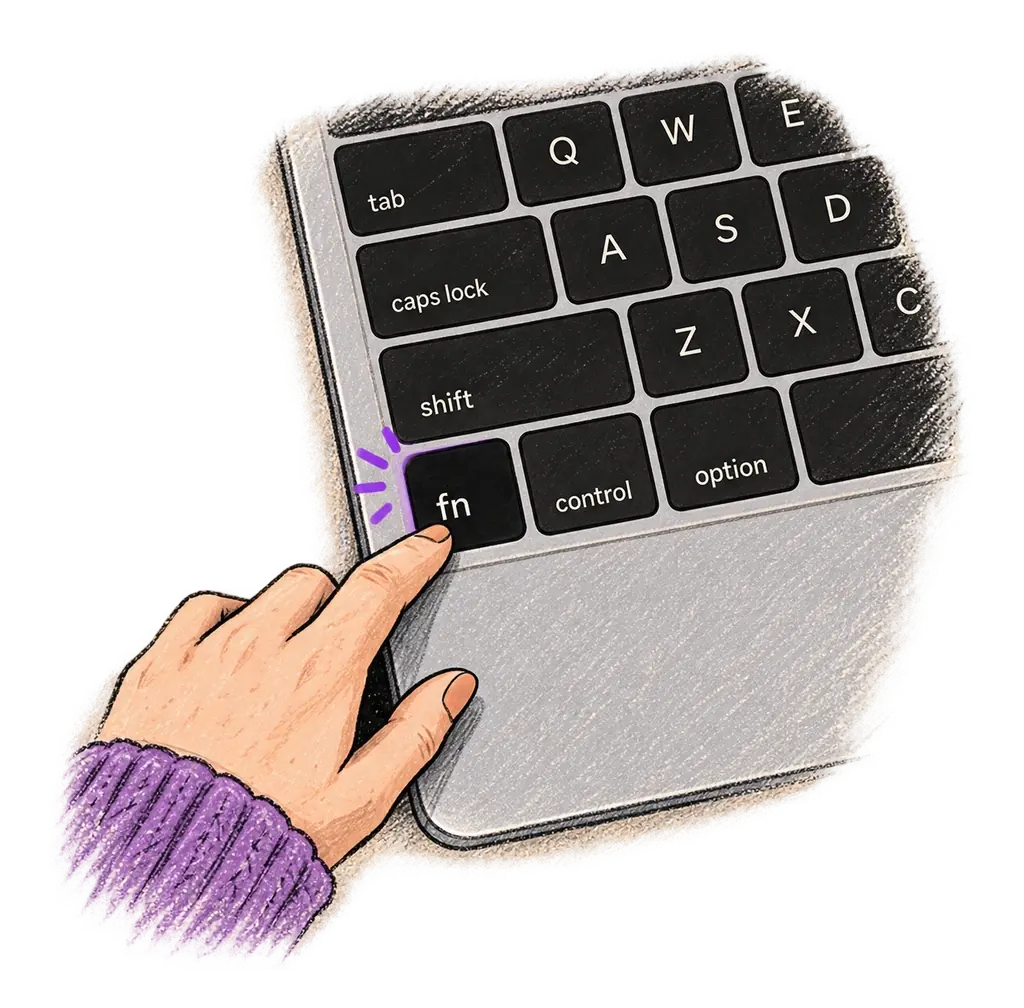
Place your cursor in any app, then hold the Fn key.
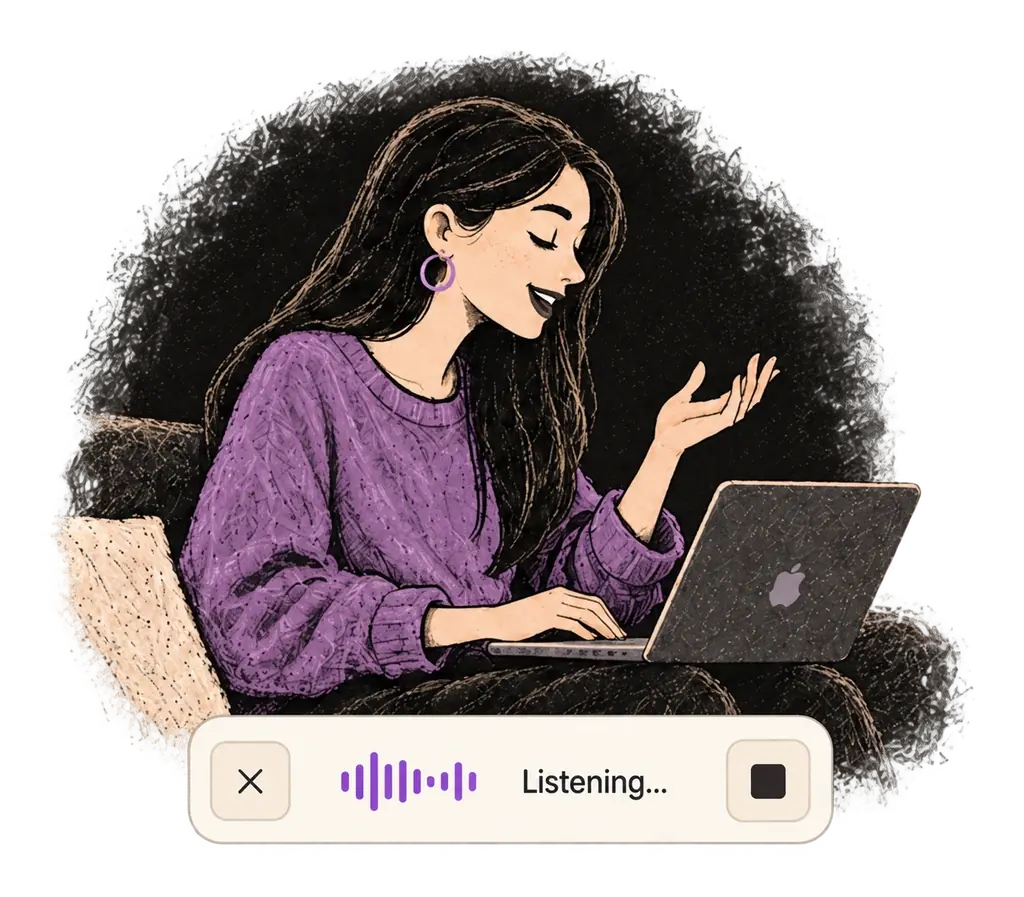
Say what you want to write. Ottex follows your saved writing rules.
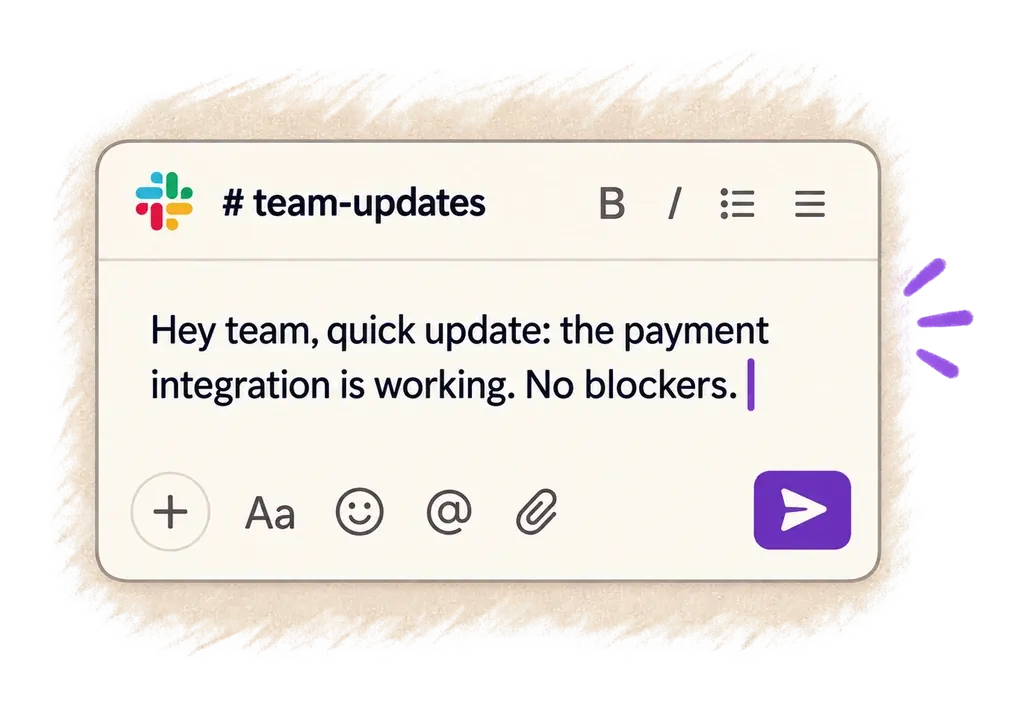
Your text appears right where your cursor is.
Unlock the full power of Sublime Text with your voice
Dictate technical documentation, READMEs, or API docs. Speaking lets you explain context, edge cases, and examples naturally—better docs with less effort.
Works with
Read this example aloud, or say something of your own.
Features that make this integration powerful
Speak 150+ words per minute vs 40 wpm typing. Finish tasks in a third of the time.
Speaking naturally gives AI agents more context than typing. Describe your intent, explain edge cases, mention file names—your voice carries nuance that typing shortcuts.

Cloud AI models excel at technical jargon, code terminology, and specialized vocabulary.
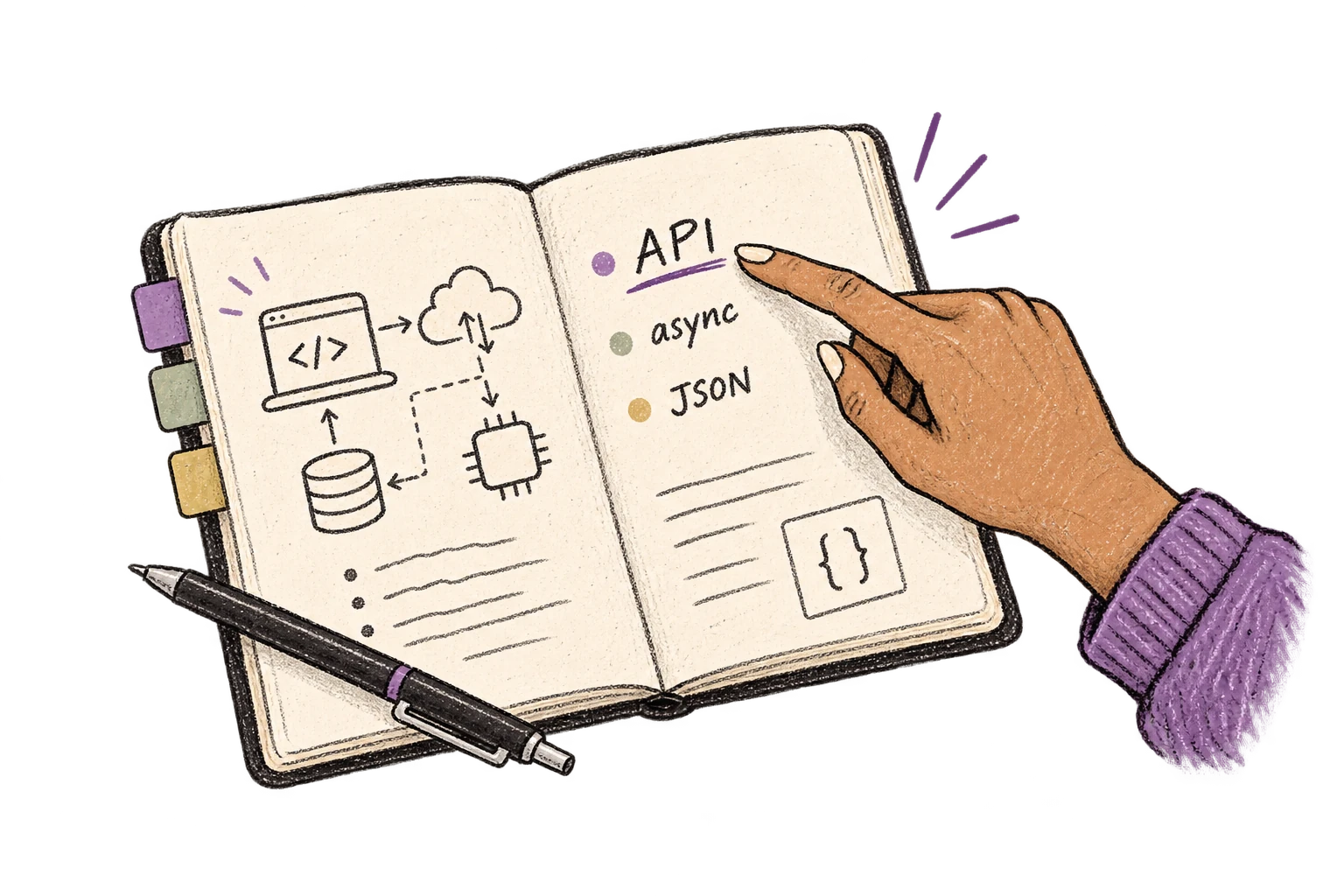
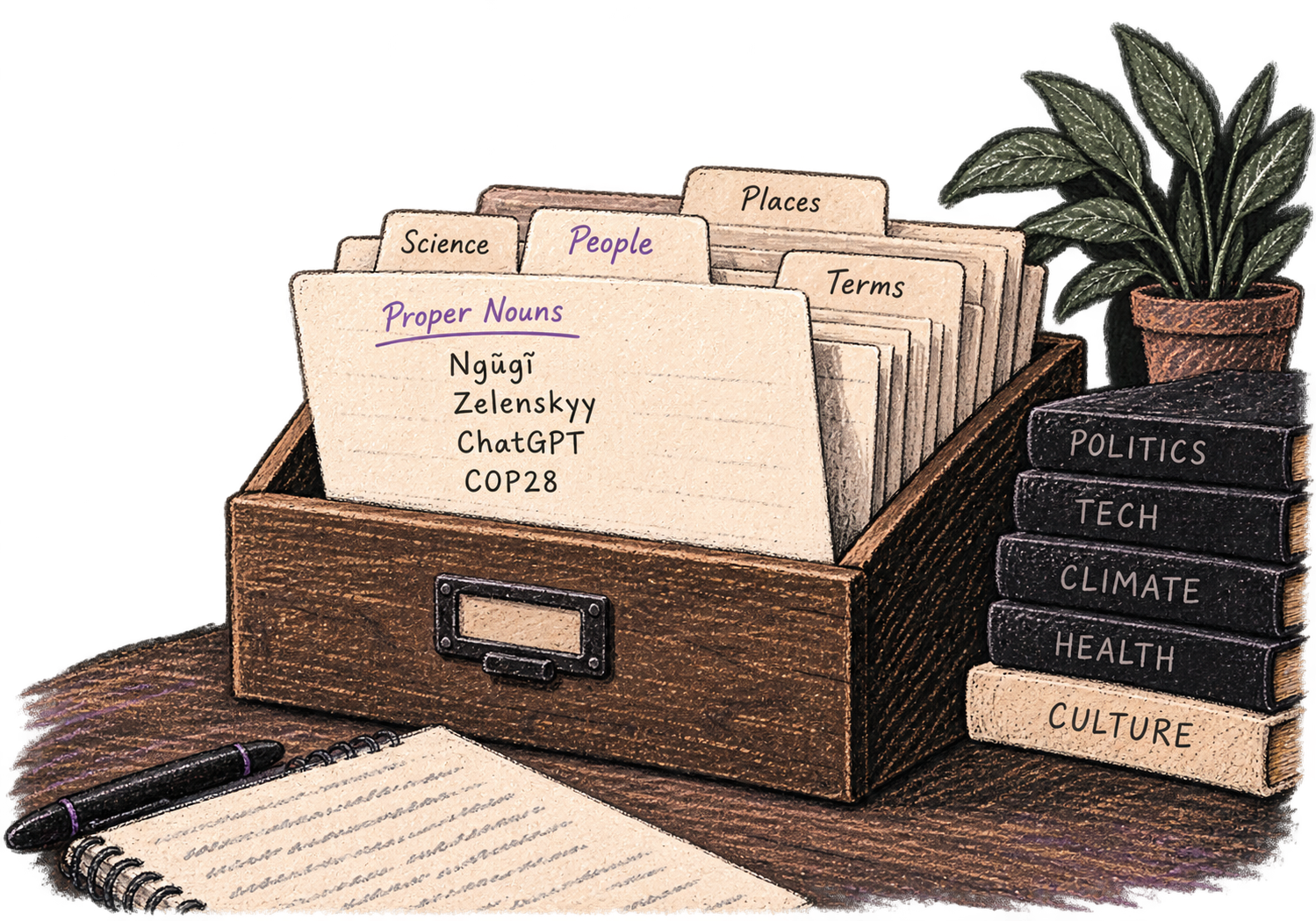
Add names, technical terms, and jargon. Ottex transcribes them accurately every time.
Transform text as you speak: 'Ottex start fix grammar Ottex end'. Edit, improve, translate—all by voice.

Say 'new paragraph', 'open quote', 'em dash', 'ellipsis'. Full formatting control by voice.

Free for personal use. Start speaking in under a minute.
Try for freeNo credit card required.