+
=❤️

AI Voice Dictation for Zoom Chat

Dictate messages in Zoom Chat. Meeting companion chat with voice input.

Slack

Example dictation

hey um thanks for the update on the API changes I'll uh review the PR today actually tomorrow morning since I'm still working on the database migration and I'll leave comments if I find anything also can you ping me when the tests are passing

Read this example aloud, or say something of your own.

Ottex outputs

Hey, thanks for the update on the API changes! I'll review the PR tomorrow morning since I'm still working on the database migration. I'll leave comments if I find anything. Also, can you ping me when the tests are passing?
Profile instructions

Download for macOS

How it works

Your voice. Right where you work.

  1. Hold Fn

    Place your cursor in any app, then hold the Fn key.

  2. Speak naturally

    Say what you want to write. Ottex follows your saved writing rules.

  3. Release. It’s written.

    Your text appears right where your cursor is.

What you can do

Unlock the full power of Zoom Chat with your voice

Reply to Work Messages

Reply to Slack messages 3x faster. Dictate casual updates, detailed explanations, or quick acknowledgments without switching context.

Slack

Example dictation

hey um thanks for the update on the API changes I'll uh review the PR today actually tomorrow morning since I'm still working on the database migration and I'll leave comments if I find anything also can you ping me when the tests are passing

Read this example aloud, or say something of your own.

Ottex outputs

Hey, thanks for the update on the API changes! I'll review the PR tomorrow morning since I'm still working on the database migration. I'll leave comments if I find anything. Also, can you ping me when the tests are passing?
Profile instructions

Write Meeting Notes

Dictate meeting notes in real-time or right after. Capture action items, decisions, and key points while they're fresh in your mind.

Notion

Example dictation

action items colon new paragraph one john to review q 4 budget by friday actually thursday two sarah to schedule client call three uh team to finalize roadmap

Read this example aloud, or say something of your own.

Ottex outputs

Action items: 1. John to review Q4 budget by Thursday 2. Sarah to schedule client call 3. Team to finalize roadmap
Profile instructions

Why Ottex works great with Zoom Chat

Features that make this integration powerful

3x Faster Than Typing

Speak 150+ words per minute vs 40 wpm typing. Finish tasks in a third of the time.

A woman speaks naturally while working on her laptop.

App-Specific Modes

Ottex detects which app you're in and adapts. Coding mode in Cursor, casual tone in Slack, professional in Gmail—automatic context switching.

One voice adapts to a code editor, chat and email.

Context Awareness

Optionally let AI see your screen for smarter responses. Reply to emails with full context, answer messages knowing the conversation history.
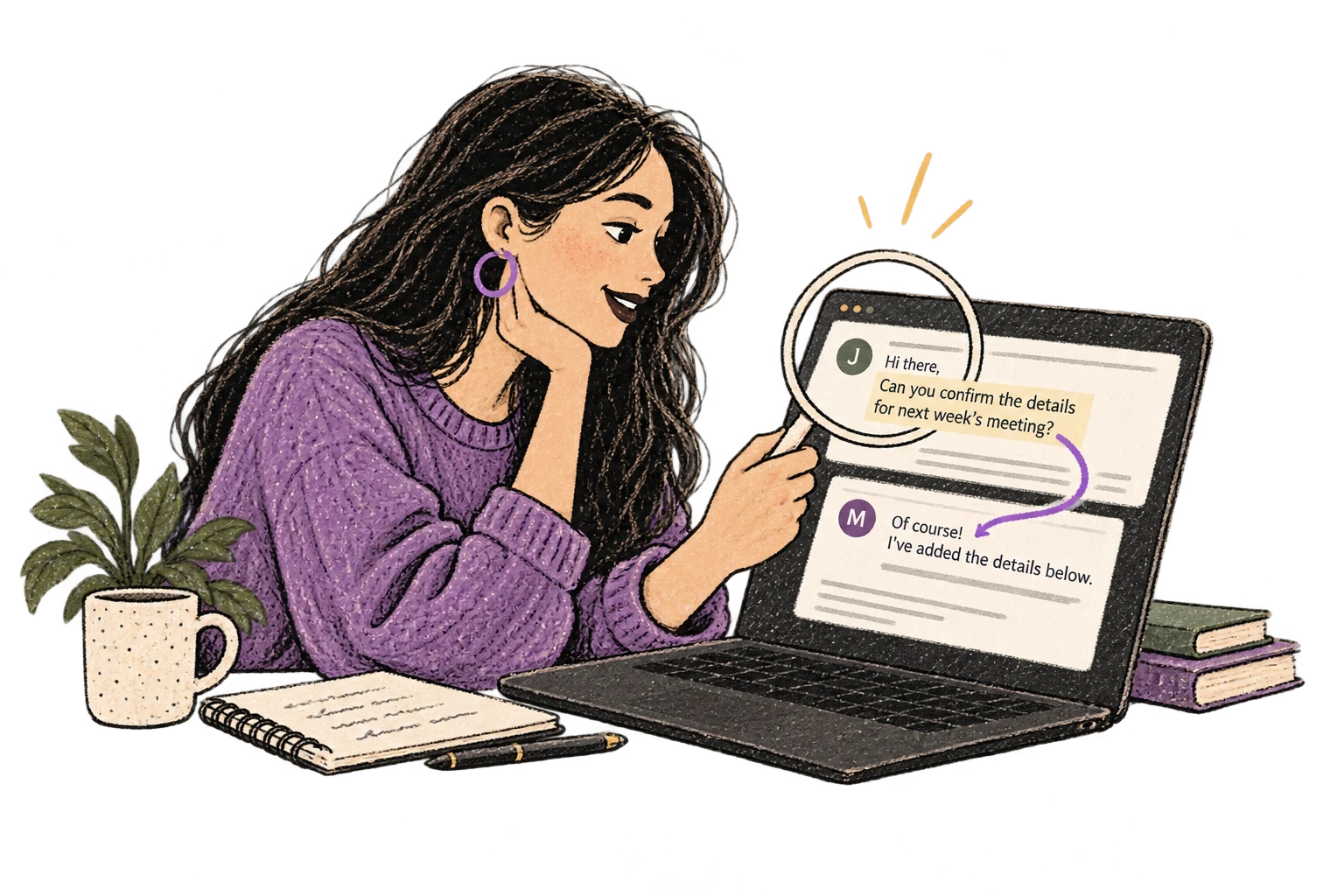
A magnifying glass connects an email conversation to its reply.

Voice Corrections

Say 'scratch that' to delete mistakes, 'actually' to rephrase. Fix errors without stopping your flow or touching the keyboard.

Thursday at six is crossed out and replaced with Friday at ten.

Smart Snippets

Define custom text replacements and shortcuts. Say 'work signature' to expand your full email signature, or 'my address' for your contact info.

A bookmark opens into reusable notes.

Inline AI Commands

Transform text as you speak: 'Ottex start fix grammar Ottex end'. Edit, improve, translate—all by voice.

Hands transform paper into a new form.

Precision Typing

Say 'new paragraph', 'open quote', 'em dash', 'ellipsis'. Full formatting control by voice.

Punctuation blocks organize a clearly formatted page.

Works with your favorite apps

Ottex integrates seamlessly with the tools you use every day

Ready to think at full bandwidth?

Free for personal use. Start speaking in under a minute.

Try for free

No credit card required.


