3x Faster Than Typing
Speak 150+ words per minute vs 40 wpm typing. Finish tasks in a third of the time.

Respond faster, stay human
Read this example aloud, or say something of your own.
Your voice. Right where you work.
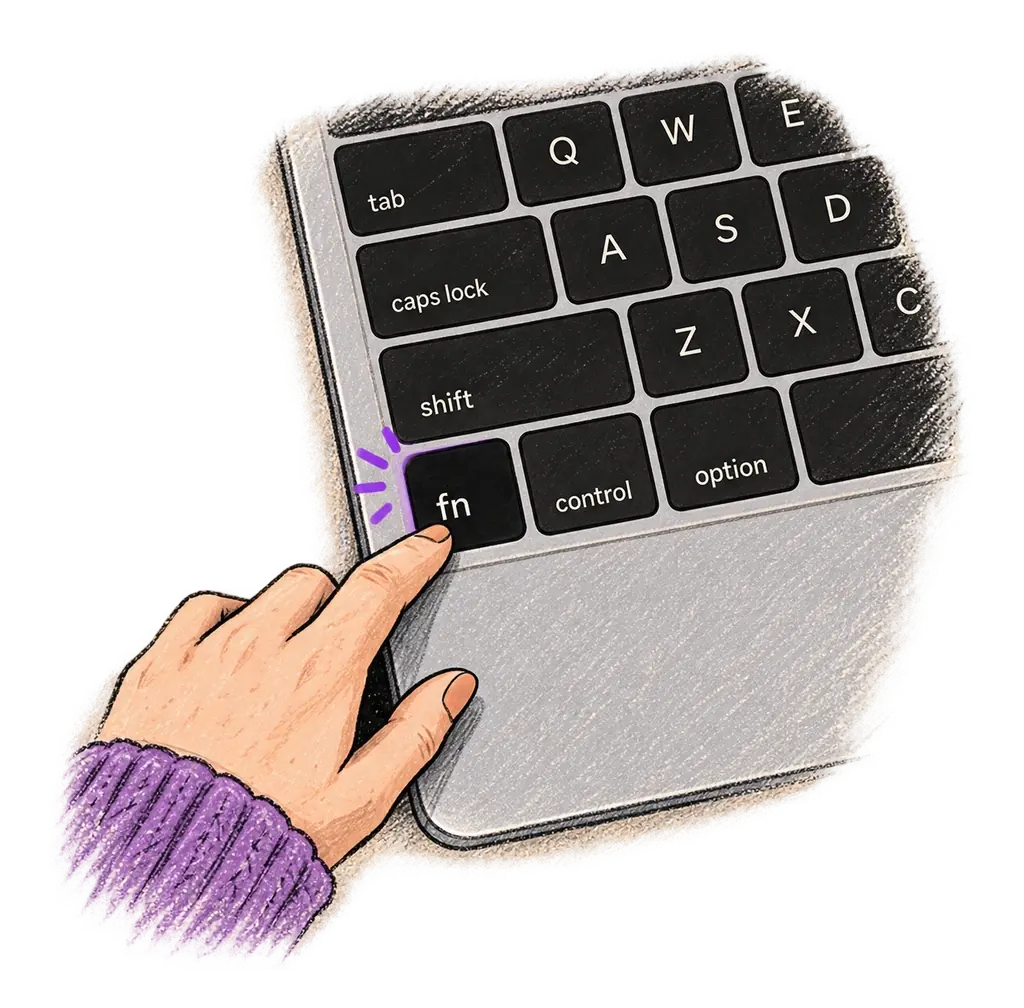
Place your cursor in any app, then hold the Fn key.
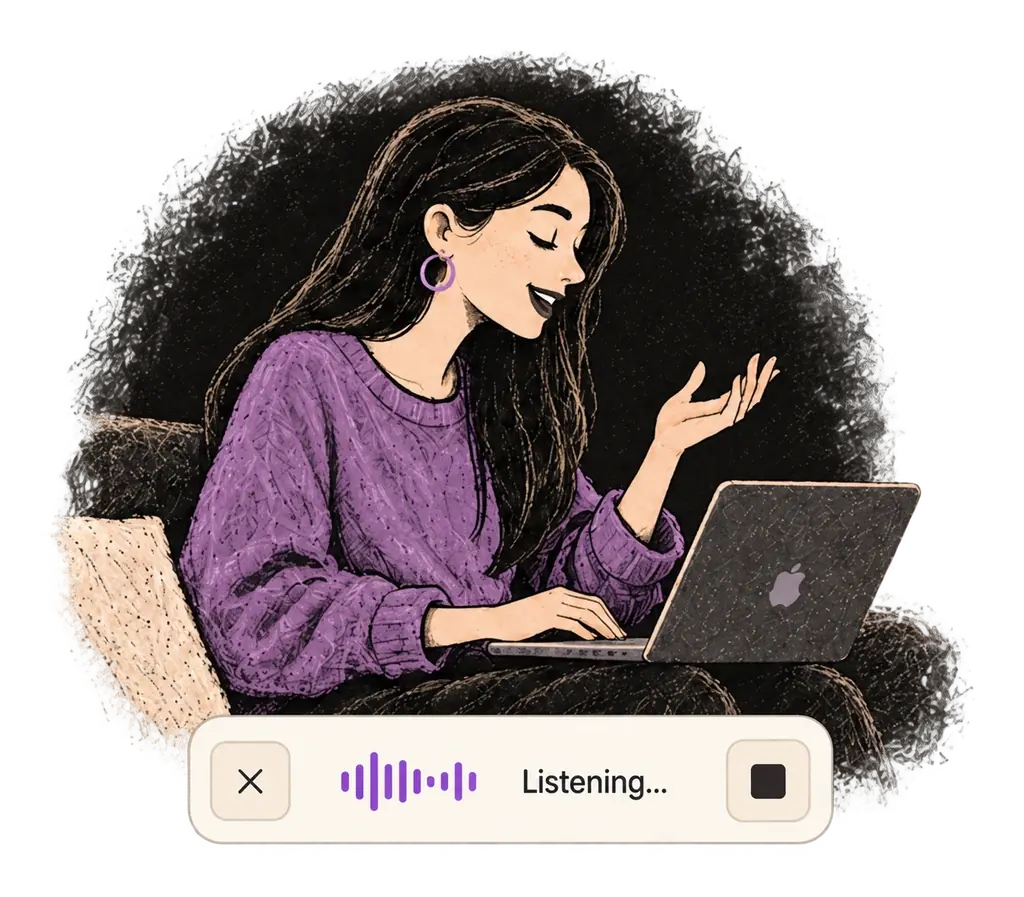
Say what you want to write. Ottex follows your saved writing rules.
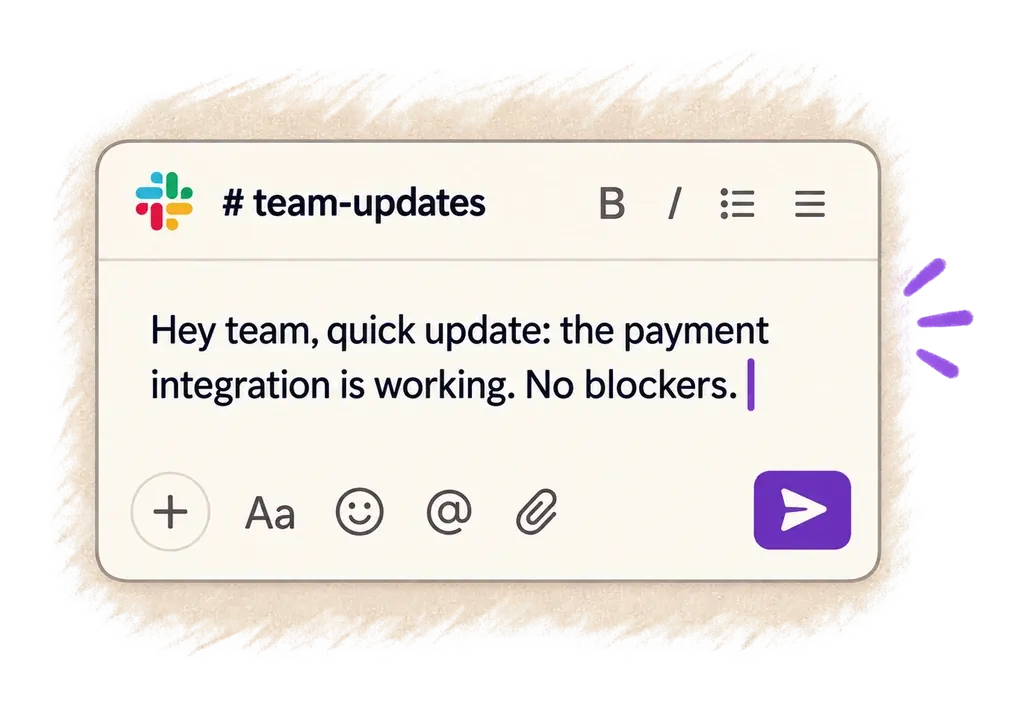
Your text appears right where your cursor is.
Concrete benefits with real-world impact
Speak 150+ words per minute vs 40 wpm typing. Finish tasks in a third of the time.
Ottex detects which app you're in and adapts. Coding mode in Cursor, casual tone in Slack, professional in Gmail—automatic context switching.
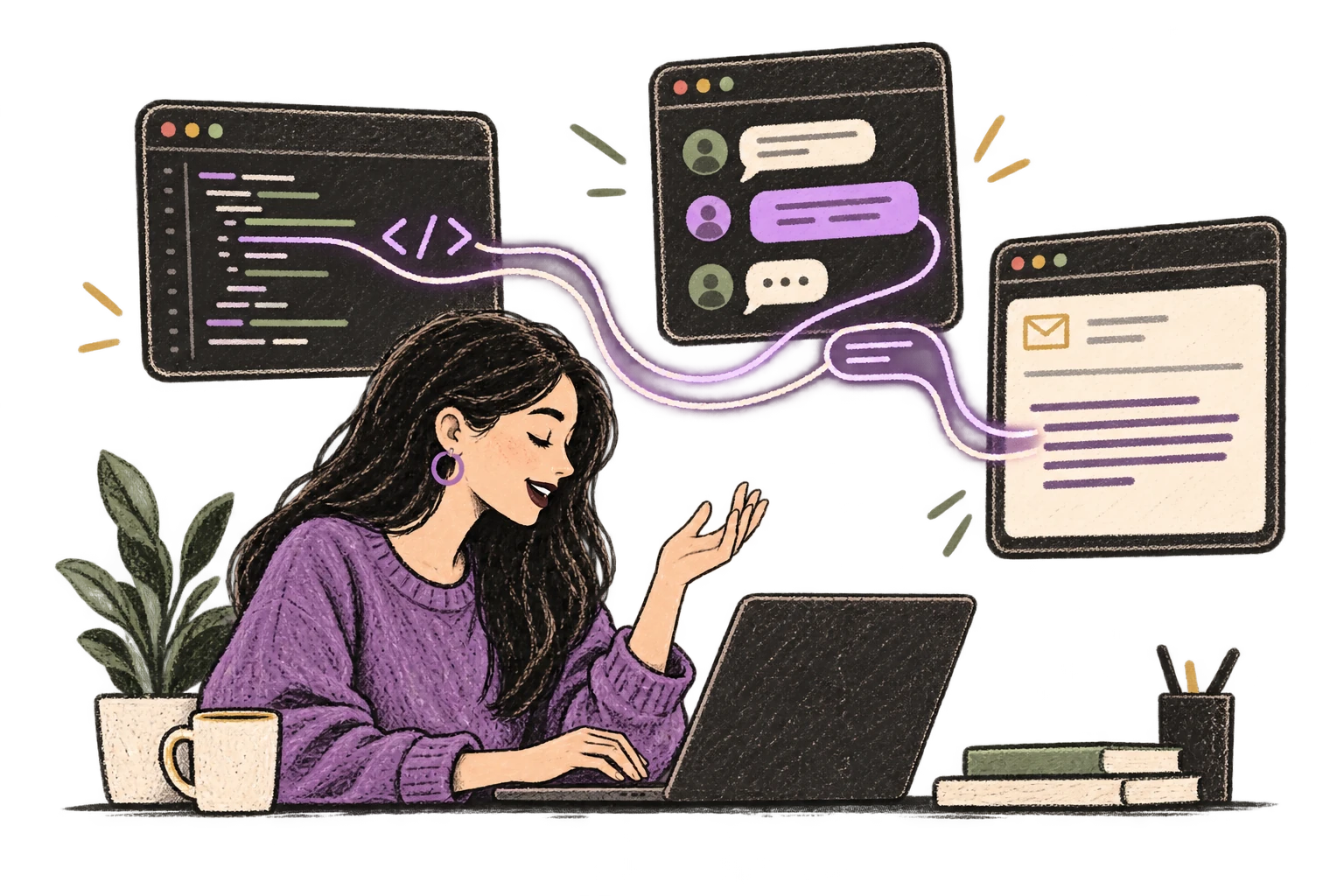
Optionally let AI see your screen for smarter responses. Reply to emails with full context, answer messages knowing the conversation history.
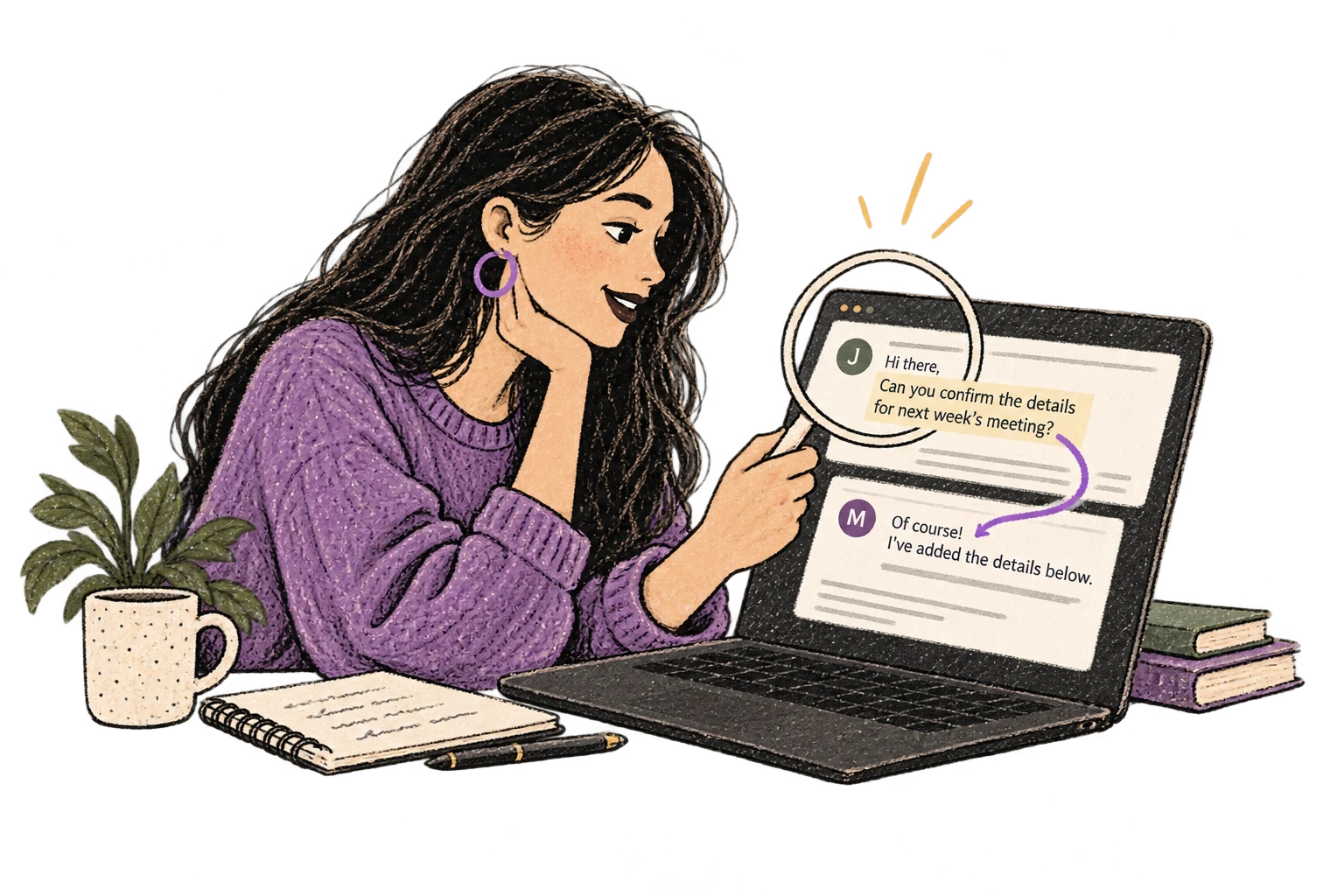
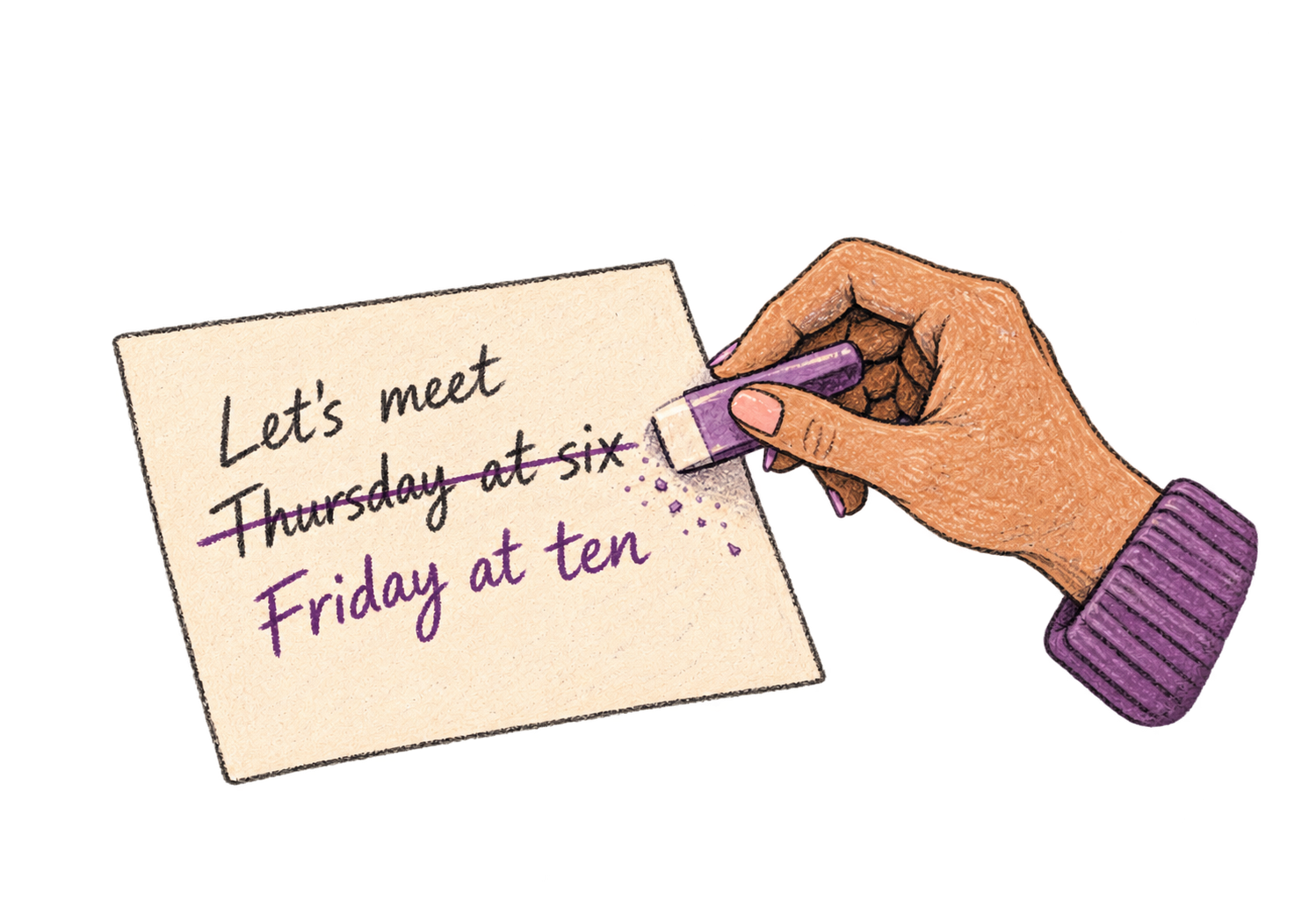
Say 'scratch that' to delete mistakes, 'actually' to rephrase. Fix errors without stopping your flow or touching the keyboard.
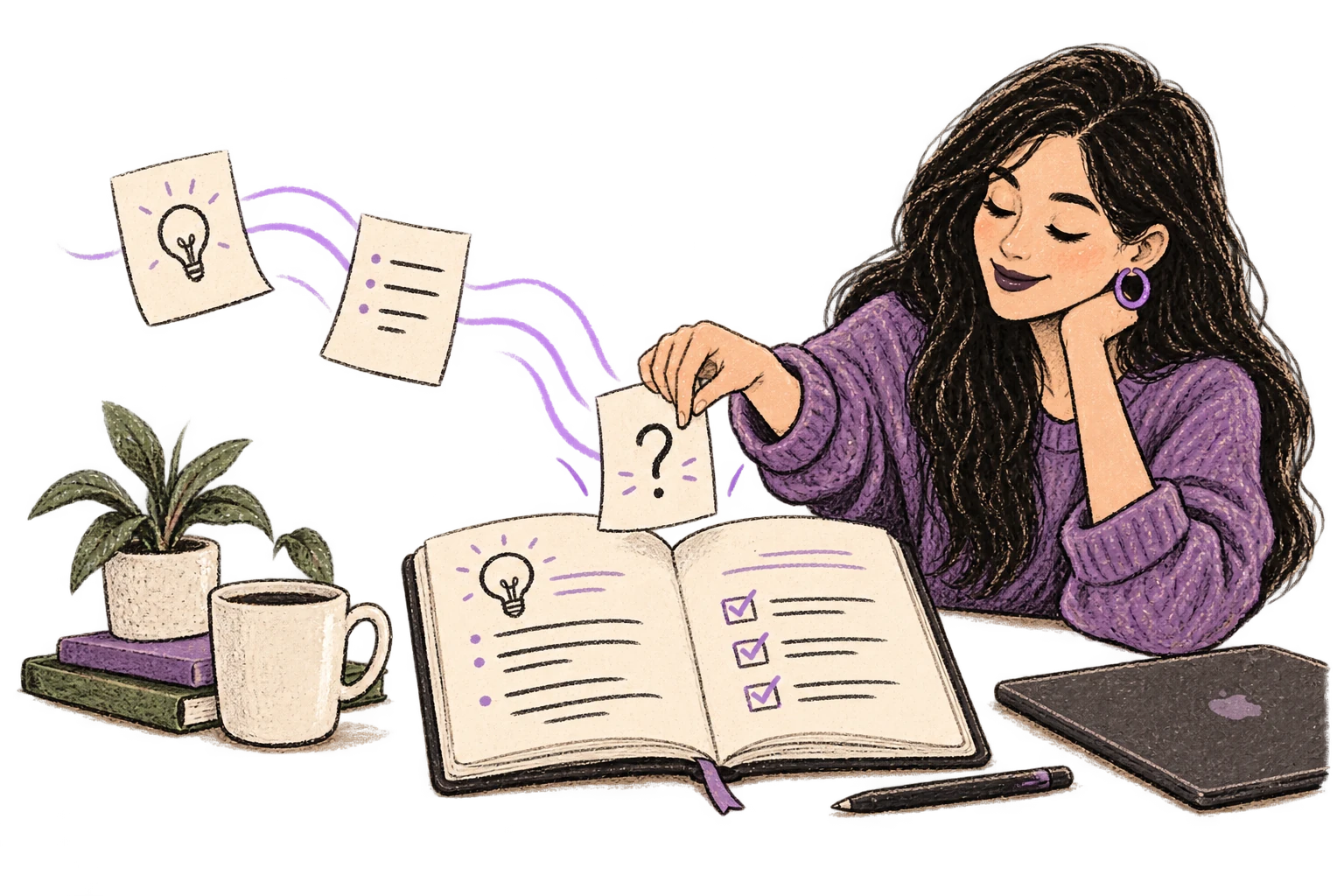
Define custom text replacements and shortcuts. Say 'work signature' to expand your full email signature, or 'my address' for your contact info.

Transform text as you speak: 'Ottex start fix grammar Ottex end'. Edit, improve, translate—all by voice.

Speaking naturally gives AI agents more context than typing. Describe your intent, explain edge cases, mention file names—your voice carries nuance that typing shortcuts.
Cloud AI models excel at technical jargon, code terminology, and specialized vocabulary.
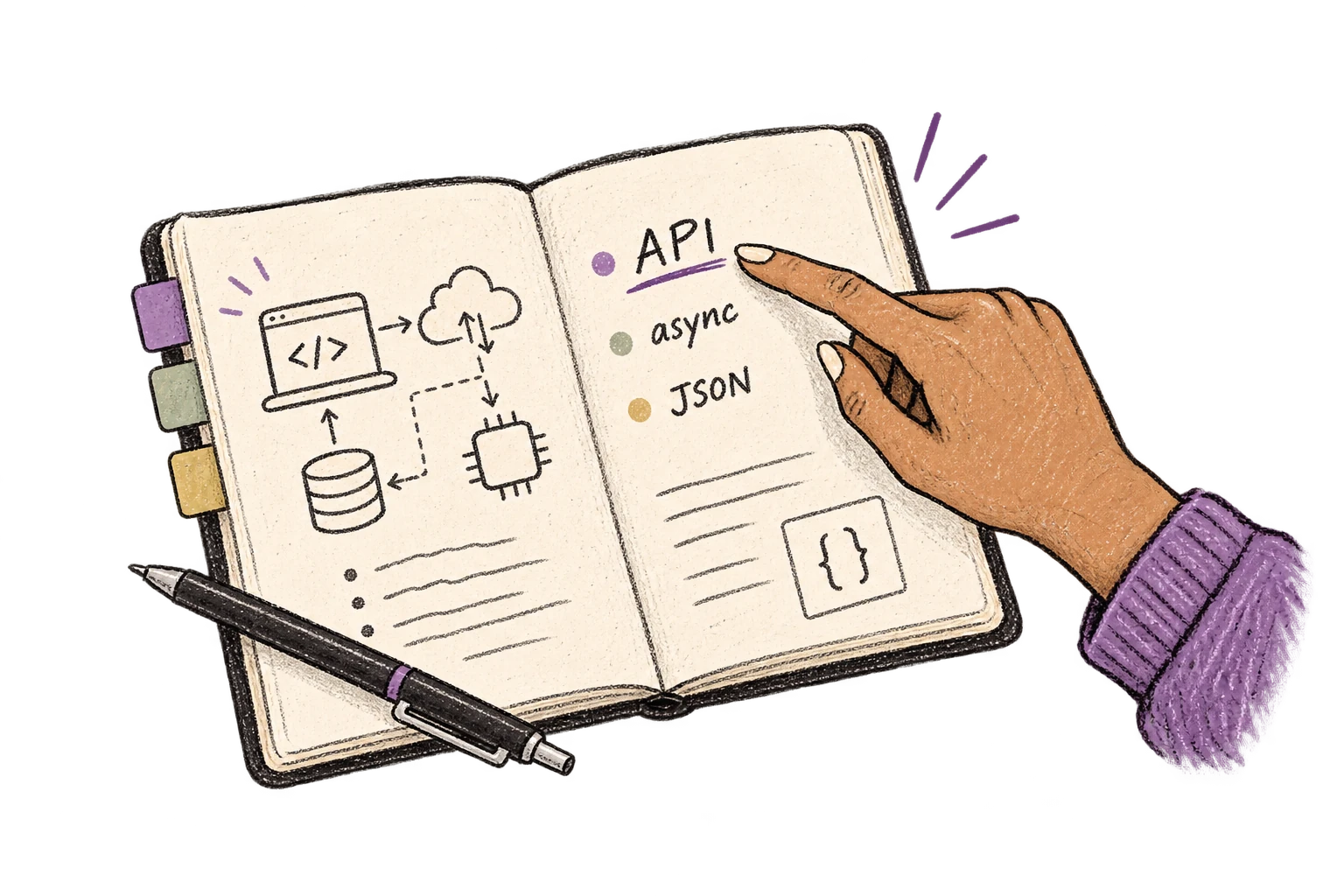
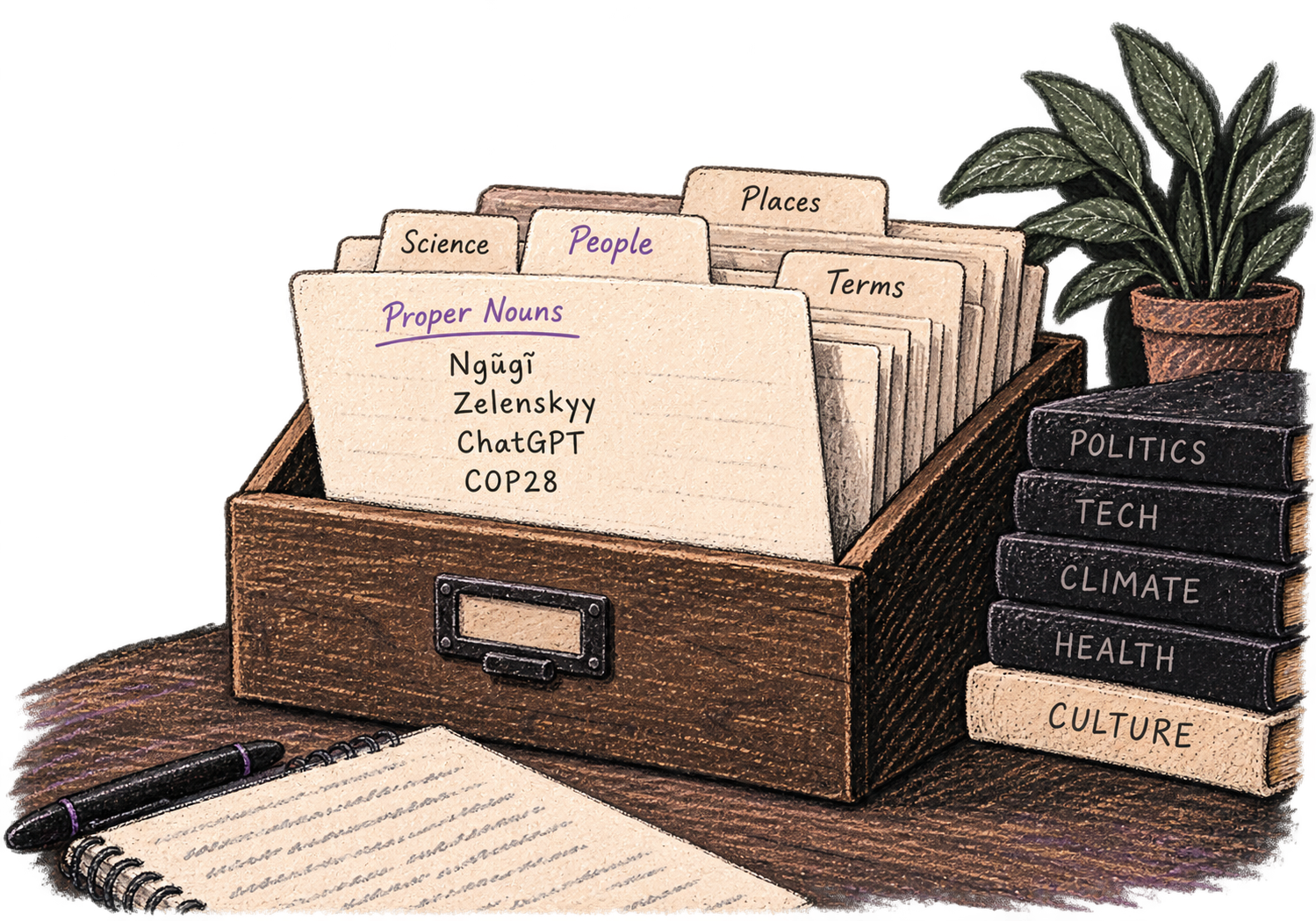
Add names, technical terms, and jargon. Ottex transcribes them accurately every time.
Say 'new paragraph', 'open quote', 'em dash', 'ellipsis'. Full formatting control by voice.

Reply to Slack messages 3x faster. Dictate casual updates, detailed explanations, or quick acknowledgments without switching context.
Read this example aloud, or say something of your own.
Reply to YouTube comments, Twitter threads, or social media mentions by voice. Stay engaged with your audience without the typing fatigue.
Works with
Read this example aloud, or say something of your own.
Dictate email responses with the right tone. Use context awareness to see the full thread, then speak your reply naturally.
Read this example aloud, or say something of your own.
Dictate technical documentation, READMEs, or API docs. Speaking lets you explain context, edge cases, and examples naturally—better docs with less effort.
Works with
Read this example aloud, or say something of your own.
Dictate meeting notes in real-time or right after. Capture action items, decisions, and key points while they're fresh in your mind.
Works with
Read this example aloud, or say something of your own.
Yes. Ottex is system-wide on macOS and works anywhere you can type. Discord, Slack, Circle, Discourse, community forums, anywhere. One hotkey (Option+D) for all platforms.
Create custom modes for different contexts. Set up a warm, welcoming mode for new member greetings and a professional mode for moderation. Ottex adapts to each context automatically based on which app you're in.
Yes. Use snippets for frequent messages: 'welcome template', 'rules reminder', 'event announcement'. Say the snippet name to expand it, then personalize by voice. Fast and still feels authentic.
When you type fast, you write short, cold messages. When you speak, you naturally sound warmer and more caring. Your authentic tone comes through because speaking is how humans communicate naturally. Members feel the difference.
Voice helps you stay calm during tense situations. Speak your moderation notes while they're fresh, dictate clear explanations of rule violations, and document incidents for your records. All without the typing fatigue that makes tough conversations harder.
Ottex is free forever with local models (Whisper runs on your Mac). For cloud transcription with Gemini 3 Flash, bring your own API key (~$1-3/mo) or subscribe to premium ($9/mo) for zero-config setup.
Download free. Respond to members by voice.
Try for freeNo credit card required.