3x Faster Than Typing
Speak 150+ words per minute vs 40 wpm typing. Finish tasks in a third of the time.

Write essays without the struggle
Read this example aloud, or say something of your own.
Your voice. Right where you work.
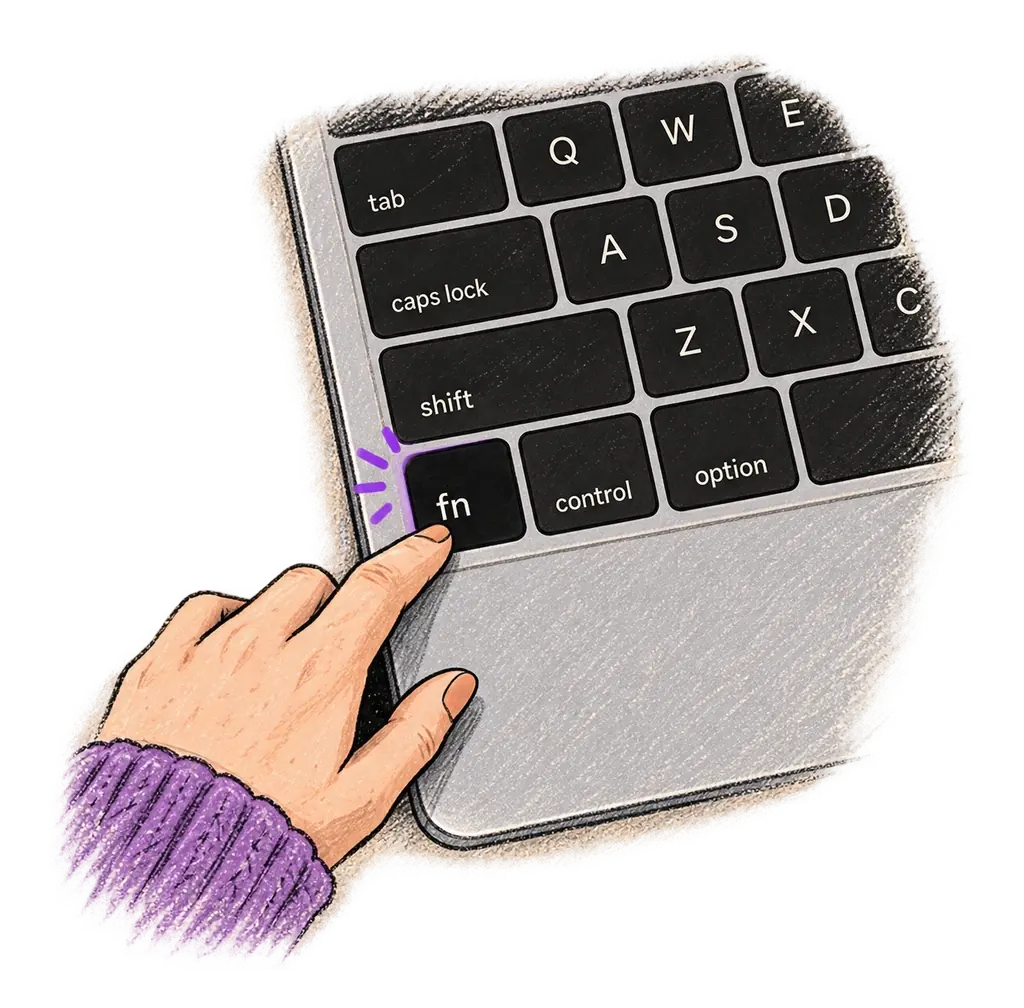
Place your cursor in any app, then hold the Fn key.
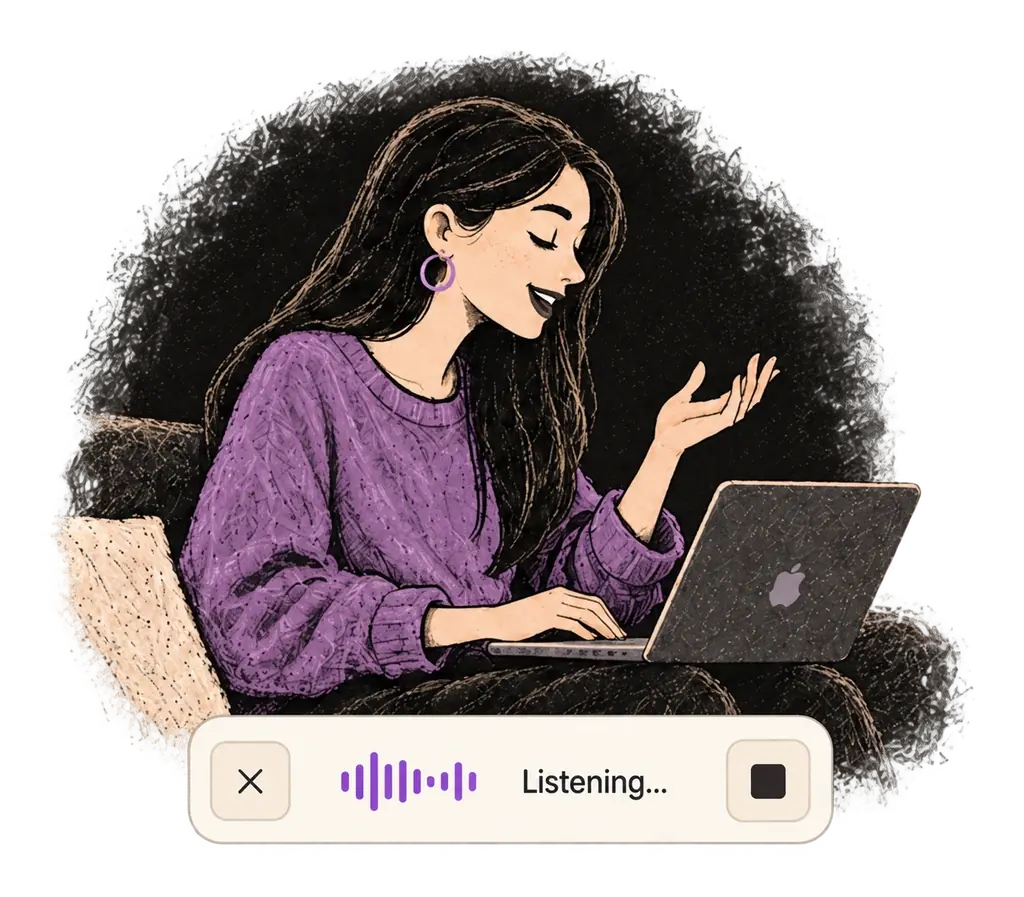
Say what you want to write. Ottex follows your saved writing rules.
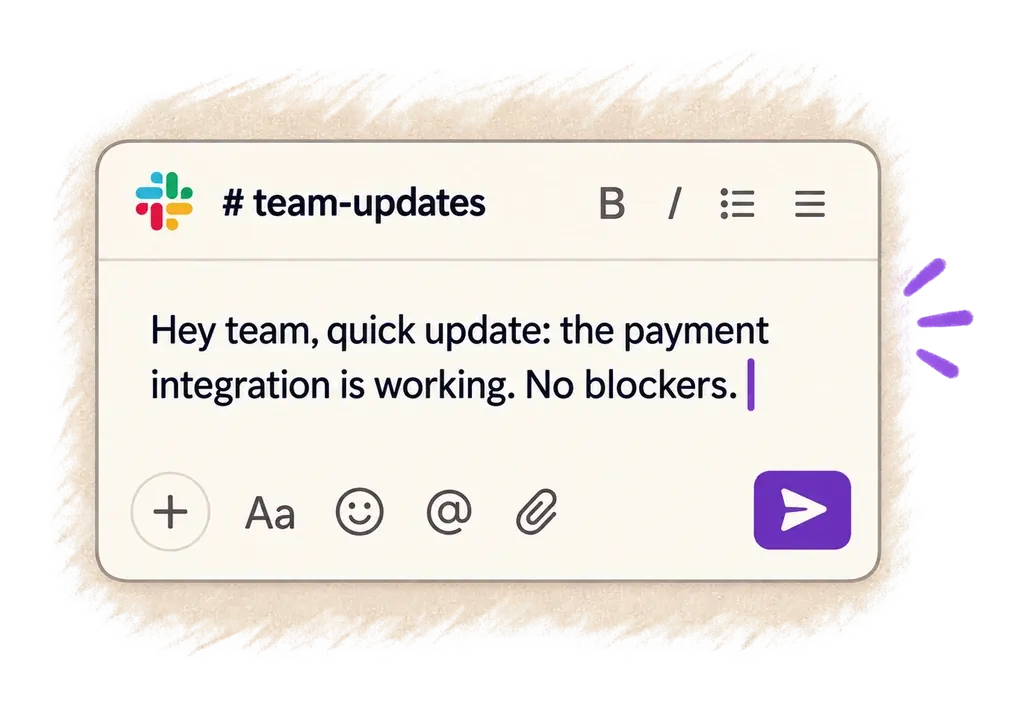
Your text appears right where your cursor is.
Ottex works system-wide on macOS. Dictate directly into these apps and more.
And any other app that accepts text input. See all supported apps
Concrete benefits with real-world impact
Speak 150+ words per minute vs 40 wpm typing. Finish tasks in a third of the time.
Transform casual dictation into formal prose with AI commands. Perfect for essays and papers.
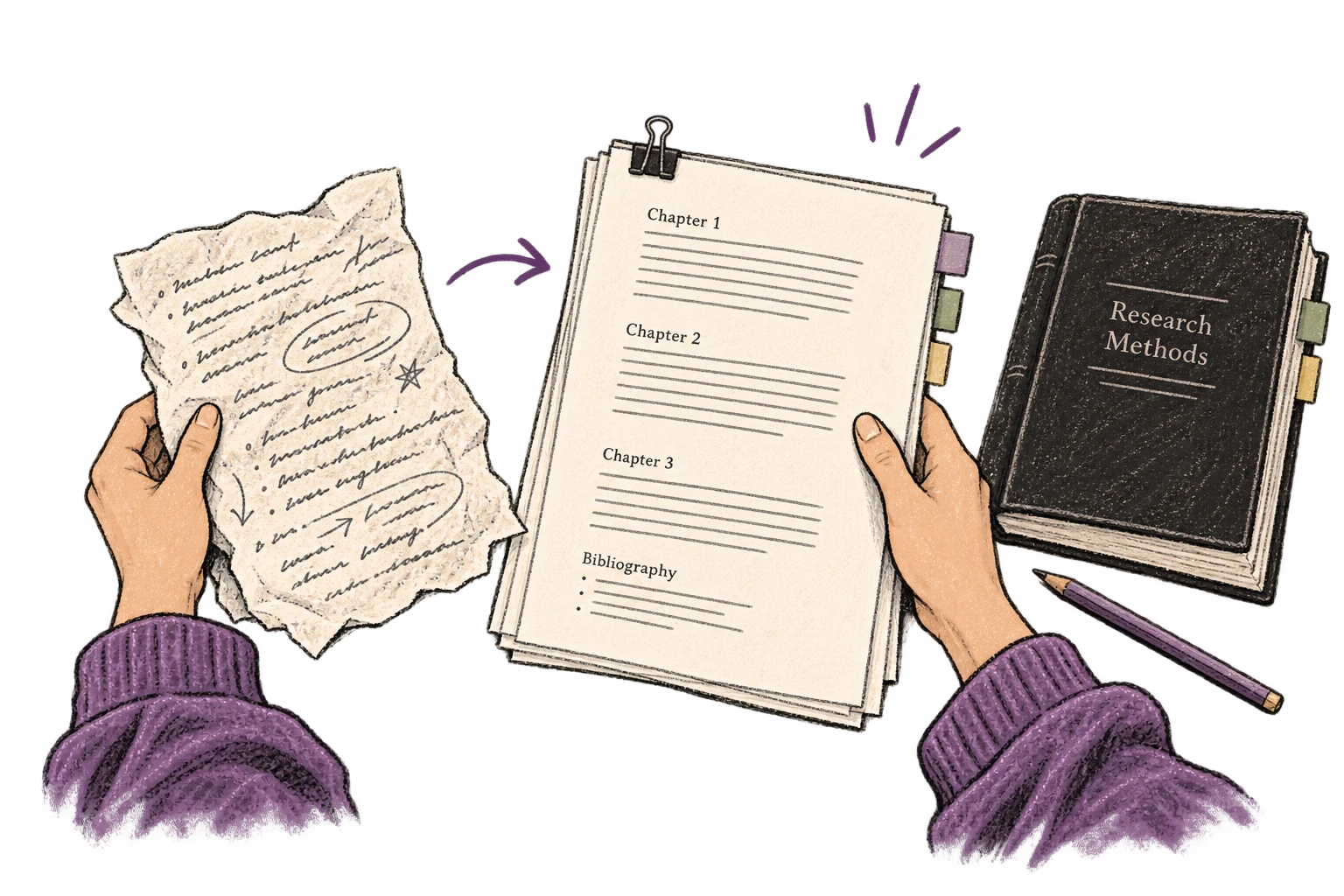
Transform text as you speak: 'Ottex start fix grammar Ottex end'. Edit, improve, translate—all by voice.
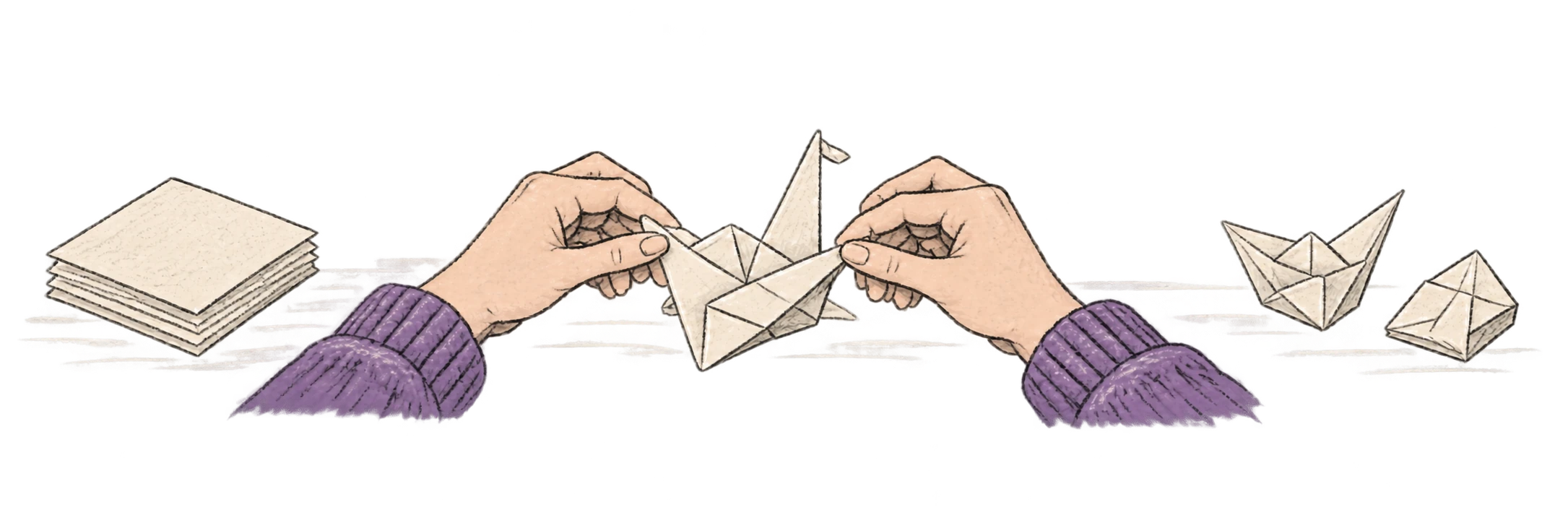
Say 'scratch that' to delete mistakes, 'actually' to rephrase. Fix errors without stopping your flow or touching the keyboard.
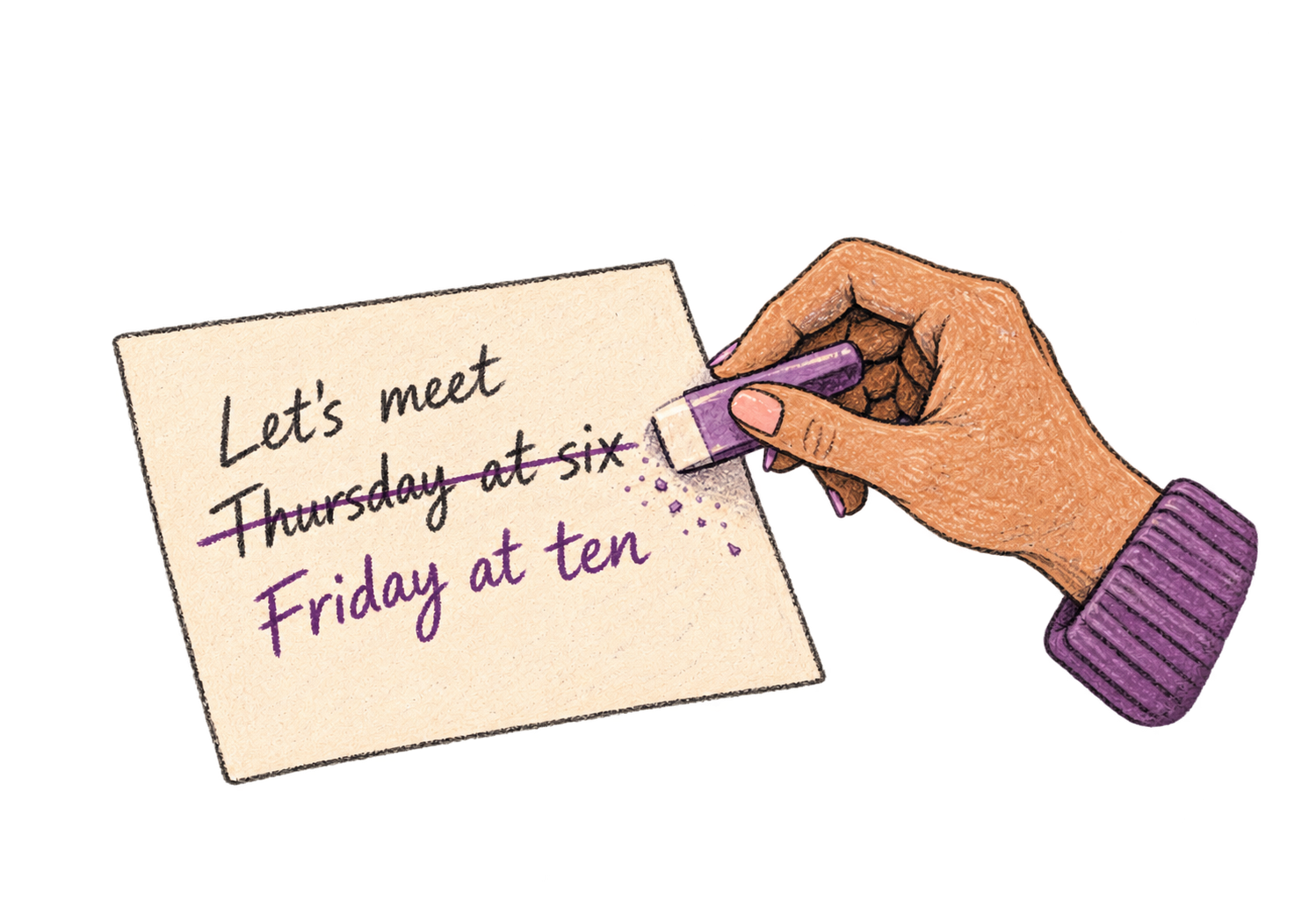
Say 'new paragraph', 'open quote', 'em dash', 'ellipsis'. Full formatting control by voice.

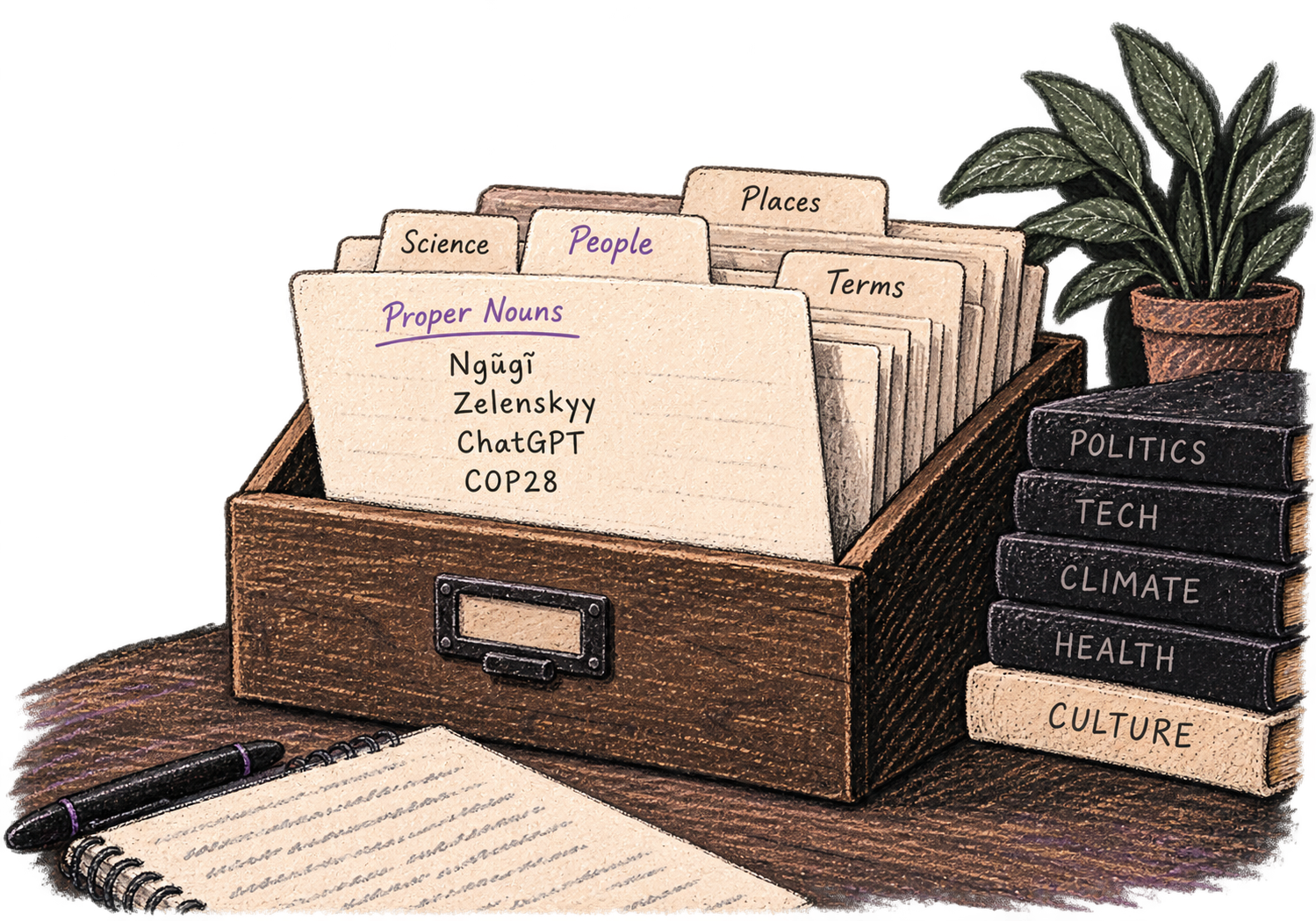
Add names, technical terms, and jargon. Ottex transcribes them accurately every time.
Speaking naturally gives AI agents more context than typing. Describe your intent, explain edge cases, mention file names—your voice carries nuance that typing shortcuts.
Dictate prompts to ChatGPT, Claude, Perplexity—anywhere you type. Better prompts, better answers.
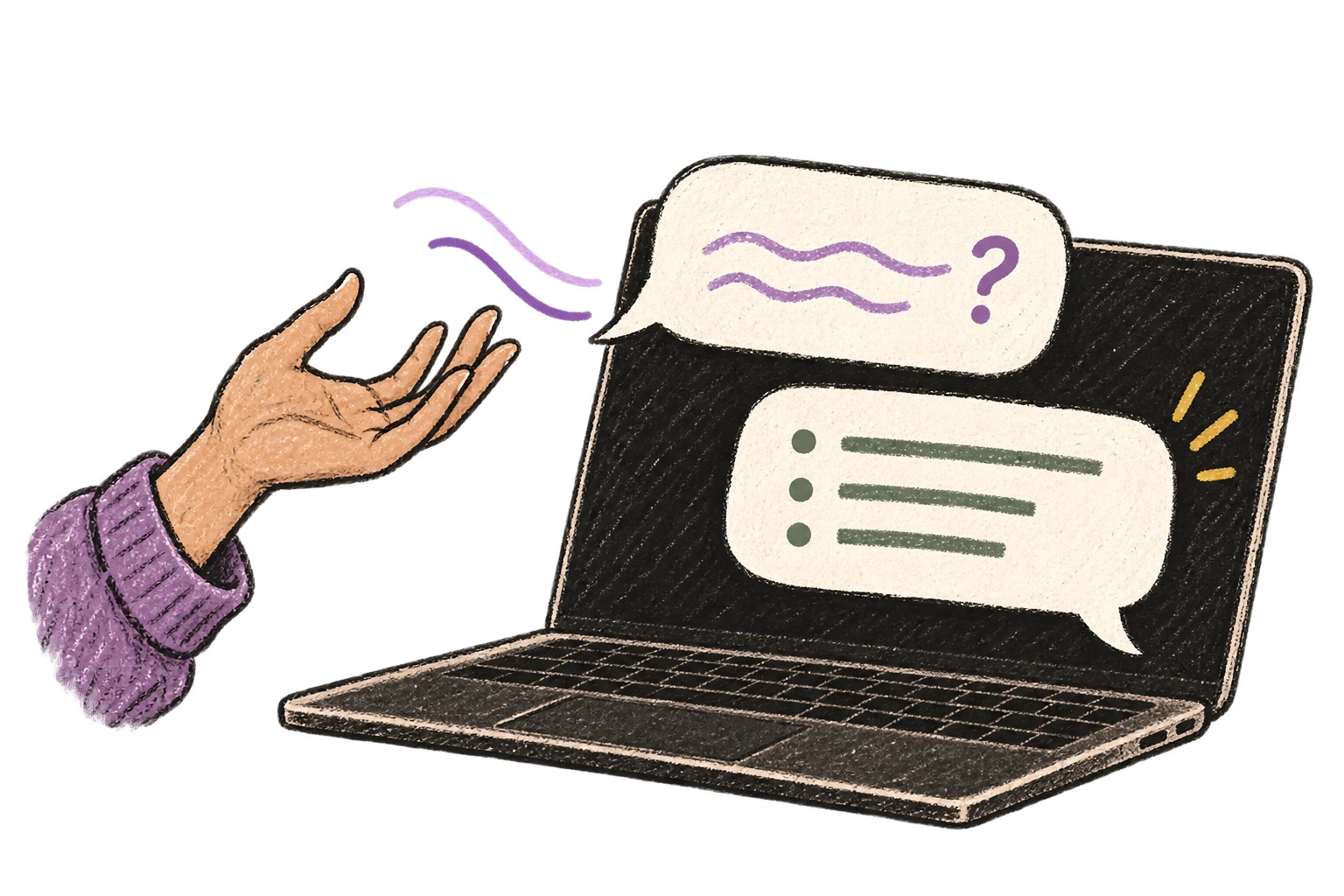
Start recording with Option+D, use Push-to-Talk, or cancel with Esc. All shortcuts are fully configurable.
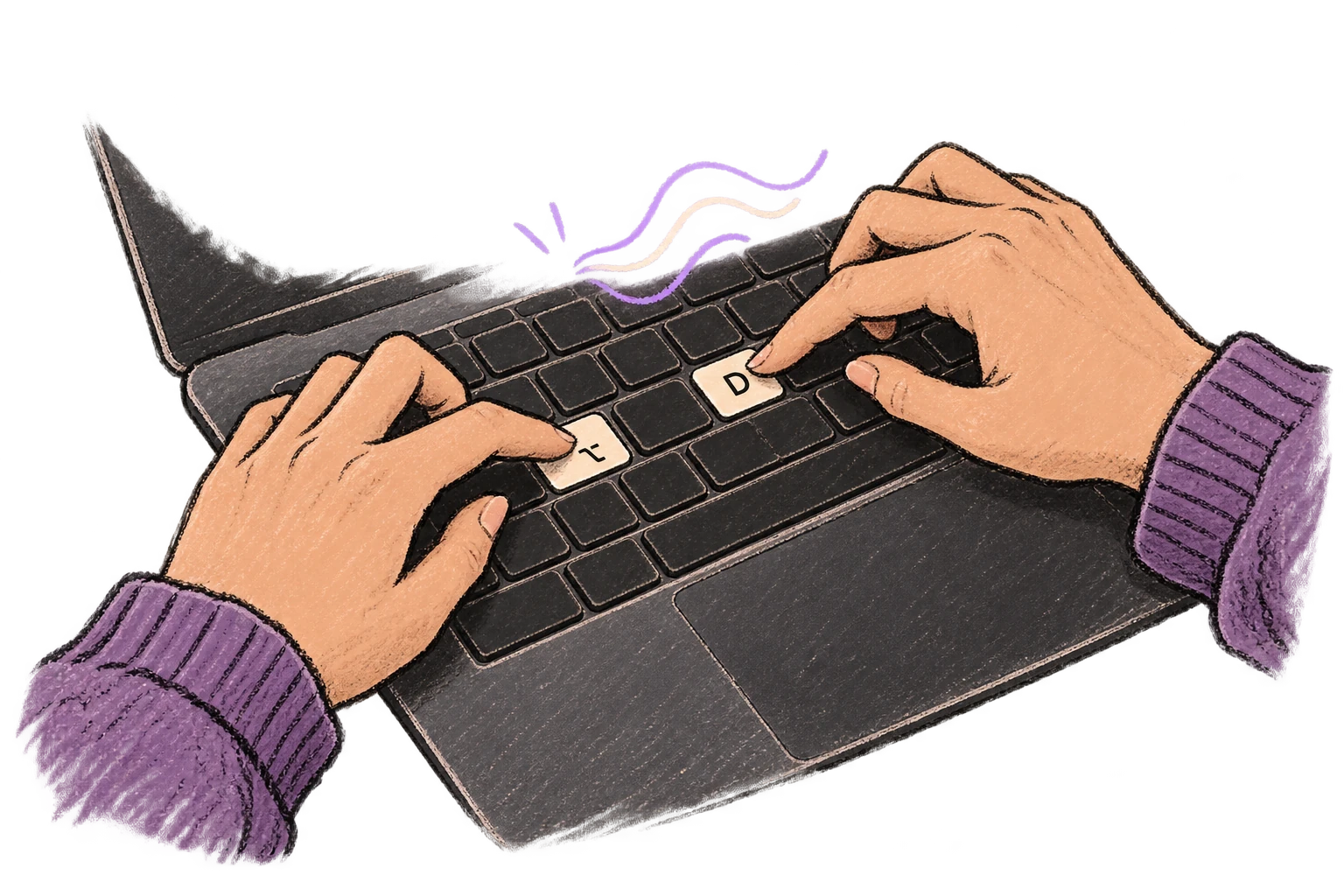
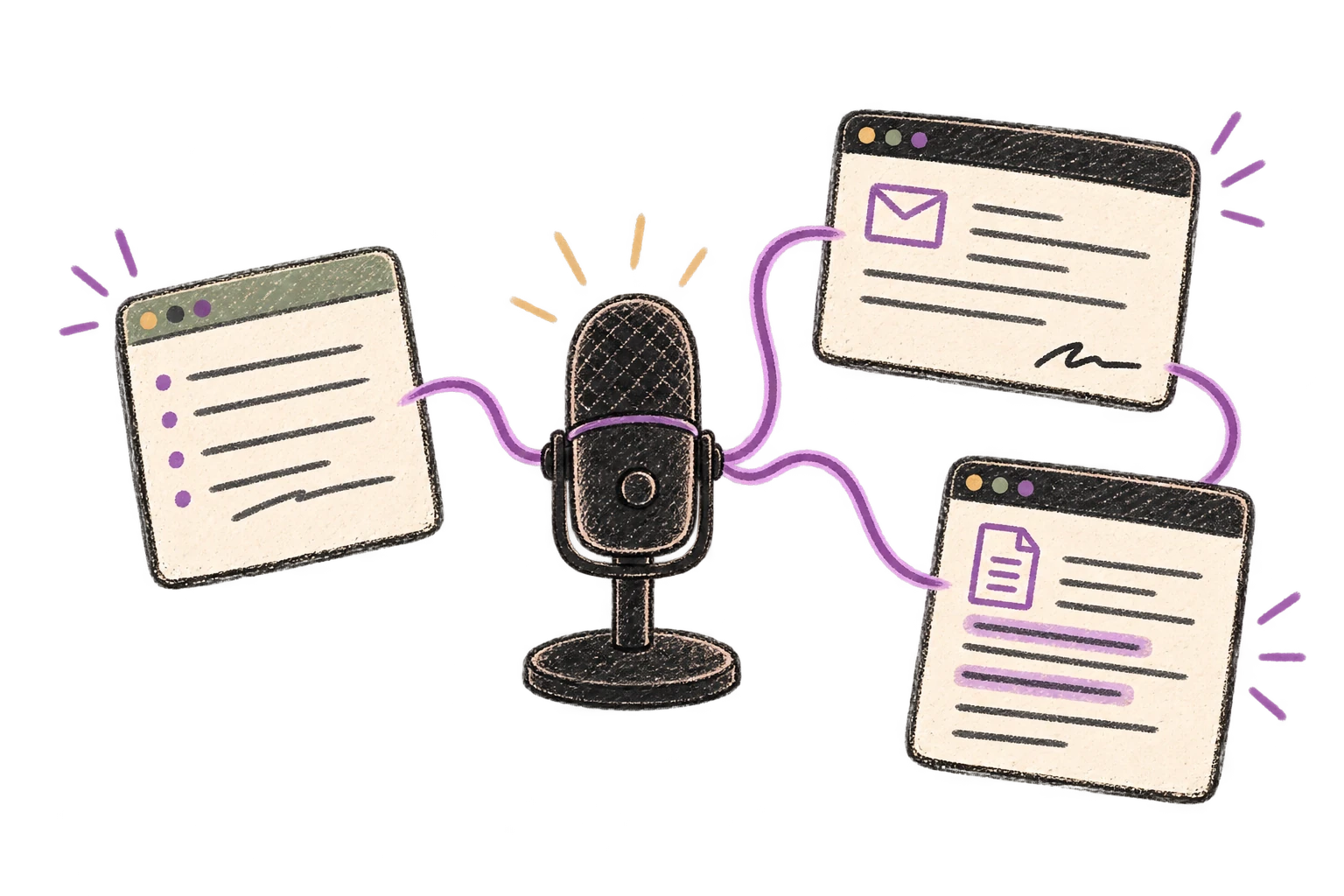
System-wide on macOS—Ottex works wherever you can type. No app-specific integrations needed.
Automatically removes filler words like 'um', 'uh', 'like', 'so' from your transcription. Get clean, professional text without verbal hesitations.
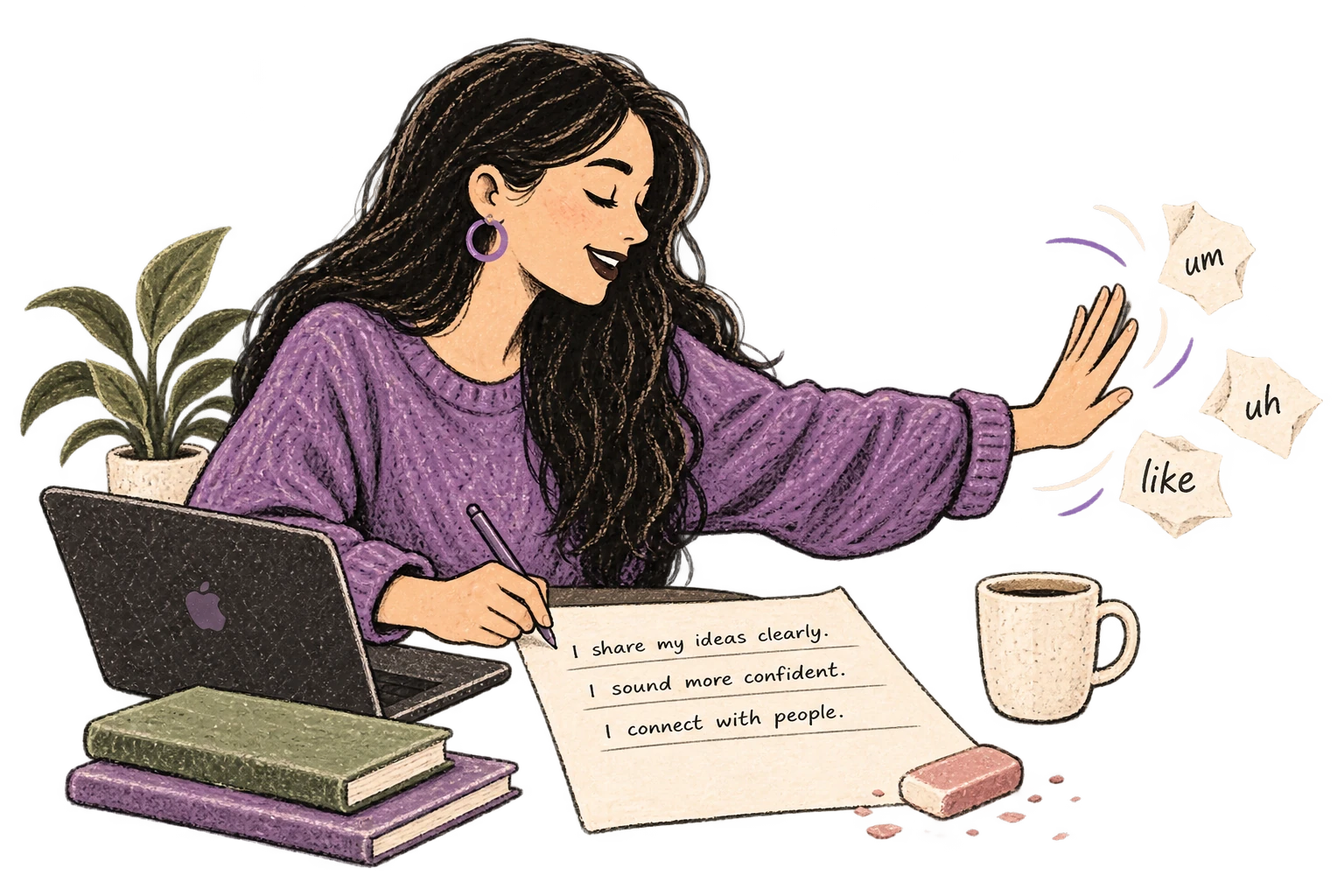
Dictate essays, papers, or assignments. Speak your arguments naturally, then use AI commands to formalize your writing.
Read this example aloud, or say something of your own.
Dictate research notes, literature summaries, or analysis. Capture your thinking process without losing momentum to typing.
Works with
Read this example aloud, or say something of your own.
Dictate prompts to ChatGPT, Claude, Perplexity, or any AI chatbot. Speaking naturally lets you give more context—better context means better results.
Read this example aloud, or say something of your own.
Speak ideas the moment they hit you. Use Ottex anywhere to capture thoughts, then refine them later.
Works with
Read this example aloud, or say something of your own.
No. Ottex is a dictation tool—it transcribes your own words. You're still doing the thinking and writing. It's like typing with your voice instead of your fingers.
Absolutely. Voice dictation is effective for getting your arguments and analysis down quickly. You can dictate citations, format with 'new paragraph', and use AI commands to polish your academic prose.
Yes. The blank page is intimidating because typing makes you edit as you write. Speaking lets you dump your ideas first, then edit later. Many students report that talking through their thesis helps clarify their thinking.
Yes. Ottex works everywhere you can type, including ChatGPT, Claude, and Perplexity. Dictate prompts faster for homework help, essay brainstorming, or research questions. More context in your prompts means better AI answers.
Free with local models. With BYOK (bring your own key), most students spend $1-3/month on API costs. That's less than a single coffee. No subscription trap—just pay for what you use, or pay nothing with local transcription.
Yes. Say 'new paragraph', 'bullet point', 'quote', 'em dash', etc. You have full formatting control without touching the keyboard. Works well for citations, lists, and structured arguments.
Yes—especially well. Gemini 3 Flash provides excellent transcription quality across 100+ languages, including mid-sentence language switching. Many international students find voice dictation faster than typing in their second language.
Download free. Use local models at $0/mo or BYOK at ~$1-3/mo.
Try for freeNo credit card required.