3x Faster Than Typing
Speak 150+ words per minute vs 40 wpm typing. Finish tasks in a third of the time.

Dictate prompts to ChatGPT, Claude, Perplexity, or any AI chatbot. Speaking naturally lets you give more context—better context means better results.
Read this example aloud, or say something of your own.
Your voice. Right where you work.

Place your cursor in any app, then hold the Fn key.

Say what you want to write. Ottex follows your saved writing rules.

Your text appears right where your cursor is.
Everything you need to do this job efficiently
Speak 150+ words per minute vs 40 wpm typing. Finish tasks in a third of the time.
Speaking naturally gives AI agents more context than typing. Describe your intent, explain edge cases, mention file names—your voice carries nuance that typing shortcuts.
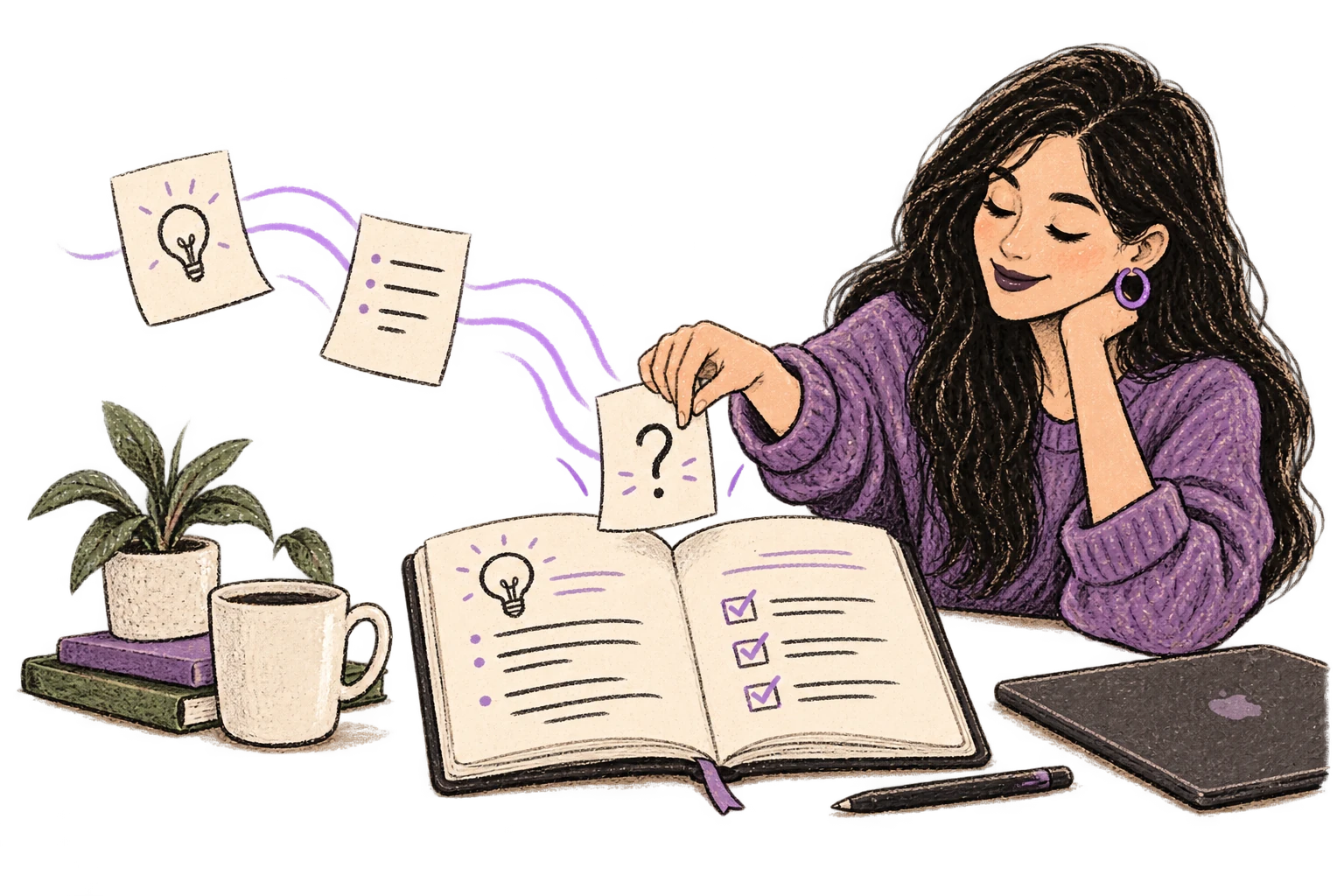
Dictate prompts to ChatGPT, Claude, Perplexity—anywhere you type. Better prompts, better answers.
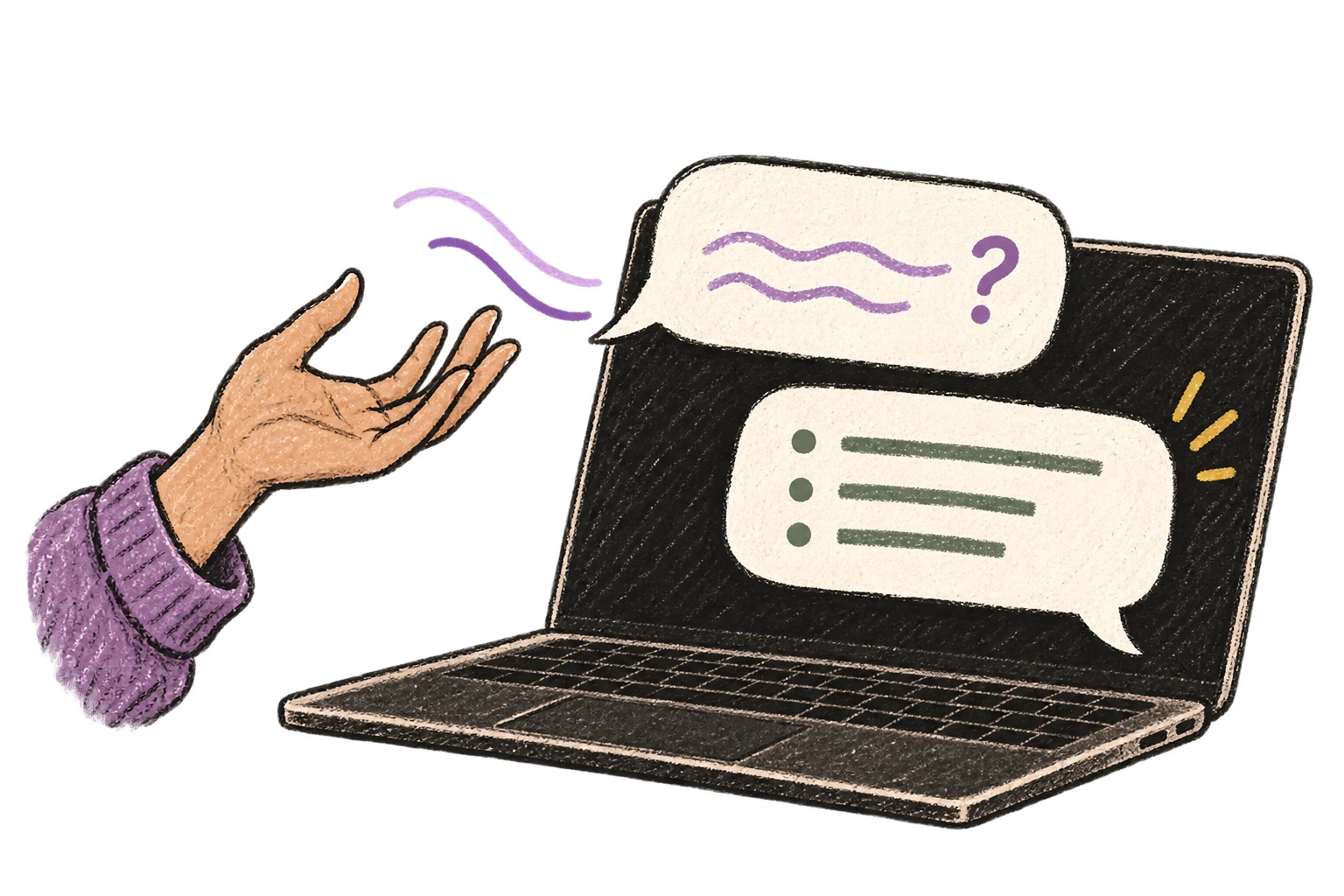
Say 'scratch that' to delete mistakes, 'actually' to rephrase. Fix errors without stopping your flow or touching the keyboard.

Transform text as you speak: 'Ottex start fix grammar Ottex end'. Edit, improve, translate—all by voice.

Professionals who rely on Ottex for chat with ai
From analysis to strategy deck in hours, not days
Strategic partner, not stenographer
Capture design rationale without leaving the canvas
Create more content, engage more developers
Document vulnerabilities faster, respond to incidents in real-time
Speak your newsletter. Ship every week.
Yes. Ottex types into any text field on macOS, including ChatGPT's web interface, Claude.ai, Perplexity, and any other AI chatbot in your browser.
Speaking lets you give more context naturally. You explain nuances, add examples, and specify constraints without the friction of typing — and better prompts mean better AI responses.
Yes. Ottex handles prompts of any length. Speak for 30 seconds or 5 minutes — it cleans up filler words and structures your prompt clearly.
Yes. Ottex automatically removes filler words, false starts, and self-corrections so your prompt reads clean and professional.
Other ways to use Ottex
Dictate contracts, briefs, or legal memos. Use custom dictionary for legal terms and client names.
Say 'new paragraph', 'bullet point', 'open quote' and get exactly what you mean. Full formatting control without touching the keyboard.
Dictate technical documentation, READMEs, or API docs. Speaking lets you explain context, edge cases, and examples naturally—better docs with less effort.
Dictate email responses with the right tone. Use context awareness to see the full thread, then speak your reply naturally.
Defeat writer's block by speaking your first draft. Don't edit as you go—just talk through your ideas and refine them later.
Reply to YouTube comments, Twitter threads, or social media mentions by voice. Stay engaged with your audience without the typing fatigue.
Get 4+ hours back every week from typing, formatting, and re-prompting AI.
Try for freeNo credit card required.