3x Faster Than Typing
Speak 150+ words per minute vs 40 wpm typing. Finish tasks in a third of the time.

Dictate contracts, briefs, or legal memos. Use custom dictionary for legal terms and client names.
Read this example aloud, or say something of your own.
Your voice. Right where you work.
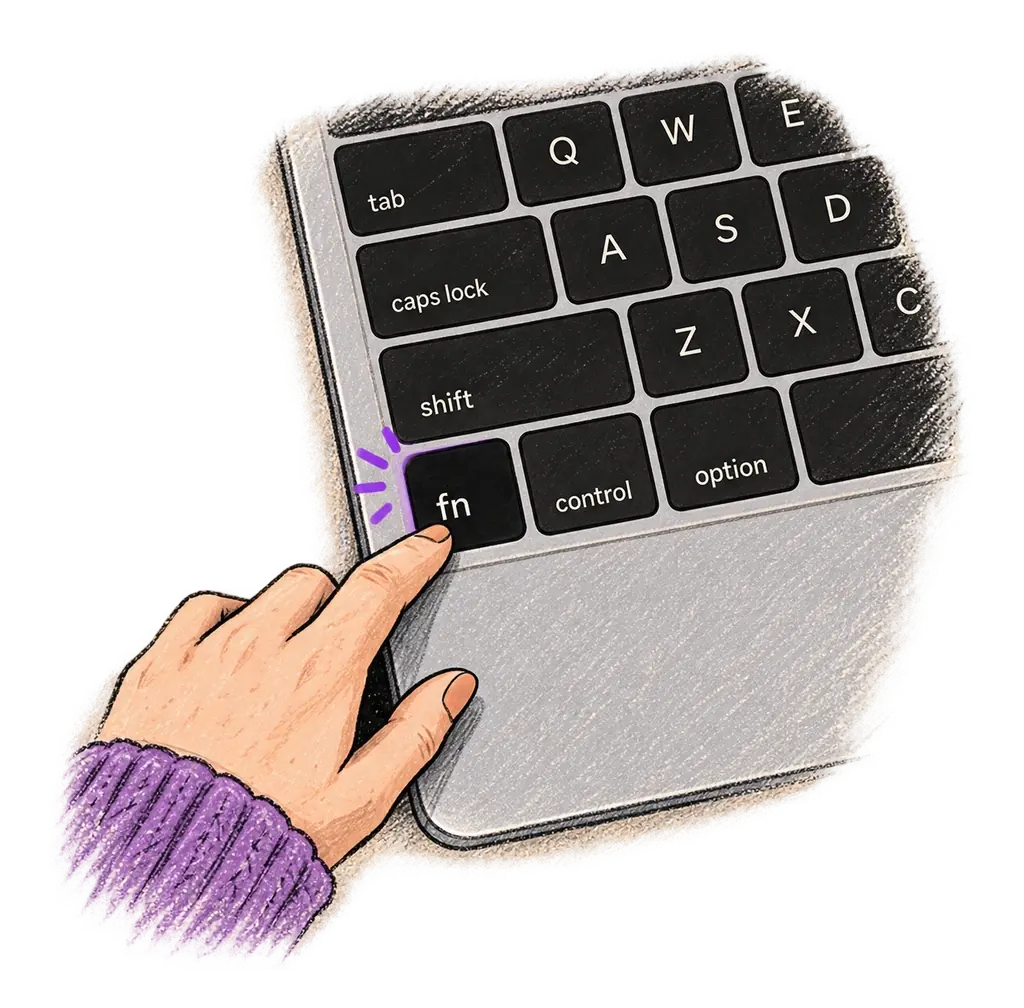
Place your cursor in any app, then hold the Fn key.
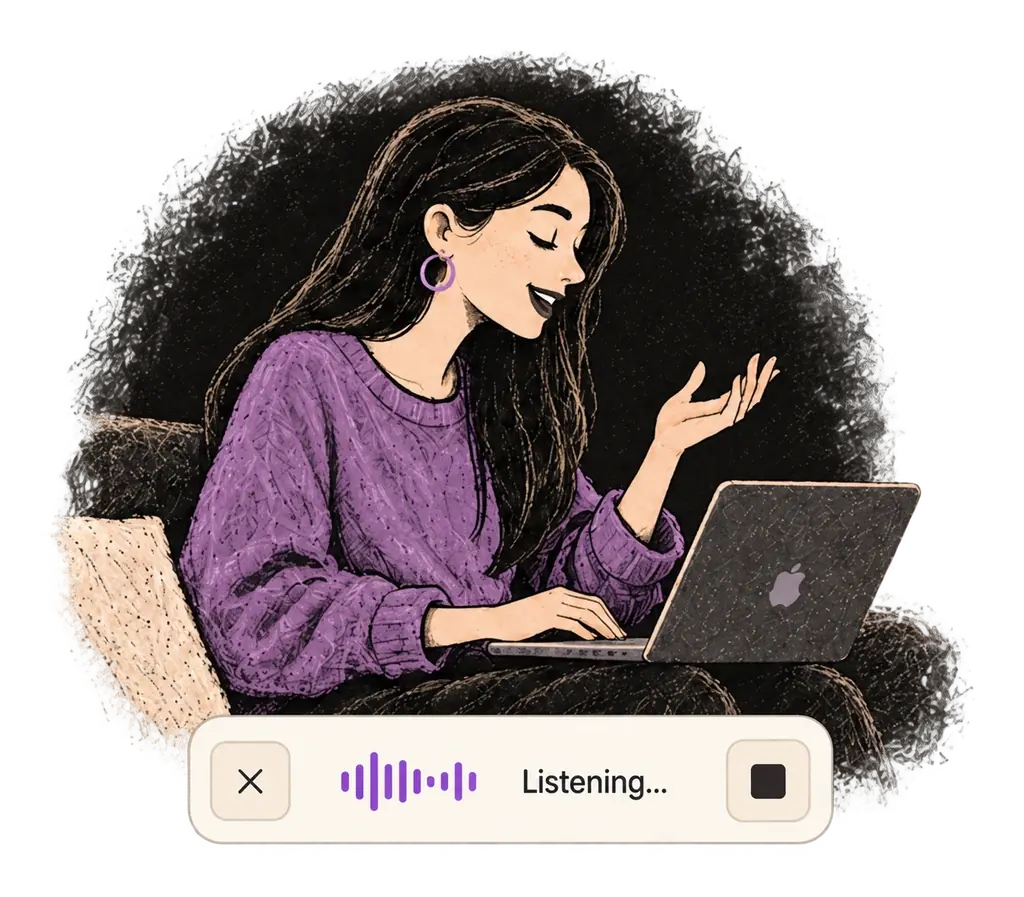
Say what you want to write. Ottex follows your saved writing rules.
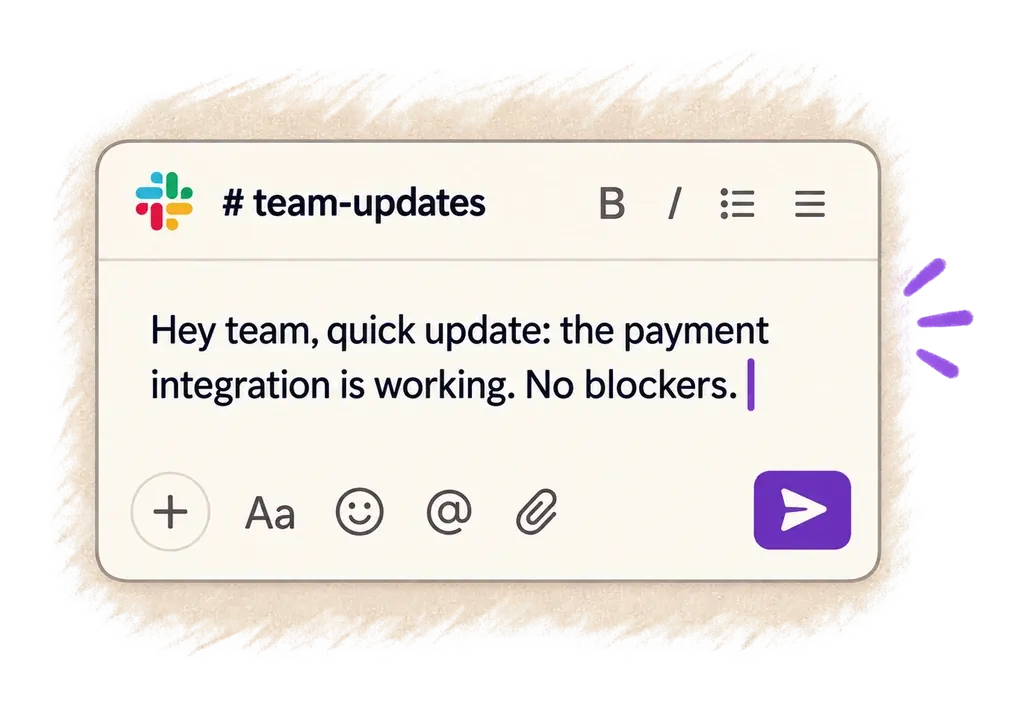
Your text appears right where your cursor is.
Everything you need to do this job efficiently
Speak 150+ words per minute vs 40 wpm typing. Finish tasks in a third of the time.
Add names, technical terms, and jargon. Ottex transcribes them accurately every time.
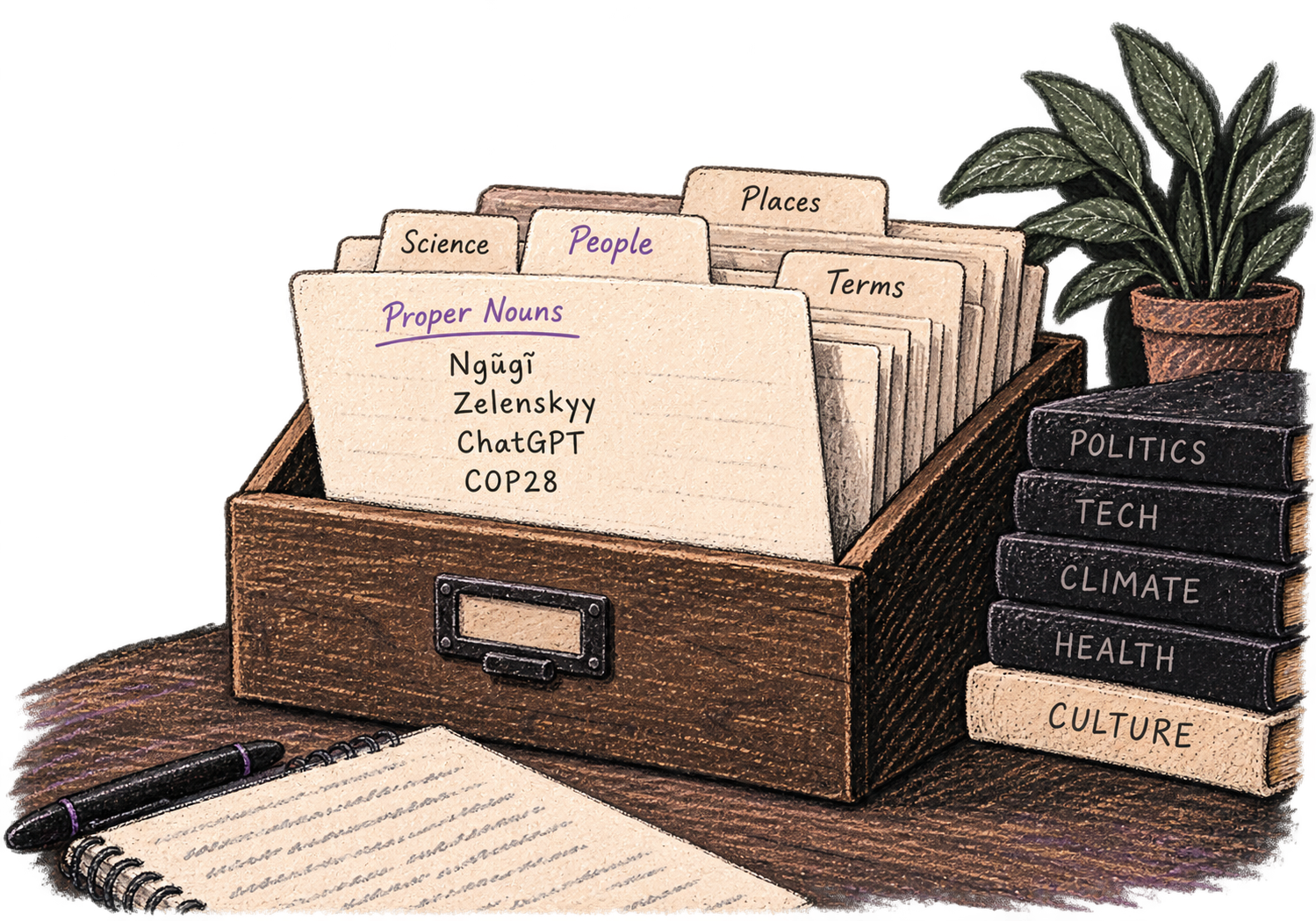
Say 'new paragraph', 'open quote', 'em dash', 'ellipsis'. Full formatting control by voice.

No screen capture, ever. Your audio goes directly to your API provider. Ottex never sees your data.

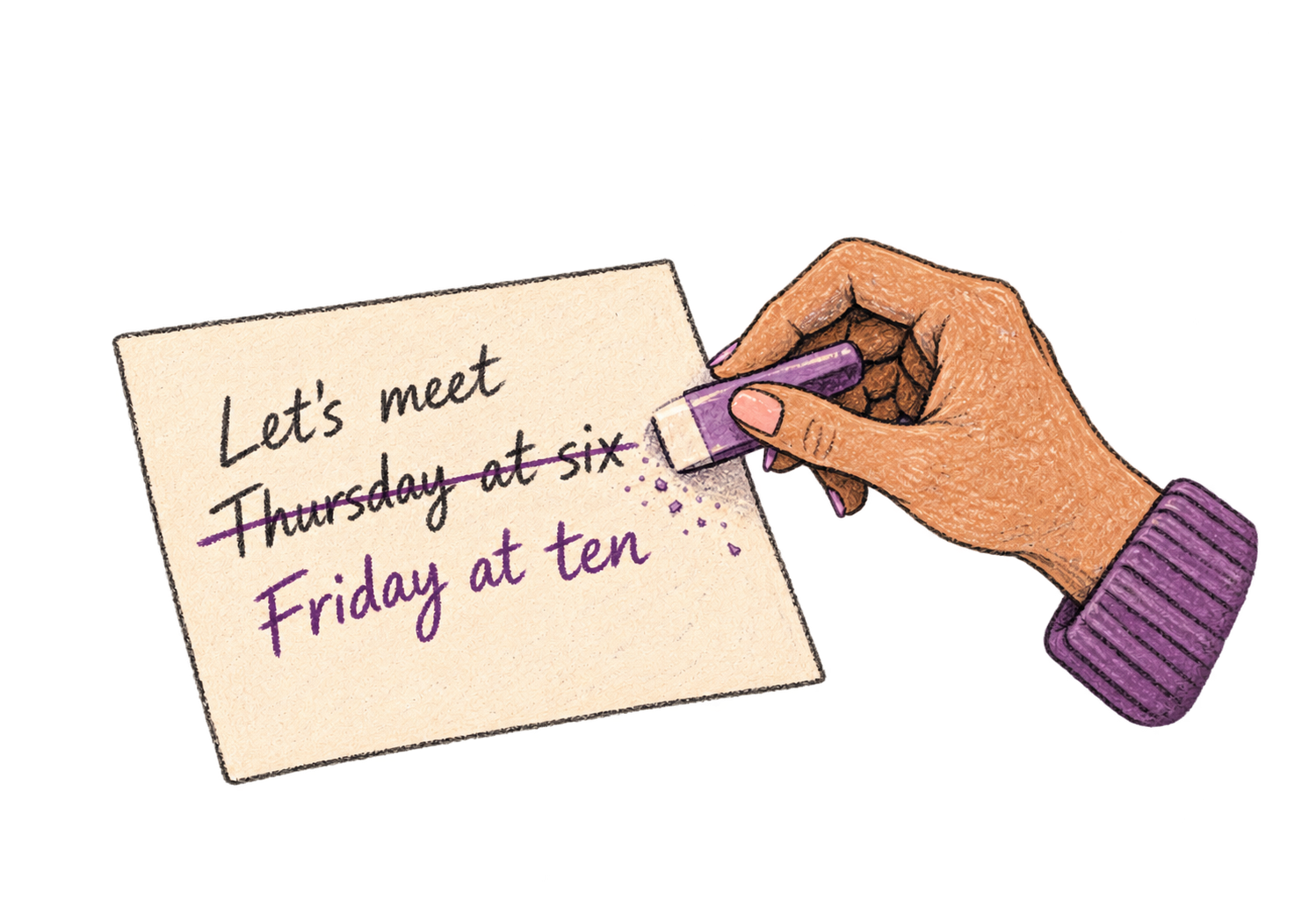
Say 'scratch that' to delete mistakes, 'actually' to rephrase. Fix errors without stopping your flow or touching the keyboard.
Professionals who rely on Ottex for legal docs
Yes. Add case names, legal terms, Latin phrases, and client names to your custom dictionary. Ottex transcribes 'res judicata', 'voir dire', and firm-specific terms correctly.
Yes. Ottex types into any text field — Microsoft Word, Google Docs, iManage, NetDocuments, or any browser-based legal tool on macOS.
Yes. Use formatting commands for numbered paragraphs, sections, and subsections. Custom modes can enforce your firm's document formatting standards.
Drafting by voice is 3x faster than typing. More efficient drafting means more billable output per hour — and time entries are more detailed when dictated right after the work.
Other ways to use Ottex
Dictate property descriptions that highlight what makes each listing special. Polish with AI for maximum appeal.
Dictate tweets, LinkedIn posts, blog articles, or newsletters. Turn your thoughts into content faster than ever.
Dictate time entries with detailed descriptions. Never lose track of what you worked on.
Reply to Slack messages 3x faster. Dictate casual updates, detailed explanations, or quick acknowledgments without switching context.
Dictate interview feedback immediately after each call. Speaking lets you capture nuance and context that gets lost when typing quickly.
Dictate email responses with the right tone. Use context awareness to see the full thread, then speak your reply naturally.
Get 4+ hours back every week from typing, formatting, and re-prompting AI.
Try for freeNo credit card required.