3x Faster Than Typing
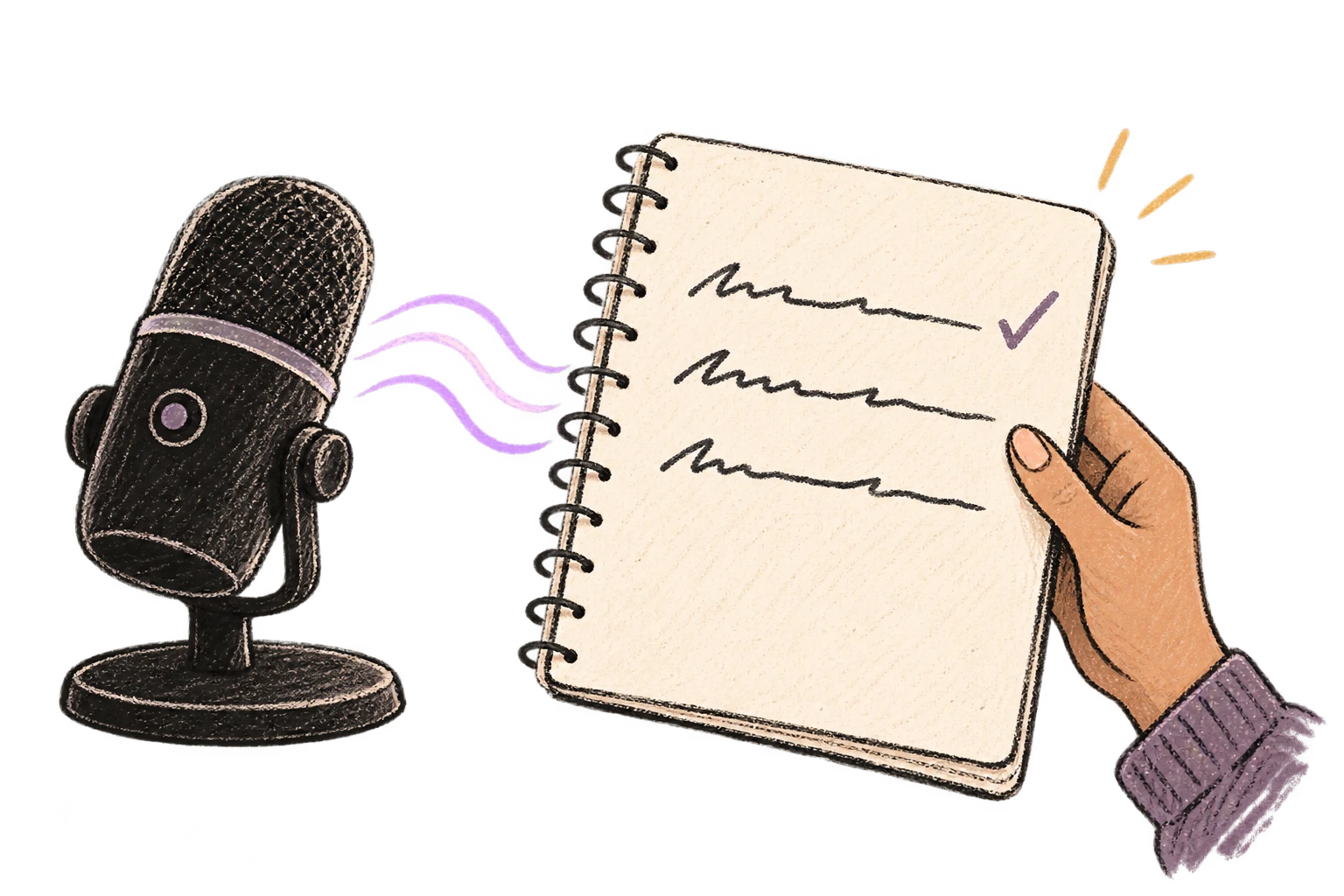
Speak 150+ words per minute vs 40 wpm typing. Finish tasks in a third of the time.

Defeat writer's block by speaking your first draft. Don't edit as you go—just talk through your ideas and refine them later.
Read this example aloud, or say something of your own.
Your voice. Right where you work.

Place your cursor in any app, then hold the Fn key.

Say what you want to write. Ottex follows your saved writing rules.

Your text appears right where your cursor is.
Everything you need to do this job efficiently
Speak 150+ words per minute vs 40 wpm typing. Finish tasks in a third of the time.
Say 'scratch that' to delete mistakes, 'actually' to rephrase. Fix errors without stopping your flow or touching the keyboard.

Transform text as you speak: 'Ottex start fix grammar Ottex end'. Edit, improve, translate—all by voice.

Cloud AI models transcribe your voice with 99% accuracy. Filler words like 'um' and 'like' are automatically cleaned up.
Professionals who rely on Ottex for first draft
Draft posts at the speed of thought. Publish more, stress less.
From interview to article in record time
Document brand strategy without breaking creative flow
From interview to insight, faster
Write dialogue that sounds real. Because you spoke it first.
Create more content, close more commissions
Speaking bypasses the 'inner editor' that causes blank-page paralysis. When you talk, ideas flow naturally — you can always edit later, but first you need words on the page.
Yes. Dictate for as long as you need — articles, chapters, essays. Ottex handles any length and keeps your text clean throughout.
Yes. Ottex captures YOUR words and cleans up filler — it doesn't rewrite or change your style. Your voice, your ideas, just cleaner.
Yes. After dictating your raw draft, use inline AI commands like 'make this more concise' or 'formalize this paragraph' to refine specific sections.
Other ways to use Ottex
Reply to Slack messages 3x faster. Dictate casual updates, detailed explanations, or quick acknowledgments without switching context.
Dictate prompts to ChatGPT, Claude, Perplexity, or any AI chatbot. Speaking naturally lets you give more context—better context means better results.
Dictate call notes, update deal stages, or log activities. Keep your CRM current without the tedium.
Dictate Jira tickets, Linear issues, or Asana tasks. Speak the context, acceptance criteria, and details—then move on.
Speak ideas the moment they hit you. Use Ottex anywhere to capture thoughts, then refine them later.
Dictate contracts, briefs, or legal memos. Use custom dictionary for legal terms and client names.
Get 4+ hours back every week from typing, formatting, and re-prompting AI.
Try for freeNo credit card required.