+
=❤️

AI Voice Dictation for Medium

Dictate your Medium articles and stories. Get your ideas out faster, then polish with AI commands.

Text Editor

Example dictation

so just learned something interesting um the best way to get unstuck on a problem is to explain it out loud even if no one's listening new paragraph I was stuck on this thing for hours and the moment I started talking through it everything clicked new paragraph try it next time you're stuck

Read this example aloud, or say something of your own.

Ottex outputs

Just learned something interesting—the best way to get unstuck on a problem is to explain it out loud, even if no one's listening. I was stuck on this thing for hours, and the moment I started talking through it, everything clicked. Try it next time you're stuck.
Profile instructions

Download for macOS

How it works

Your voice. Right where you work.

  1. Hold Fn

    Place your cursor in any app, then hold the Fn key.

  2. Speak naturally

    Say what you want to write. Ottex follows your saved writing rules.

  3. Release. It’s written.

    Your text appears right where your cursor is.

What you can do

Unlock the full power of Medium with your voice

Write Content Posts

Dictate tweets, LinkedIn posts, blog articles, or newsletters. Turn your thoughts into content faster than ever.

Text Editor

Example dictation

so just learned something interesting um the best way to get unstuck on a problem is to explain it out loud even if no one's listening new paragraph I was stuck on this thing for hours and the moment I started talking through it everything clicked new paragraph try it next time you're stuck

Read this example aloud, or say something of your own.

Ottex outputs

Just learned something interesting—the best way to get unstuck on a problem is to explain it out loud, even if no one's listening. I was stuck on this thing for hours, and the moment I started talking through it, everything clicked. Try it next time you're stuck.
Profile instructions

Write First Drafts

Defeat writer's block by speaking your first draft. Don't edit as you go—just talk through your ideas and refine them later.

Notion

Example dictation

so the thing is writing is hard because you never know where to start um I think the best approach is to just get your ideas down first and worry about editing later new paragraph that's what this article is about actually this post is about overcoming the blank page

Read this example aloud, or say something of your own.

Ottex outputs

Writing is hard because you never know where to start. I think the best approach is to just get your ideas down first and worry about editing later. That's what this post is about—overcoming the blank page.
Profile instructions

Why Ottex works great with Medium

Features that make this integration powerful

3x Faster Than Typing

Speak 150+ words per minute vs 40 wpm typing. Finish tasks in a third of the time.

A woman speaks naturally while working on her laptop.

Voice Corrections

Say 'scratch that' to delete mistakes, 'actually' to rephrase. Fix errors without stopping your flow or touching the keyboard.

Thursday at six is crossed out and replaced with Friday at ten.

Inline AI Commands

Transform text as you speak: 'Ottex start fix grammar Ottex end'. Edit, improve, translate—all by voice.

Hands transform paper into a new form.

App-Specific Modes

Ottex detects which app you're in and adapts. Coding mode in Cursor, casual tone in Slack, professional in Gmail—automatic context switching.

One voice adapts to a code editor, chat and email.

Accurate Transcription

Cloud AI models transcribe your voice with 99% accuracy. Filler words like 'um' and 'like' are automatically cleaned up.
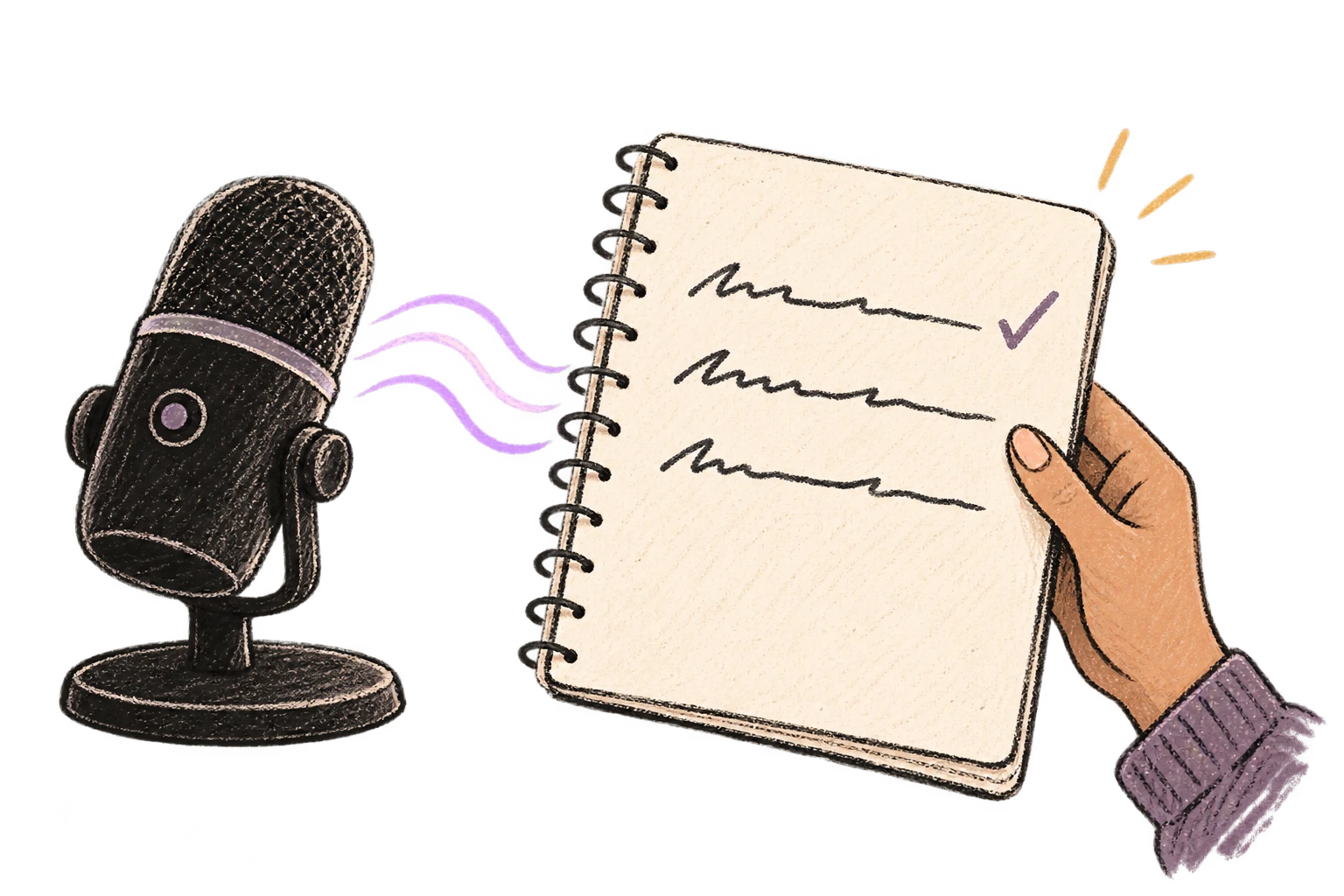
A microphone turns a voice wave into tidy written lines.

Works with your favorite apps

Ottex integrates seamlessly with the tools you use every day

Ready to think at full bandwidth?

Free for personal use. Start speaking in under a minute.

Try for free

No credit card required.


