3x Faster Than Typing
Speak 150+ words per minute vs 40 wpm typing. Finish tasks in a third of the time.

Draft faster, bill smarter
Read this example aloud, or say something of your own.
Your voice. Right where you work.
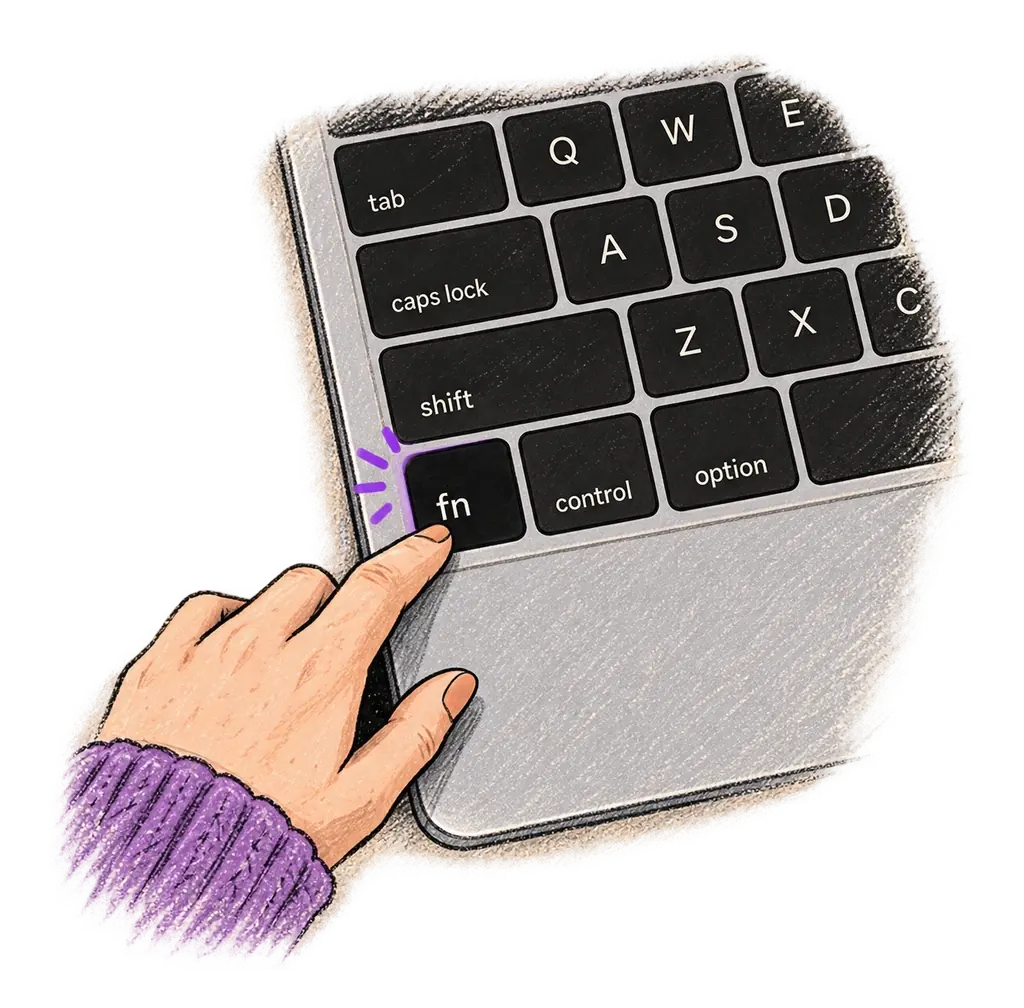
Place your cursor in any app, then hold the Fn key.
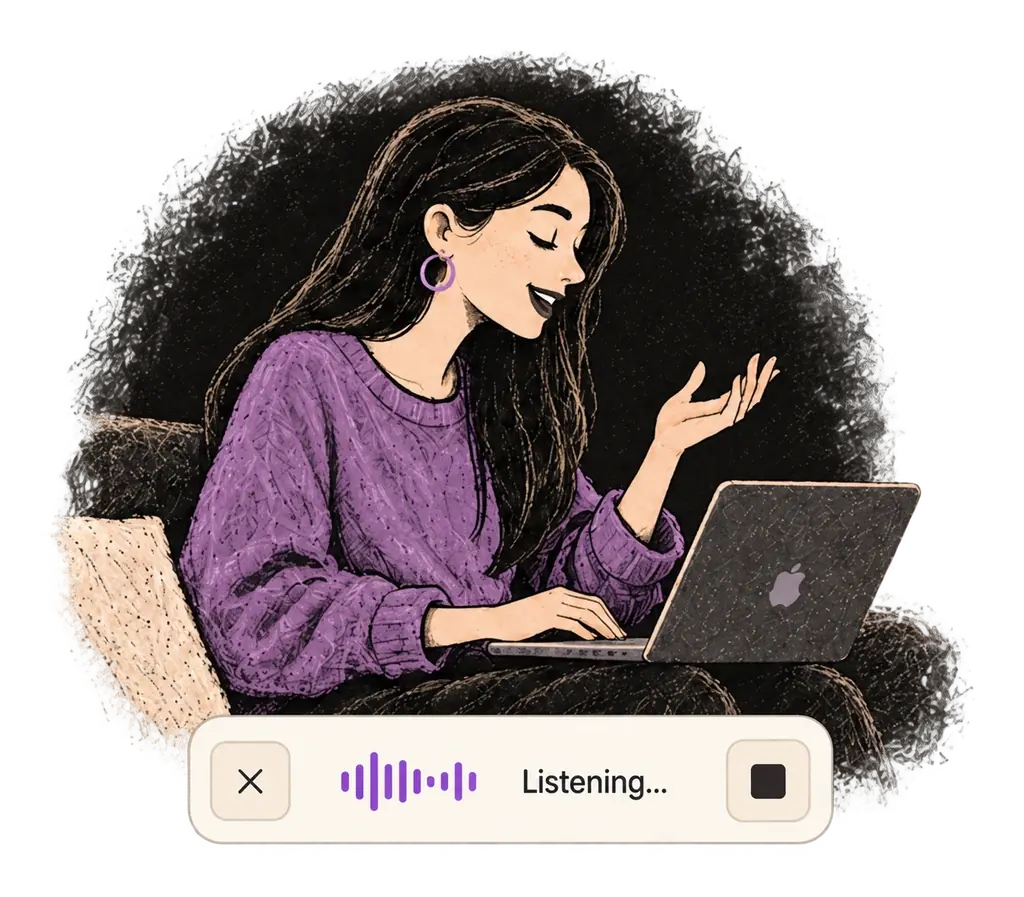
Say what you want to write. Ottex follows your saved writing rules.
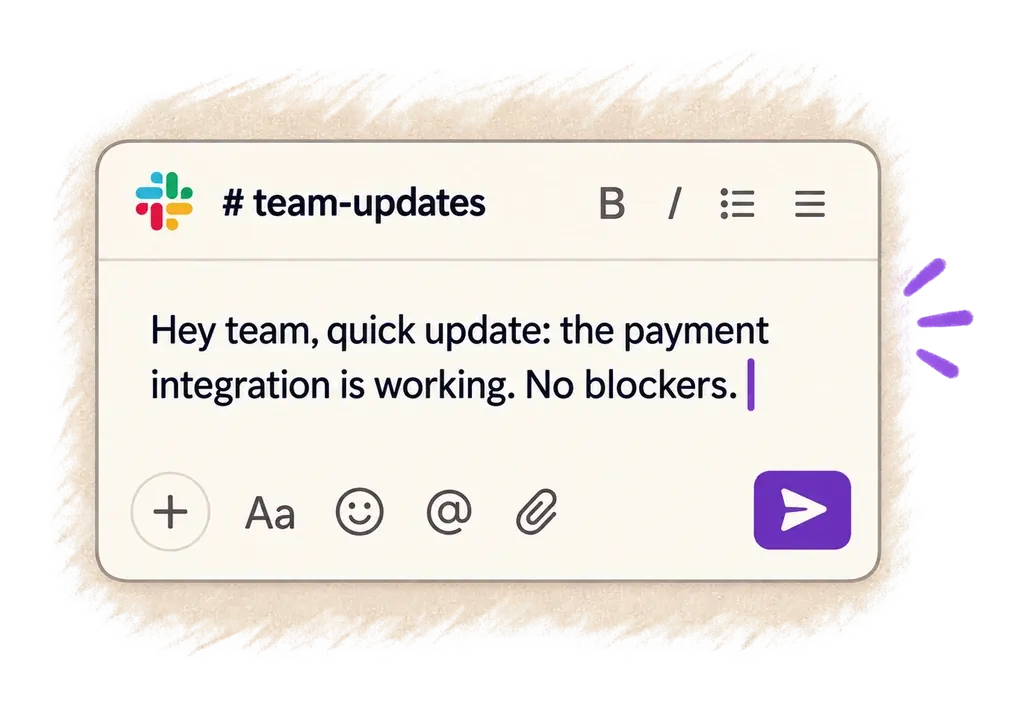
Your text appears right where your cursor is.
Ottex works system-wide on macOS. Dictate directly into these apps and more.
And any other app that accepts text input. See all supported apps
Concrete benefits with real-world impact
Speak 150+ words per minute vs 40 wpm typing. Finish tasks in a third of the time.
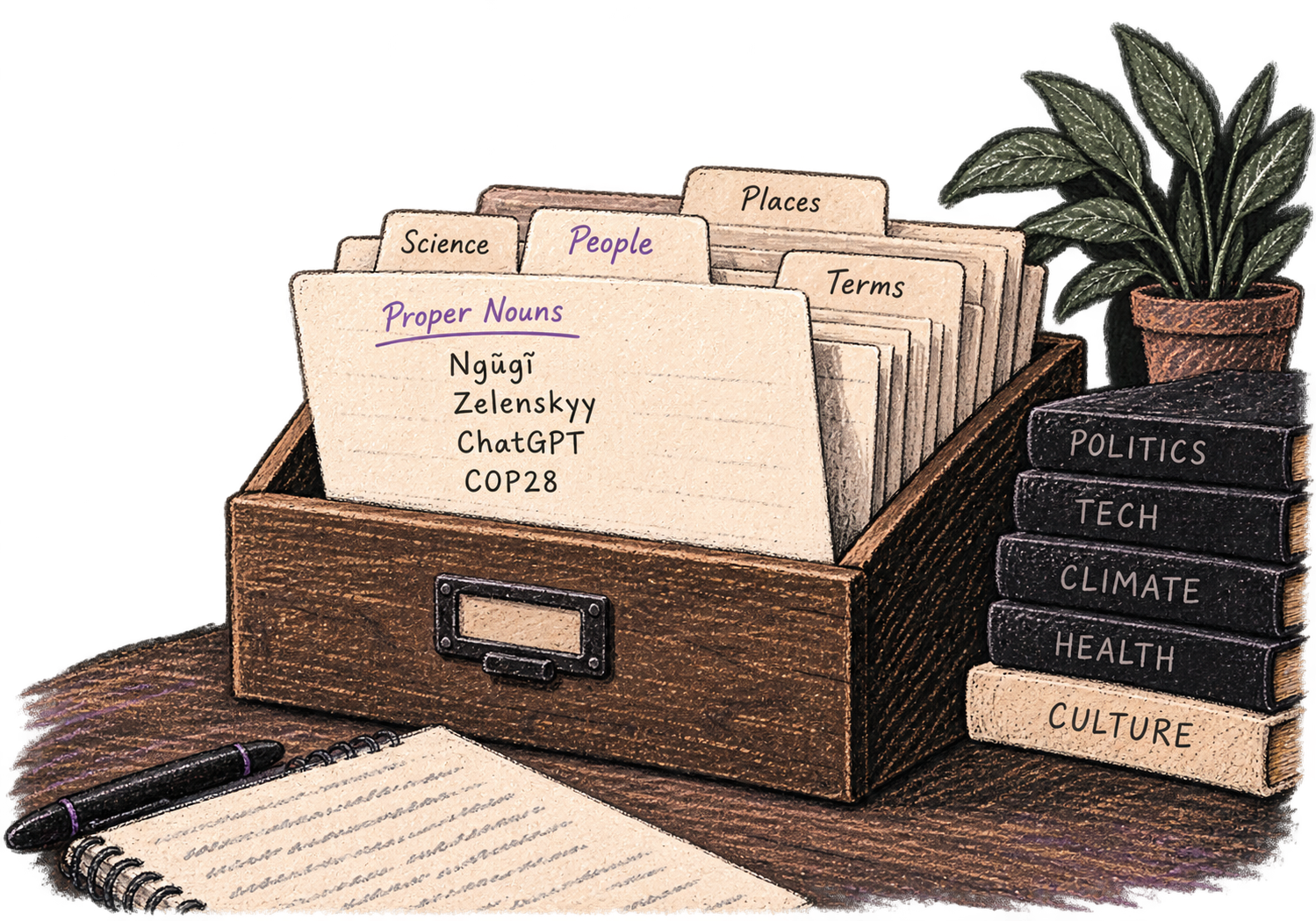
Add names, technical terms, and jargon. Ottex transcribes them accurately every time.
Say 'new paragraph', 'open quote', 'em dash', 'ellipsis'. Full formatting control by voice.

No screen capture, ever. Your audio goes directly to your API provider. Ottex never sees your data.

Say 'scratch that' to delete mistakes, 'actually' to rephrase. Fix errors without stopping your flow or touching the keyboard.
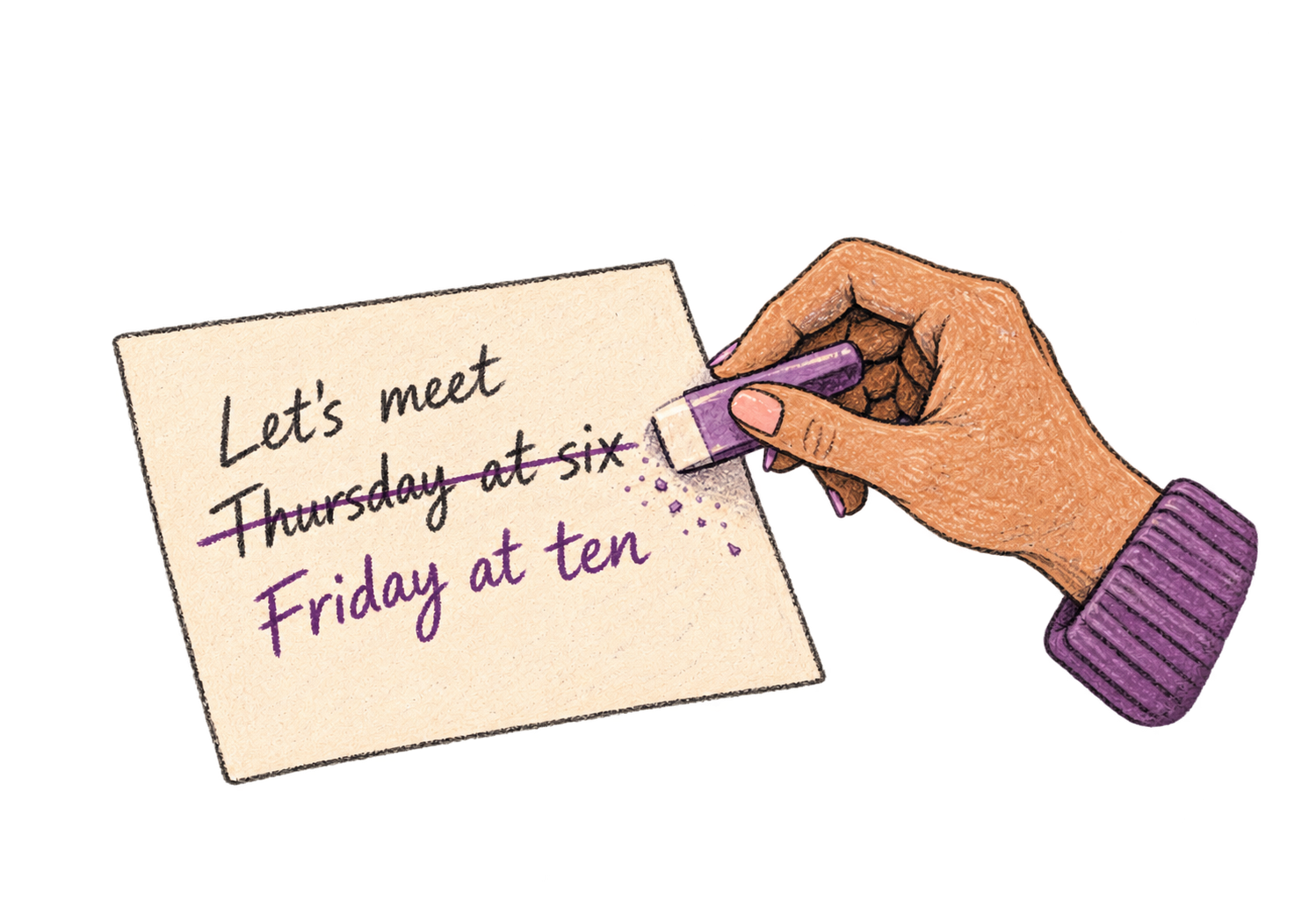
Define custom text replacements and shortcuts. Say 'work signature' to expand your full email signature, or 'my address' for your contact info.

Speaking naturally gives AI agents more context than typing. Describe your intent, explain edge cases, mention file names—your voice carries nuance that typing shortcuts.
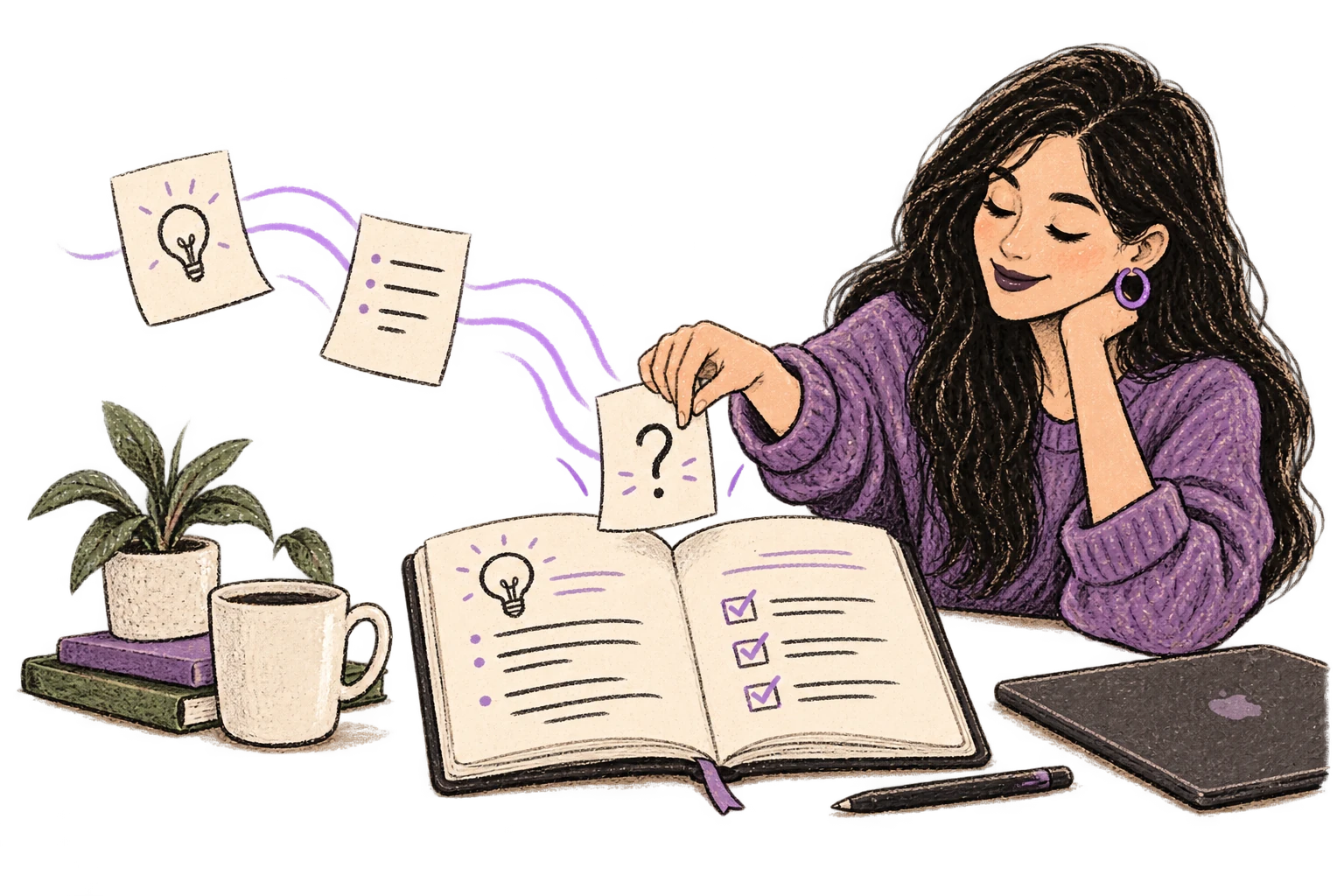
Dictate prompts to ChatGPT, Claude, Perplexity—anywhere you type. Better prompts, better answers.
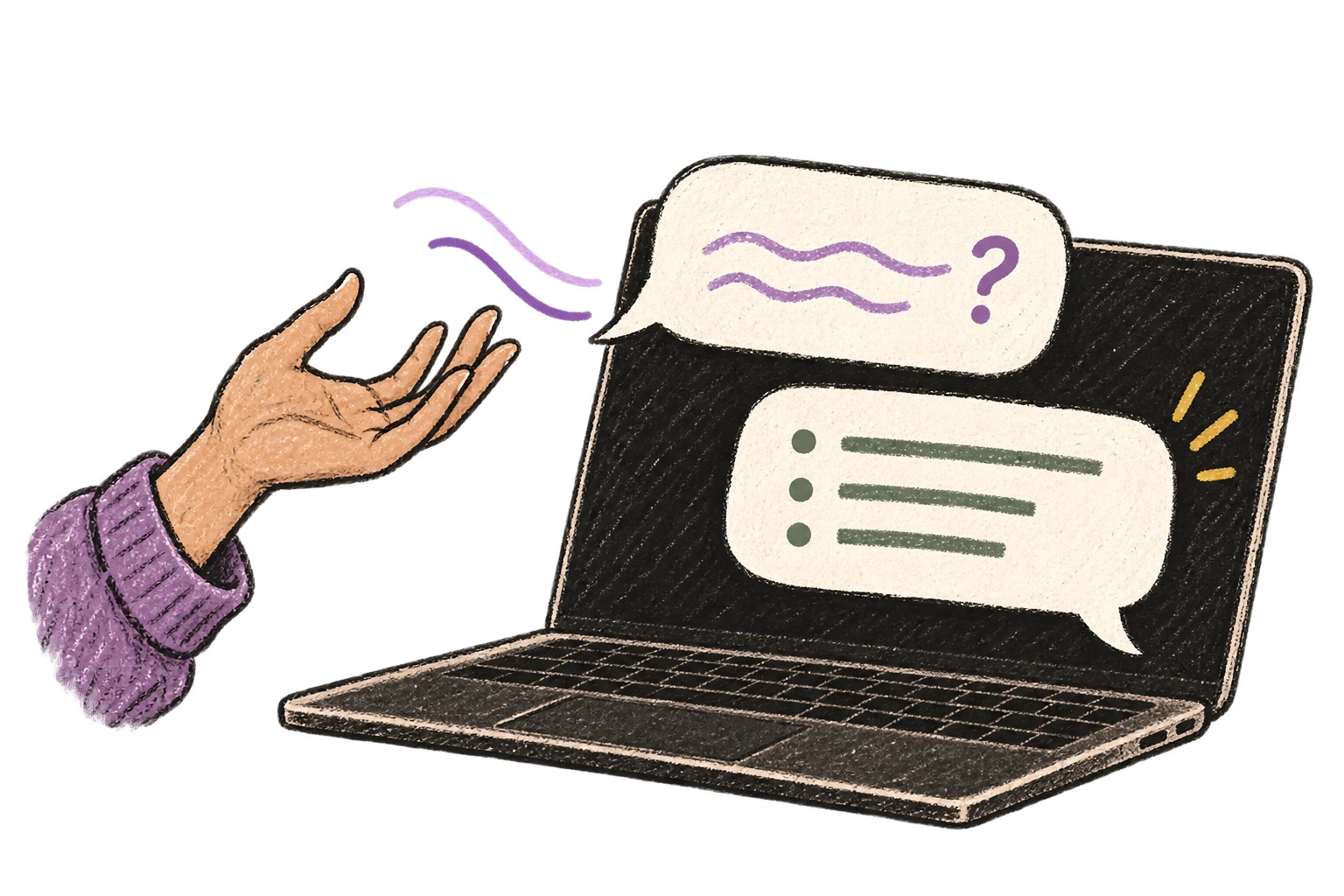
Transform text as you speak: 'Ottex start fix grammar Ottex end'. Edit, improve, translate—all by voice.

Optionally let AI see your screen for smarter responses. Reply to emails with full context, answer messages knowing the conversation history.
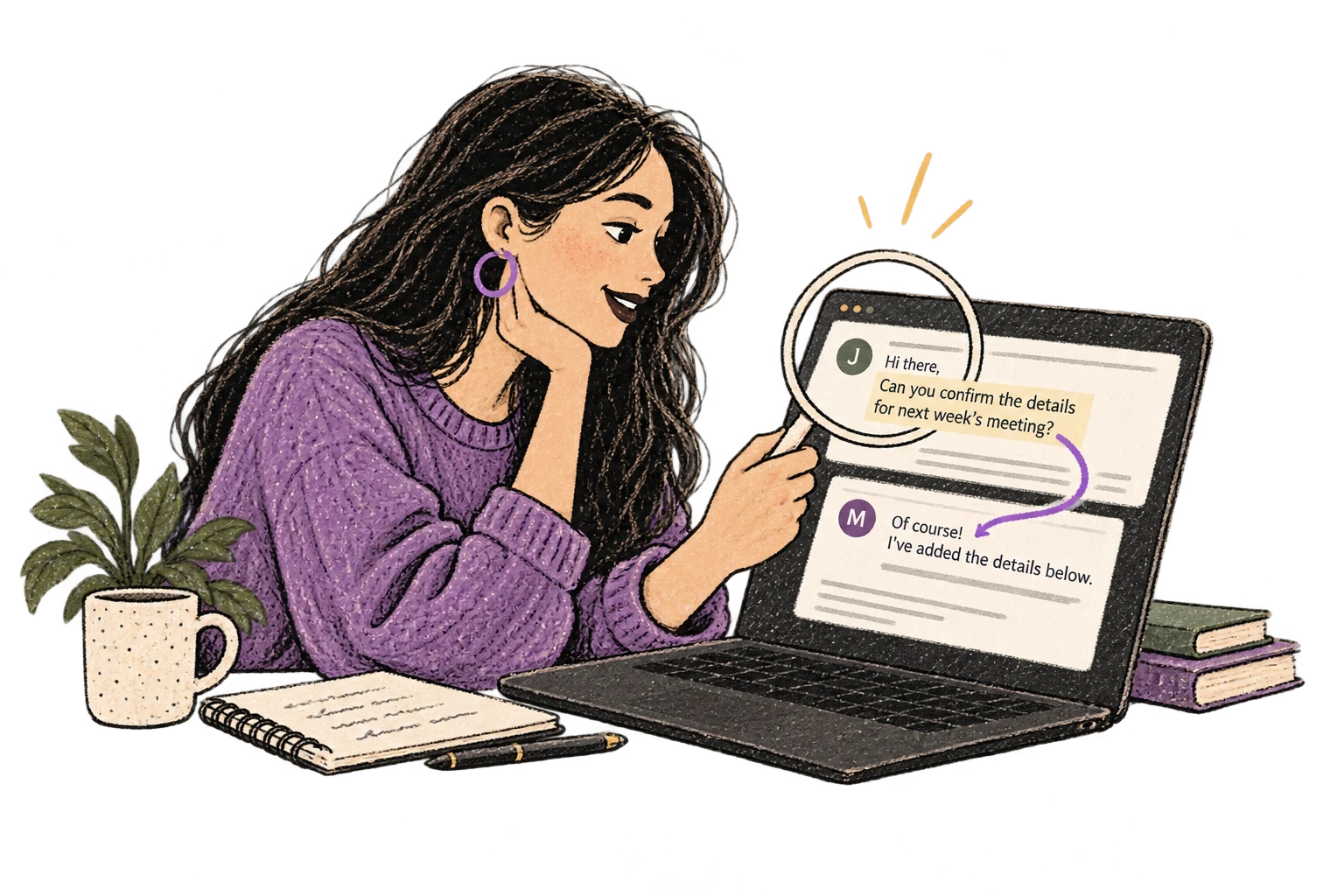
Ottex detects which app you're in and adapts. Coding mode in Cursor, casual tone in Slack, professional in Gmail—automatic context switching.
Dictate contracts, briefs, or legal memos. Use custom dictionary for legal terms and client names.
Read this example aloud, or say something of your own.
Dictate time entries with detailed descriptions. Never lose track of what you worked on.
Read this example aloud, or say something of your own.
Dictate prompts to ChatGPT, Claude, Perplexity, or any AI chatbot. Speaking naturally lets you give more context—better context means better results.
Read this example aloud, or say something of your own.
Dictate email responses with the right tone. Use context awareness to see the full thread, then speak your reply naturally.
Read this example aloud, or say something of your own.
Reply to Slack messages 3x faster. Dictate casual updates, detailed explanations, or quick acknowledgments without switching context.
Read this example aloud, or say something of your own.
Cloud AI models like Gemini 3 Flash are trained on legal documents and understand standard legal terms. For specialized terminology (client names, case citations, statutes), add them to your custom dictionary for consistent accuracy.
With BYOK, your audio goes directly to your API provider (Google, OpenAI, or Deepgram) using your own API key. Ottex never stores or sees your data. You control the entire data pipeline.
Yes. Ottex works system-wide on macOS, so it works in Word, Google Docs, Clio, MyCase, and any other legal software where you can type.
Absolutely. Dictate detailed time entries with full context instead of vague descriptions. Speaking naturally captures more detail because it takes less effort than typing.