Voice Dictation for Nurses

Chart faster, care more

Text Editor

Example dictation

um subjective patient reports persistent headaches for three days worse in the morning new paragraph objective blood pressure 120 over 80 afebrile alert and oriented new paragraph assessment tension type headache new paragraph plan ibuprofen 400 mg as needed follow up in one week if not improving

Read this example aloud, or say something of your own.

Ottex outputs

S: Patient reports persistent headaches for three days, worse in the morning. O: BP 120/80, afebrile, alert and oriented. A: Tension-type headache. P: Ibuprofen 400mg as needed. Follow up in one week if not improving.
Profile instructions

Download for macOS

How it works

Your voice. Right where you work.

  1. Hold Fn

    Place your cursor in any app, then hold the Fn key.

  2. Speak naturally

    Say what you want to write. Ottex follows your saved writing rules.

  3. Release. It’s written.

    Your text appears right where your cursor is.

Works with your apps

Ottex works system-wide on macOS. Dictate directly into these apps and more.

And any other app that accepts text input. See all supported apps

Why Ottex works for nurses

Concrete benefits with real-world impact

3x Faster Than Typing

Speak 150+ words per minute vs 40 wpm typing. Finish tasks in a third of the time.

A woman speaks naturally while working on her laptop.

Medical Terminology

Add drug names, procedures, ICD codes to your dictionary. Accurate transcription for healthcare.
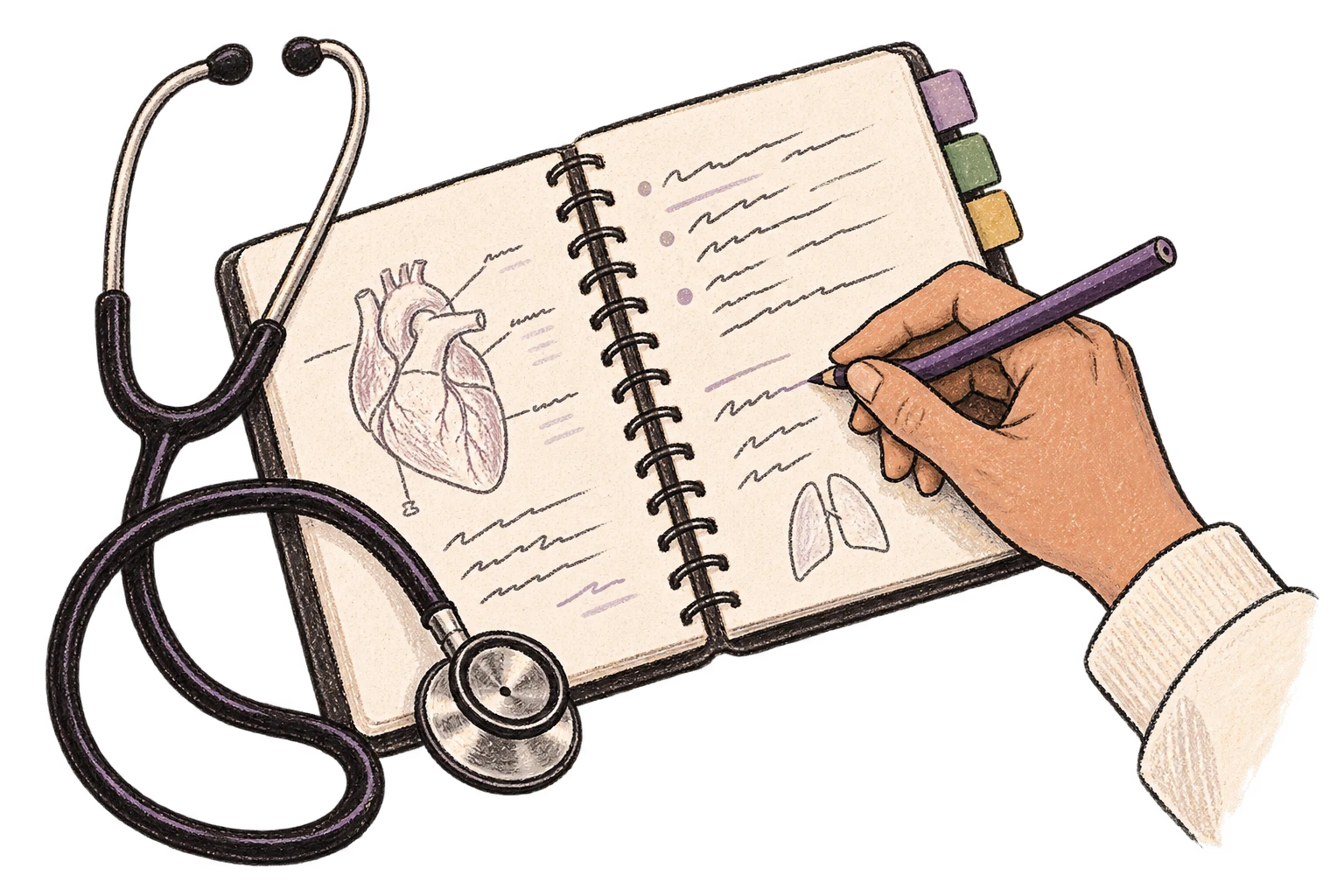
A clinical vocabulary notebook sits beside a stethoscope.

Custom Dictionary

Add names, technical terms, and jargon. Ottex transcribes them accurately every time.
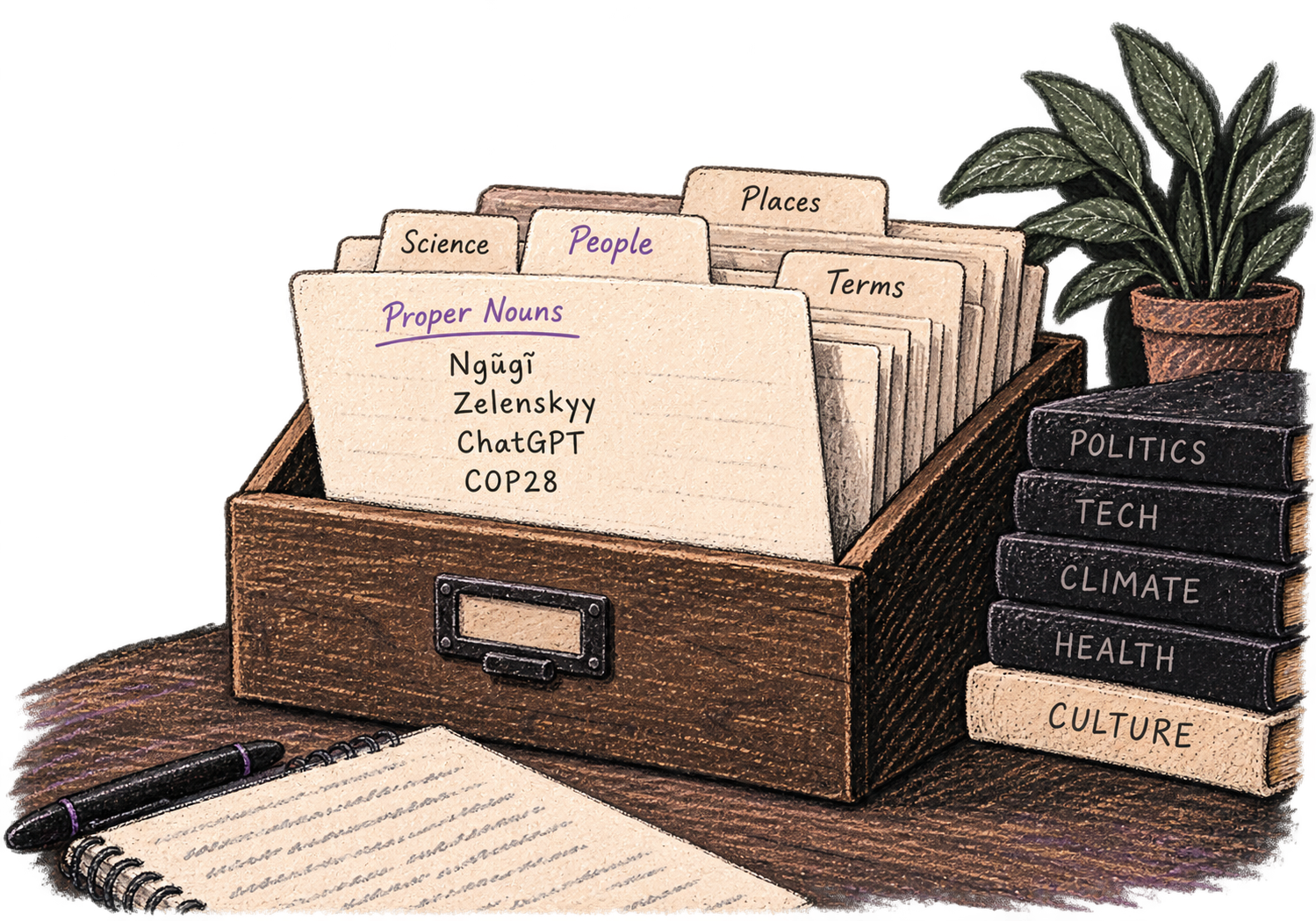
A personal card file organizes names and specialist vocabulary.

Privacy First

No screen capture, ever. Your audio goes directly to your API provider. Ottex never sees your data.
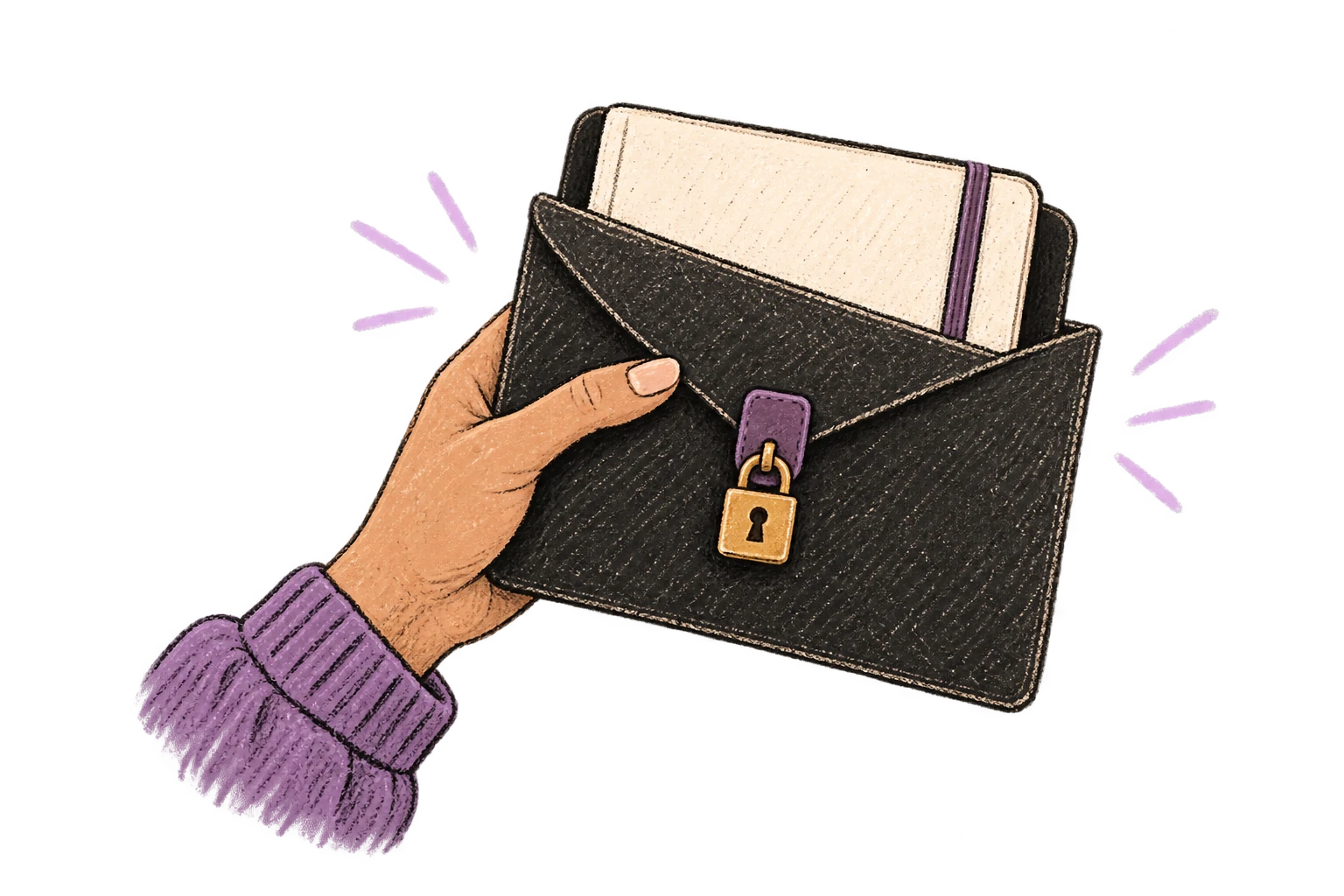
A private notebook is protected inside a locked envelope.

Voice Corrections

Say 'scratch that' to delete mistakes, 'actually' to rephrase. Fix errors without stopping your flow or touching the keyboard.

Thursday at six is crossed out and replaced with Friday at ten.

Inline AI Commands

Transform text as you speak: 'Ottex start fix grammar Ottex end'. Edit, improve, translate—all by voice.

Hands transform paper into a new form.

Precision Typing

Say 'new paragraph', 'open quote', 'em dash', 'ellipsis'. Full formatting control by voice.

Punctuation blocks organize a clearly formatted page.

Context Awareness

Optionally let AI see your screen for smarter responses. Reply to emails with full context, answer messages knowing the conversation history.
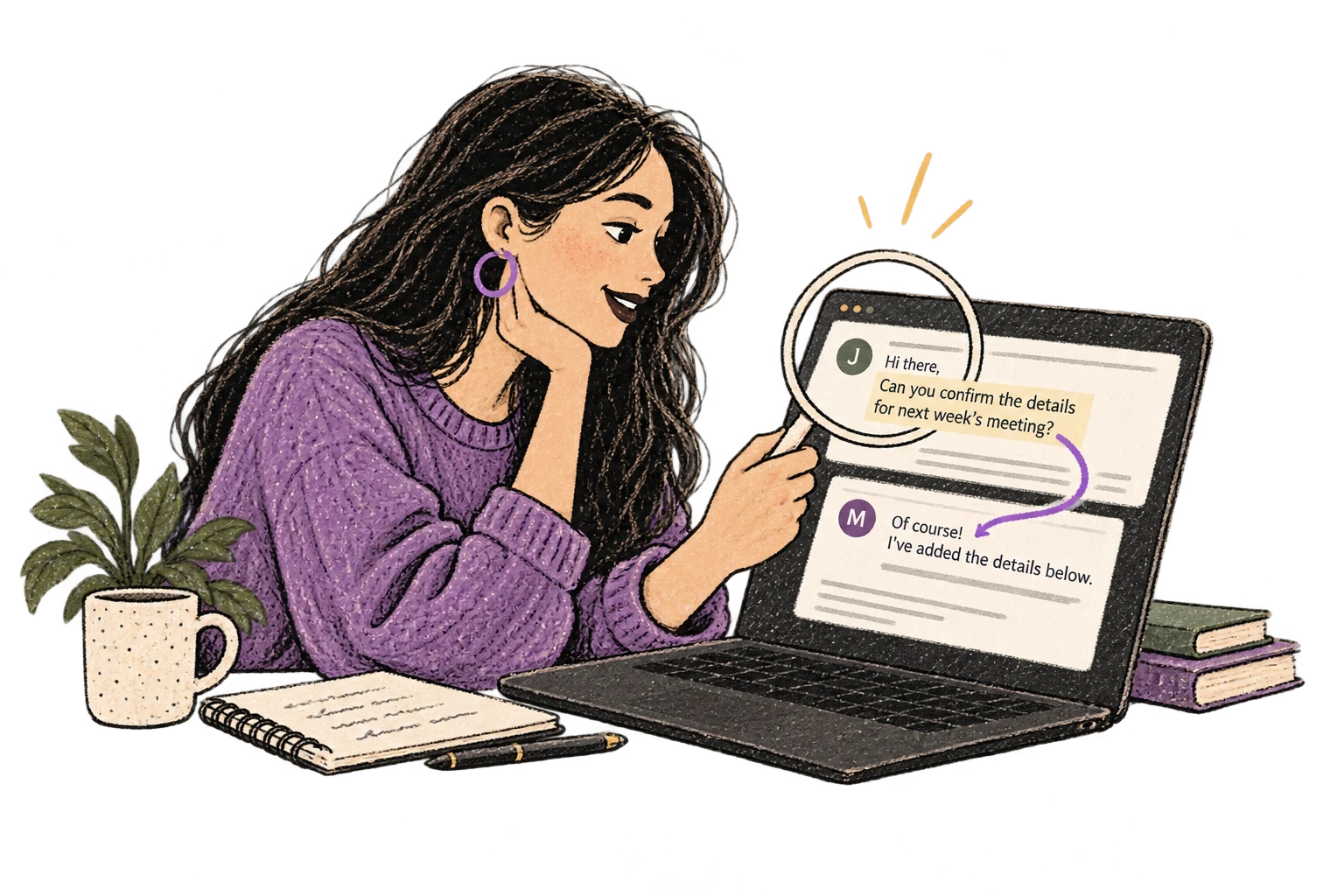
A magnifying glass connects an email conversation to its reply.

Smart Snippets

Define custom text replacements and shortcuts. Say 'work signature' to expand your full email signature, or 'my address' for your contact info.

A bookmark opens into reusable notes.

Global Shortcuts

Start recording with Option+D, use Push-to-Talk, or cancel with Esc. All shortcuts are fully configurable.
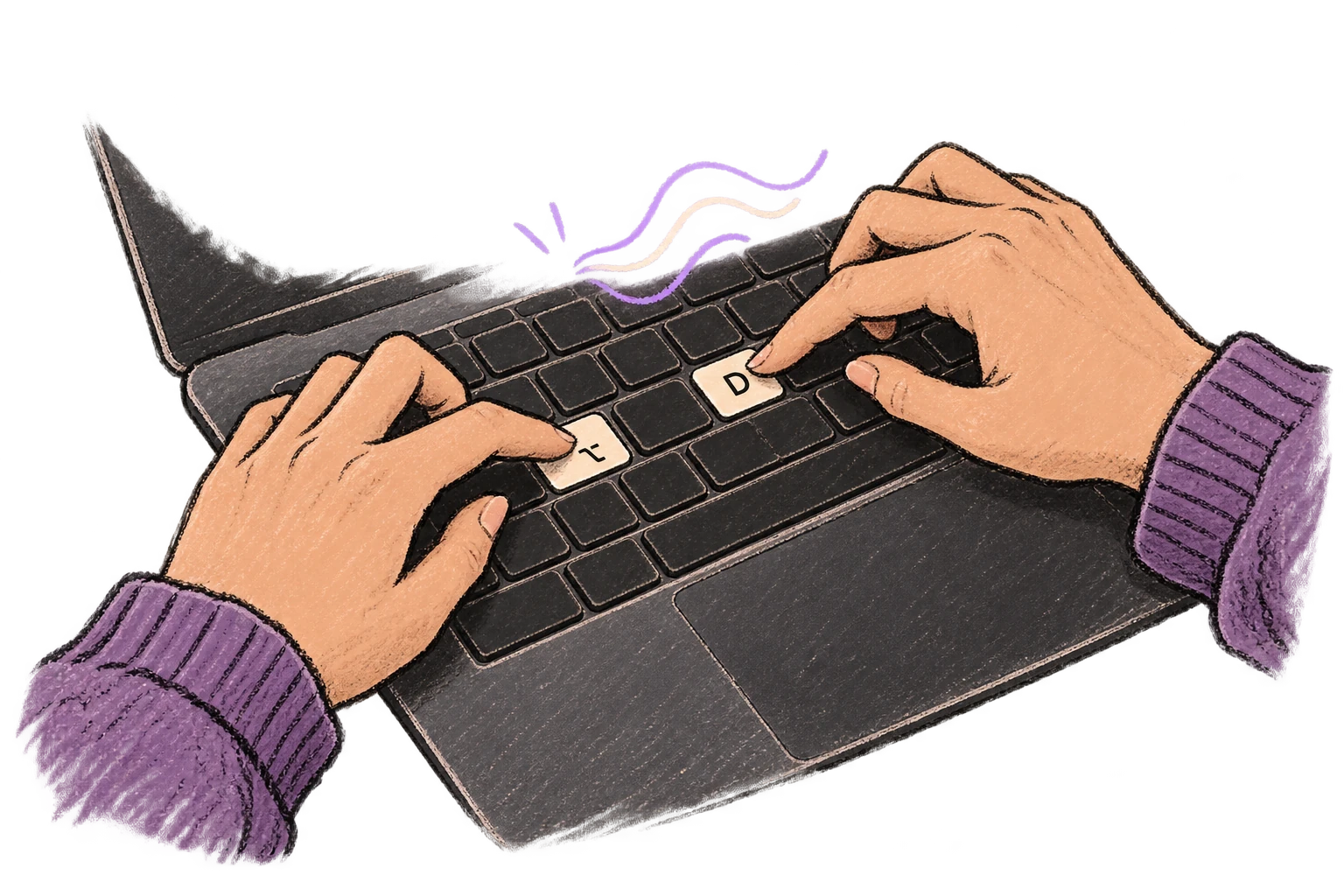
Fingers press Option and D to start voice input.

Works in Any App

System-wide on macOS—Ottex works wherever you can type. No app-specific integrations needed.
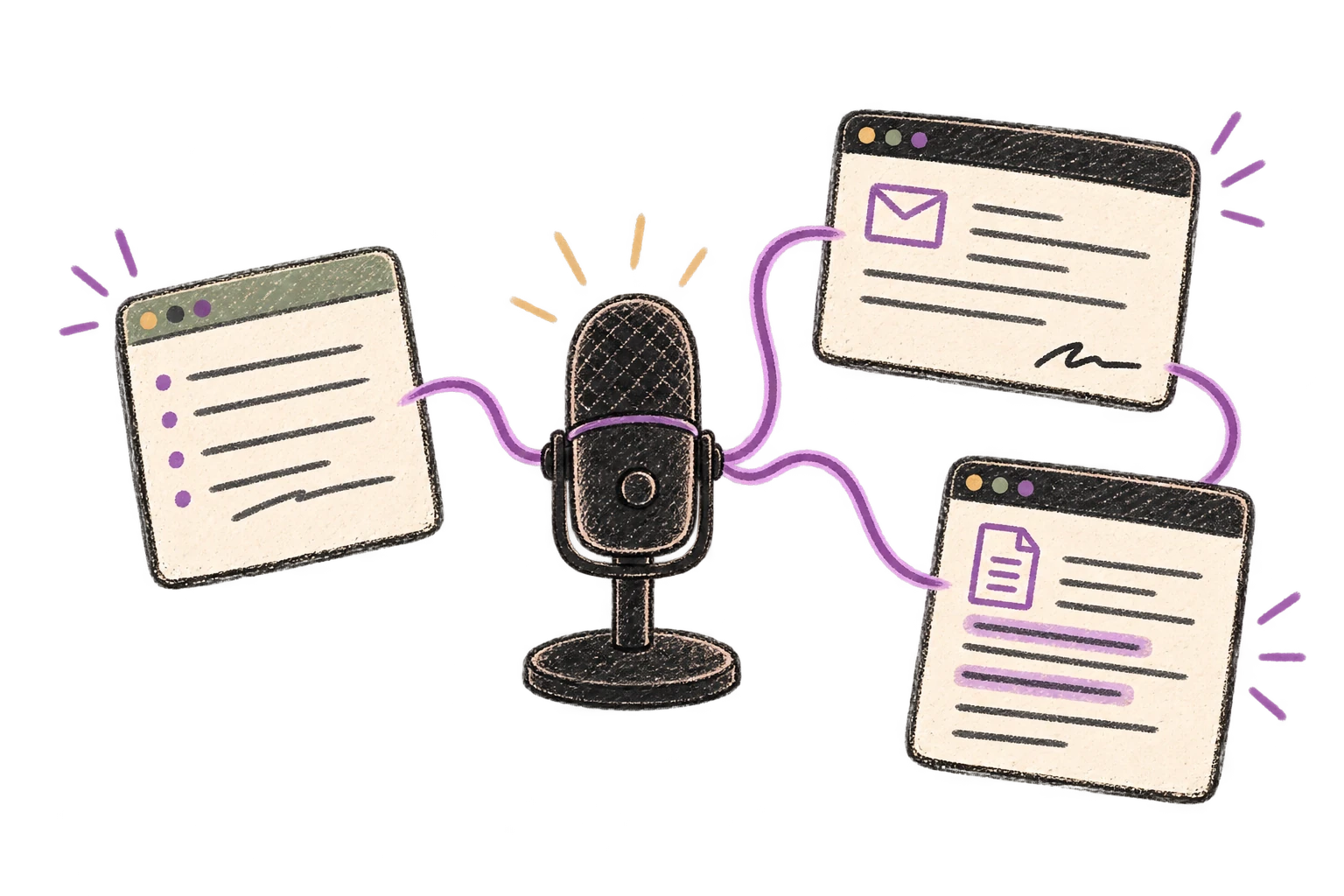
One microphone connects several different application windows.

Filler Word Removal

Automatically removes filler words like 'um', 'uh', 'like', 'so' from your transcription. Get clean, professional text without verbal hesitations.
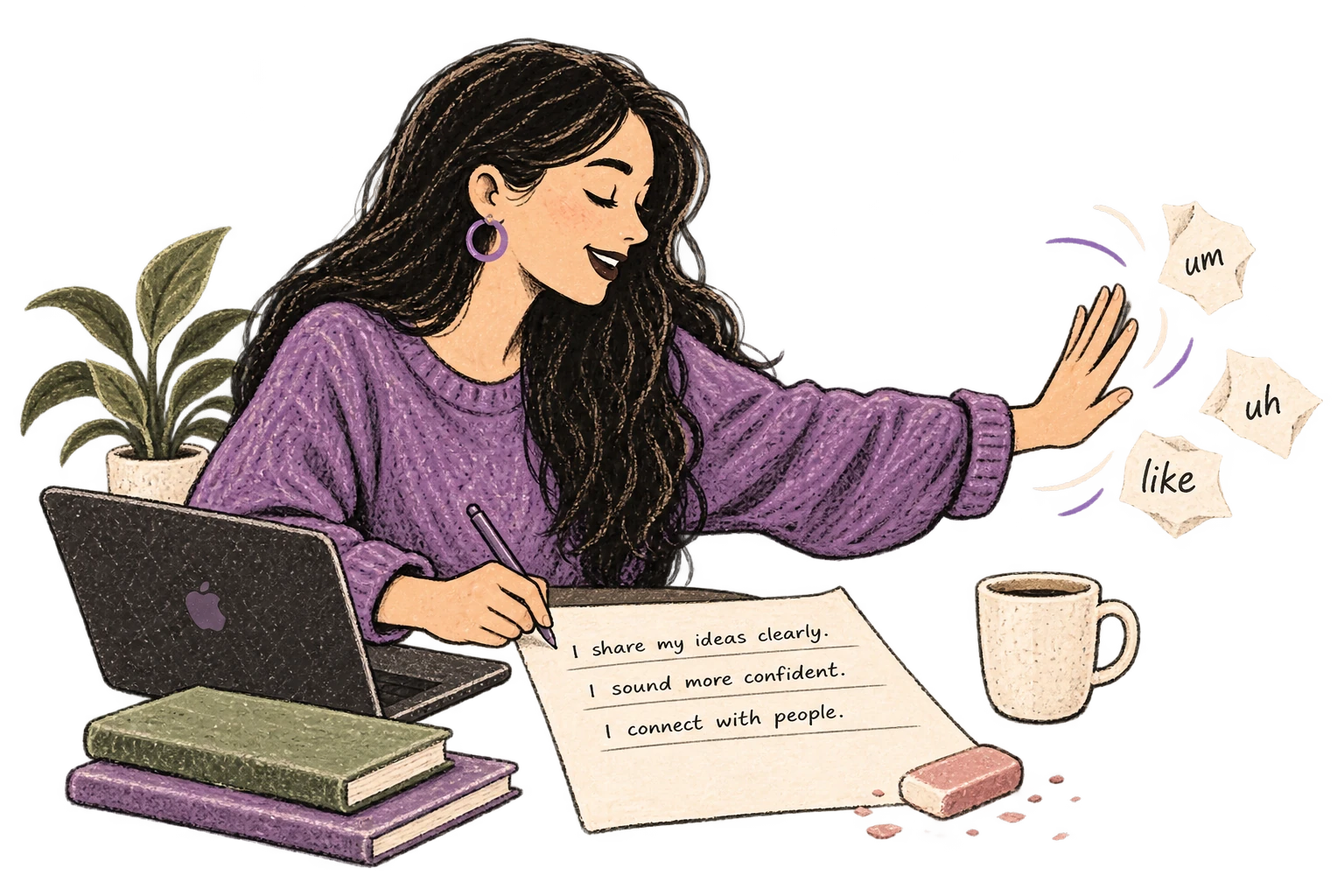
Filler-word scraps are brushed away from a clean page.

What you can do

Write Clinical Notes

Dictate SOAP notes, progress notes, or patient summaries. Add medical terms to your dictionary for accurate transcription.

Text Editor

Example dictation

um subjective patient reports persistent headaches for three days worse in the morning new paragraph objective blood pressure 120 over 80 afebrile alert and oriented new paragraph assessment tension type headache new paragraph plan ibuprofen 400 mg as needed follow up in one week if not improving

Read this example aloud, or say something of your own.

Ottex outputs

S: Patient reports persistent headaches for three days, worse in the morning. O: BP 120/80, afebrile, alert and oriented. A: Tension-type headache. P: Ibuprofen 400mg as needed. Follow up in one week if not improving.
Profile instructions

Write Meeting Notes

Dictate meeting notes in real-time or right after. Capture action items, decisions, and key points while they're fresh in your mind.

Notion

Example dictation

action items colon new paragraph one john to review q 4 budget by friday actually thursday two sarah to schedule client call three uh team to finalize roadmap

Read this example aloud, or say something of your own.

Ottex outputs

Action items: 1. John to review Q4 budget by Thursday 2. Sarah to schedule client call 3. Team to finalize roadmap
Profile instructions

Respond to Emails

Dictate email responses with the right tone. Use context awareness to see the full thread, then speak your reply naturally.

Gmail

Example dictation

hi Jennifer thanks for reaching out um I'd be happy to schedule a call next week here's my calendar link best regards work signature

Read this example aloud, or say something of your own.

Ottex outputs

Hi Jennifer, Thank you for reaching out. I'd be happy to schedule a call next week. Here's my calendar: https://cal.com/sarah/30min Best regards, Sarah Chen Marketing Director, Finteq
Profile instructions

Capture Ideas Quickly

Speak ideas the moment they hit you. Use Ottex anywhere to capture thoughts, then refine them later.

Text Editor

Example dictation

oh okay so what if we flip the onboarding completely um instead of asking users to set up their workspace first we let them record something immediately like within 10 seconds of signing up they're already talking and seeing the magic actually no not 10 seconds make it the very first screen and then we save that as their first note so they have an aha moment before they even configure anything

Read this example aloud, or say something of your own.

Ottex outputs

What if we flip the onboarding completely? Instead of asking users to set up their workspace first, we let them record something immediately. Within the very first screen of signing up, they're already talking and seeing the magic. Then we save that as their first note—so they have an aha moment before they even configure anything.
Profile instructions

Code Without a Keyboard

Voice-prompt AI coding agents like Cursor and Claude Code. With Ottex handling dictation and AI handling the code, you can architect and ship features with almost zero typing. Perfect for RSI recovery or accessibility.

Cursor

Example dictation

okay so I need you to refactor the authentication middleware um right now it's checking the JWT token on every single request but we should add a caching layer so extract the token validation into its own function and then add a simple in-memory cache with like a 5 minute TTL um also make sure the error handling returns proper 401 responses instead of generic 500s and add unit tests for the new cache logic

Read this example aloud, or say something of your own.

Ottex outputs

Refactor the authentication middleware. Right now it's checking the JWT token on every single request, but we should add a caching layer. Extract the token validation into its own function, then add a simple in-memory cache with a 5-minute TTL. Also make sure the error handling returns proper 401 responses instead of generic 500s. Add unit tests for the new cache logic.
Profile instructions

Frequently asked questions

Does it work with Epic, Cerner, and other EHR systems?

Yes. Ottex works system-wide on macOS—anywhere you can type. Epic, Cerner, Meditech, eClinicalWorks, Athena, or any browser-based EHR. Press your hotkey and start dictating directly into the chart.

Can it handle medical terminology accurately?

Cloud AI models like Gemini 2.0 Flash are trained on medical literature and handle nursing terminology well—vital signs, medications, procedures, assessment findings. For unit-specific abbreviations or medications you use frequently, add them to your custom dictionary.

Is it HIPAA compliant?

Ottex uses BYOK (Bring Your Own Key). Your audio goes directly to your API provider—we never see or store patient data. No PHI passes through Ottex servers. You can use HIPAA-compliant API providers with BAAs. Consult your compliance team for your specific requirements.

When should I use it during my shift?

Dictate assessments and notes right after each patient interaction while details are fresh. In the hallway, at the nursing station, during brief moments between tasks. Short bursts of dictation keep documentation current and prevent end-of-shift charting marathons.

How much does it cost?

With BYOK, you pay only for transcription—typically $1-3/month even with heavy charting. No $20/month subscription. You control your costs and your data.

Why is speaking faster than typing for charting?

You speak at 150+ words per minute. You type at 40. A detailed patient assessment that takes 8-10 minutes to type takes 2-3 minutes to dictate. Multiply that by 6-8 patients per shift, and you save hours. Speaking is also effortless—you've been doing it since age one. Typing requires focus and breaks your flow.

Finish charting, finish your shift

Download free. Dictate patient notes in minutes.

Try for free

No credit card required.


