Voice Dictation for Technical Program Managers

Coordinate complexity. Ship on time.

Notion

Example dictation

action items colon new paragraph one john to review q 4 budget by friday actually thursday two sarah to schedule client call three uh team to finalize roadmap

Read this example aloud, or say something of your own.

Ottex outputs

Action items: 1. John to review Q4 budget by Thursday 2. Sarah to schedule client call 3. Team to finalize roadmap
Profile instructions

Download for macOS

How it works

Your voice. Right where you work.

  1. Hold Fn

    Place your cursor in any app, then hold the Fn key.

  2. Speak naturally

    Say what you want to write. Ottex follows your saved writing rules.

  3. Release. It’s written.

    Your text appears right where your cursor is.

Works with your apps

Ottex works system-wide on macOS. Dictate directly into these apps and more.

And any other app that accepts text input. See all supported apps

Why Ottex works for technical program managers

Concrete benefits with real-world impact

3x Faster Than Typing

Speak 150+ words per minute vs 40 wpm typing. Finish tasks in a third of the time.

A woman speaks naturally while working on her laptop.

Voice Corrections

Say 'scratch that' to delete mistakes, 'actually' to rephrase. Fix errors without stopping your flow or touching the keyboard.

Thursday at six is crossed out and replaced with Friday at ten.

Inline AI Commands

Transform text as you speak: 'Ottex start fix grammar Ottex end'. Edit, improve, translate—all by voice.

Hands transform paper into a new form.

Precision Typing

Say 'new paragraph', 'open quote', 'em dash', 'ellipsis'. Full formatting control by voice.

Punctuation blocks organize a clearly formatted page.

Smart Snippets

Define custom text replacements and shortcuts. Say 'work signature' to expand your full email signature, or 'my address' for your contact info.

A bookmark opens into reusable notes.

Better Context, Better Results

Speaking naturally gives AI agents more context than typing. Describe your intent, explain edge cases, mention file names—your voice carries nuance that typing shortcuts.
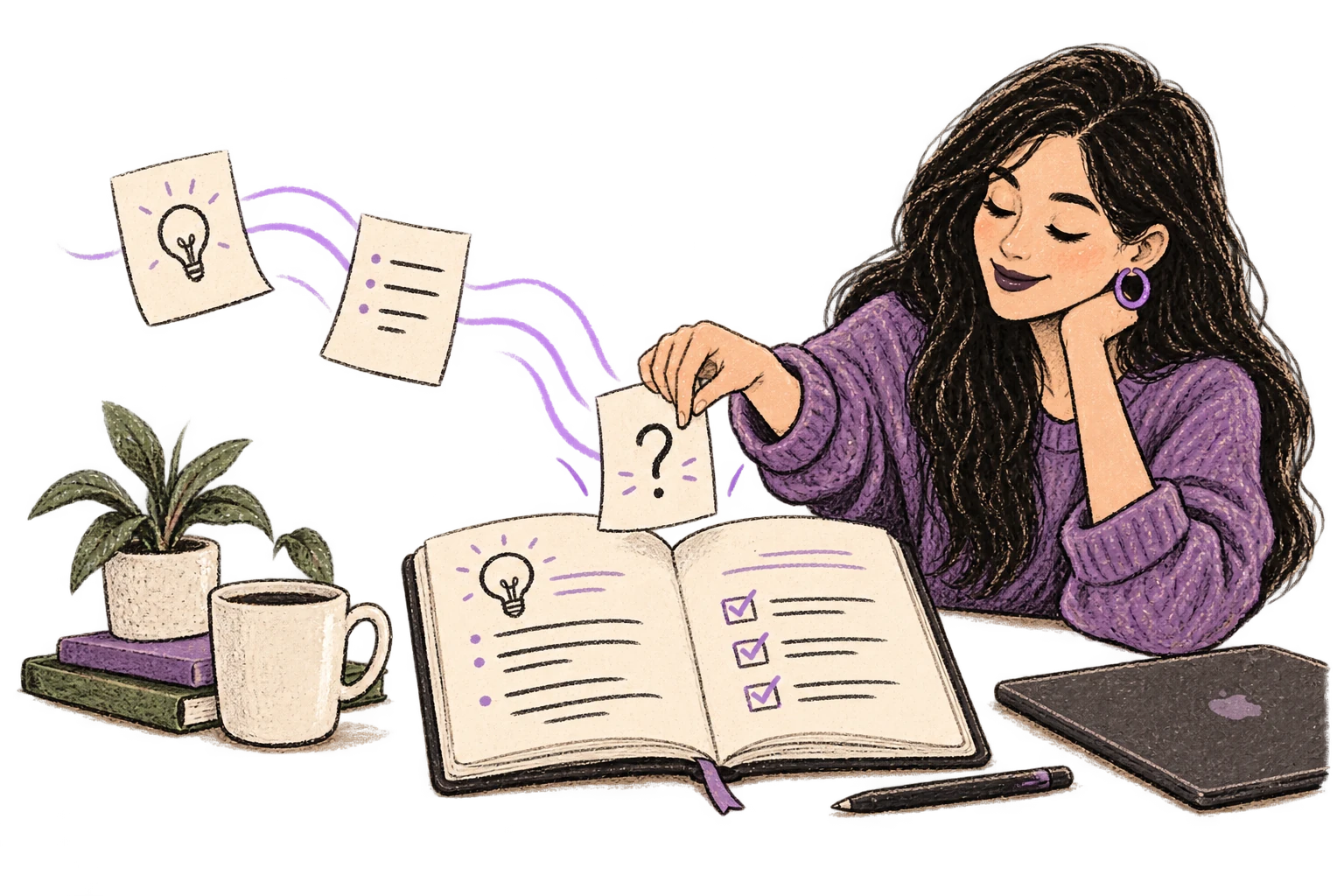
Loose notes become a richer organized plan.

Technical Term Accuracy

Cloud AI models excel at technical jargon, code terminology, and specialized vocabulary.
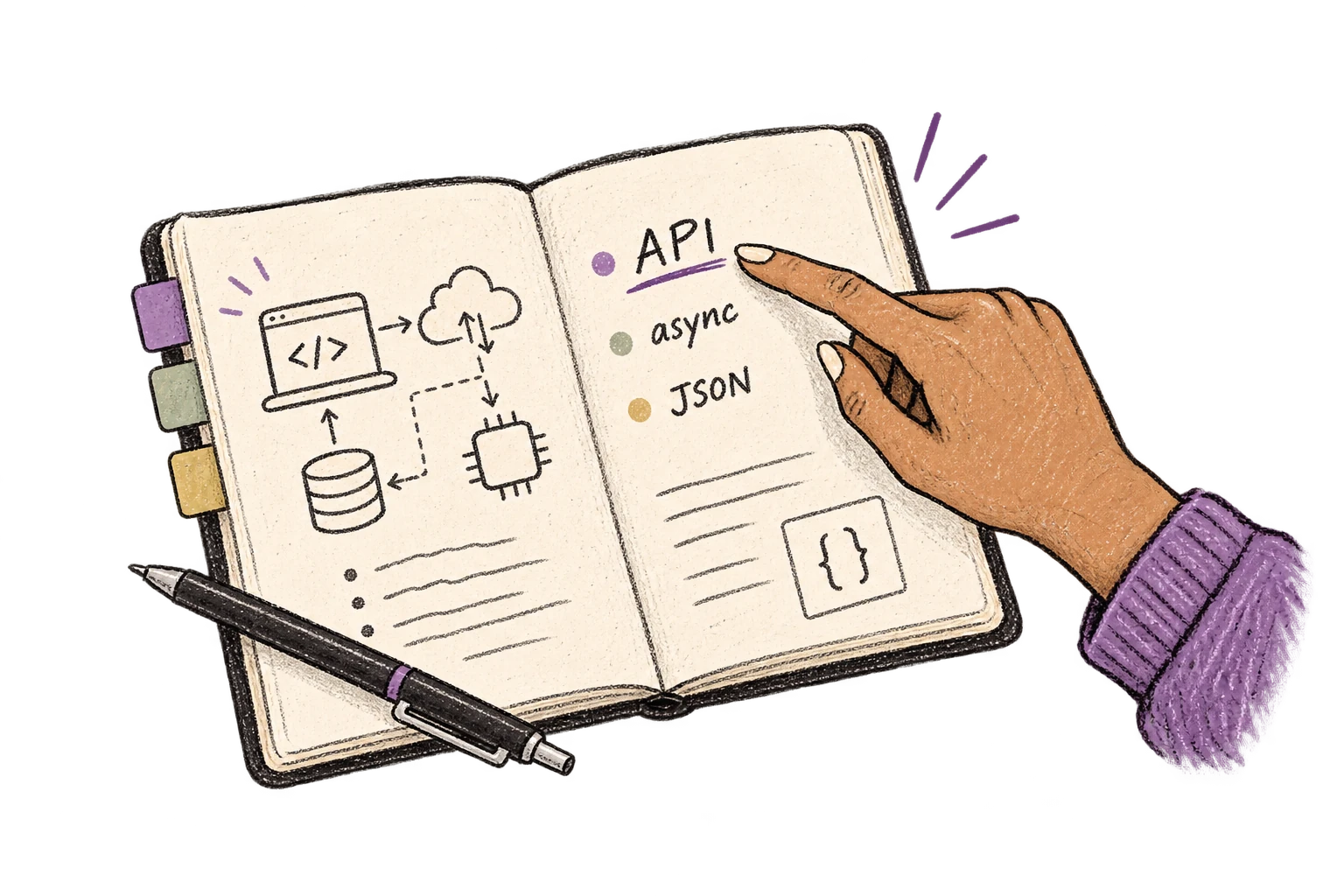
An engineering notebook keeps API, async and JSON terms clear.

App-Specific Modes

Ottex detects which app you're in and adapts. Coding mode in Cursor, casual tone in Slack, professional in Gmail—automatic context switching.
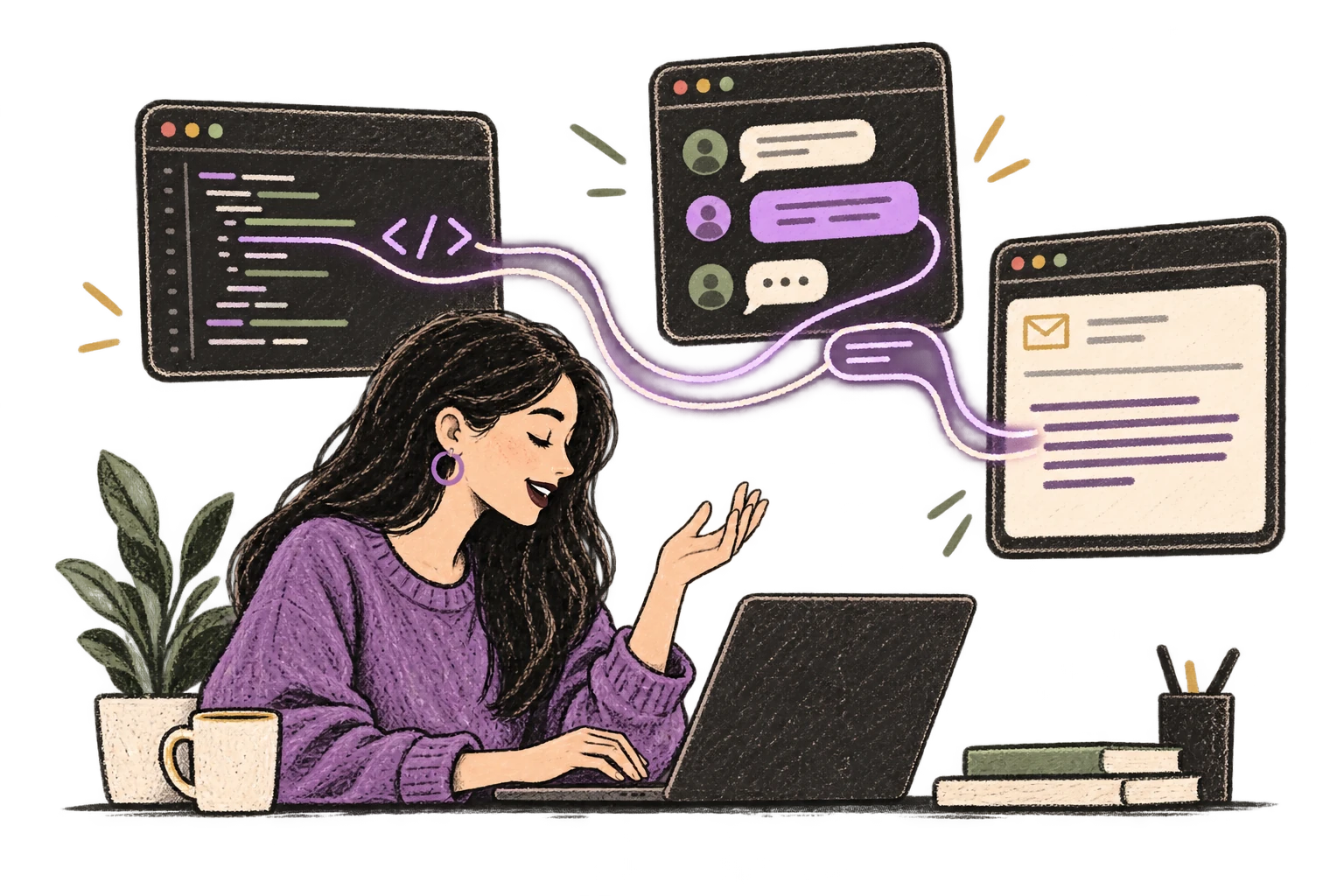
One voice adapts to a code editor, chat and email.

Context Awareness

Optionally let AI see your screen for smarter responses. Reply to emails with full context, answer messages knowing the conversation history.
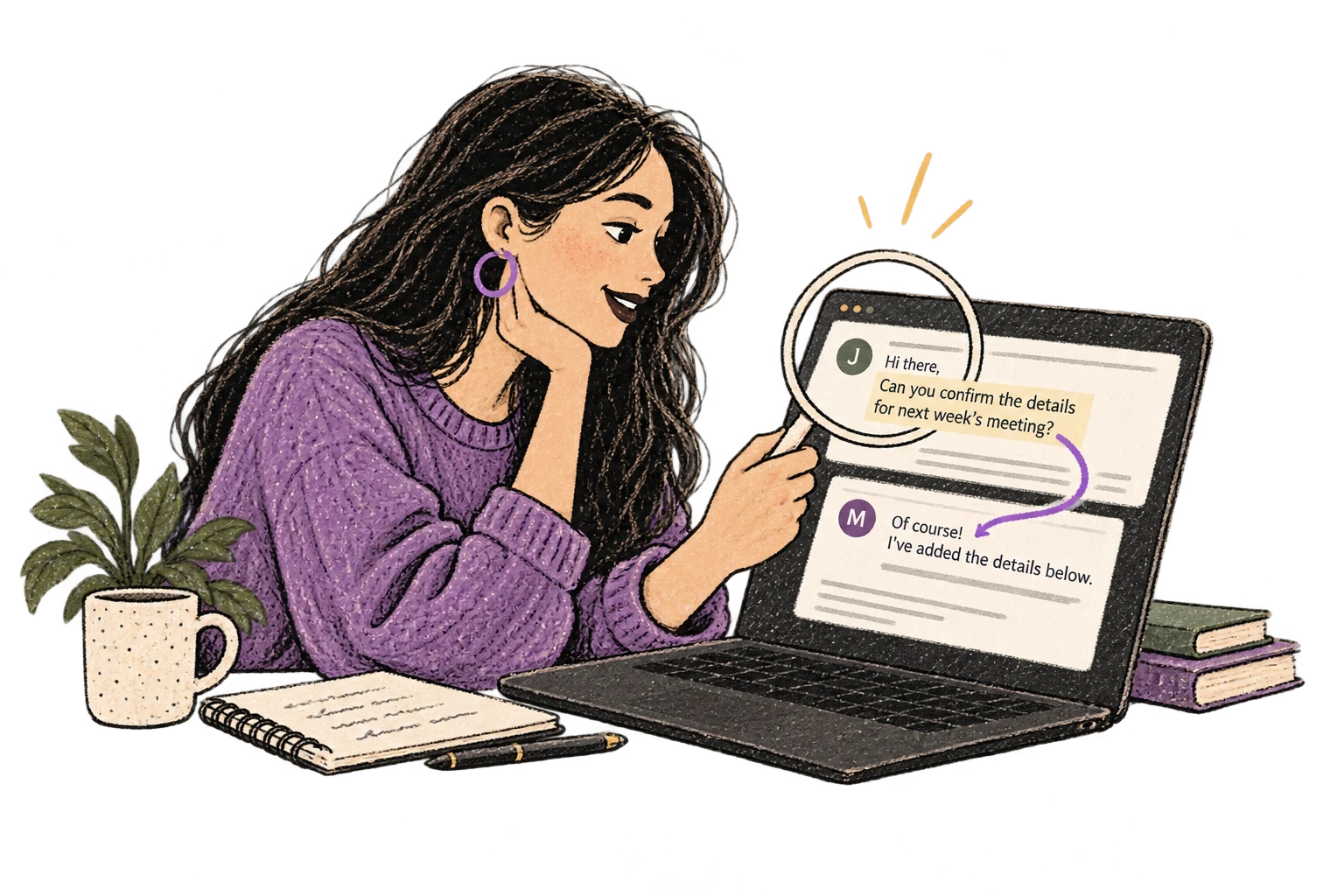
A magnifying glass connects an email conversation to its reply.

Custom Dictionary

Add names, technical terms, and jargon. Ottex transcribes them accurately every time.
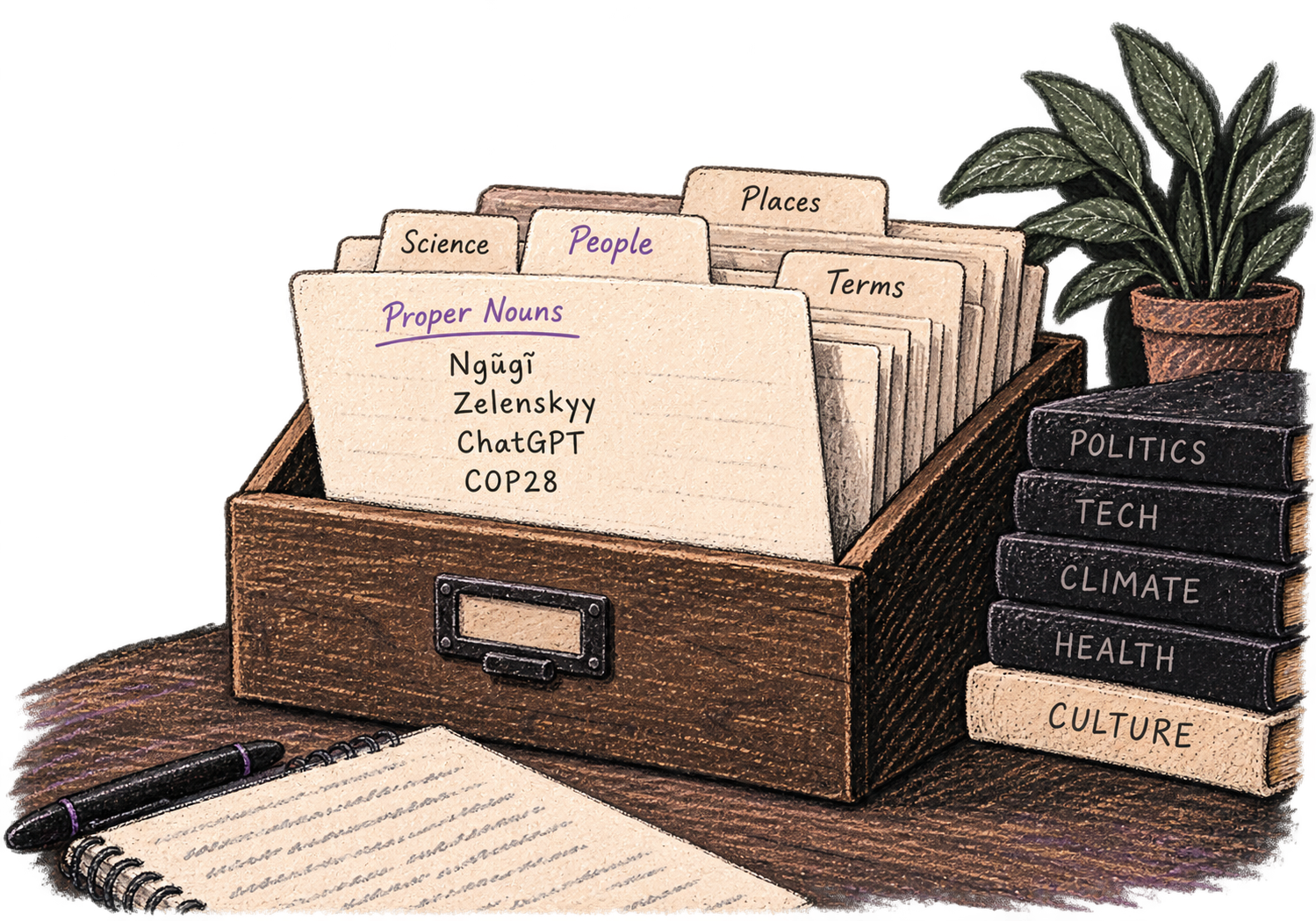
A personal card file organizes names and specialist vocabulary.

Global Shortcuts

Start recording with Option+D, use Push-to-Talk, or cancel with Esc. All shortcuts are fully configurable.
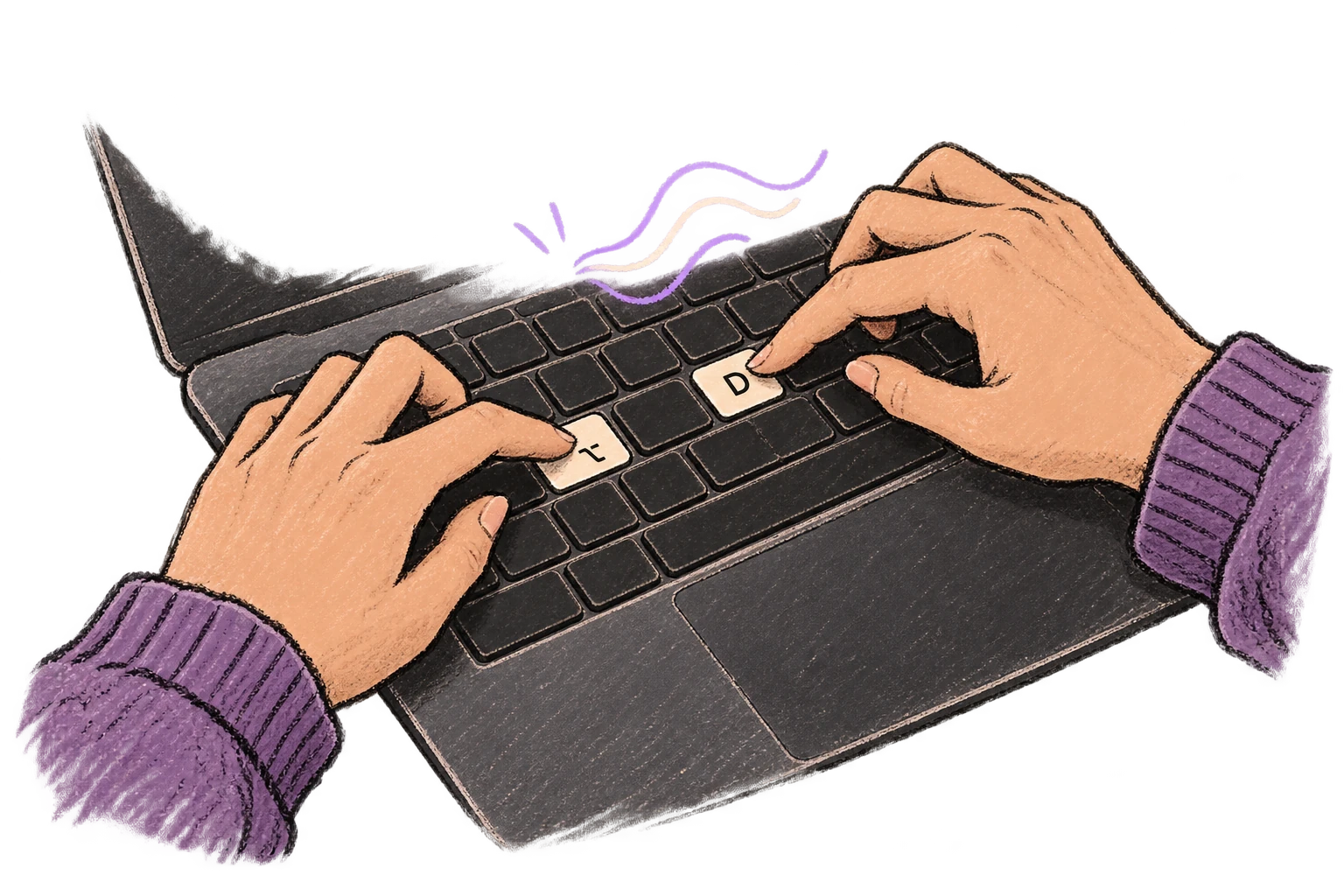
Fingers press Option and D to start voice input.

Works in Any App

System-wide on macOS—Ottex works wherever you can type. No app-specific integrations needed.
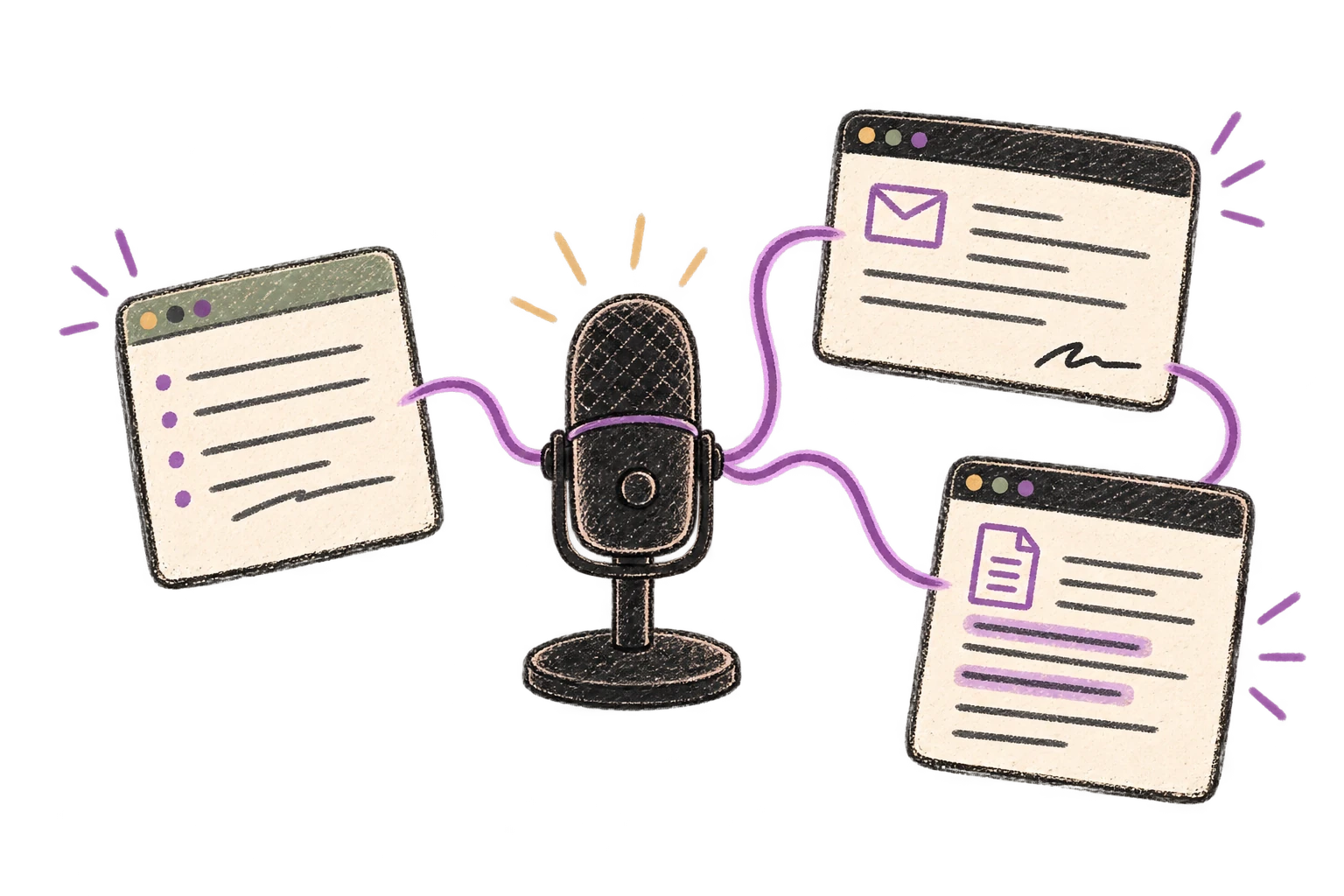
One microphone connects several different application windows.

Filler Word Removal

Automatically removes filler words like 'um', 'uh', 'like', 'so' from your transcription. Get clean, professional text without verbal hesitations.
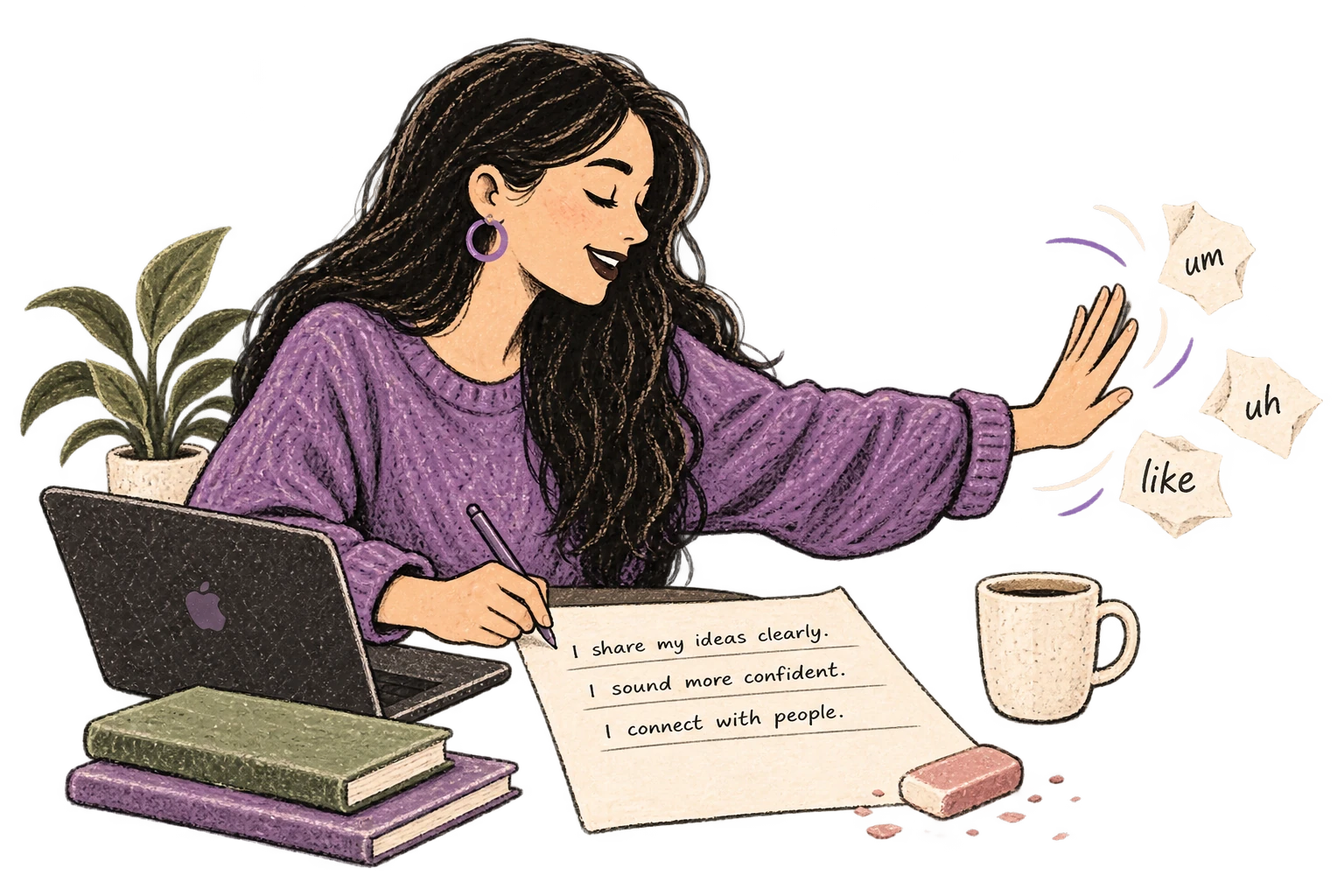
Filler-word scraps are brushed away from a clean page.

Works with AI Chatbots

Dictate prompts to ChatGPT, Claude, Perplexity—anywhere you type. Better prompts, better answers.
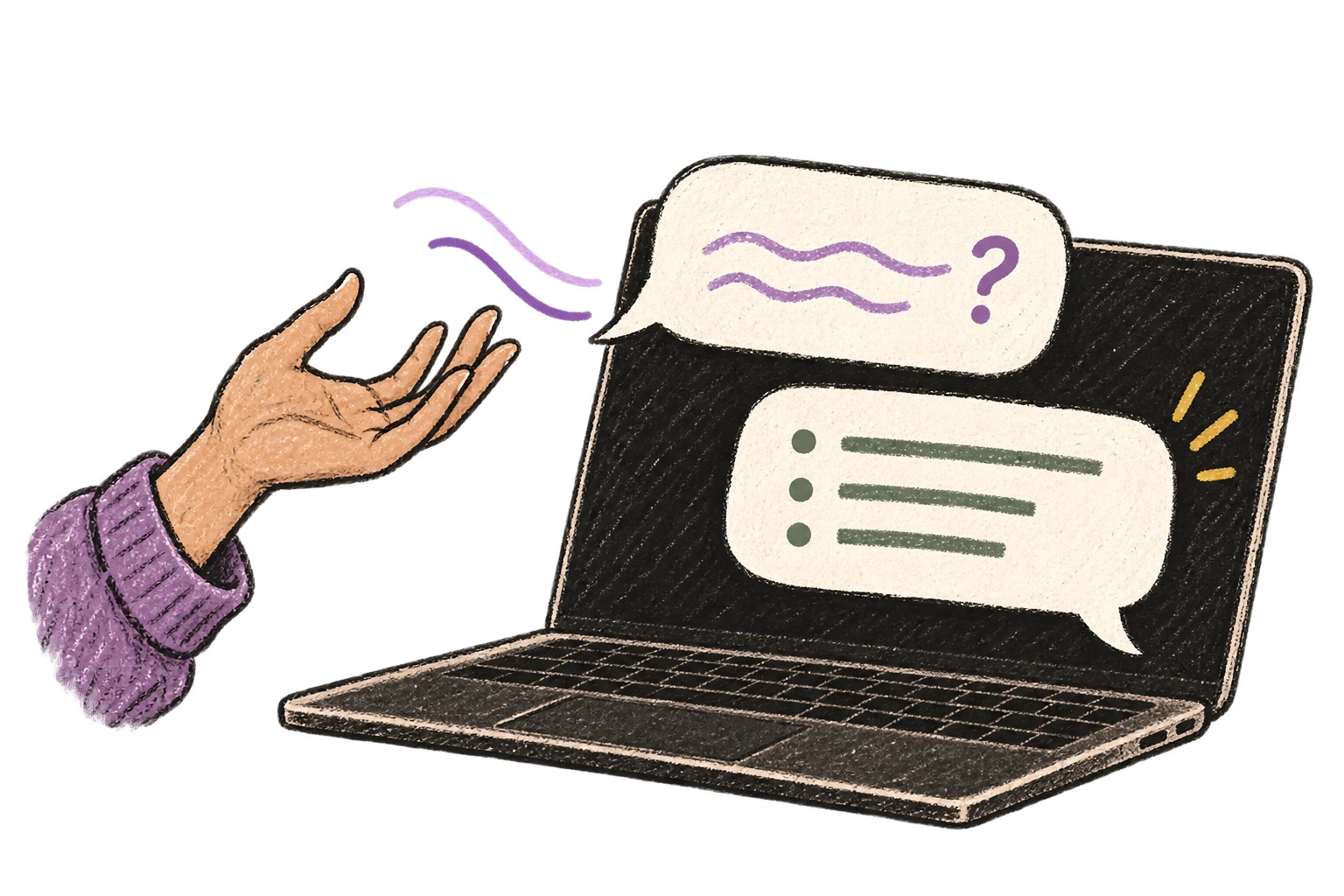
A spoken prompt becomes a conversation on a laptop.

What you can do

Write Meeting Notes

Dictate meeting notes in real-time or right after. Capture action items, decisions, and key points while they're fresh in your mind.

Notion

Example dictation

action items colon new paragraph one john to review q 4 budget by friday actually thursday two sarah to schedule client call three uh team to finalize roadmap

Read this example aloud, or say something of your own.

Ottex outputs

Action items: 1. John to review Q4 budget by Thursday 2. Sarah to schedule client call 3. Team to finalize roadmap
Profile instructions

Write Status Updates

Dictate standup updates, weekly reports, or project status. Speak what happened and what's next—done.

Slack

Example dictation

hey team so quick update um finally got the payment integration working took longer than expected because of some weird edge cases with refunds new paragraph today I'm gonna tackle the email notifications and hopefully wrap that up by end of day new paragraph no blockers just need to stay focused

Read this example aloud, or say something of your own.

Ottex outputs

Hey team, quick update—finally got the payment integration working. Took longer than expected because of some weird edge cases with refunds. Today I'm gonna tackle the email notifications and hopefully wrap that up by end of day. No blockers, just need to stay focused.
Profile instructions

Create Tickets & Tasks

Dictate Jira tickets, Linear issues, or Asana tasks. Speak the context, acceptance criteria, and details—then move on.

Jira

Example dictation

um users are getting logged out unexpectedly after about 30 minutes of inactivity new paragraph steps to reproduce colon new paragraph one login to the app two leave it idle for 30 minutes three try to do anything new paragraph expected colon session should refresh silently new paragraph actual colon user gets kicked to login screen

Read this example aloud, or say something of your own.

Ottex outputs

Users are getting logged out unexpectedly after about 30 minutes of inactivity. Steps to reproduce: 1. Login to the app 2. Leave it idle for 30 minutes 3. Try to do anything Expected: Session should refresh silently. Actual: User gets kicked to login screen.
Profile instructions

Reply to Work Messages

Reply to Slack messages 3x faster. Dictate casual updates, detailed explanations, or quick acknowledgments without switching context.

Slack

Example dictation

hey um thanks for the update on the API changes I'll uh review the PR today actually tomorrow morning since I'm still working on the database migration and I'll leave comments if I find anything also can you ping me when the tests are passing

Read this example aloud, or say something of your own.

Ottex outputs

Hey, thanks for the update on the API changes! I'll review the PR tomorrow morning since I'm still working on the database migration. I'll leave comments if I find anything. Also, can you ping me when the tests are passing?
Profile instructions

Respond to Emails

Dictate email responses with the right tone. Use context awareness to see the full thread, then speak your reply naturally.

Gmail

Example dictation

hi Jennifer thanks for reaching out um I'd be happy to schedule a call next week here's my calendar link best regards work signature

Read this example aloud, or say something of your own.

Ottex outputs

Hi Jennifer, Thank you for reaching out. I'd be happy to schedule a call next week. Here's my calendar: https://cal.com/sarah/30min Best regards, Sarah Chen Marketing Director, Finteq
Profile instructions

Write Documentation

Dictate technical documentation, READMEs, or API docs. Speaking lets you explain context, edge cases, and examples naturally—better docs with less effort.

VS Code

Example dictation

so the authentication flow works like this colon new paragraph first the client sends credentials to the auth service second the auth service validates against the database and returns a JWT token third the client stores the token and includes it in subsequent requests new paragraph note colon we're using r s 2 5 6 for token signing

Read this example aloud, or say something of your own.

Ottex outputs

The authentication flow works like this: 1. The client sends credentials to the auth service 2. The auth service validates against the database and returns a JWT token 3. The client stores the token and includes it in subsequent requests Note: We're using RS256 for token signing
Profile instructions

Capture Ideas Quickly

Speak ideas the moment they hit you. Use Ottex anywhere to capture thoughts, then refine them later.

Text Editor

Example dictation

oh okay so what if we flip the onboarding completely um instead of asking users to set up their workspace first we let them record something immediately like within 10 seconds of signing up they're already talking and seeing the magic actually no not 10 seconds make it the very first screen and then we save that as their first note so they have an aha moment before they even configure anything

Read this example aloud, or say something of your own.

Ottex outputs

What if we flip the onboarding completely? Instead of asking users to set up their workspace first, we let them record something immediately. Within the very first screen of signing up, they're already talking and seeing the magic. Then we save that as their first note—so they have an aha moment before they even configure anything.
Profile instructions

Prompt ChatGPT & Claude

Dictate prompts to ChatGPT, Claude, Perplexity, or any AI chatbot. Speaking naturally lets you give more context—better context means better results.

ChatGPT

Example dictation

can you help me understand um why the sky is blue like I know it has something to do with light but I'm kinda confused about why it's not violet since violet has an even shorter wavelength question mark explain it simply

Read this example aloud, or say something of your own.

Ottex outputs

Can you help me understand why the sky is blue? I know it has something to do with light but I'm confused about why it's not violet since violet has an even shorter wavelength. Explain it simply.
Profile instructions

Frequently asked questions

Can I use Ottex during live meetings to document decisions?

Yes, that's one of the primary use cases for TPMs. Hit your hotkey and dictate decisions, dependencies, and action items as they happen. Use Push-to-Talk mode to capture specific points. Notes appear in real-time in Notion, Google Docs, Confluence, or wherever you're documenting.

Does Ottex work with Jira, Confluence, and Linear?

Yes, Ottex works system-wide on macOS—anywhere you can type. Create Jira tickets, update Confluence pages, add Linear issues, or document in any project management tool by voice. No special integrations needed.

Will my program documentation stay private?

You have full control. Use local Whisper models for 100% offline transcription—nothing leaves your Mac. Or use BYOK (bring your own key) where audio goes directly to your API provider, never through Ottex servers. Choose the privacy level that fits your program's sensitivity.

How do I format different types of documentation by voice?

Use precision typing commands: 'new paragraph' for spacing, 'bullet point' for lists, 'heading 2' for sections. Or create snippets for formats you use often—'risk template' could expand to your standard risk documentation format.

Can I have different styles for different stakeholders?

Yes. Ottex detects your active app and adjusts formatting accordingly. Technical detail in Jira, executive summary in Slack, structured documentation in Confluence. Same voice input, context-appropriate output.

How does Ottex help when using AI to draft program documents?

Voice removes the friction of explaining complex program context to AI. Instead of typing out all the background, stakeholders, timeline, and dependencies, speak it in 45 seconds. More context = better AI output for program briefs, status summaries, and documentation.

How much does transcription cost for typical TPM usage?

Free with local models (Whisper runs on your Mac). With BYOK, most TPMs spend $2-4/month using Gemini 3 Flash or Groq. Compare that to enterprise documentation tools and meeting bots charging $15-30/month per seat.

Why is voice better than typing for program documentation?

You've been speaking since age one or two—20+ years of practice. Speaking is embedded in your brain, automatic, effortless. Typing requires concentration, you make typos, lose your flow. In fast-moving cross-team meetings, voice lets you capture without missing the conversation. It's 150 WPM vs 40 WPM typing.

Stop typing through meetings. Start capturing everything.

Download free. Use local models at zero cost, or add your API key for cloud transcription.

Try for free

No credit card required.


