3x Faster Than Typing
Speak 150+ words per minute vs 40 wpm typing. Finish tasks in a third of the time.

Dictate detailed prompts to AI coding assistants in Cursor, Copilot, or Claude Code. Explain what you need naturally without losing your train of thought.
Read this example aloud, or say something of your own.
Your voice. Right where you work.

Place your cursor in any app, then hold the Fn key.

Say what you want to write. Ottex follows your saved writing rules.

Your text appears right where your cursor is.
Everything you need to do this job efficiently
Speak 150+ words per minute vs 40 wpm typing. Finish tasks in a third of the time.
Speaking naturally gives AI agents more context than typing. Describe your intent, explain edge cases, mention file names—your voice carries nuance that typing shortcuts.
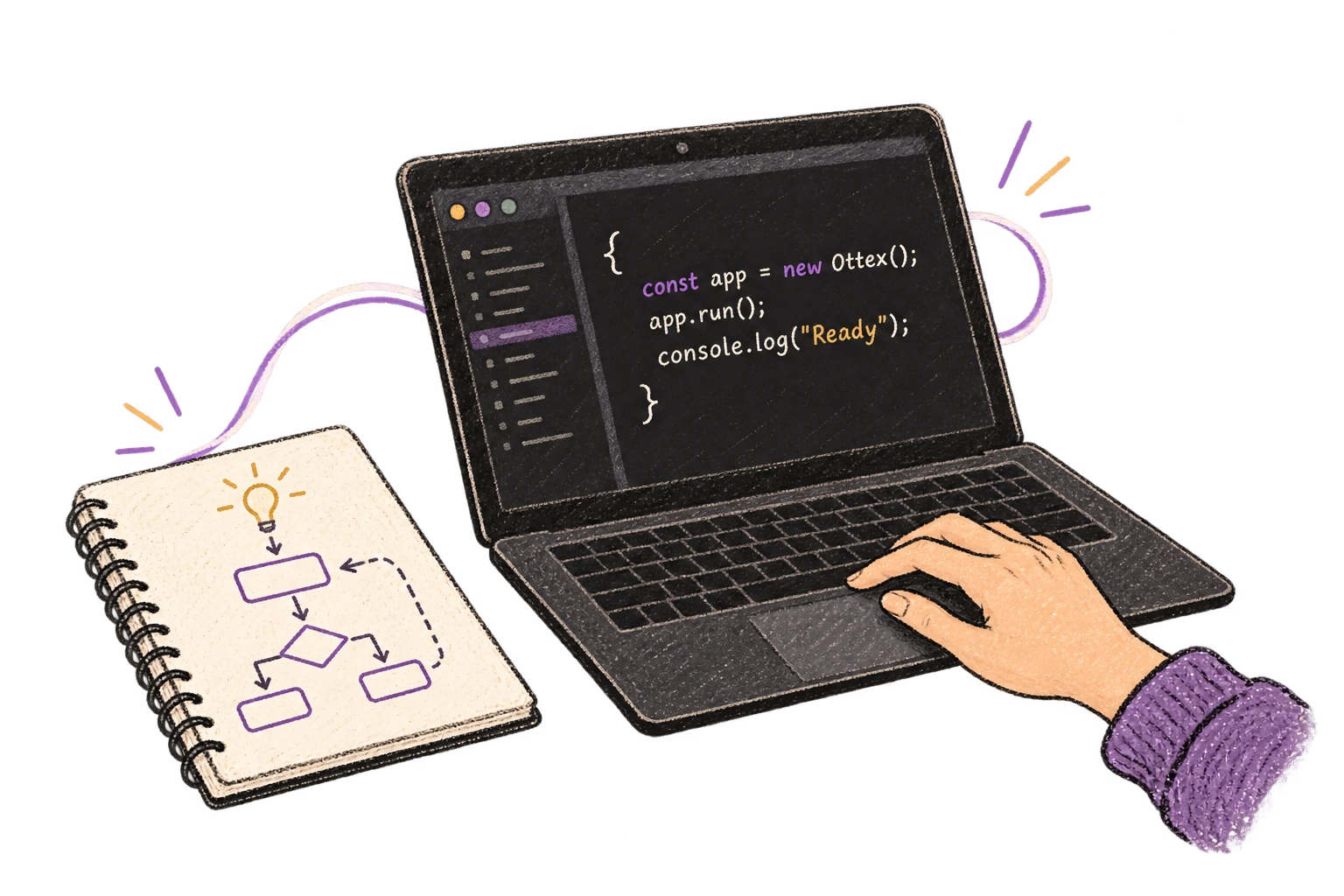
Works in VS Code, Cursor, JetBrains, Xcode—any editor. Dictate prompts to AI coding assistants.
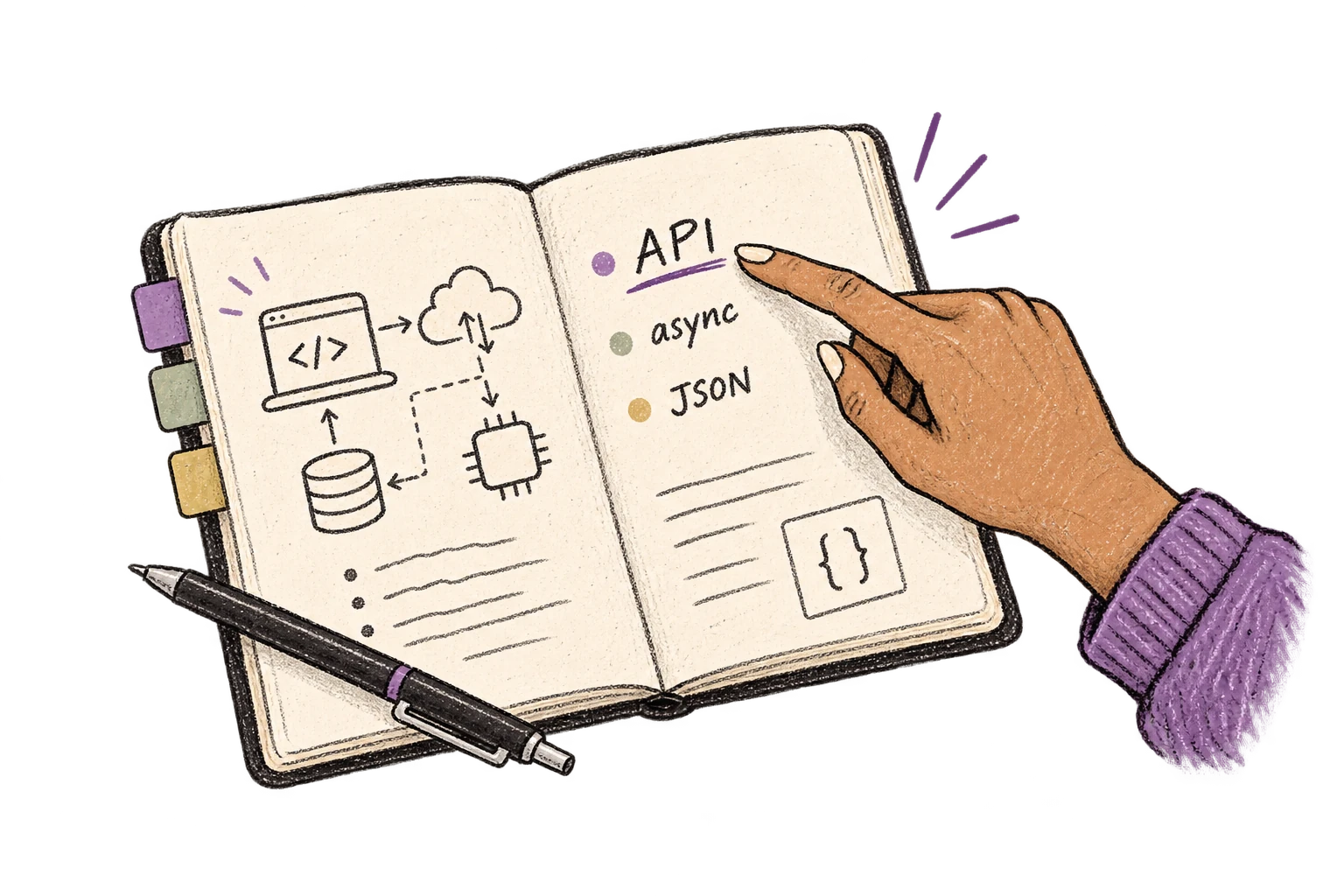
Cloud AI models excel at technical jargon, code terminology, and specialized vocabulary.
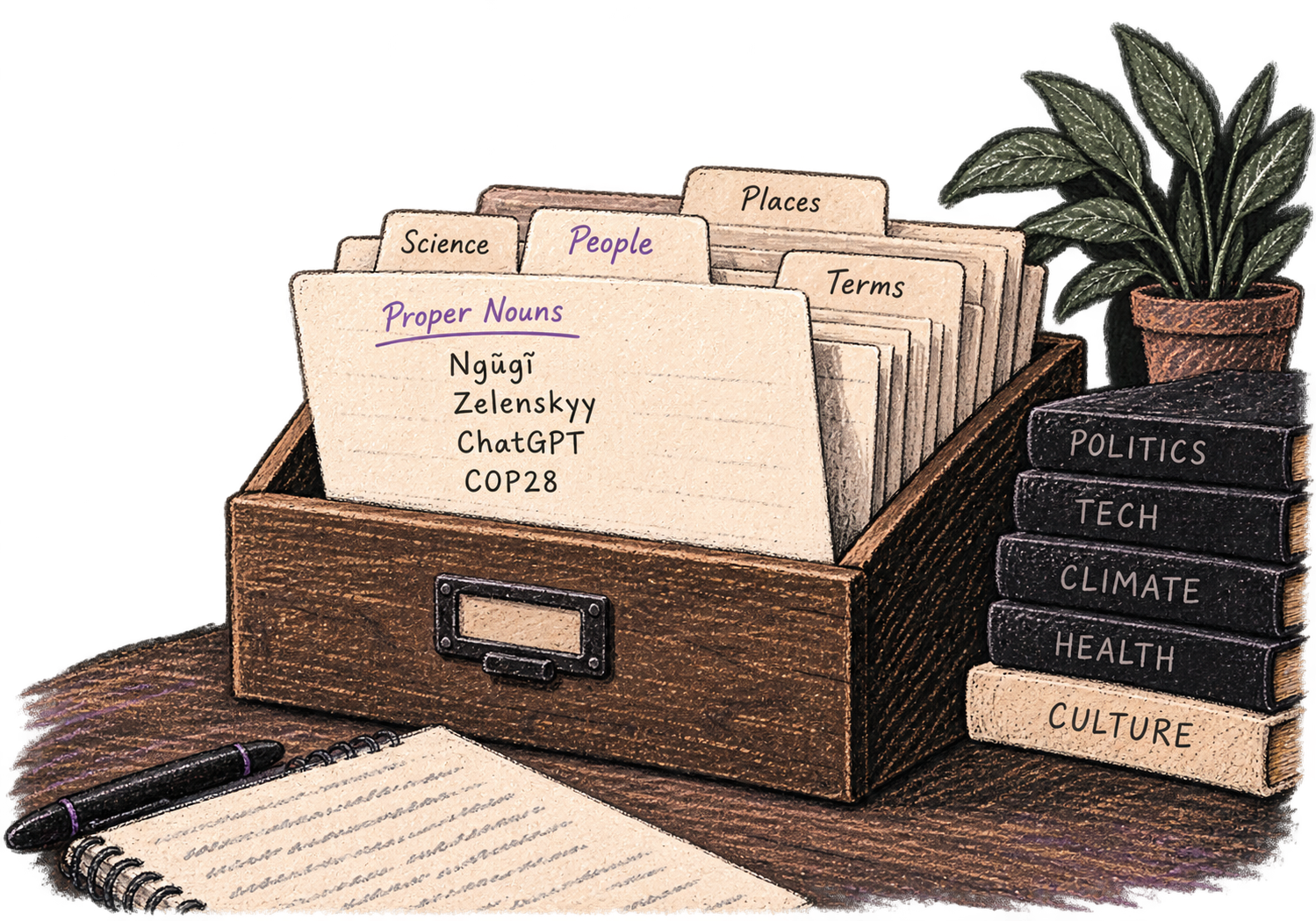
Add names, technical terms, and jargon. Ottex transcribes them accurately every time.
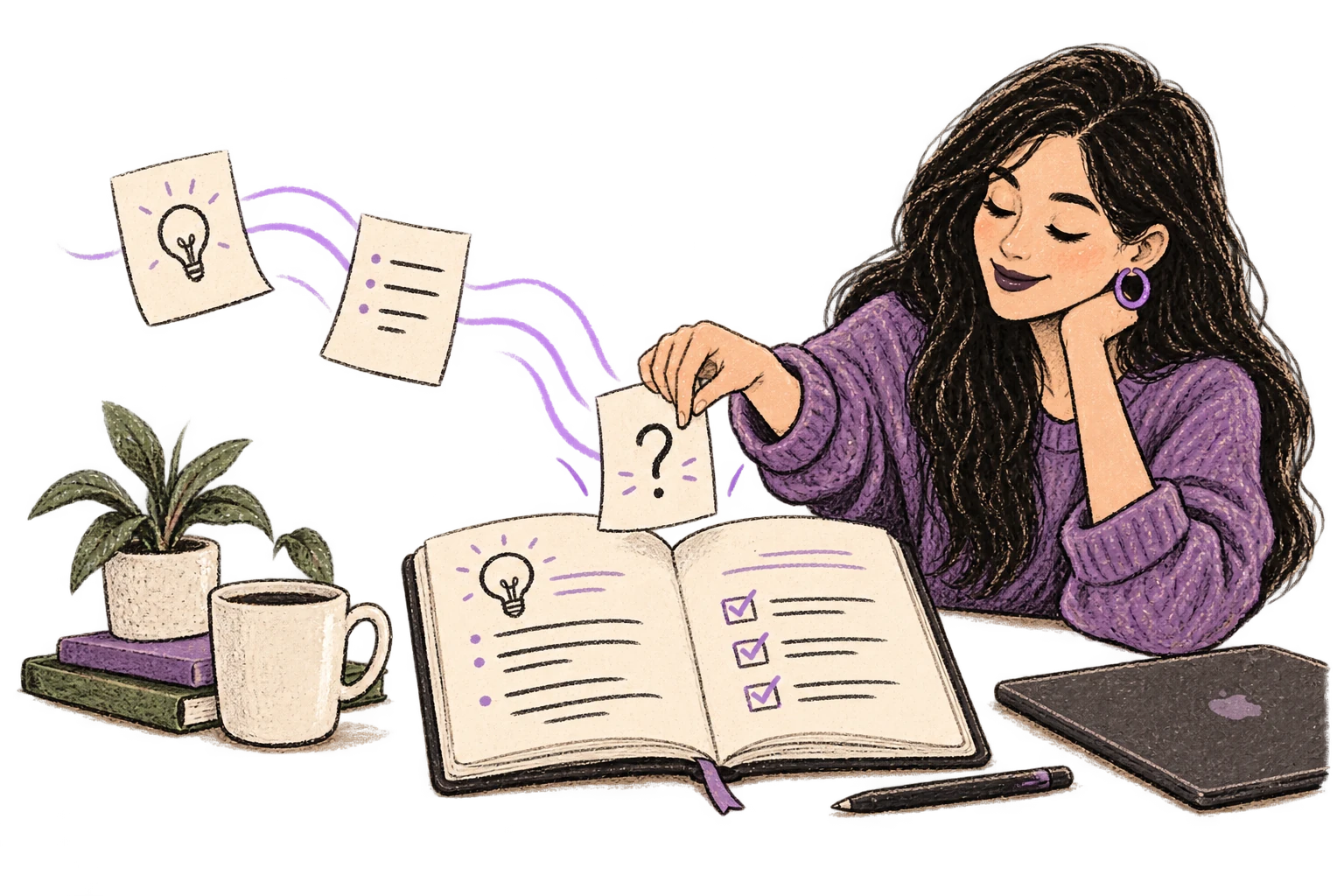
Say 'scratch that' to delete mistakes, 'actually' to rephrase. Fix errors without stopping your flow or touching the keyboard.

Professionals who rely on Ottex for ai prompts
Talk to AI coding agents, ship faster
Document components, review PRs, collaborate with designers faster
Document incidents in real-time. Write runbooks faster. Debug with AI.
Document APIs and architecture decisions by voice
Yes. Ottex works system-wide on macOS — it types into any text field, including Cursor's Composer, GitHub Copilot Chat, Claude Code, and any other AI coding assistant.
Absolutely. Add your project's terms, library names, and acronyms to your custom dictionary. Ottex will transcribe OAuth, NextAuth, Supabase, and similar terms correctly every time.
The opposite. Press a hotkey to start dictating, speak your prompt naturally, and it appears instantly. No context switching, no copy-pasting from another app.
Just correct yourself naturally — say 'actually, make that a full migration' and Ottex uses the correction, not the original. No need to stop and edit.
Other ways to use Ottex
Dictate interview feedback immediately after each call. Speaking lets you capture nuance and context that gets lost when typing quickly.
Dictate Jira tickets, Linear issues, or Asana tasks. Speak the context, acceptance criteria, and details—then move on.
Dictate call notes, update deal stages, or log activities. Keep your CRM current without the tedium.
Dictate standup updates, weekly reports, or project status. Speak what happened and what's next—done.
Dictate personalized follow-up emails right after calls. Strike while the conversation is fresh.
Reply to YouTube comments, Twitter threads, or social media mentions by voice. Stay engaged with your audience without the typing fatigue.
Get 4+ hours back every week from typing, formatting, and re-prompting AI.
Try for freeNo credit card required.