3x Faster Than Typing
Speak 150+ words per minute vs 40 wpm typing. Finish tasks in a third of the time.

Dictate Jira tickets, Linear issues, or Asana tasks. Speak the context, acceptance criteria, and details—then move on.
Read this example aloud, or say something of your own.
Your voice. Right where you work.
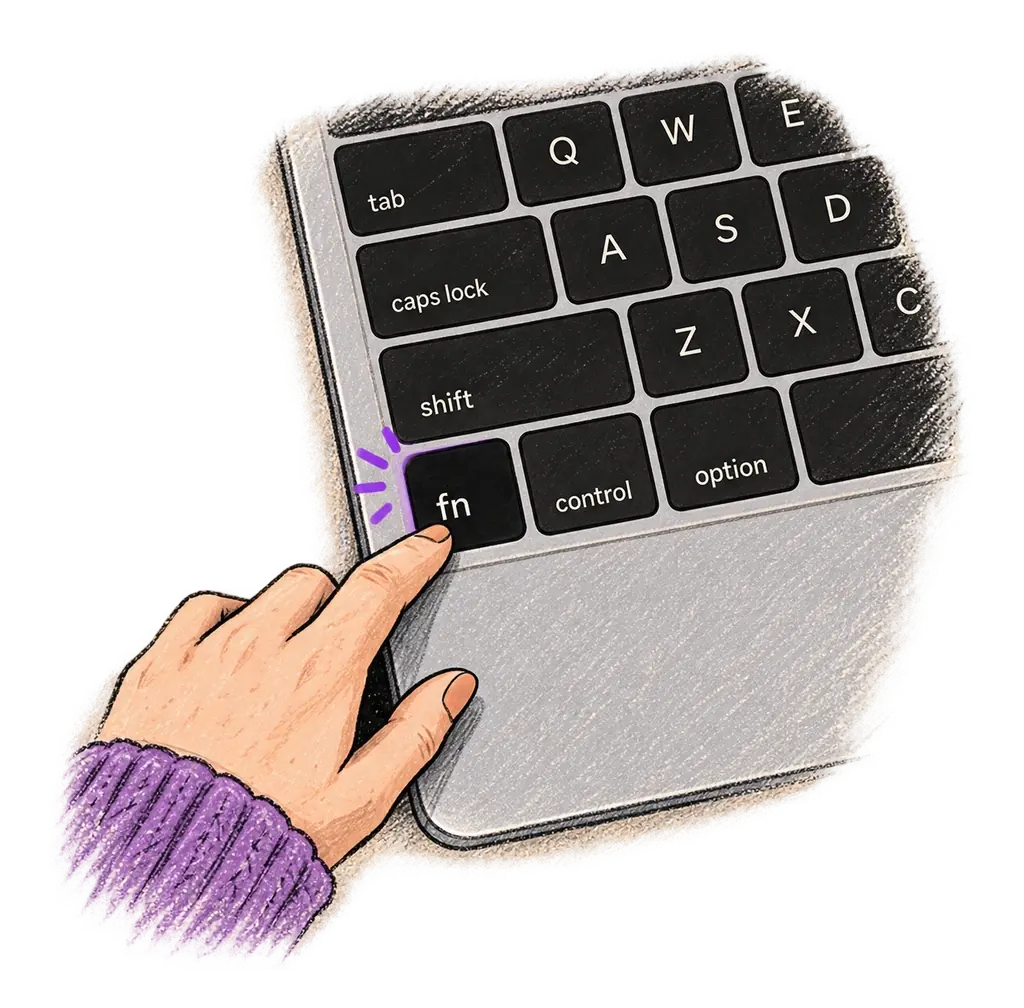
Place your cursor in any app, then hold the Fn key.
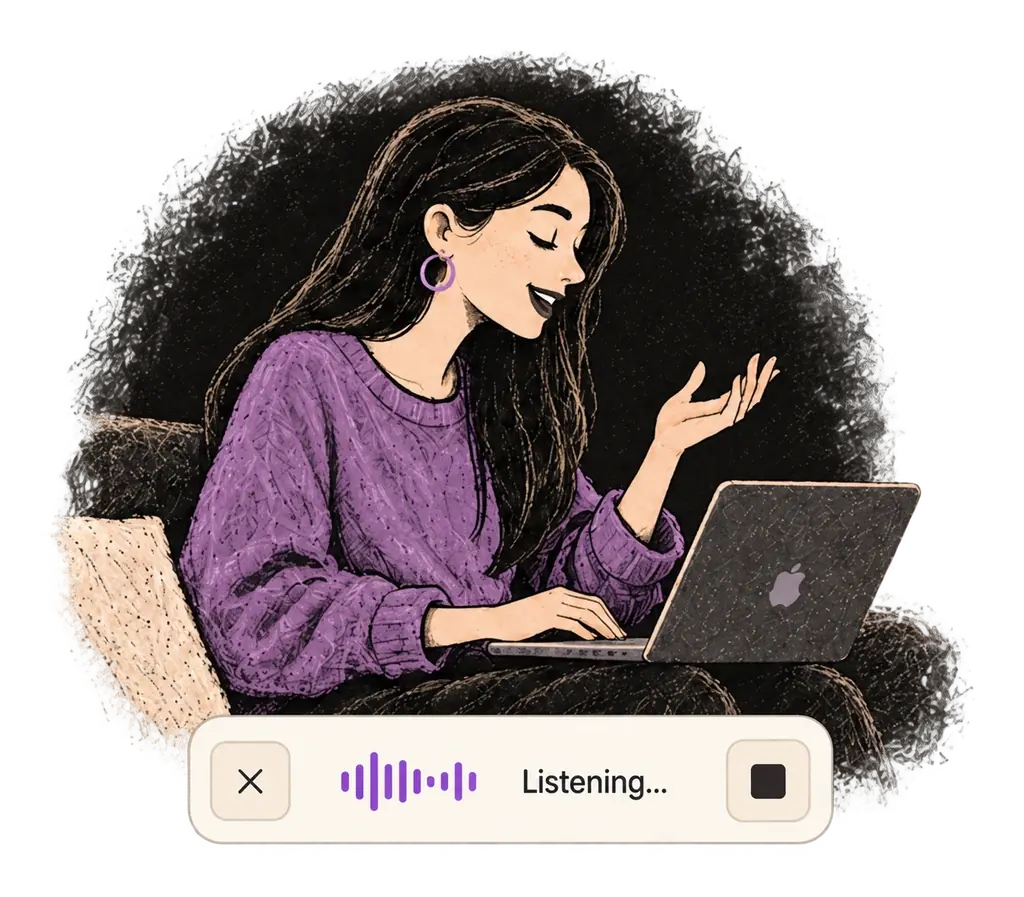
Say what you want to write. Ottex follows your saved writing rules.
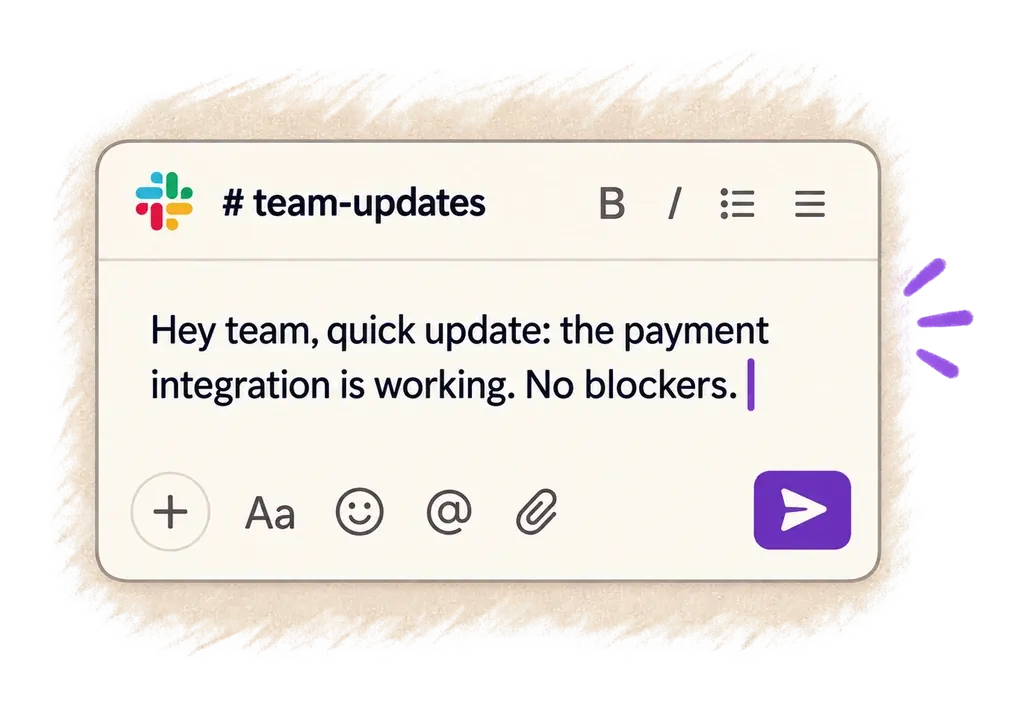
Your text appears right where your cursor is.
Everything you need to do this job efficiently
Speak 150+ words per minute vs 40 wpm typing. Finish tasks in a third of the time.
Speaking naturally gives AI agents more context than typing. Describe your intent, explain edge cases, mention file names—your voice carries nuance that typing shortcuts.
Cloud AI models excel at technical jargon, code terminology, and specialized vocabulary.
Say 'scratch that' to delete mistakes, 'actually' to rephrase. Fix errors without stopping your flow or touching the keyboard.

Transform text as you speak: 'Ottex start fix grammar Ottex end'. Edit, improve, translate—all by voice.

Professionals who rely on Ottex for create tasks
Reduce typing strain with voice
Document APIs and architecture decisions by voice
Document your builds without leaving the builder
Document experiments faster, ship more tests
Document pipelines, debug faster, ship reliable data
Design learning experiences faster. Speak your expertise.
Yes. Ottex types into any text field on macOS — Jira's issue creator, Linear's new issue form, Asana tasks, GitHub Issues, or any project management tool.
Yes. Speak naturally about the requirements — use formatting commands like 'bullet point' to structure acceptance criteria, edge cases, and implementation notes.
Most users report creating tickets 3x faster. A ticket that takes 5 minutes to type takes under 2 minutes to dictate.
Yes. Click the title field, dictate the title, click the description field, dictate the details. Ottex types wherever your cursor is.
Other ways to use Ottex
Handle support tickets efficiently. Speaking lets you explain solutions thoroughly—more context means fewer follow-up questions.
Dictate unique job descriptions that capture what makes the role special. Speaking helps you articulate culture, growth opportunities, and team dynamics naturally.
Dictate tweets, LinkedIn posts, blog articles, or newsletters. Turn your thoughts into content faster than ever.
Dictate prompts to ChatGPT, Claude, Perplexity, or any AI chatbot. Speaking naturally lets you give more context—better context means better results.
Reply to Slack messages 3x faster. Dictate casual updates, detailed explanations, or quick acknowledgments without switching context.
Dictate interview feedback immediately after each call. Speaking lets you capture nuance and context that gets lost when typing quickly.
Get 4+ hours back every week from typing, formatting, and re-prompting AI.
Try for freeNo credit card required.