3x Faster Than Typing
Speak 150+ words per minute vs 40 wpm typing. Finish tasks in a third of the time.

Dictate personalized follow-up emails right after calls. Strike while the conversation is fresh.
Read this example aloud, or say something of your own.
Your voice. Right where you work.
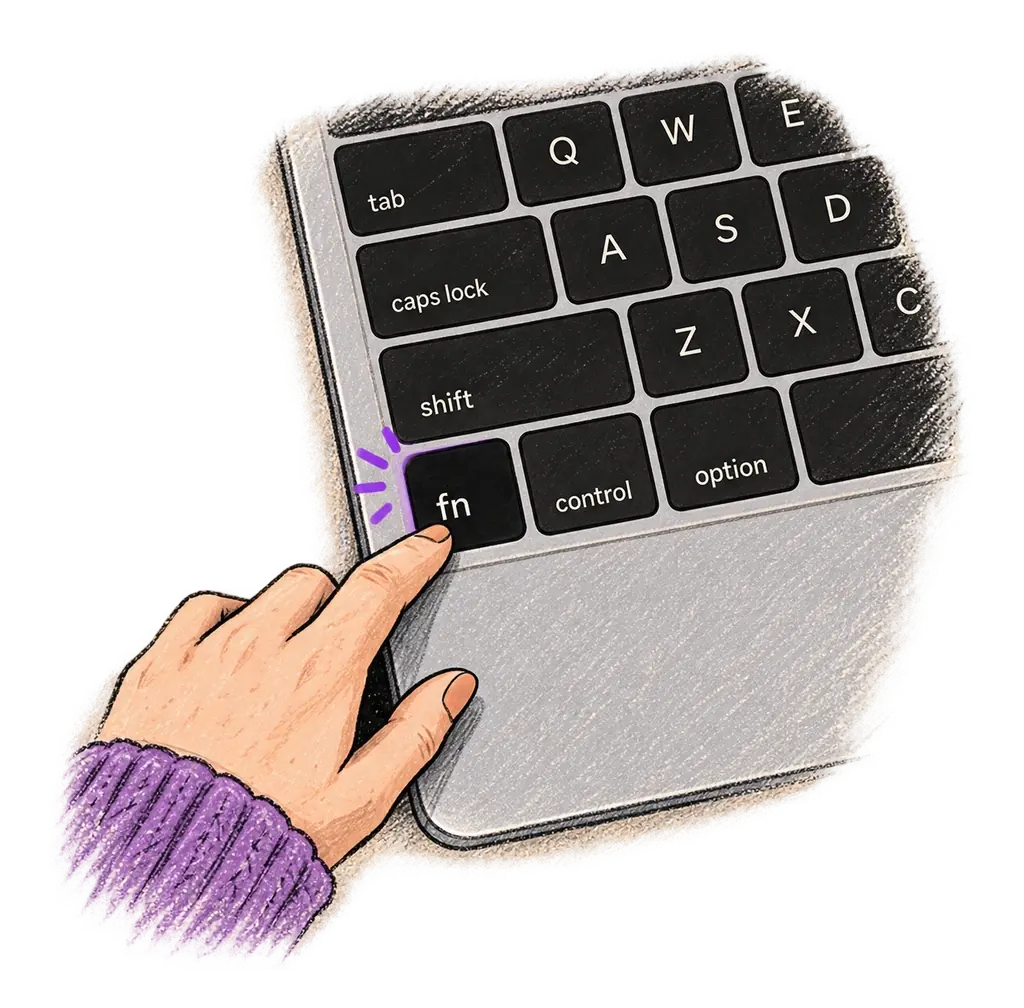
Place your cursor in any app, then hold the Fn key.
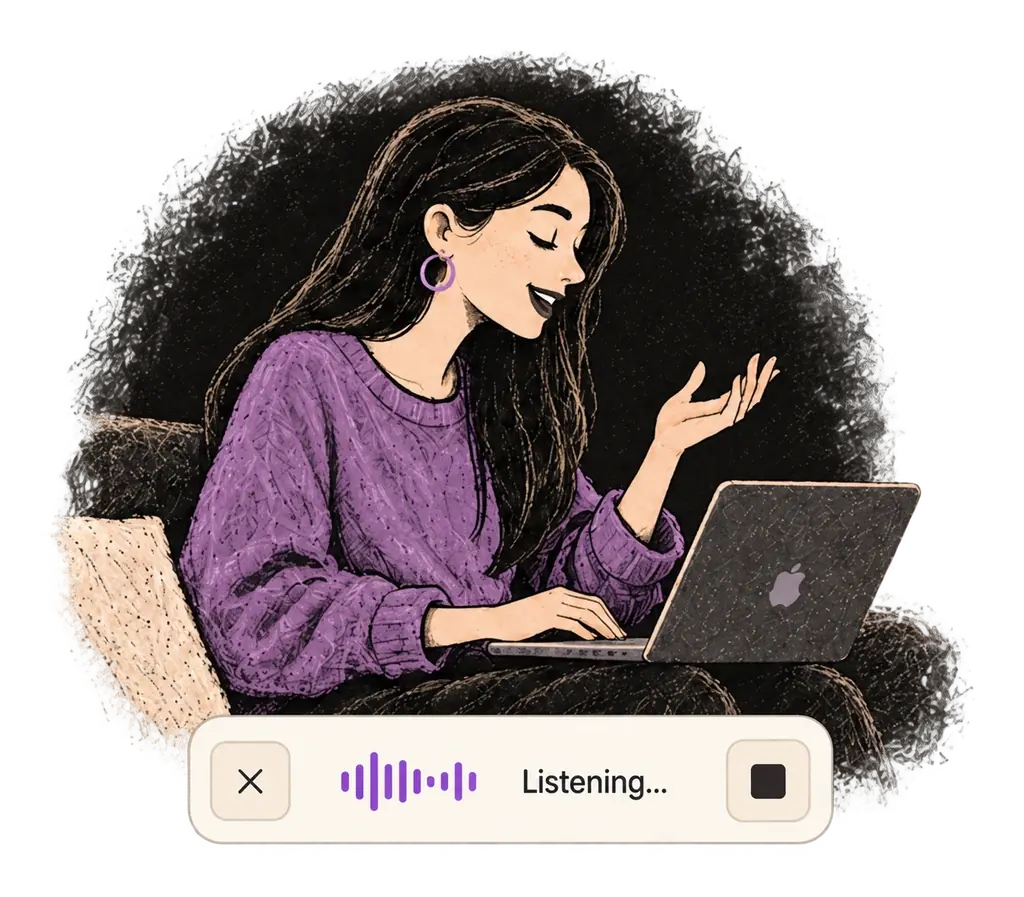
Say what you want to write. Ottex follows your saved writing rules.
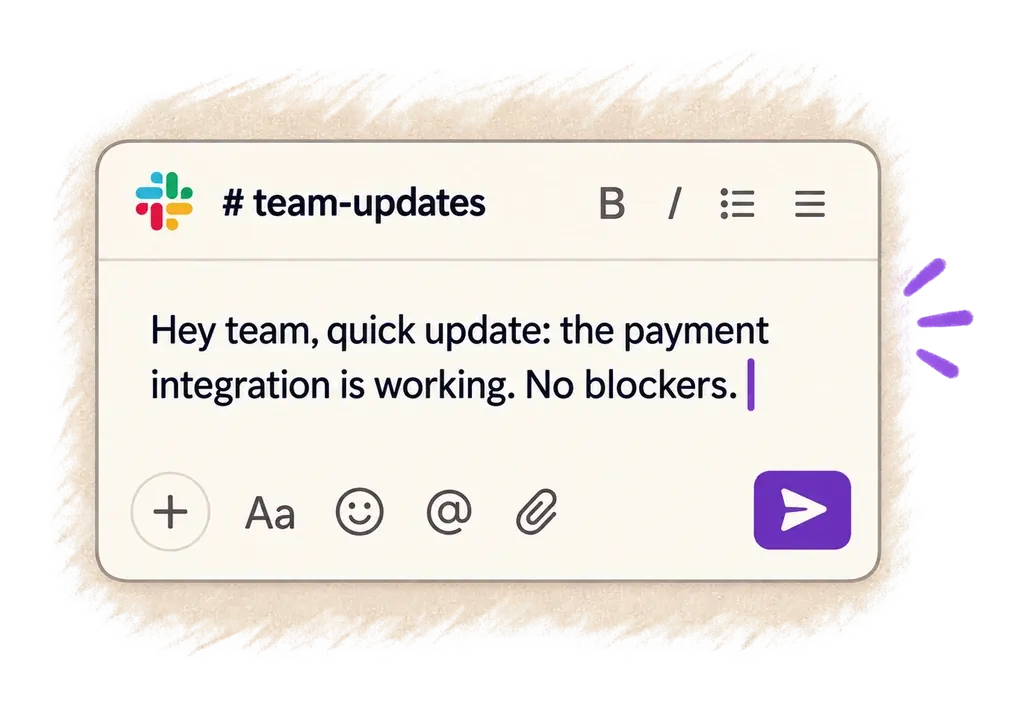
Your text appears right where your cursor is.
Everything you need to do this job efficiently
Speak 150+ words per minute vs 40 wpm typing. Finish tasks in a third of the time.
Optionally let AI see your screen for smarter responses. Reply to emails with full context, answer messages knowing the conversation history.
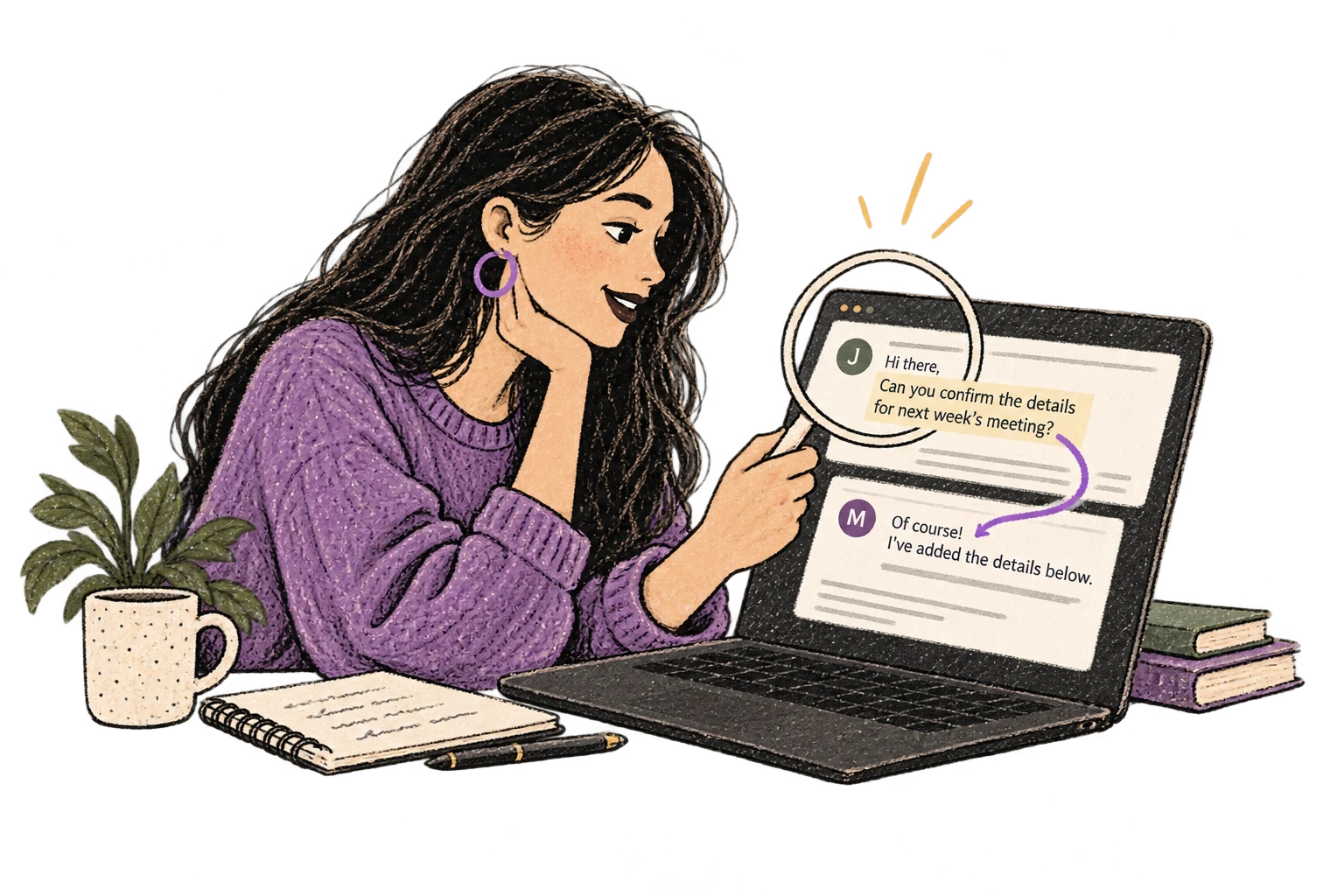
Define custom text replacements and shortcuts. Say 'work signature' to expand your full email signature, or 'my address' for your contact info.

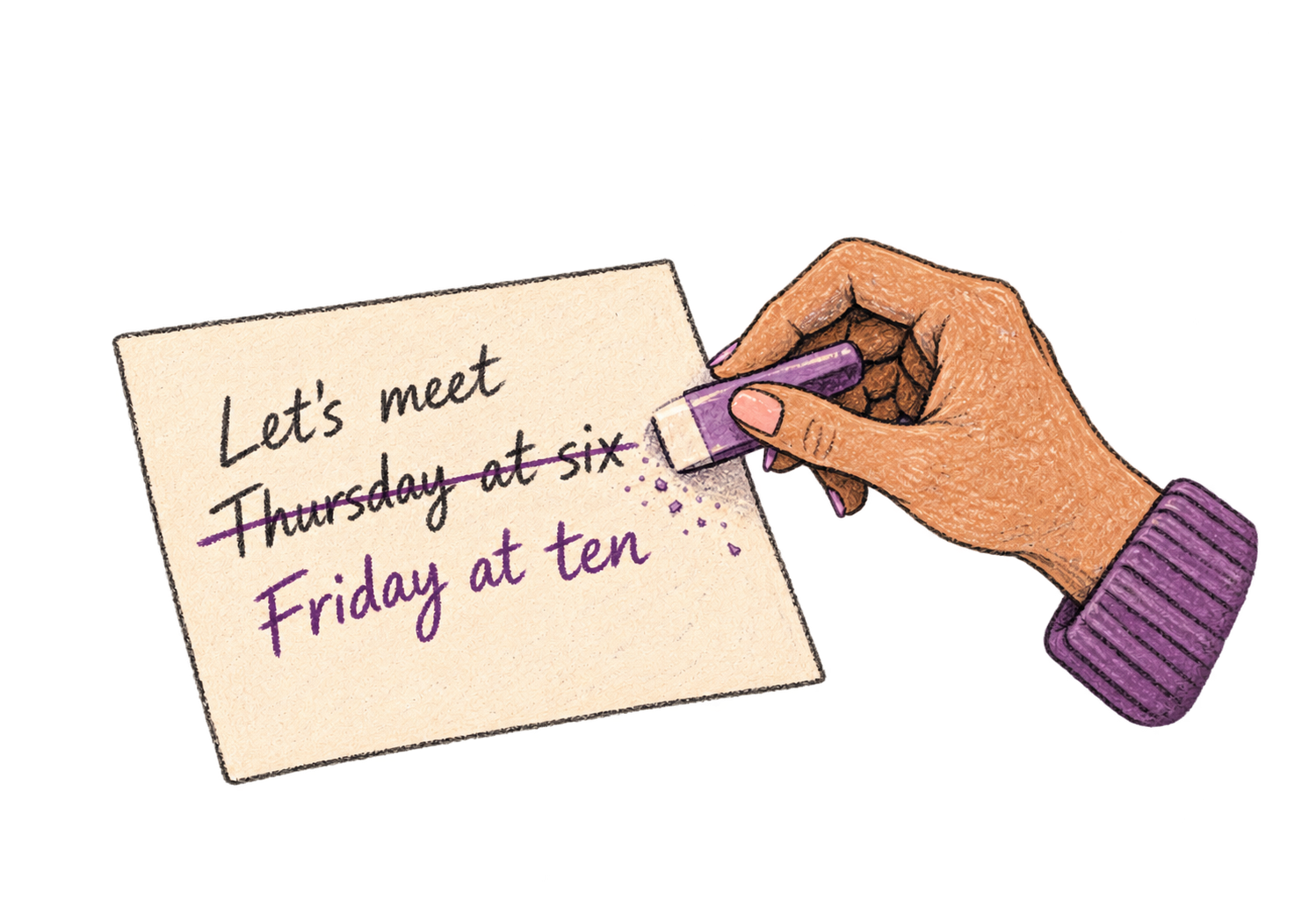
Say 'scratch that' to delete mistakes, 'actually' to rephrase. Fix errors without stopping your flow or touching the keyboard.
Professionals who rely on Ottex for sales follow-ups
Close more deals, type less
Listings that sell themselves
Capture every call, personalize every email
Capture relationship nuances, not just data points
Win deals with better context
Right after a call, details are fresh. Speaking lets you capture everything — names mentioned, pain points discussed, next steps agreed — before you forget.
Yes. Smart snippets let you insert your calendar link, pricing page, case study links, or closing with a voice command.
Yes. Ottex types into any text field — Gmail, Outlook, Salesforce email composer, HubSpot sequences, or any other tool.
That's where voice shines. Speak the specific details from your conversation — it's faster than editing a template and sounds more genuine.
Other ways to use Ottex
Dictate Jira tickets, Linear issues, or Asana tasks. Speak the context, acceptance criteria, and details—then move on.
Dictate meeting notes in real-time or right after. Capture action items, decisions, and key points while they're fresh in your mind.
Dictate interview feedback immediately after each call. Speaking lets you capture nuance and context that gets lost when typing quickly.
Write video scripts, podcast outlines, or screenplays by voice. Speaking your dialogue makes it sound natural from the start.
Say 'new paragraph', 'bullet point', 'open quote' and get exactly what you mean. Full formatting control without touching the keyboard.
Reply to Slack messages 3x faster. Dictate casual updates, detailed explanations, or quick acknowledgments without switching context.
Get 4+ hours back every week from typing, formatting, and re-prompting AI.
Try for freeNo credit card required.