3x Faster Than Typing
Speak 150+ words per minute vs 40 wpm typing. Finish tasks in a third of the time.

Dictate essays, papers, or assignments. Speak your arguments naturally, then use AI commands to formalize your writing.
Read this example aloud, or say something of your own.
Your voice. Right where you work.
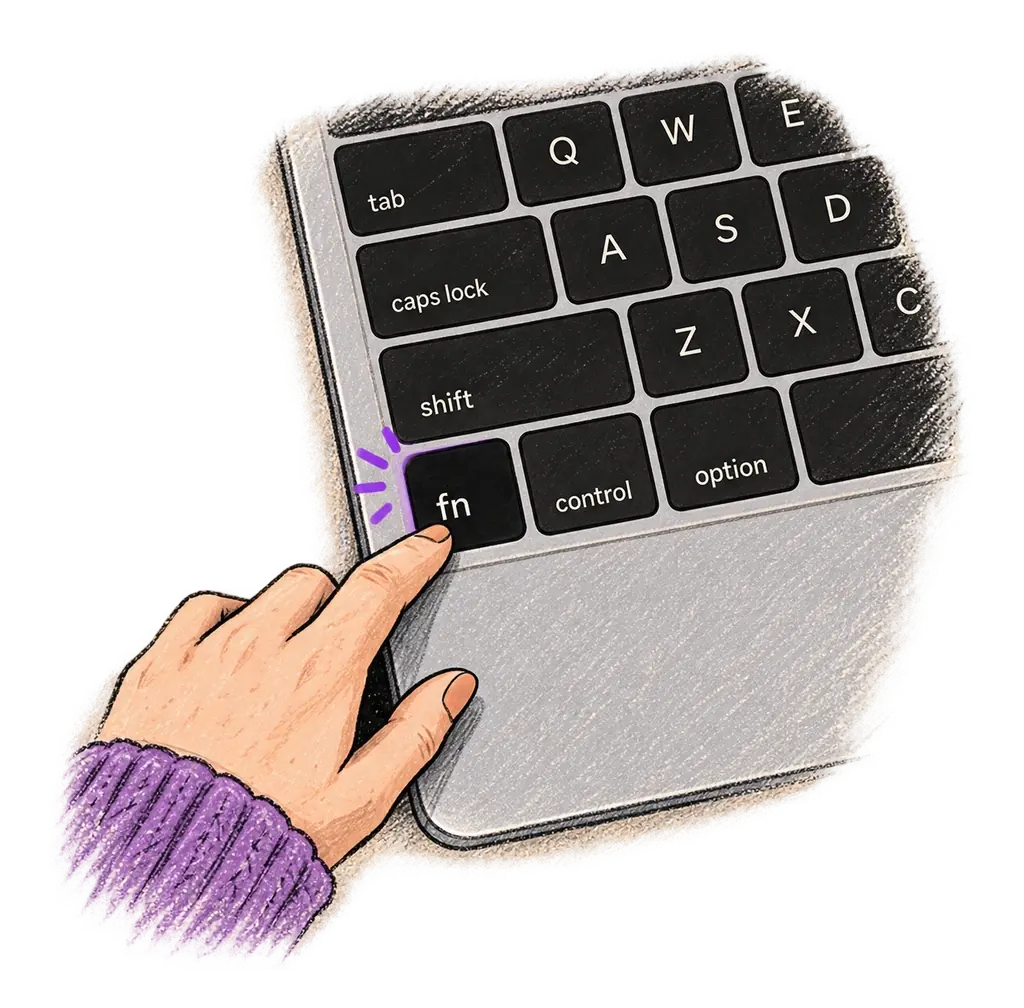
Place your cursor in any app, then hold the Fn key.
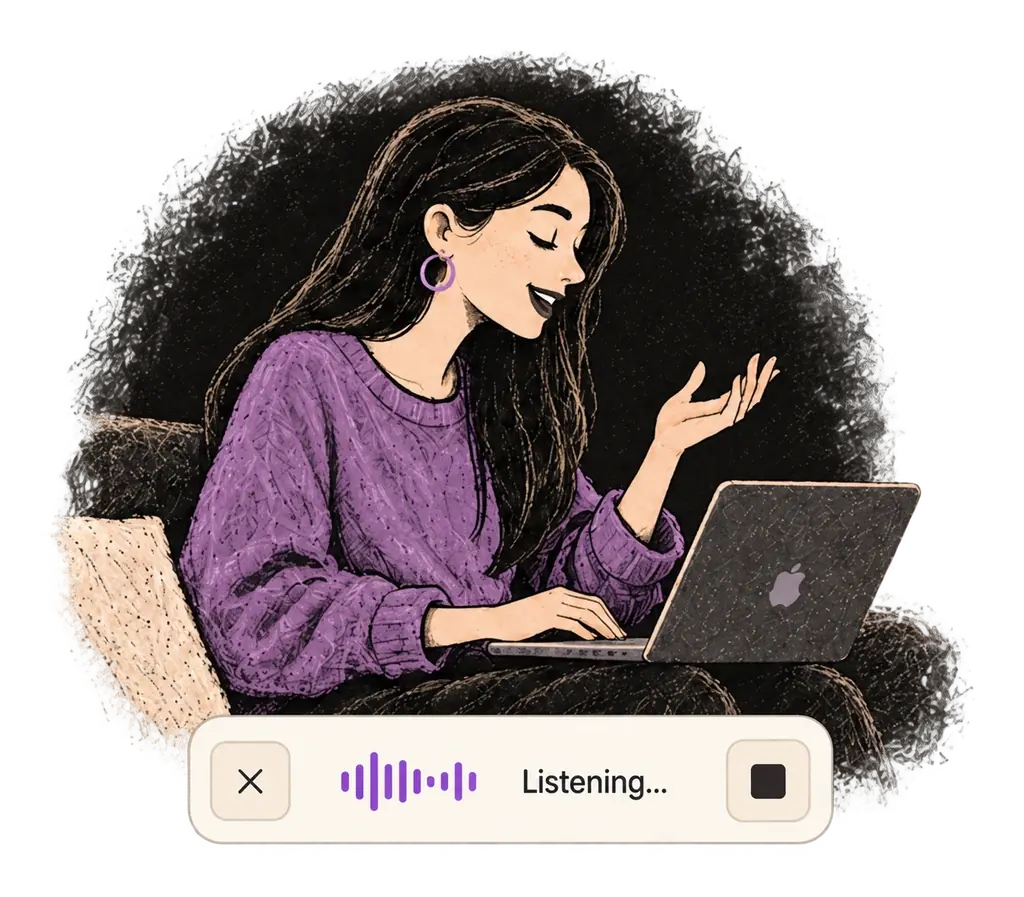
Say what you want to write. Ottex follows your saved writing rules.
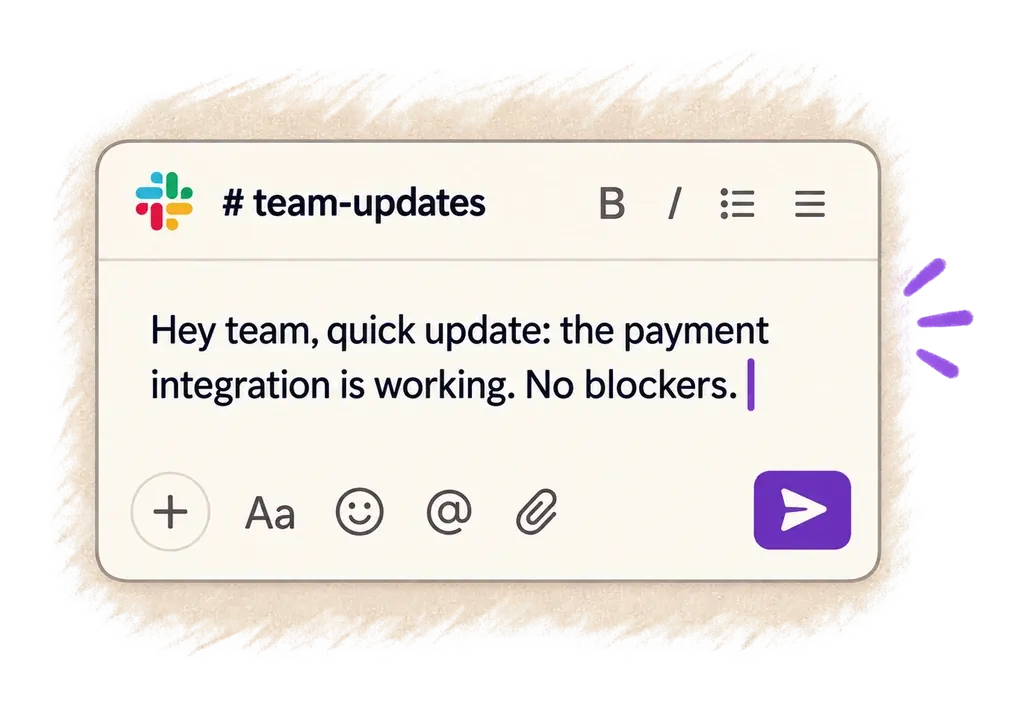
Your text appears right where your cursor is.
Everything you need to do this job efficiently
Speak 150+ words per minute vs 40 wpm typing. Finish tasks in a third of the time.
Transform casual dictation into formal prose with AI commands. Perfect for essays and papers.
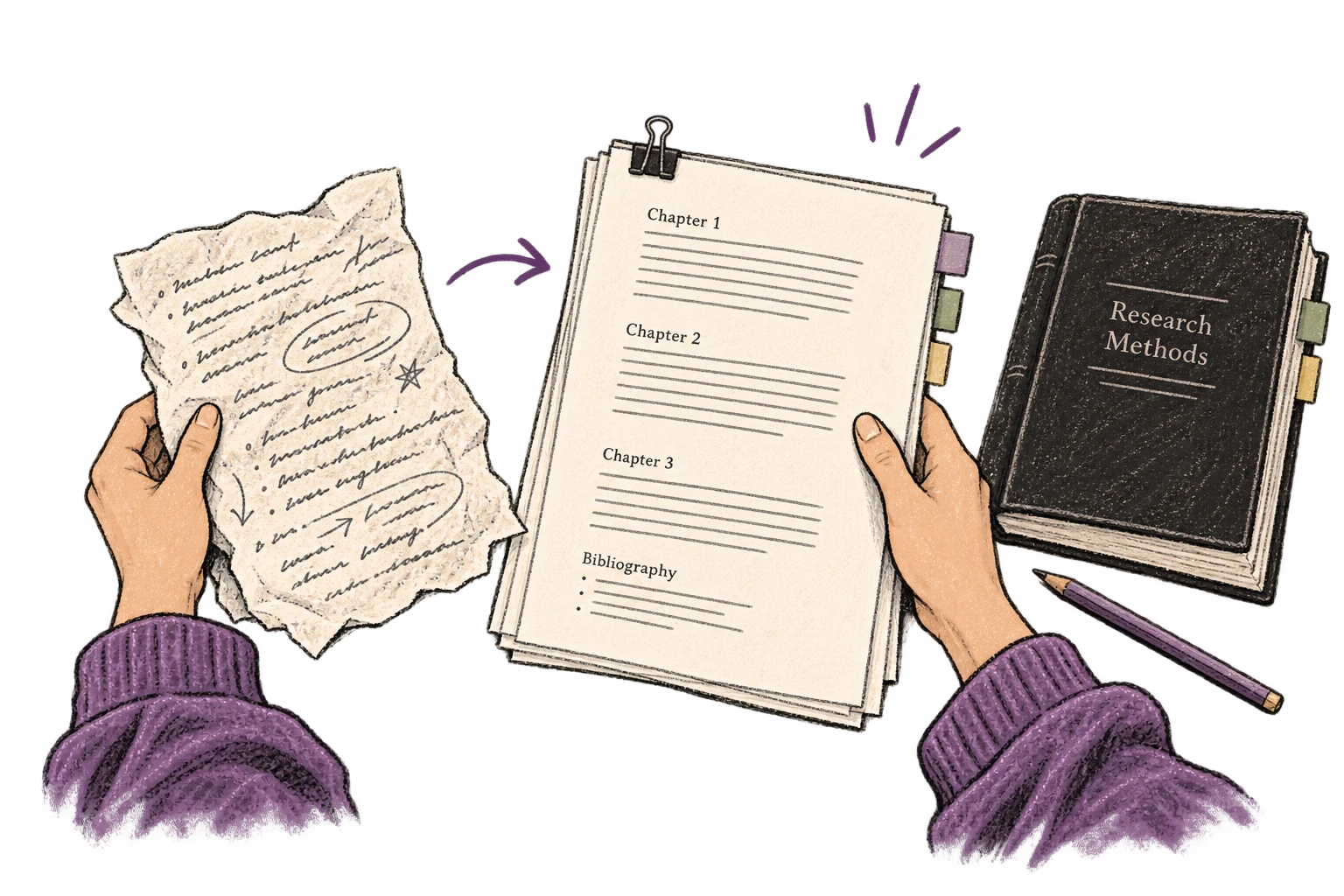
Transform text as you speak: 'Ottex start fix grammar Ottex end'. Edit, improve, translate—all by voice.

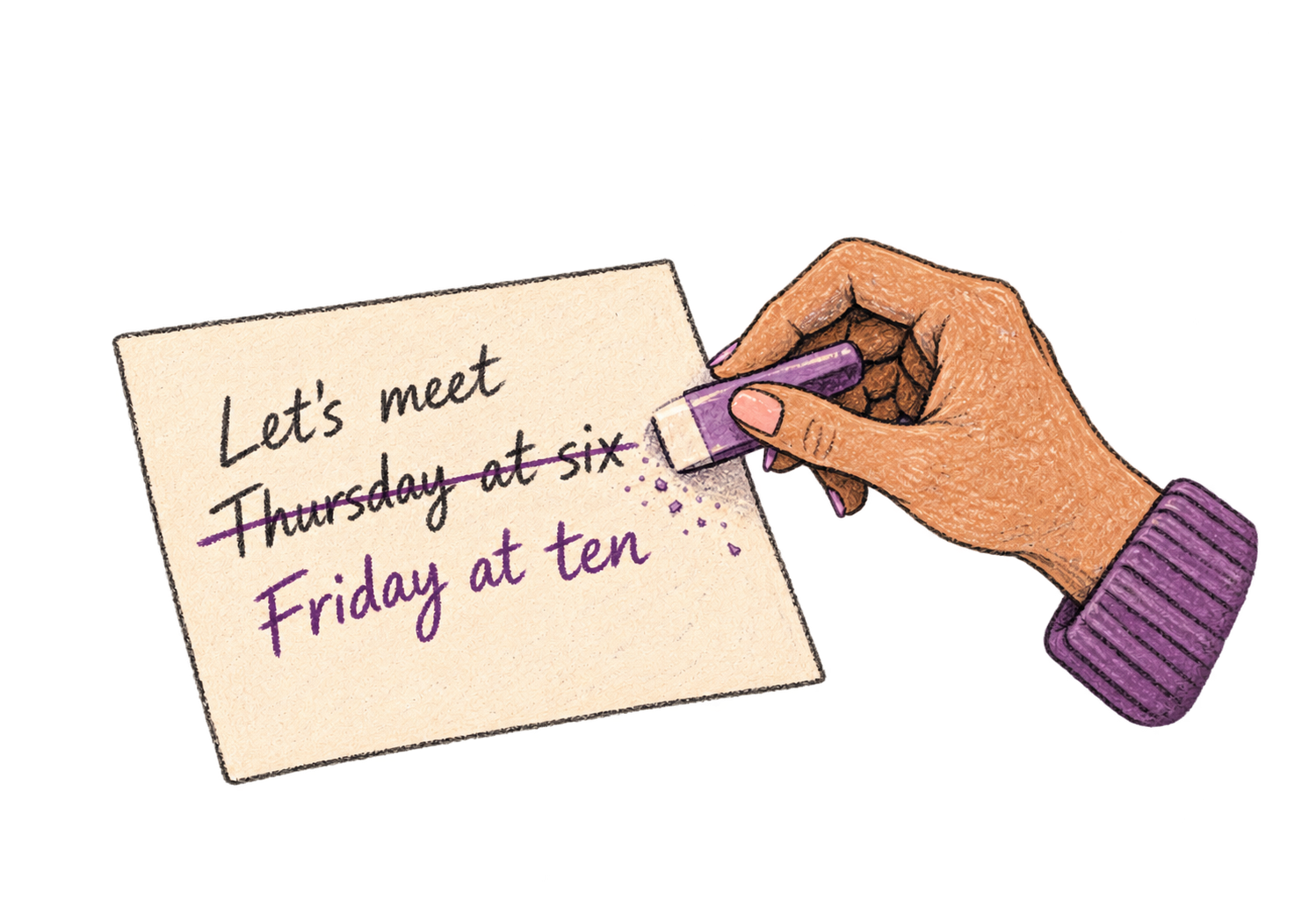
Say 'scratch that' to delete mistakes, 'actually' to rephrase. Fix errors without stopping your flow or touching the keyboard.
Say 'new paragraph', 'open quote', 'em dash', 'ellipsis'. Full formatting control by voice.

Professionals who rely on Ottex for essays
No. Ottex is a dictation tool — it captures YOUR words and ideas. You're still doing the thinking, just speaking instead of typing. It's like having a faster keyboard.
Yes. Ottex supports multiple languages. Speak in your language and get text in your target language, or dictate directly in the assignment's language.
Yes. Speaking bypasses the 'inner editor' that causes blank-page paralysis. Talk through your argument, and Ottex gives you a starting draft to refine.
Yes. Ottex types into any text field on macOS — Google Docs, Microsoft Word, Notion, or any writing tool.
Other ways to use Ottex
Dictate call notes, update deal stages, or log activities. Keep your CRM current without the tedium.
Dictate personalized prospecting emails. Speaking naturally makes your outreach sound human, not templated.
Defeat writer's block by speaking your first draft. Don't edit as you go—just talk through your ideas and refine them later.
Voice-prompt AI coding agents like Cursor and Claude Code. With Ottex handling dictation and AI handling the code, you can architect and ship features with almost zero typing. Perfect for RSI recovery or accessibility.
Dictate product requirements, feature specs, or design docs. Speaking lets you explain the full context—edge cases, user flows, and rationale—naturally.
Speak in your native language, get text in your target language. Perfect for non-native speakers or multilingual communication.
Get 4+ hours back every week from typing, formatting, and re-prompting AI.
Try for freeNo credit card required.