3x Faster Than Typing
Speak 150+ words per minute vs 40 wpm typing. Finish tasks in a third of the time.

Voice-prompt AI coding agents like Cursor and Claude Code. With Ottex handling dictation and AI handling the code, you can architect and ship features with almost zero typing. Perfect for RSI recovery or accessibility.
Read this example aloud, or say something of your own.
Your voice. Right where you work.

Place your cursor in any app, then hold the Fn key.

Say what you want to write. Ottex follows your saved writing rules.

Your text appears right where your cursor is.
Everything you need to do this job efficiently
Speak 150+ words per minute vs 40 wpm typing. Finish tasks in a third of the time.
System-wide on macOS—Ottex works wherever you can type. No app-specific integrations needed.
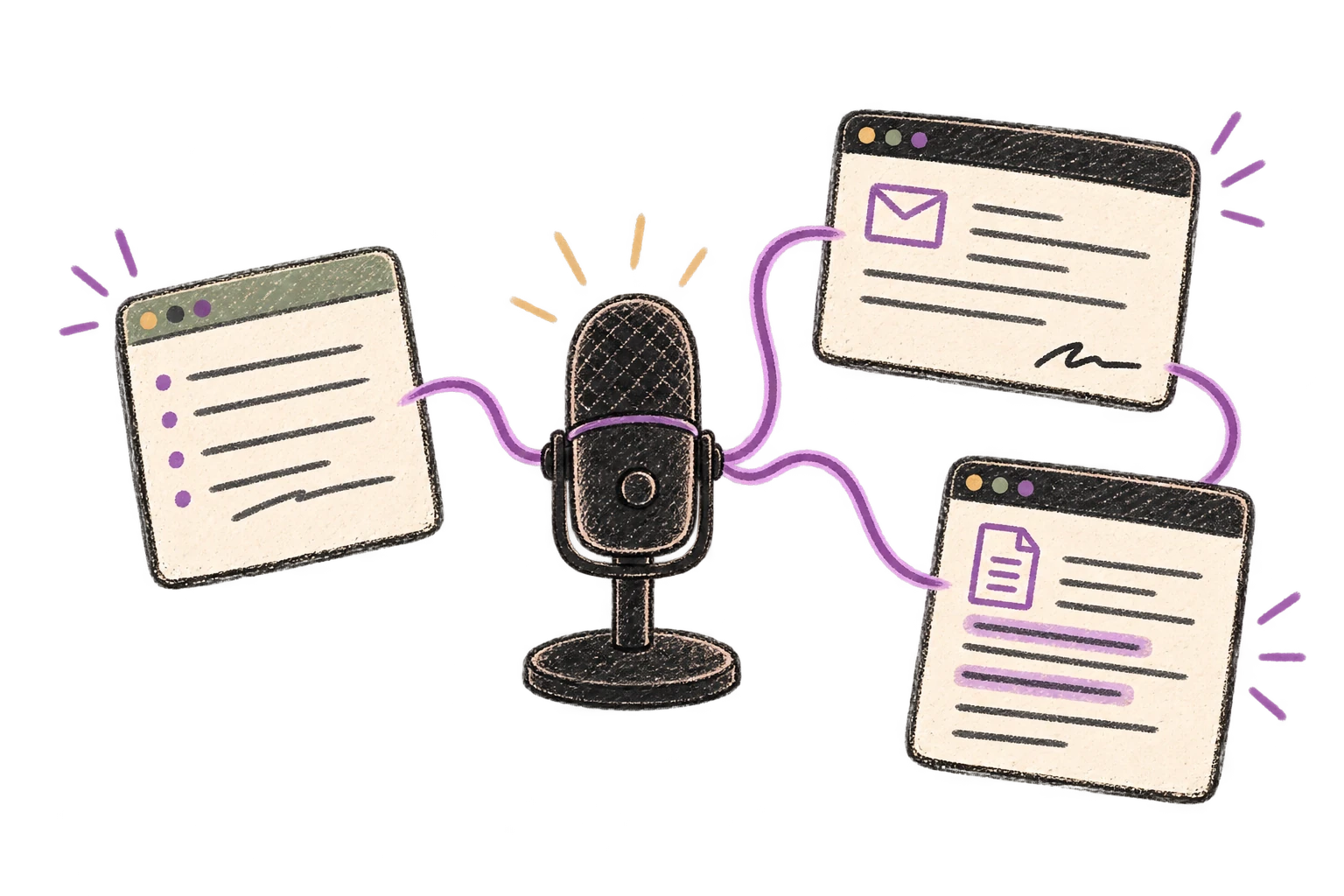
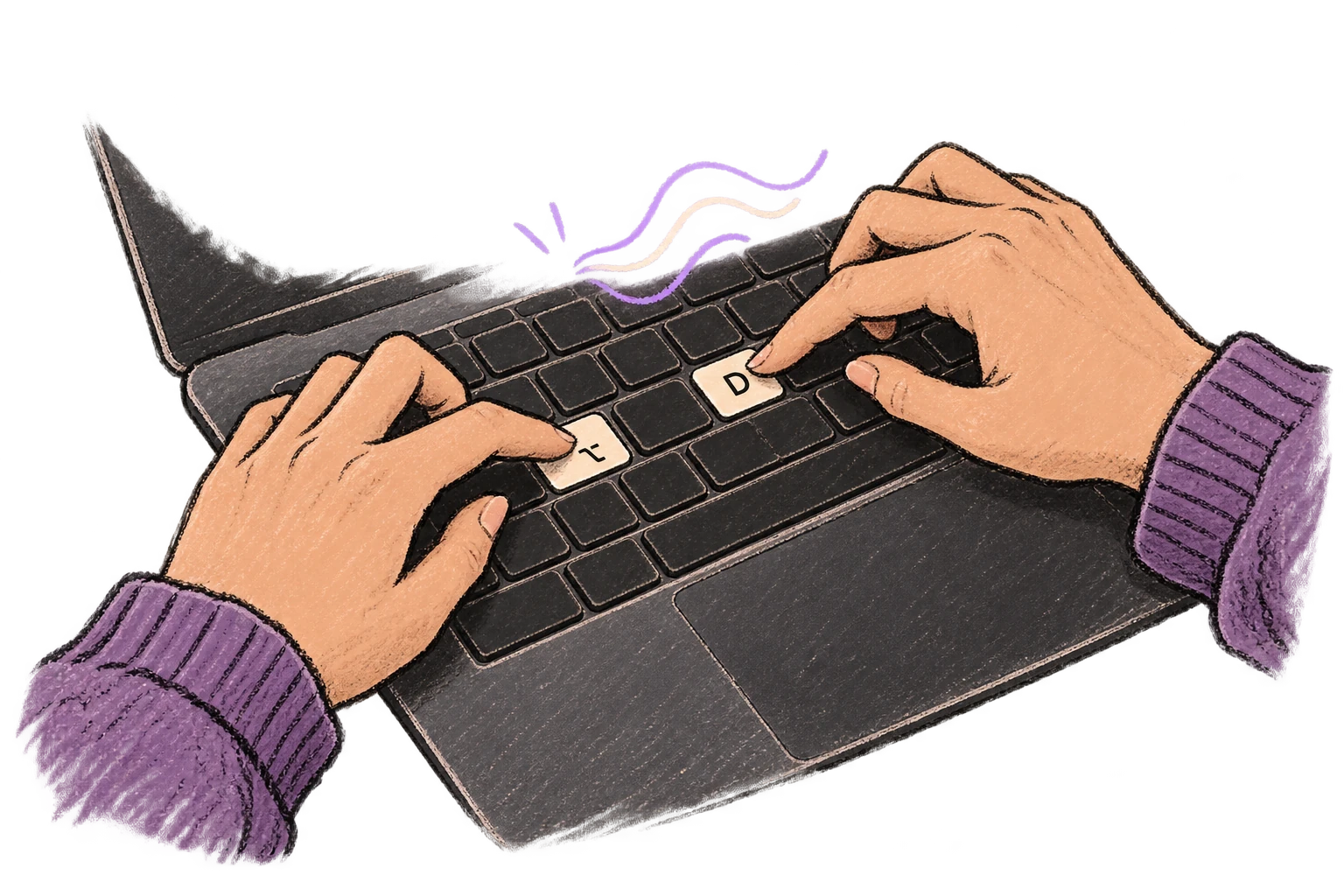
Start recording with Option+D, use Push-to-Talk, or cancel with Esc. All shortcuts are fully configurable.
Say 'scratch that' to delete mistakes, 'actually' to rephrase. Fix errors without stopping your flow or touching the keyboard.

Say 'new paragraph', 'open quote', 'em dash', 'ellipsis'. Full formatting control by voice.

Professionals who rely on Ottex for hands-free coding
With AI coding agents, yes. Speak your architectural decisions, describe the changes you need, and let Cursor or Claude Code write the code. Ottex handles the dictation, AI handles the implementation.
Yes. Add your project's terms, library names, and API references to your custom dictionary. Ottex transcribes technical prompts — 'refactor the auth middleware to use BetterAuth' — accurately.
Users with RSI report reducing keyboard use by 90-95%. Voice prompts handle the creative and architectural work; you only type for small edits and navigation.
Yes. Ottex types into any text field on macOS — Cursor's Composer panel, VS Code's Copilot Chat, terminal for Claude Code, or any IDE.
Other ways to use Ottex
Dictate meeting notes in real-time or right after. Capture action items, decisions, and key points while they're fresh in your mind.
Say 'new paragraph', 'bullet point', 'open quote' and get exactly what you mean. Full formatting control without touching the keyboard.
Reply to Slack messages 3x faster. Dictate casual updates, detailed explanations, or quick acknowledgments without switching context.
Dictate SOAP notes, progress notes, or patient summaries. Add medical terms to your dictionary for accurate transcription.
Dictate interview feedback immediately after each call. Speaking lets you capture nuance and context that gets lost when typing quickly.
Speak in your native language, get text in your target language. Perfect for non-native speakers or multilingual communication.
Get 4+ hours back every week from typing, formatting, and re-prompting AI.
Try for freeNo credit card required.