Voice Dictation for Podcasters

Your voice creates your show. Let it create everything else too.

Text Editor

Example dictation

so just learned something interesting um the best way to get unstuck on a problem is to explain it out loud even if no one's listening new paragraph I was stuck on this thing for hours and the moment I started talking through it everything clicked new paragraph try it next time you're stuck

Read this example aloud, or say something of your own.

Ottex outputs

Just learned something interesting—the best way to get unstuck on a problem is to explain it out loud, even if no one's listening. I was stuck on this thing for hours, and the moment I started talking through it, everything clicked. Try it next time you're stuck.
Profile instructions

Download for macOS

How it works

Your voice. Right where you work.

  1. Hold Fn

    Place your cursor in any app, then hold the Fn key.

  2. Speak naturally

    Say what you want to write. Ottex follows your saved writing rules.

  3. Release. It’s written.

    Your text appears right where your cursor is.

Works with your apps

Ottex works system-wide on macOS. Dictate directly into these apps and more.

And any other app that accepts text input. See all supported apps

Why Ottex works for podcasters

Concrete benefits with real-world impact

3x Faster Than Typing

Speak 150+ words per minute vs 40 wpm typing. Finish tasks in a third of the time.

A woman speaks naturally while working on her laptop.

Voice Corrections

Say 'scratch that' to delete mistakes, 'actually' to rephrase. Fix errors without stopping your flow or touching the keyboard.

Thursday at six is crossed out and replaced with Friday at ten.

Inline AI Commands

Transform text as you speak: 'Ottex start fix grammar Ottex end'. Edit, improve, translate—all by voice.

Hands transform paper into a new form.

App-Specific Modes

Ottex detects which app you're in and adapts. Coding mode in Cursor, casual tone in Slack, professional in Gmail—automatic context switching.
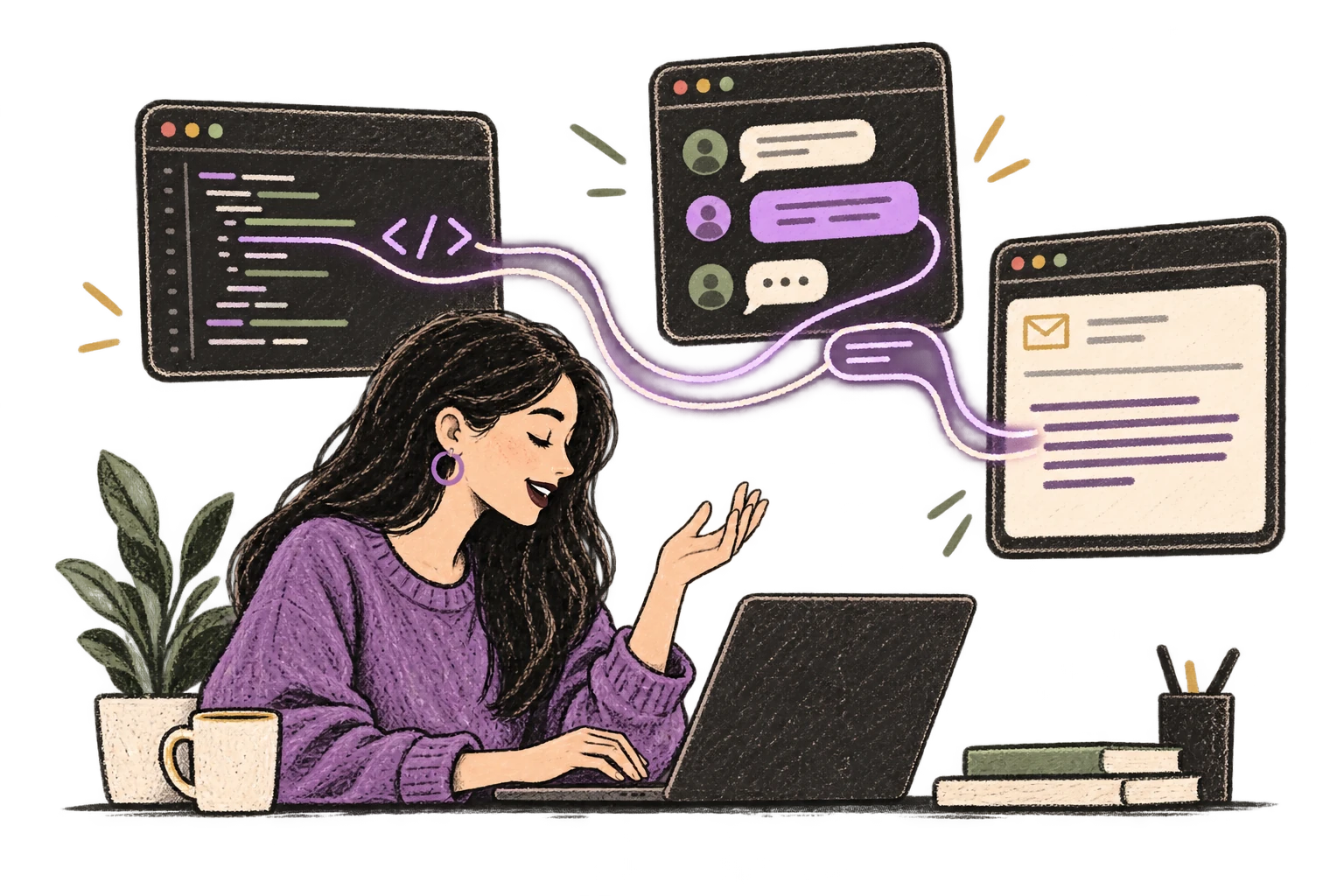
One voice adapts to a code editor, chat and email.

Precision Typing

Say 'new paragraph', 'open quote', 'em dash', 'ellipsis'. Full formatting control by voice.
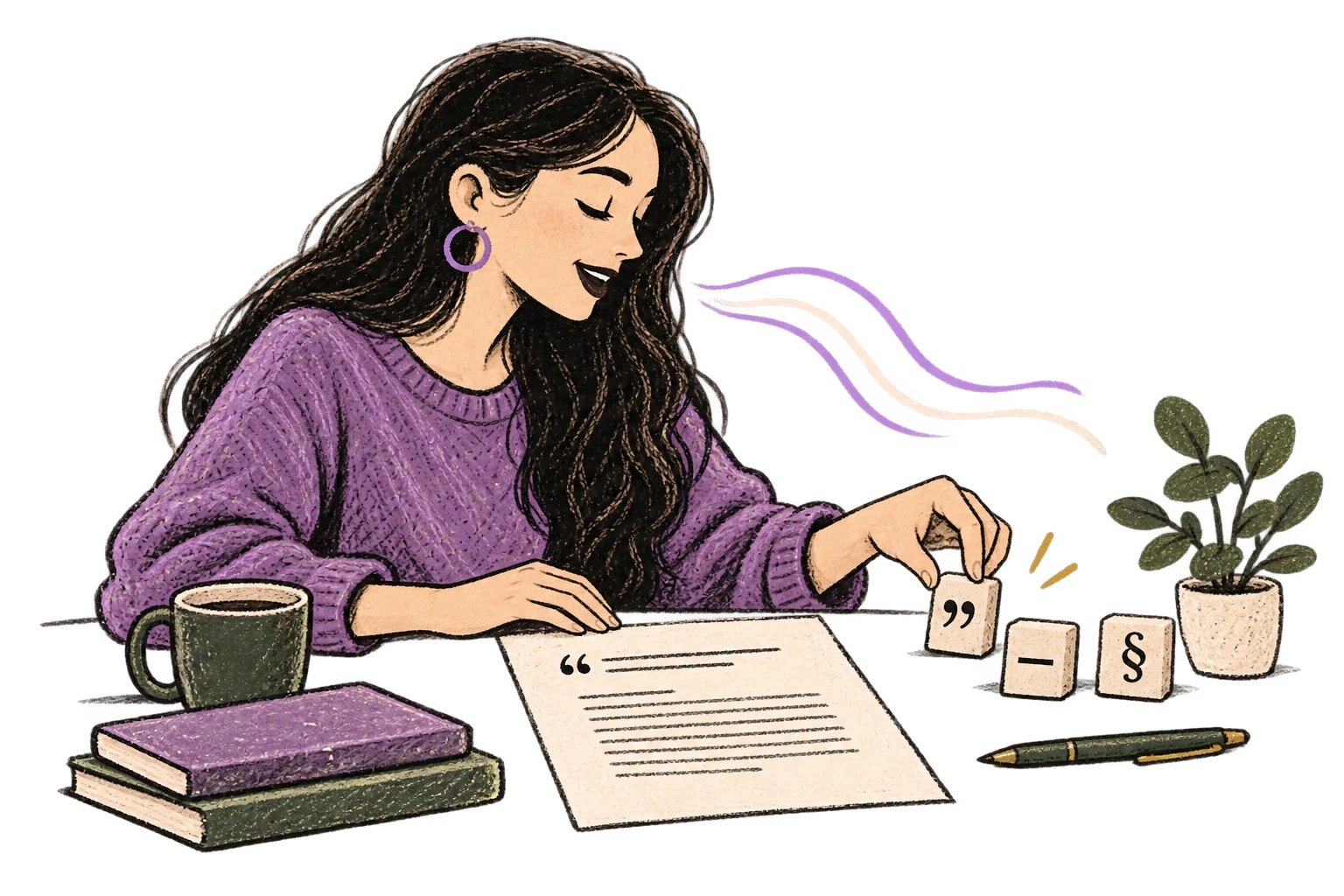
Punctuation blocks organize a clearly formatted page.

Global Shortcuts

Start recording with Option+D, use Push-to-Talk, or cancel with Esc. All shortcuts are fully configurable.
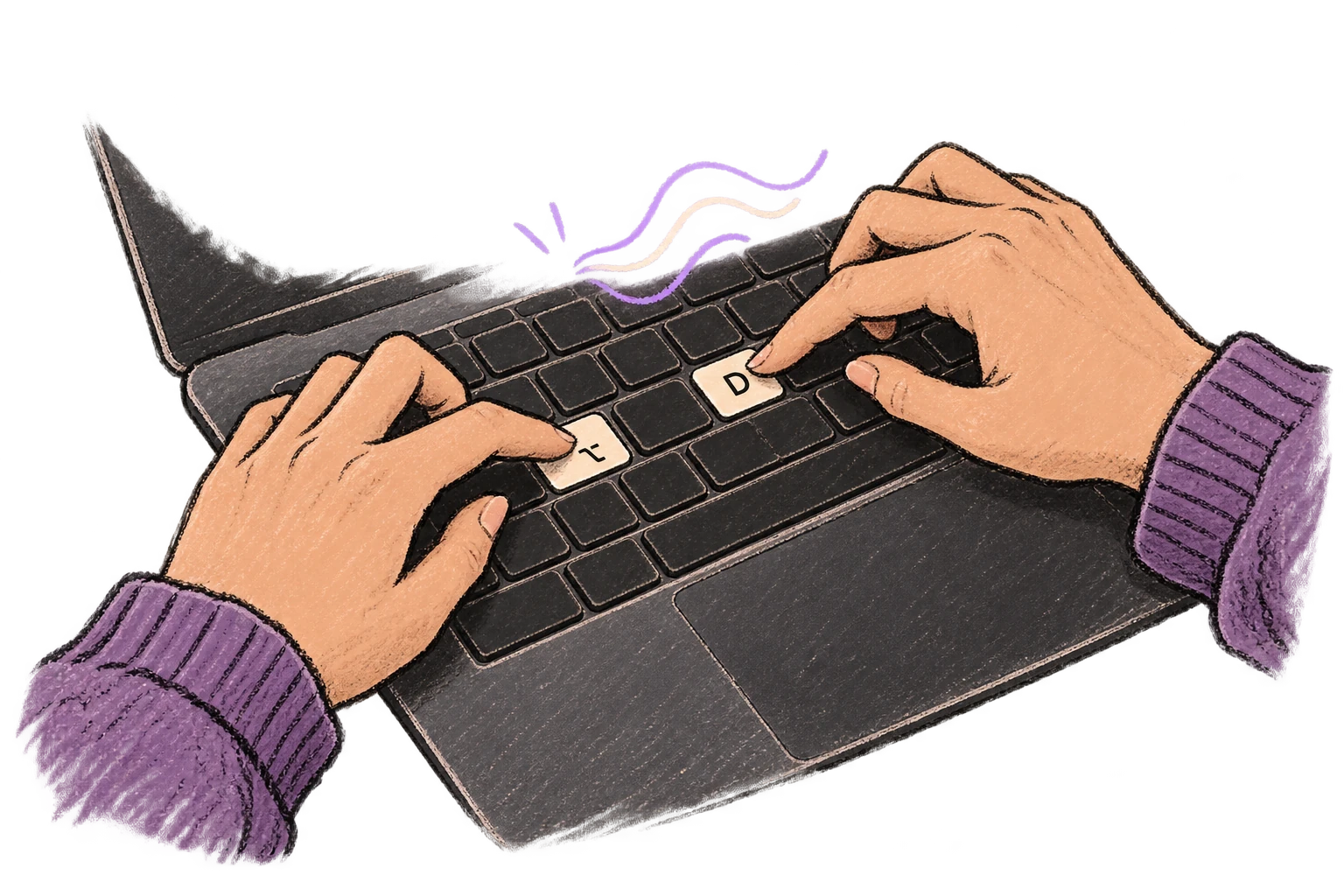
Fingers press Option and D to start voice input.

Works in Any App

System-wide on macOS—Ottex works wherever you can type. No app-specific integrations needed.
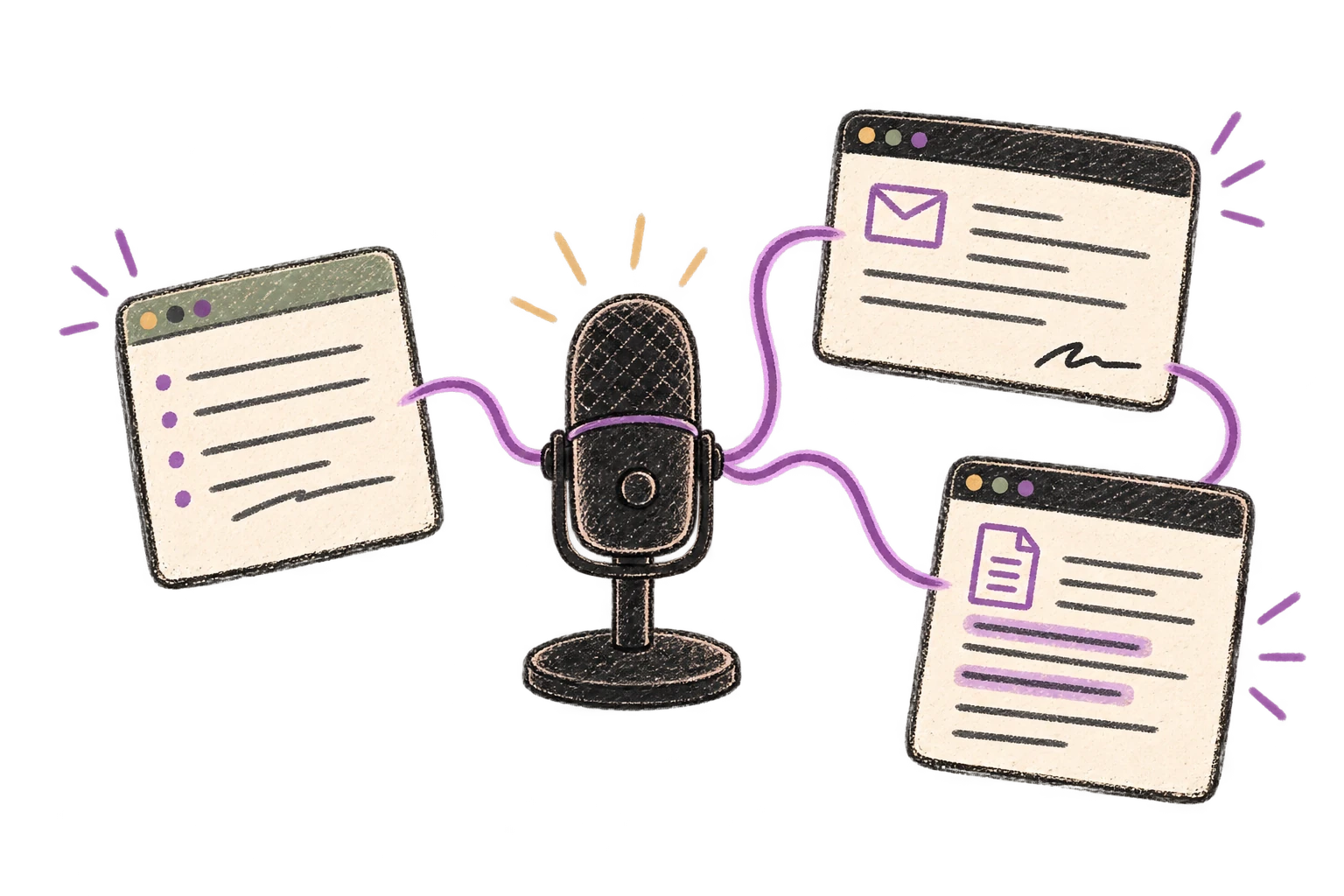
One microphone connects several different application windows.

Filler Word Removal

Automatically removes filler words like 'um', 'uh', 'like', 'so' from your transcription. Get clean, professional text without verbal hesitations.
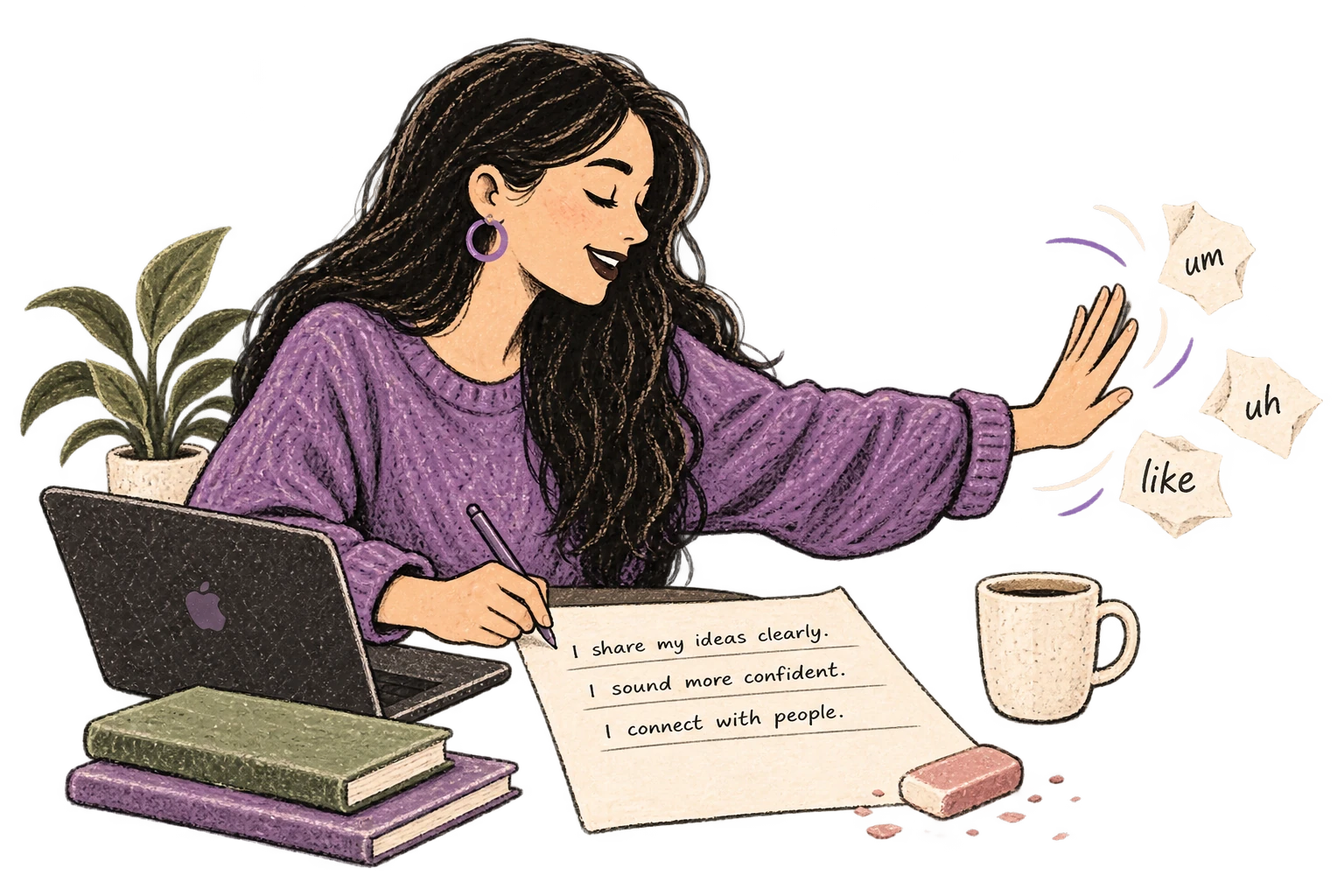
Filler-word scraps are brushed away from a clean page.

Context Awareness

Optionally let AI see your screen for smarter responses. Reply to emails with full context, answer messages knowing the conversation history.
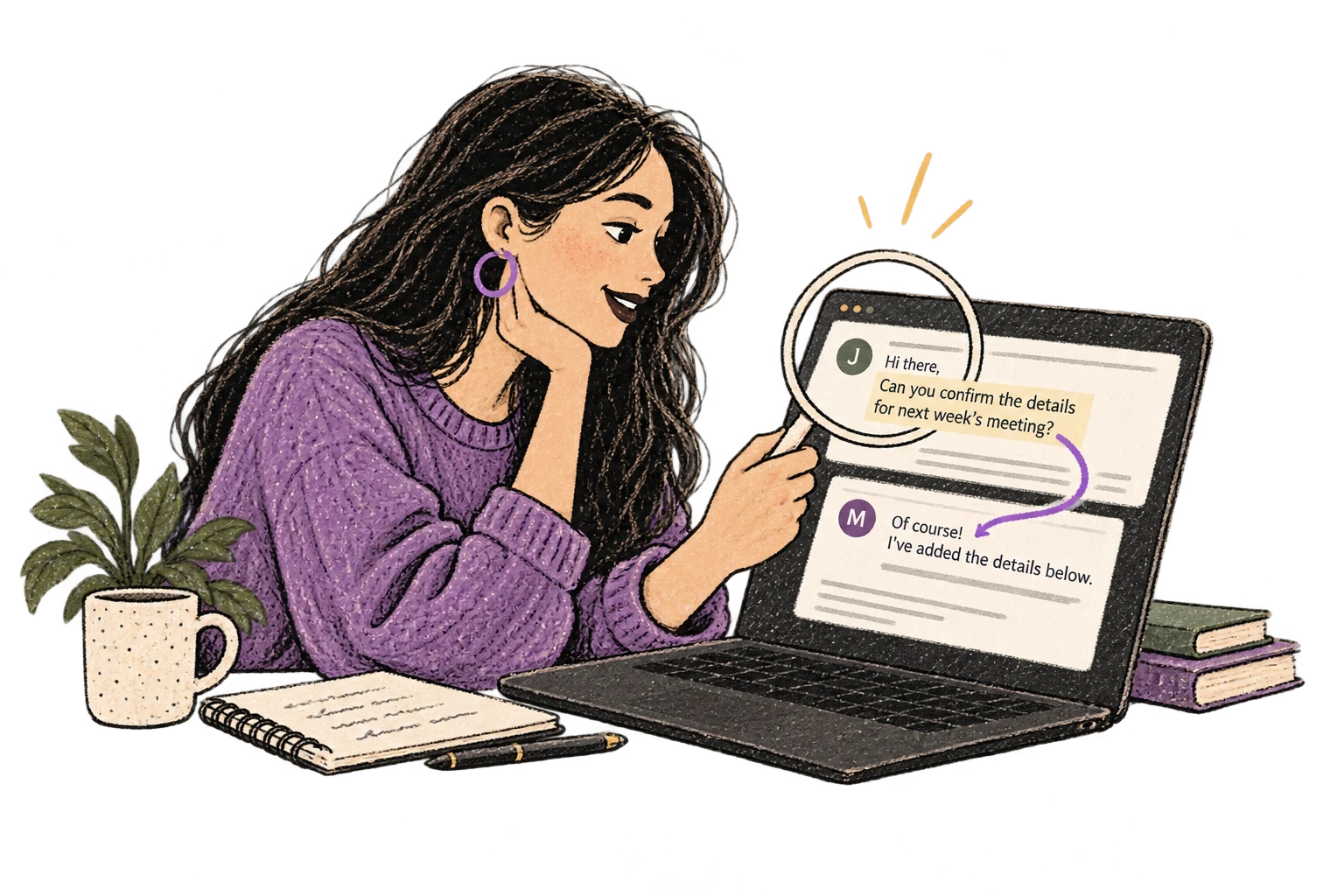
A magnifying glass connects an email conversation to its reply.

Smart Snippets

Define custom text replacements and shortcuts. Say 'work signature' to expand your full email signature, or 'my address' for your contact info.

A bookmark opens into reusable notes.

Accurate Transcription

Cloud AI models transcribe your voice with 99% accuracy. Filler words like 'um' and 'like' are automatically cleaned up.
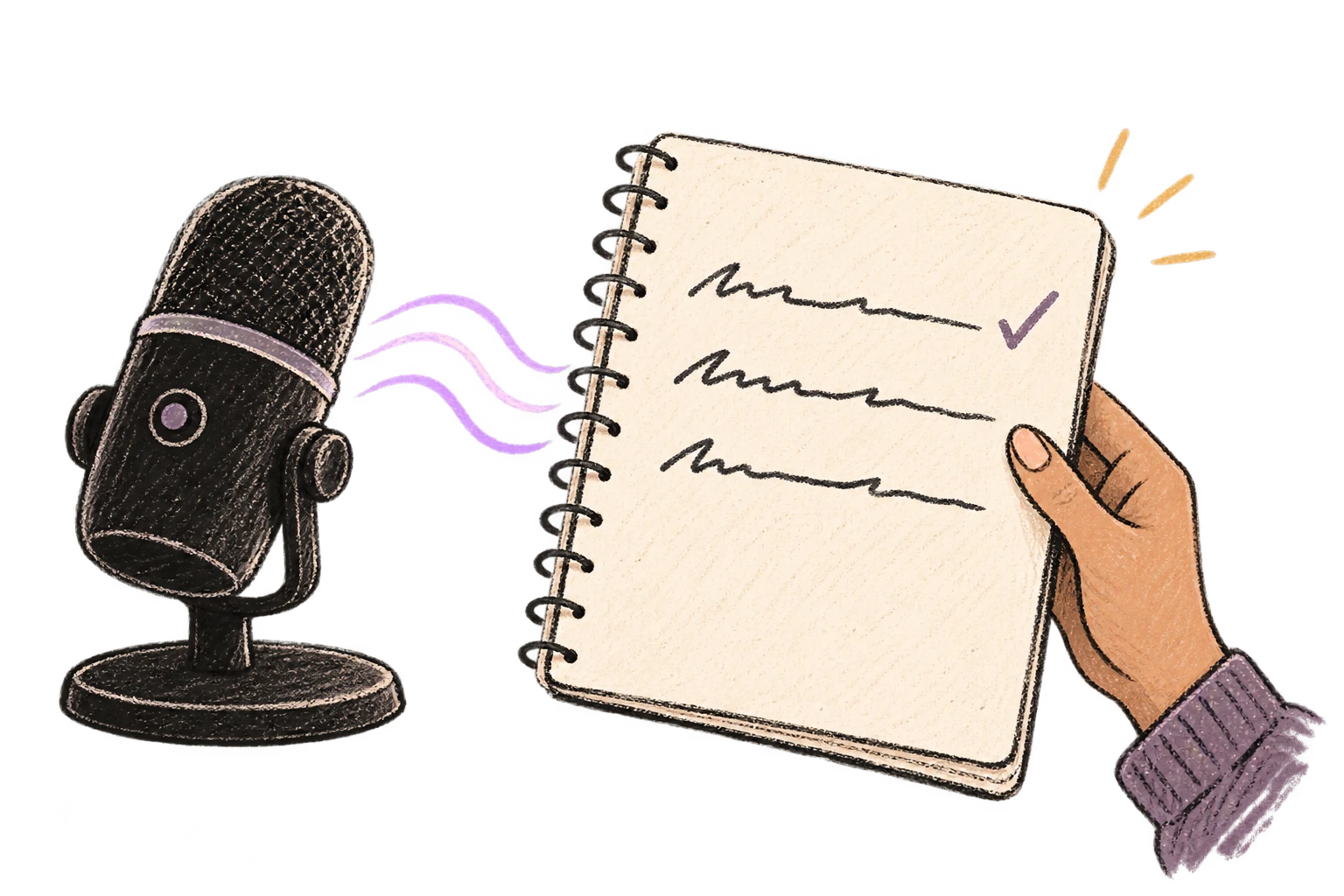
A microphone turns a voice wave into tidy written lines.

What you can do

Write Content Posts

Dictate tweets, LinkedIn posts, blog articles, or newsletters. Turn your thoughts into content faster than ever.

Text Editor

Example dictation

so just learned something interesting um the best way to get unstuck on a problem is to explain it out loud even if no one's listening new paragraph I was stuck on this thing for hours and the moment I started talking through it everything clicked new paragraph try it next time you're stuck

Read this example aloud, or say something of your own.

Ottex outputs

Just learned something interesting—the best way to get unstuck on a problem is to explain it out loud, even if no one's listening. I was stuck on this thing for hours, and the moment I started talking through it, everything clicked. Try it next time you're stuck.
Profile instructions

Write Scripts

Write video scripts, podcast outlines, or screenplays by voice. Speaking your dialogue makes it sound natural from the start.

Notion

Example dictation

a coffee shop morning new paragraph sarah so i've been thinking about what you said yesterday about us new paragraph she looks out the window new paragraph michelle enters holding two coffees new paragraph michelle colon hey sorry i'm late the line was insane new paragraph sarah colon it's fine i was just thinking

Read this example aloud, or say something of your own.

Ottex outputs

[A coffee shop. Morning.] SARAH: So, I've been thinking about what you said yesterday, about us. [She looks out the window.] [MICHELLE enters holding two coffees.] MICHELLE: Hey, sorry I'm late. The line was insane. SARAH: It's fine. I was just thinking.
Profile instructions

Capture Ideas Quickly

Speak ideas the moment they hit you. Use Ottex anywhere to capture thoughts, then refine them later.

Text Editor

Example dictation

oh okay so what if we flip the onboarding completely um instead of asking users to set up their workspace first we let them record something immediately like within 10 seconds of signing up they're already talking and seeing the magic actually no not 10 seconds make it the very first screen and then we save that as their first note so they have an aha moment before they even configure anything

Read this example aloud, or say something of your own.

Ottex outputs

What if we flip the onboarding completely? Instead of asking users to set up their workspace first, we let them record something immediately. Within the very first screen of signing up, they're already talking and seeing the magic. Then we save that as their first note—so they have an aha moment before they even configure anything.
Profile instructions

Respond to Comments

Reply to YouTube comments, Twitter threads, or social media mentions by voice. Stay engaged with your audience without the typing fatigue.

YouTube

Example dictation

thanks for watching exclamation mark um great question about the setup so I use a blue yeti actually the blue yeti x and obs for streaming let me know if you have more questions

Read this example aloud, or say something of your own.

Ottex outputs

Thanks for watching! Great question about the setup. I use a Blue Yeti X and OBS for streaming. Let me know if you have more questions!
Profile instructions

Respond to Emails

Dictate email responses with the right tone. Use context awareness to see the full thread, then speak your reply naturally.

Gmail

Example dictation

hi Jennifer thanks for reaching out um I'd be happy to schedule a call next week here's my calendar link best regards work signature

Read this example aloud, or say something of your own.

Ottex outputs

Hi Jennifer, Thank you for reaching out. I'd be happy to schedule a call next week. Here's my calendar: https://cal.com/sarah/30min Best regards, Sarah Chen Marketing Director, Finteq
Profile instructions

Write First Drafts

Defeat writer's block by speaking your first draft. Don't edit as you go—just talk through your ideas and refine them later.

Notion

Example dictation

so the thing is writing is hard because you never know where to start um I think the best approach is to just get your ideas down first and worry about editing later new paragraph that's what this article is about actually this post is about overcoming the blank page

Read this example aloud, or say something of your own.

Ottex outputs

Writing is hard because you never know where to start. I think the best approach is to just get your ideas down first and worry about editing later. That's what this post is about—overcoming the blank page.
Profile instructions

Dictate with Formatting

Say 'new paragraph', 'bullet point', 'open quote' and get exactly what you mean. Full formatting control without touching the keyboard.

Notion

Example dictation

h2 weekend plans new paragraph finally have some time off so I want to make the most of it new paragraph bullet point call mom about sunday dinner bullet point finish that book I started last month bullet point maybe go for a hike if weather is nice new paragraph h3 grocery list new paragraph dash milk dash eggs dash bread dash coffee new paragraph note to self colon don't forget the phone charger

Read this example aloud, or say something of your own.

Ottex outputs

## Weekend plans Finally have some time off, so I want to make the most of it. • Call mom about Sunday dinner • Finish that book I started last month • Maybe go for a hike if weather is nice ### Grocery list - Milk - Eggs - Bread - Coffee Note to self: don't forget the phone charger
Profile instructions

Frequently asked questions

Can I dictate show notes that match my podcast style?

Yes. When you speak your show notes, they naturally match your podcast voice. You can also set up custom app modes—casual for Twitter, detailed for your website, professional for sponsor outreach. Ottex adapts formatting to each context.

How does this help with episode descriptions?

Episode descriptions are the same content repeated with variations—episode title, key topics, guest info, timestamps. Speaking them is faster than typing, and you can batch multiple episodes in one session. Dictate 10 episode descriptions in the time it takes to type 3.

Can I use it for guest outreach emails?

Absolutely. Cold outreach emails sound better when spoken—more personable, less templated. Prospects can tell when a message was written by a real person. Use smart snippets for your standard intro, then personalize each guest pitch by voice.

Does it work with Descript and Riverside?

Yes. Ottex works anywhere you can type—Descript, Riverside, Notion, Google Docs, email, social media. One tool for your entire podcast workflow.

What about timestamps and formatting?

Use precision typing commands: say 'new paragraph' for structure, 'colon' for timestamps like '12:34 - Topic name'. Ottex gives you full formatting control by voice. You can also say 'bullet point' for lists of topics or guest questions.

How accurate is it for podcast terminology?

With Gemini 3 Flash (cloud model), accuracy is 99.1% on benchmarks. Add your show name, segment titles, and recurring guest names to your custom dictionary for perfect transcription every time.

What does it cost?

Free forever with local models—no subscription required. With BYOK (bring your own API key), most podcasters spend $1-3/month on actual usage. Or choose the $9/month premium for zero-config cloud transcription with included Gemini 3 Flash credits.

Write your podcast content by voice

Download free. Show notes, descriptions, and outreach—dictated in minutes.

Try for free

No credit card required.


