3x Faster Than Typing
Speak 150+ words per minute vs 40 wpm typing. Finish tasks in a third of the time.

Write at the speed of thought
Read this example aloud, or say something of your own.
Your voice. Right where you work.

Place your cursor in any app, then hold the Fn key.

Say what you want to write. Ottex follows your saved writing rules.

Your text appears right where your cursor is.
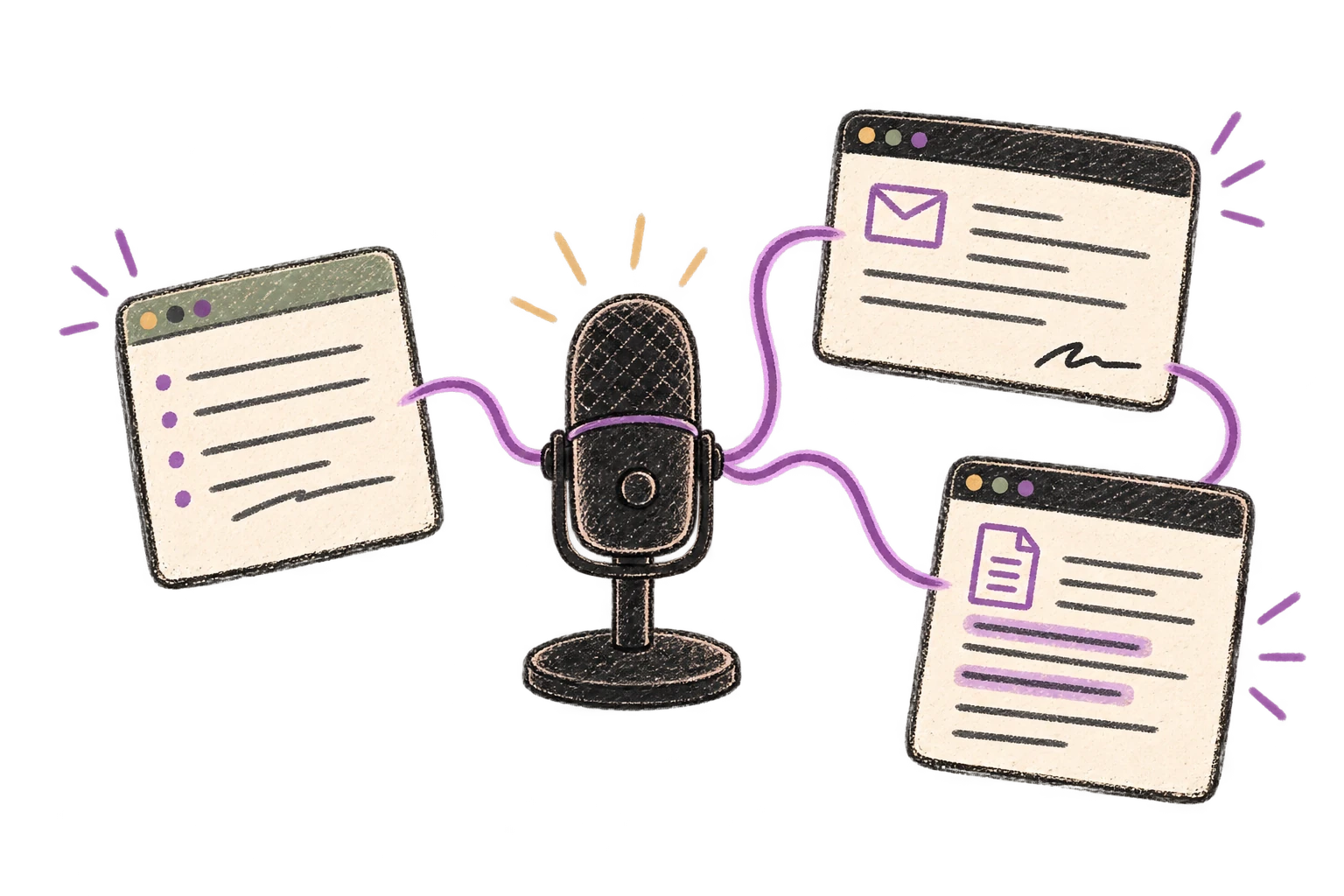
Ottex works system-wide on macOS. Dictate directly into these apps and more.
And any other app that accepts text input. See all supported apps
Concrete benefits with real-world impact
Speak 150+ words per minute vs 40 wpm typing. Finish tasks in a third of the time.
Say 'scratch that' to delete mistakes, 'actually' to rephrase. Fix errors without stopping your flow or touching the keyboard.

Transform text as you speak: 'Ottex start fix grammar Ottex end'. Edit, improve, translate—all by voice.

Cloud AI models transcribe your voice with 99% accuracy. Filler words like 'um' and 'like' are automatically cleaned up.
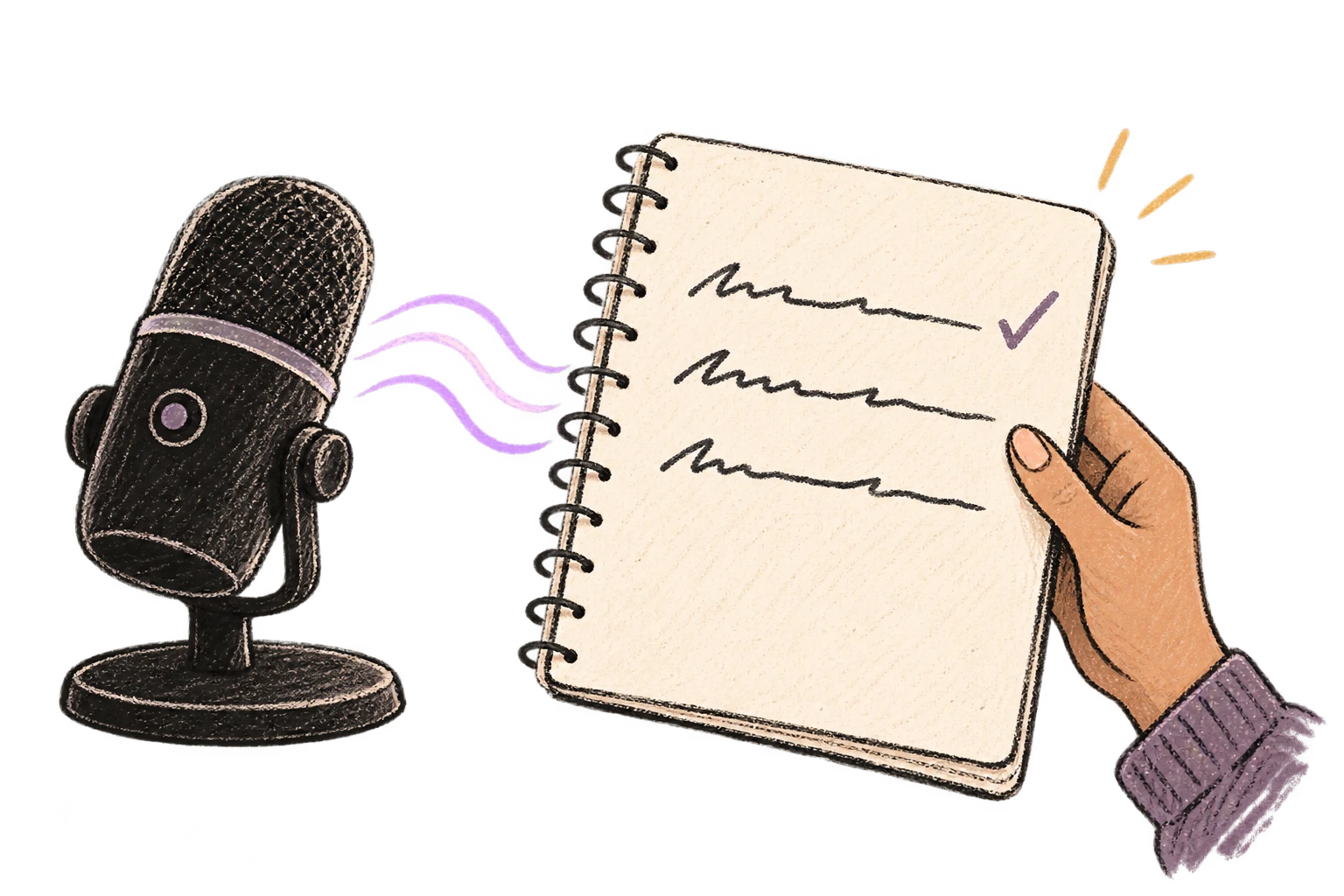
Start recording with Option+D, use Push-to-Talk, or cancel with Esc. All shortcuts are fully configurable.
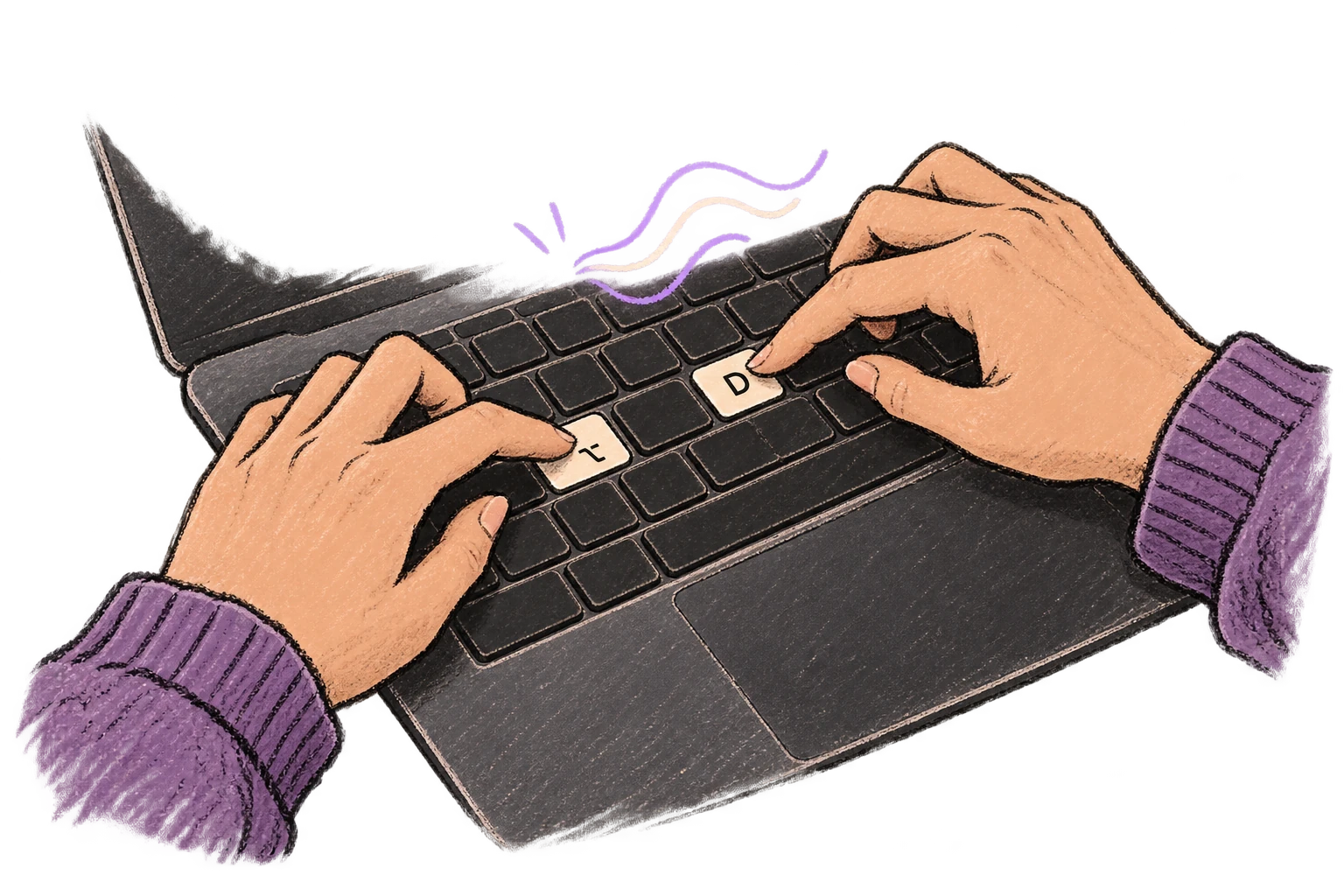
System-wide on macOS—Ottex works wherever you can type. No app-specific integrations needed.
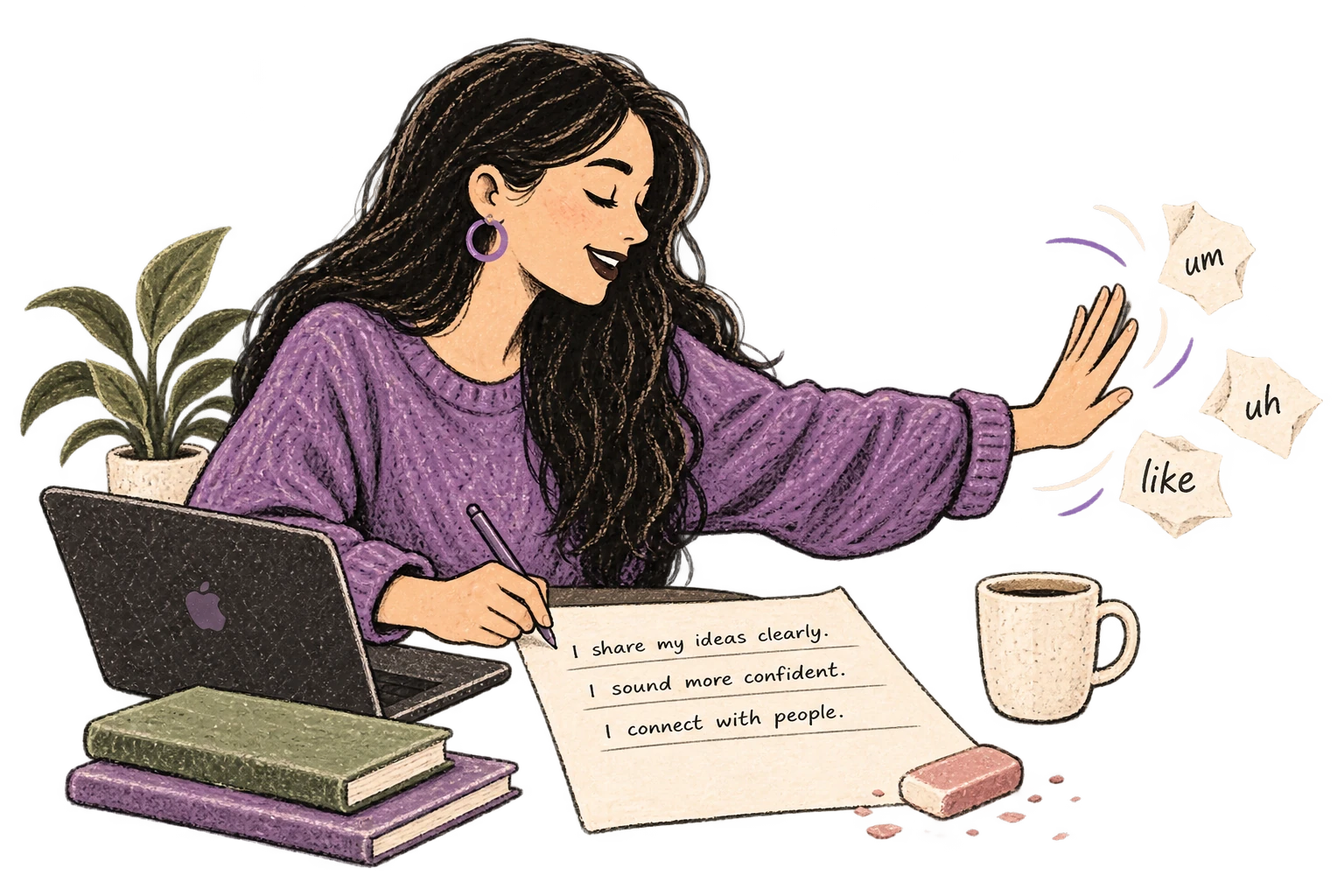
Automatically removes filler words like 'um', 'uh', 'like', 'so' from your transcription. Get clean, professional text without verbal hesitations.
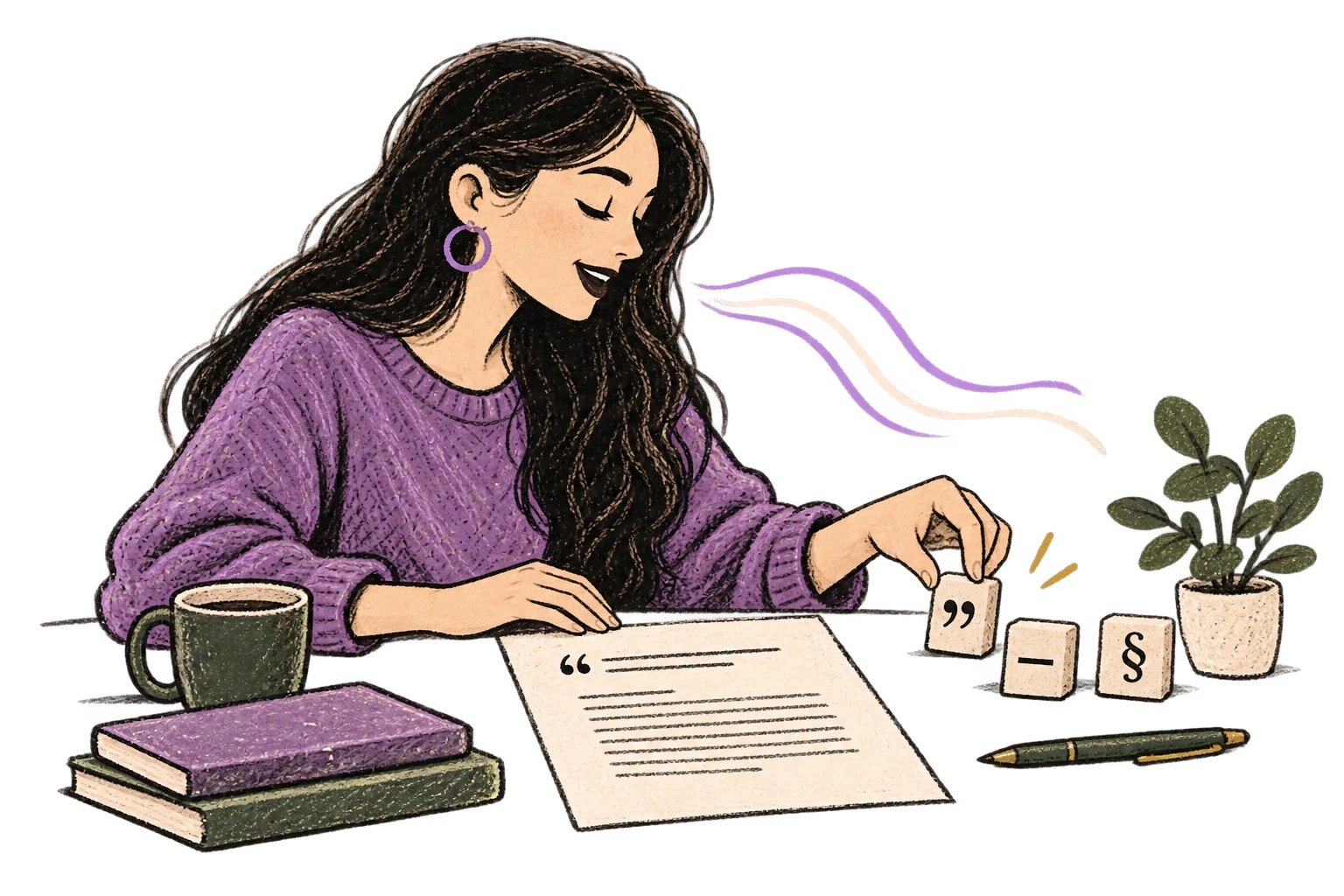
Say 'new paragraph', 'open quote', 'em dash', 'ellipsis'. Full formatting control by voice.
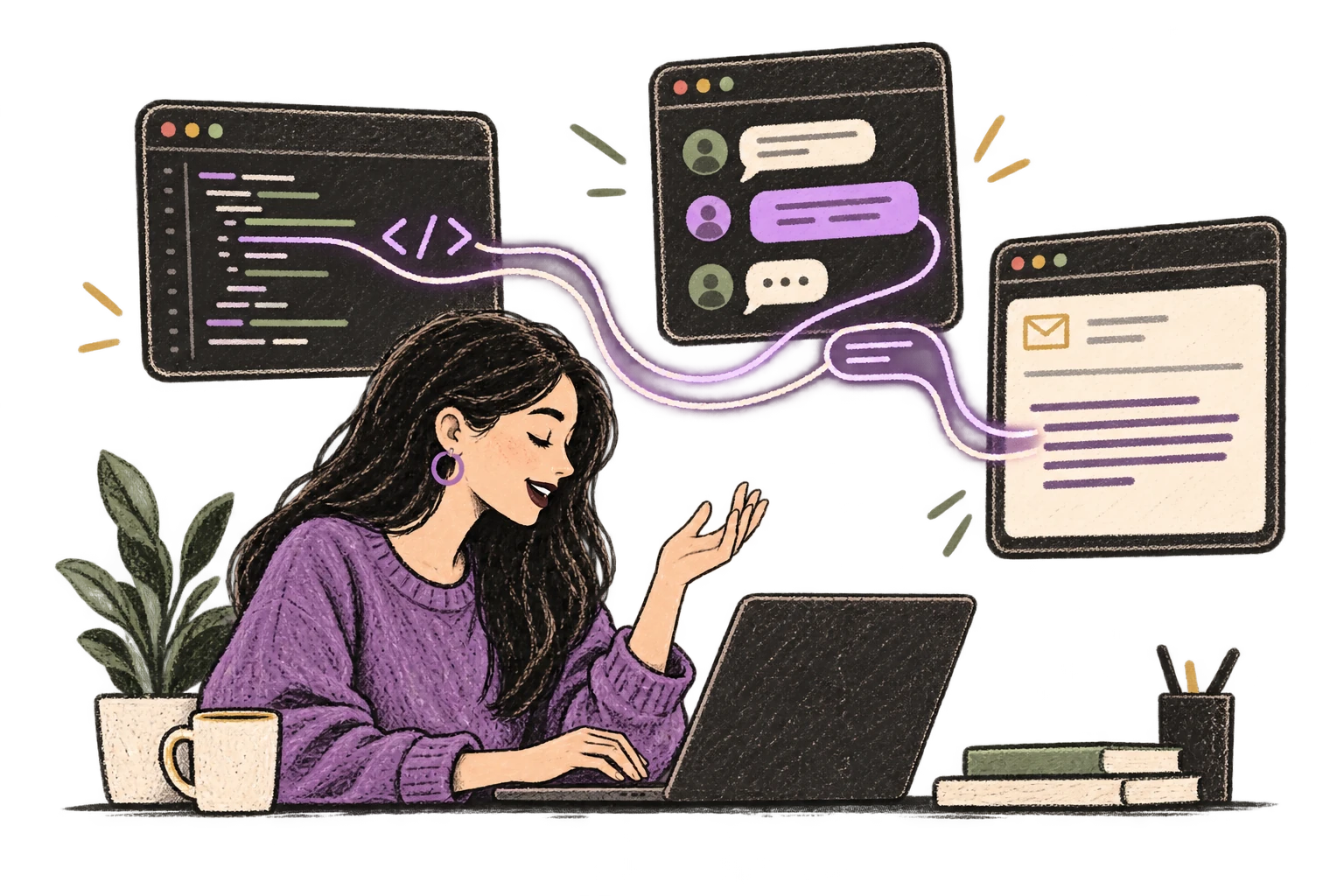
Ottex detects which app you're in and adapts. Coding mode in Cursor, casual tone in Slack, professional in Gmail—automatic context switching.
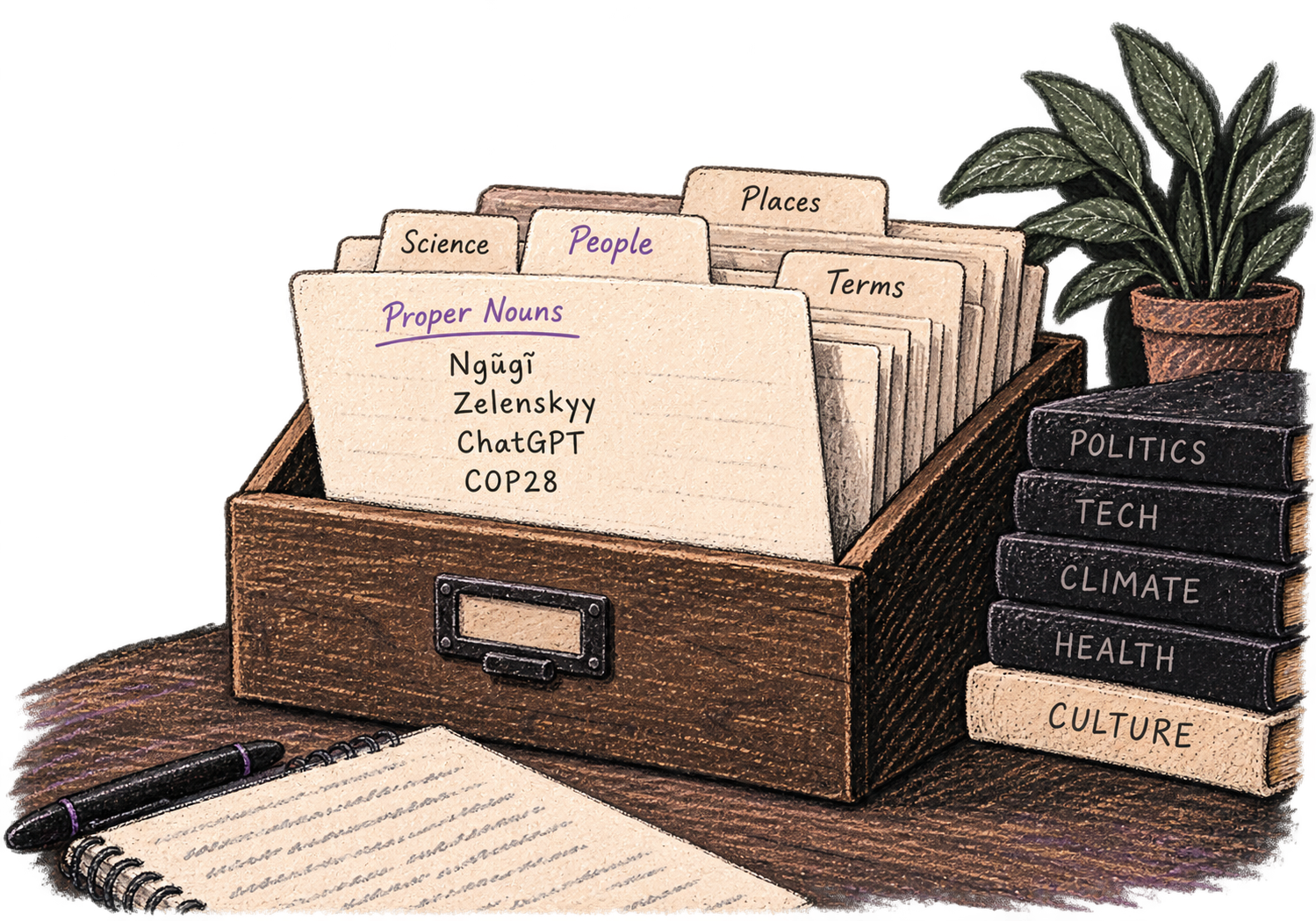
Add names, technical terms, and jargon. Ottex transcribes them accurately every time.
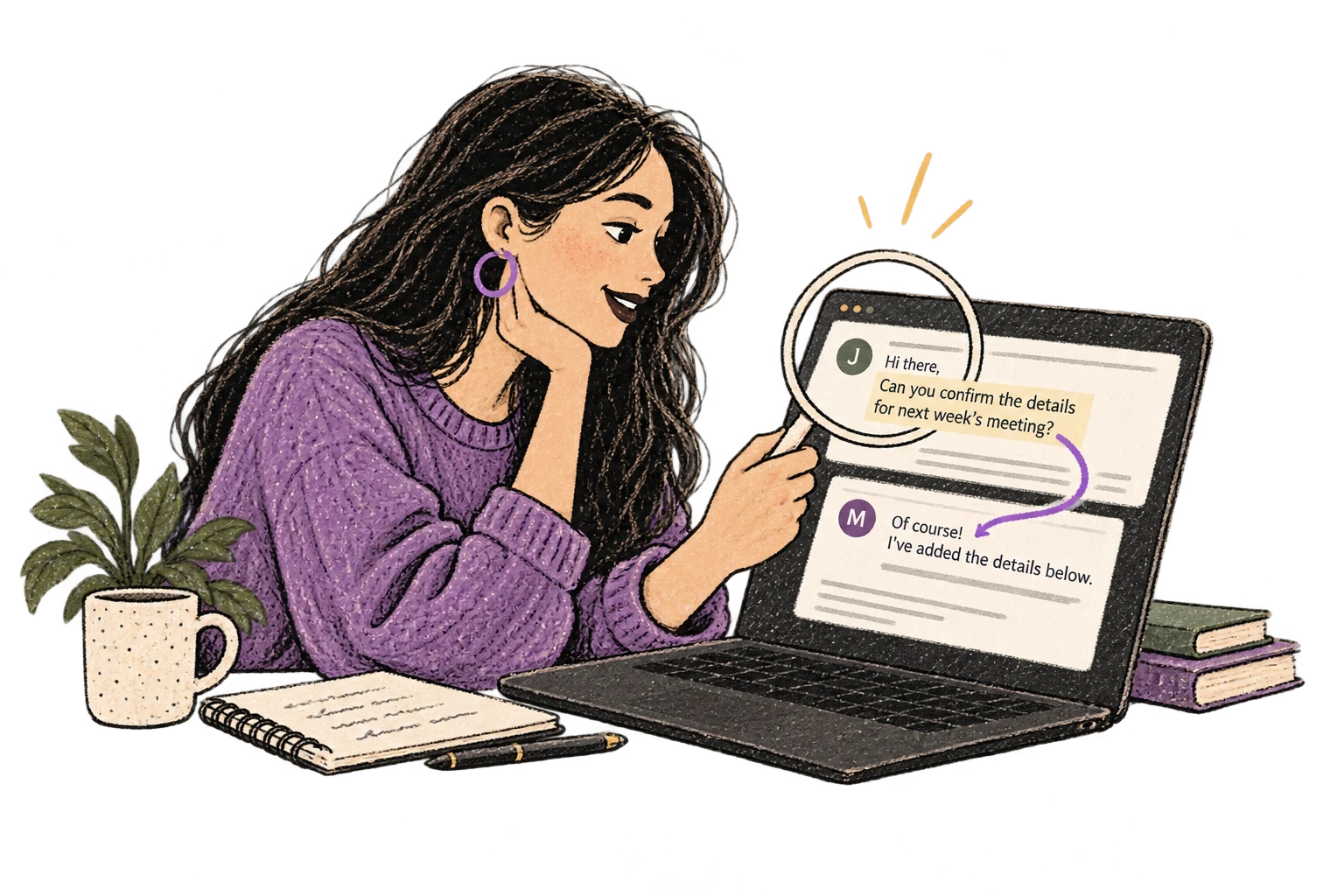
Optionally let AI see your screen for smarter responses. Reply to emails with full context, answer messages knowing the conversation history.
Define custom text replacements and shortcuts. Say 'work signature' to expand your full email signature, or 'my address' for your contact info.
Defeat writer's block by speaking your first draft. Don't edit as you go—just talk through your ideas and refine them later.
Read this example aloud, or say something of your own.
Speak ideas the moment they hit you. Use Ottex anywhere to capture thoughts, then refine them later.
Works with
Read this example aloud, or say something of your own.
Write video scripts, podcast outlines, or screenplays by voice. Speaking your dialogue makes it sound natural from the start.
Read this example aloud, or say something of your own.
Say 'new paragraph', 'bullet point', 'open quote' and get exactly what you mean. Full formatting control without touching the keyboard.
Read this example aloud, or say something of your own.
Dictate research notes, literature summaries, or analysis. Capture your thinking process without losing momentum to typing.
Works with
Read this example aloud, or say something of your own.
Dictate email responses with the right tone. Use context awareness to see the full thread, then speak your reply naturally.
Read this example aloud, or say something of your own.
Yes. Say 'period', 'comma', 'new paragraph', 'open quote', 'close quote'. Precision typing gives you full control.
Yes. Ottex works in any app where you can type—Scrivener, Ulysses, Word, Google Docs, anywhere.
Speaking is effortless—you've been doing it since age one. Typing requires focus and concentration; you make typos, break flow, and hit backspace constantly. Voice dictation lets you get ideas out faster than you can judge them. You can always edit later.
Yes. Say commands like 'new paragraph', 'em dash', 'ellipsis', 'open quote', and 'italics'. You can format as you speak without touching the keyboard.
Absolutely. Speaking dialogue out loud makes it sound more natural than typing it. Many screenwriters and novelists use voice dictation specifically for dialogue scenes.
Gemini 3 Flash delivers 99.1% accuracy in benchmarks. Ottex automatically removes filler words like 'um' and 'uh', and you can use voice corrections to fix any mistakes without breaking your flow.
Download free. Start dictating in minutes. Your fingers will thank you.
Try for freeNo credit card required.