3x Faster Than Typing
Speak 150+ words per minute vs 40 wpm typing. Finish tasks in a third of the time.

Scripts that sound like you. Content at creator speed.
Read this example aloud, or say something of your own.
Your voice. Right where you work.

Place your cursor in any app, then hold the Fn key.

Say what you want to write. Ottex follows your saved writing rules.

Your text appears right where your cursor is.
Concrete benefits with real-world impact
Speak 150+ words per minute vs 40 wpm typing. Finish tasks in a third of the time.
Say 'scratch that' to delete mistakes, 'actually' to rephrase. Fix errors without stopping your flow or touching the keyboard.

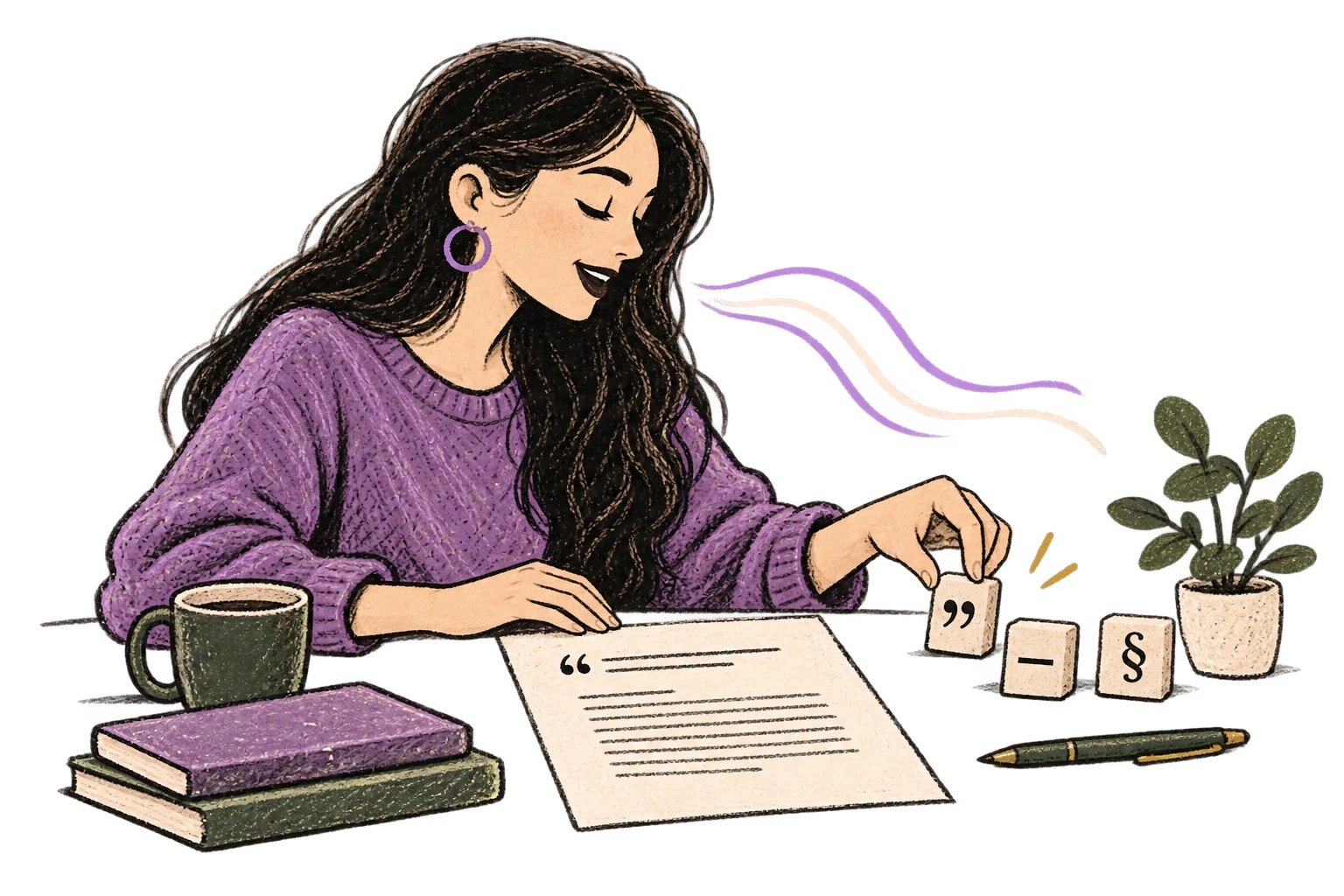
Say 'new paragraph', 'open quote', 'em dash', 'ellipsis'. Full formatting control by voice.
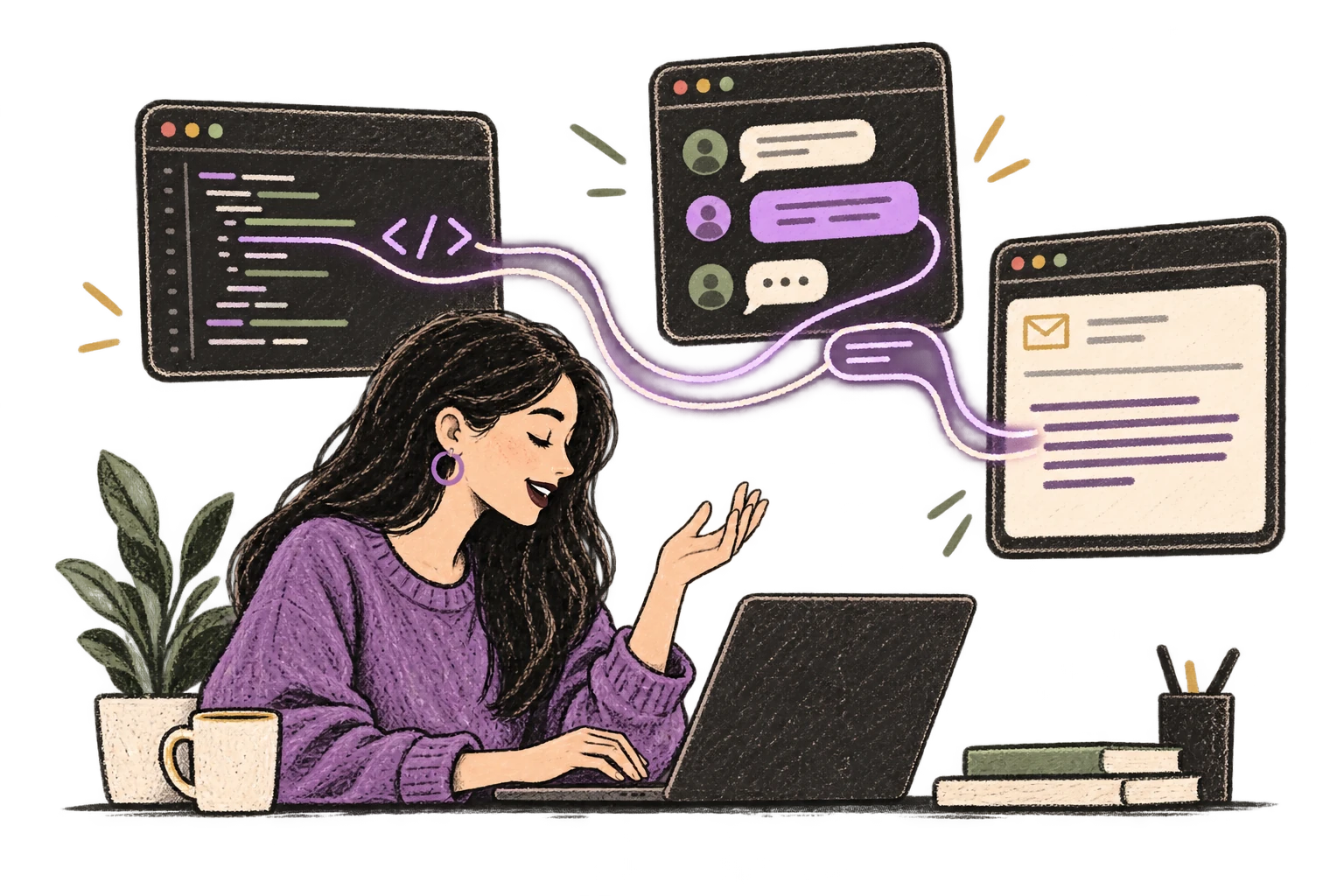
Ottex detects which app you're in and adapts. Coding mode in Cursor, casual tone in Slack, professional in Gmail—automatic context switching.
Transform text as you speak: 'Ottex start fix grammar Ottex end'. Edit, improve, translate—all by voice.

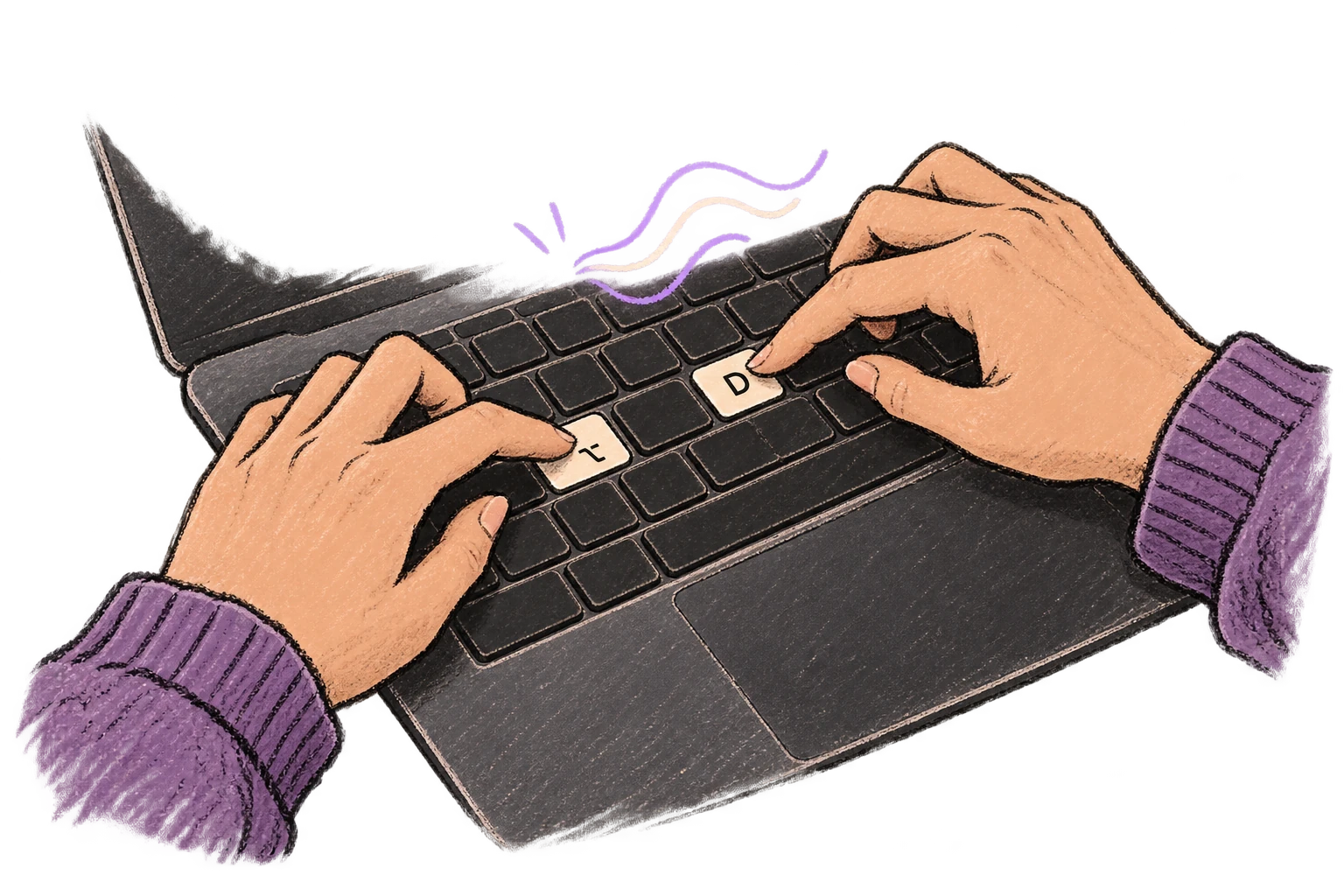
Start recording with Option+D, use Push-to-Talk, or cancel with Esc. All shortcuts are fully configurable.
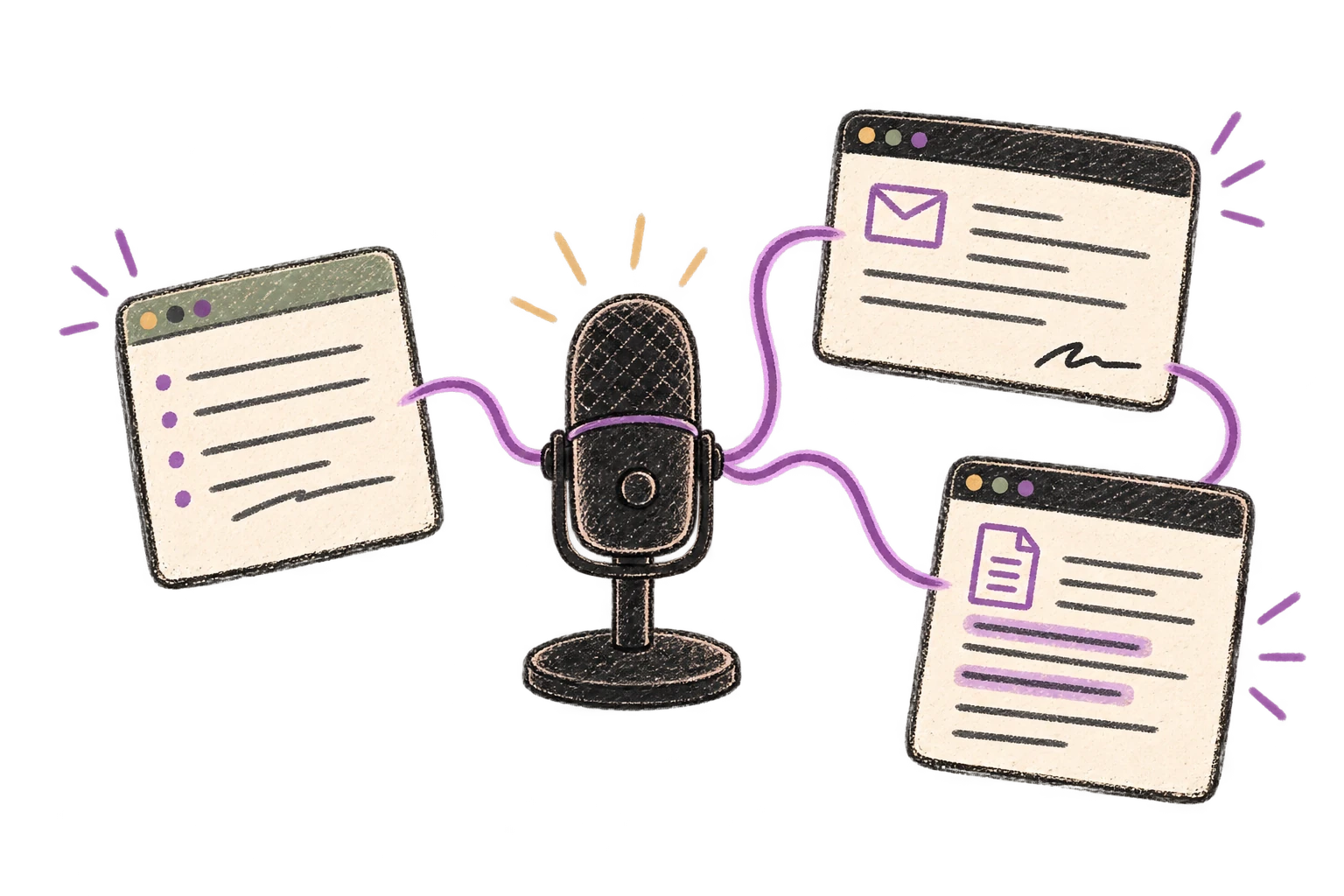
System-wide on macOS—Ottex works wherever you can type. No app-specific integrations needed.
Automatically removes filler words like 'um', 'uh', 'like', 'so' from your transcription. Get clean, professional text without verbal hesitations.
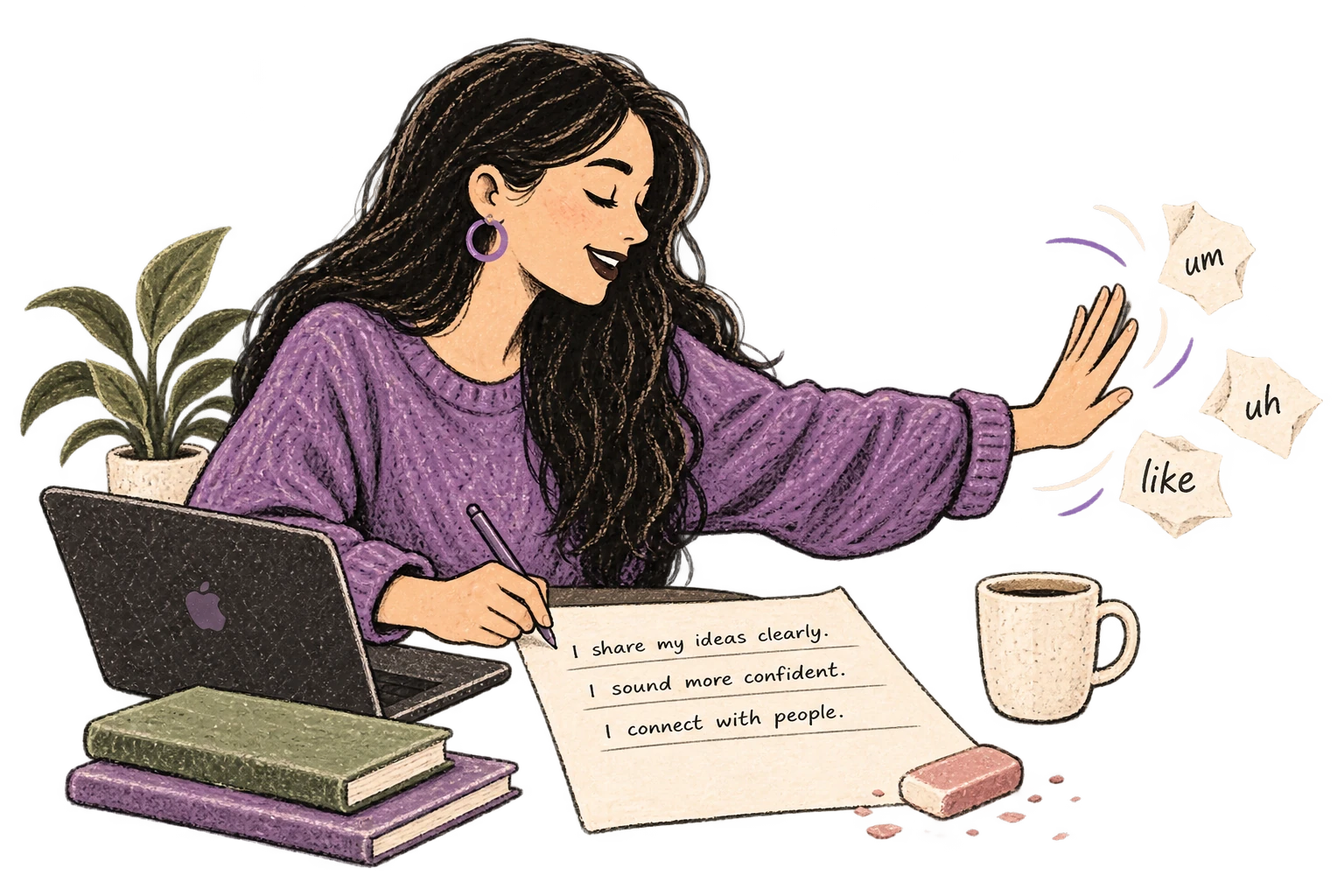
Cloud AI models transcribe your voice with 99% accuracy. Filler words like 'um' and 'like' are automatically cleaned up.
Speaking naturally gives AI agents more context than typing. Describe your intent, explain edge cases, mention file names—your voice carries nuance that typing shortcuts.
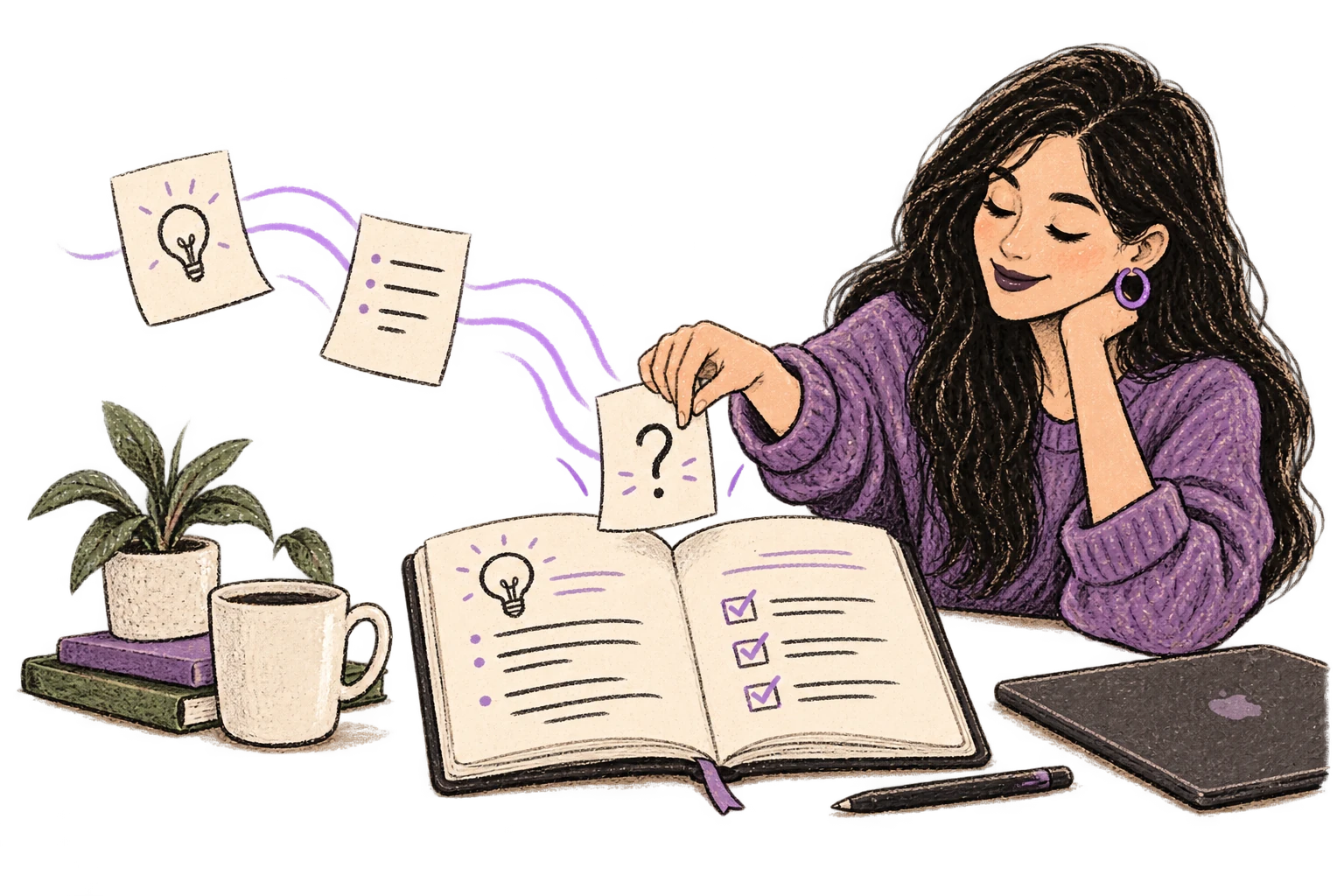
Dictate prompts to ChatGPT, Claude, Perplexity—anywhere you type. Better prompts, better answers.
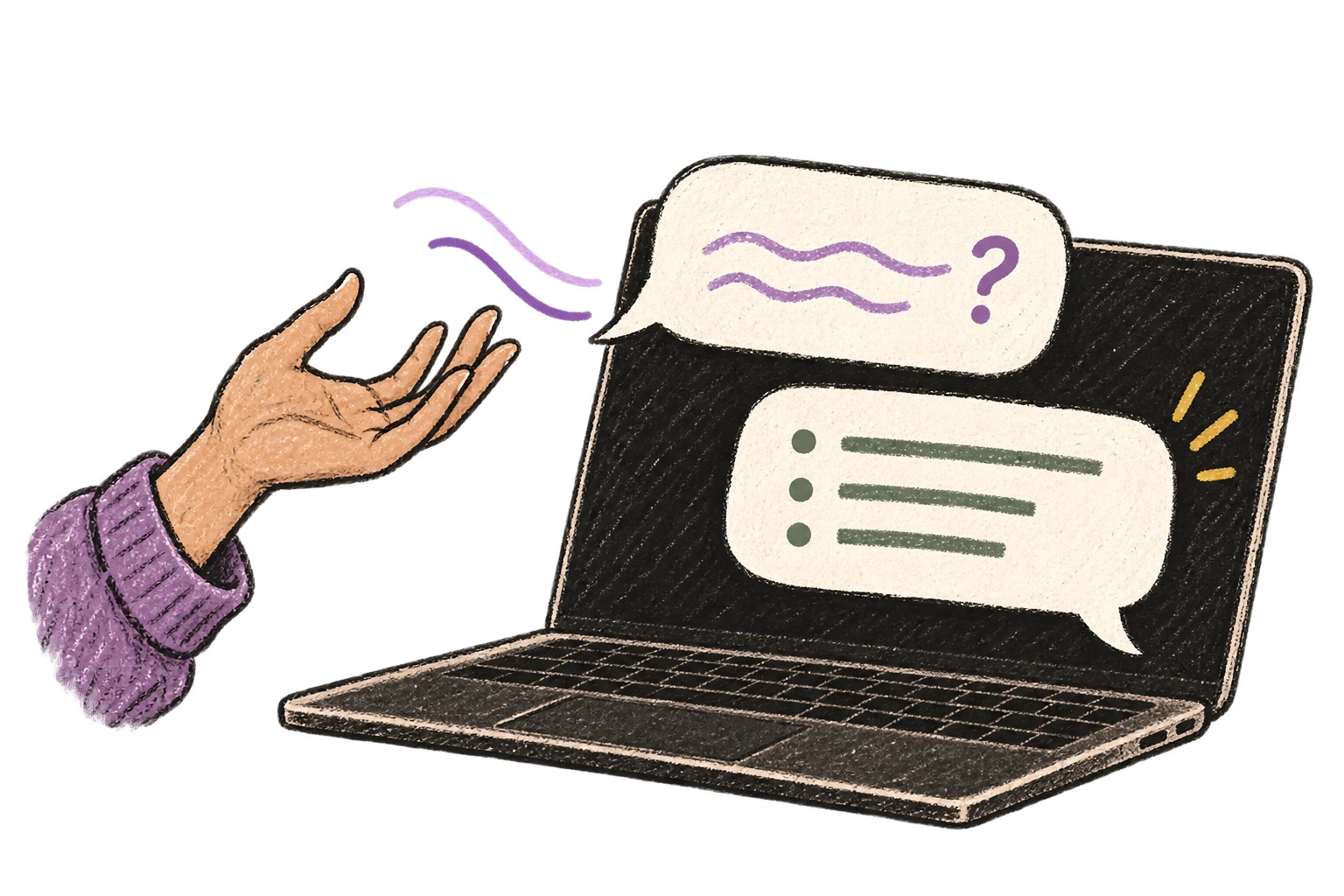
Write video scripts, podcast outlines, or screenplays by voice. Speaking your dialogue makes it sound natural from the start.
Read this example aloud, or say something of your own.
Dictate tweets, LinkedIn posts, blog articles, or newsletters. Turn your thoughts into content faster than ever.
Read this example aloud, or say something of your own.
Speak ideas the moment they hit you. Use Ottex anywhere to capture thoughts, then refine them later.
Works with
Read this example aloud, or say something of your own.
Reply to YouTube comments, Twitter threads, or social media mentions by voice. Stay engaged with your audience without the typing fatigue.
Works with
Read this example aloud, or say something of your own.
Defeat writer's block by speaking your first draft. Don't edit as you go—just talk through your ideas and refine them later.
Read this example aloud, or say something of your own.
Say 'new paragraph', 'bullet point', 'open quote' and get exactly what you mean. Full formatting control without touching the keyboard.
Read this example aloud, or say something of your own.
Dictate prompts to ChatGPT, Claude, Perplexity, or any AI chatbot. Speaking naturally lets you give more context—better context means better results.
Read this example aloud, or say something of your own.
Yes—and that's the whole point. When you type scripts, they often sound stiff on camera. When you speak your script, it naturally has your voice, your rhythm, your personality. You're literally practicing delivery while writing. The script sounds like you because it is you.
YouTube descriptions need keywords, timestamps, links, and structure—but writing them is tedious. Dictate the core content naturally, use formatting commands for structure ('new paragraph', 'dash'), and let Ottex handle the transcription. A description that takes 10 minutes to type can be dictated in 2-3 minutes.
Absolutely. These are high-value touchpoints that most creators rush through. Speak your pinned comment with intention, dictate community posts while the video uploads, capture poll ideas on the fly. Every piece of content around your video—done by voice, done faster.
Sponsor reads need to sound natural—forced ad reads kill viewer trust. Speaking your sponsor integration lets you find the natural rhythm, test different segues, and create copy that feels like part of the video, not an interruption. Practice the delivery while you write it.
Press Option+D anywhere on your Mac and speak your idea immediately. 'Video idea: React to that viral clip about AI. Hook: Everyone's getting this wrong. Main point: Here's what they're missing.' Captured in 5 seconds. Never lose a video concept to a forgotten thought again.
Yes. Ottex works system-wide on macOS—anywhere you can type, you can dictate. Notion, Google Docs, YouTube Studio, Obsidian, even browser-based tools. One dictation tool for your entire content workflow.
Gemini 3 Flash (cloud model) delivers 99.1% accuracy and handles YouTube terminology well—thumbnails, CTR, watch time, algorithm, A-roll, B-roll. Add creator-specific terms to your custom dictionary for perfect accuracy on your niche vocabulary.
Free forever with local models—no subscription required. With BYOK (bring your own API key), most creators spend $1-3/month on actual usage. Or choose the $9/month premium for zero-config cloud transcription with included credits.
Download free. Dictate your next video script in minutes. Sound natural on camera.
Try for freeNo credit card required.