3x Faster Than Typing
Speak 150+ words per minute vs 40 wpm typing. Finish tasks in a third of the time.

Dictate tweets, LinkedIn posts, blog articles, or newsletters. Turn your thoughts into content faster than ever.
Read this example aloud, or say something of your own.
Your voice. Right where you work.

Place your cursor in any app, then hold the Fn key.

Say what you want to write. Ottex follows your saved writing rules.

Your text appears right where your cursor is.
Everything you need to do this job efficiently
Speak 150+ words per minute vs 40 wpm typing. Finish tasks in a third of the time.
Say 'scratch that' to delete mistakes, 'actually' to rephrase. Fix errors without stopping your flow or touching the keyboard.

Transform text as you speak: 'Ottex start fix grammar Ottex end'. Edit, improve, translate—all by voice.

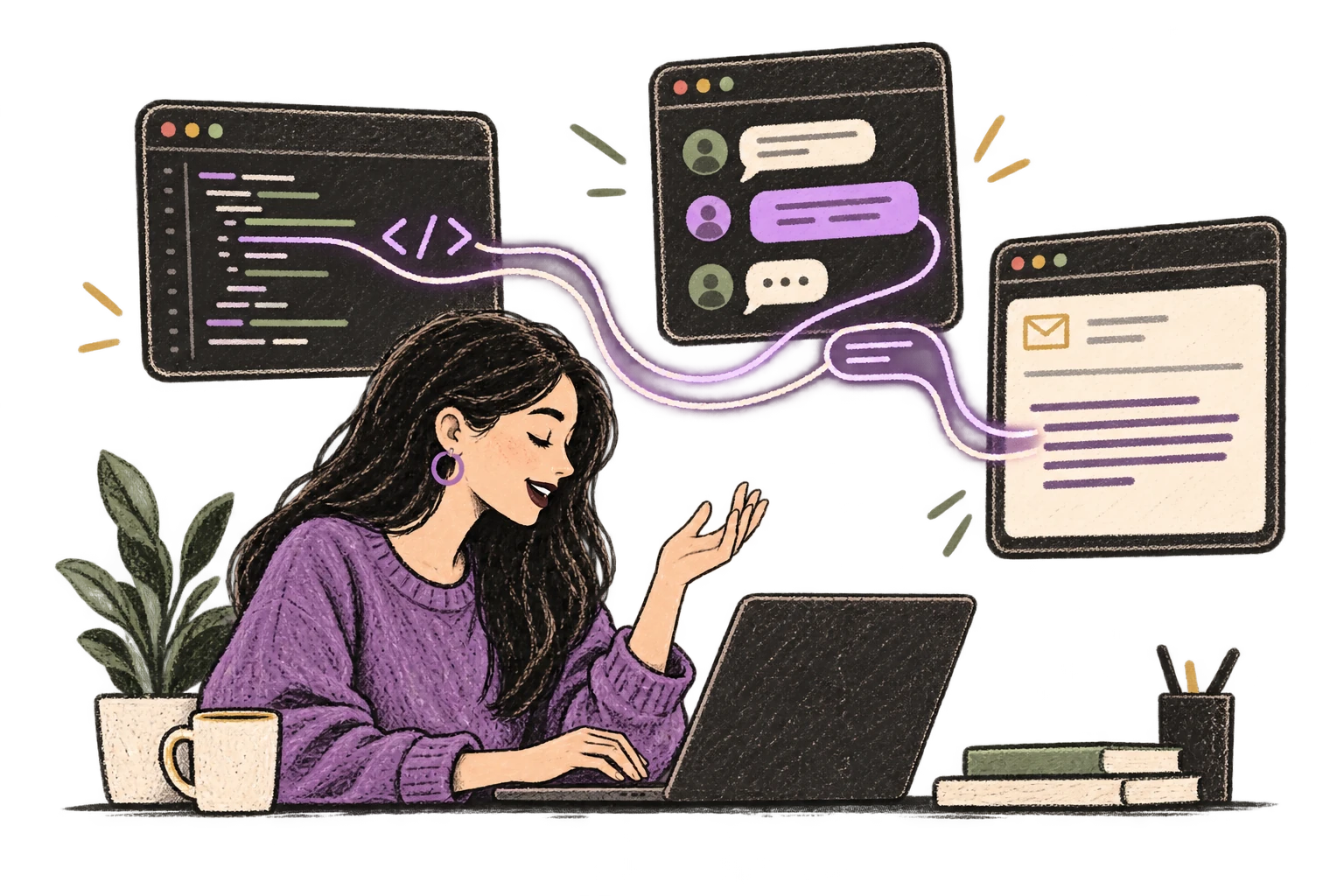
Ottex detects which app you're in and adapts. Coding mode in Cursor, casual tone in Slack, professional in Gmail—automatic context switching.
Professionals who rely on Ottex for social posts
Speak your newsletter. Ship every week.
Volume without burnout. Voice without typing.
Your voice creates your show. Let it create everything else too.
Turn positioning ideas into market-ready docs, fast
Stream live. Update faster.
Write meta descriptions and content briefs at volume
Yes. Speak your thread naturally and use formatting commands to separate tweets. Ottex types directly into the compose window.
Yes. Ottex types into any text field — Twitter/X, LinkedIn post editor, Substack, Beehiiv, or any platform in your browser.
Dictate your thought naturally, then review. AI commands can help you condense. Speaking first ensures you capture the core idea — then edit down.
Yes. Dictate multiple posts in one session — write a week's worth of LinkedIn content in 15 minutes instead of an hour.
Other ways to use Ottex
Dictate SOAP notes, progress notes, or patient summaries. Add medical terms to your dictionary for accurate transcription.
Reply to YouTube comments, Twitter threads, or social media mentions by voice. Stay engaged with your audience without the typing fatigue.
Dictate therapy session notes right after appointments. Capture clinical observations while maintaining client privacy.
Speak ideas the moment they hit you. Use Ottex anywhere to capture thoughts, then refine them later.
Dictate prompts to ChatGPT, Claude, Perplexity, or any AI chatbot. Speaking naturally lets you give more context—better context means better results.
Dictate research notes, literature summaries, or analysis. Capture your thinking process without losing momentum to typing.
Get 4+ hours back every week from typing, formatting, and re-prompting AI.
Try for freeNo credit card required.