3x Faster Than Typing
Speak 150+ words per minute vs 40 wpm typing. Finish tasks in a third of the time.

Handle support tickets efficiently. Speaking lets you explain solutions thoroughly—more context means fewer follow-up questions.
Read this example aloud, or say something of your own.
Your voice. Right where you work.
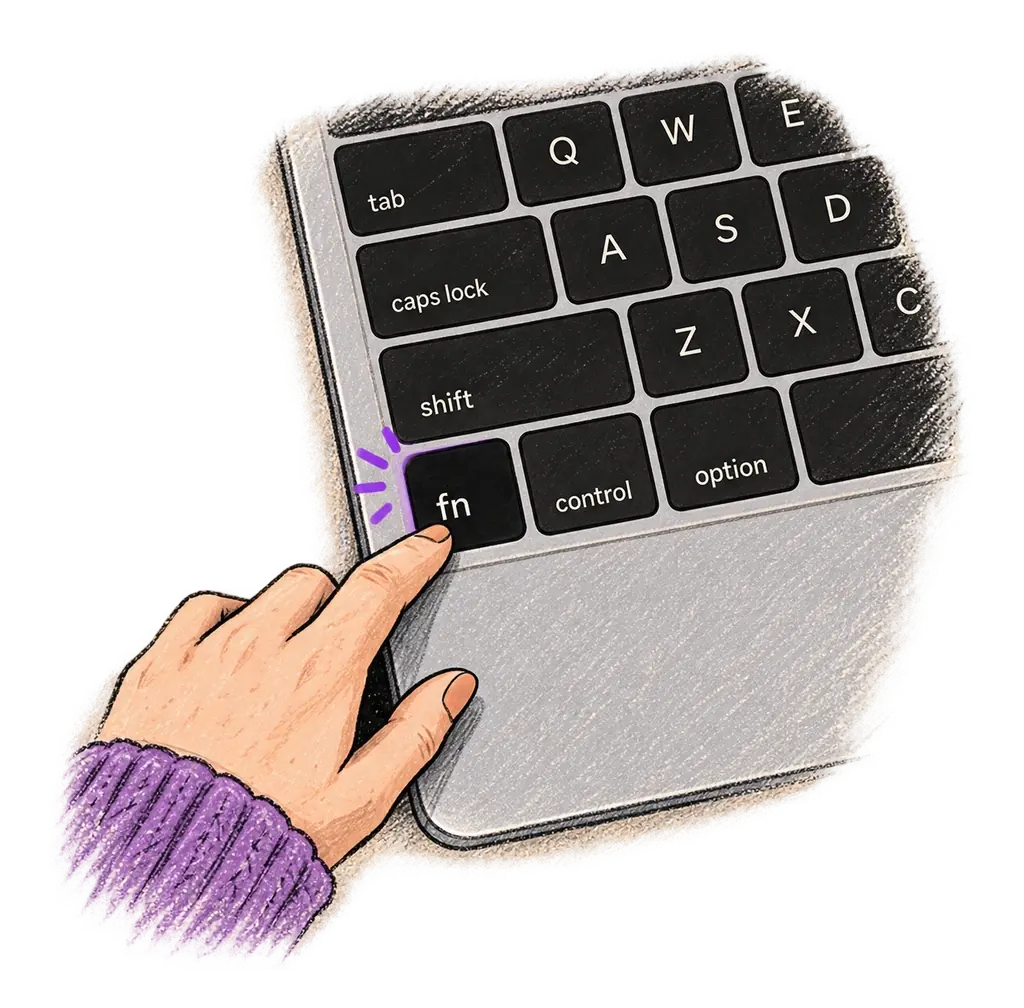
Place your cursor in any app, then hold the Fn key.
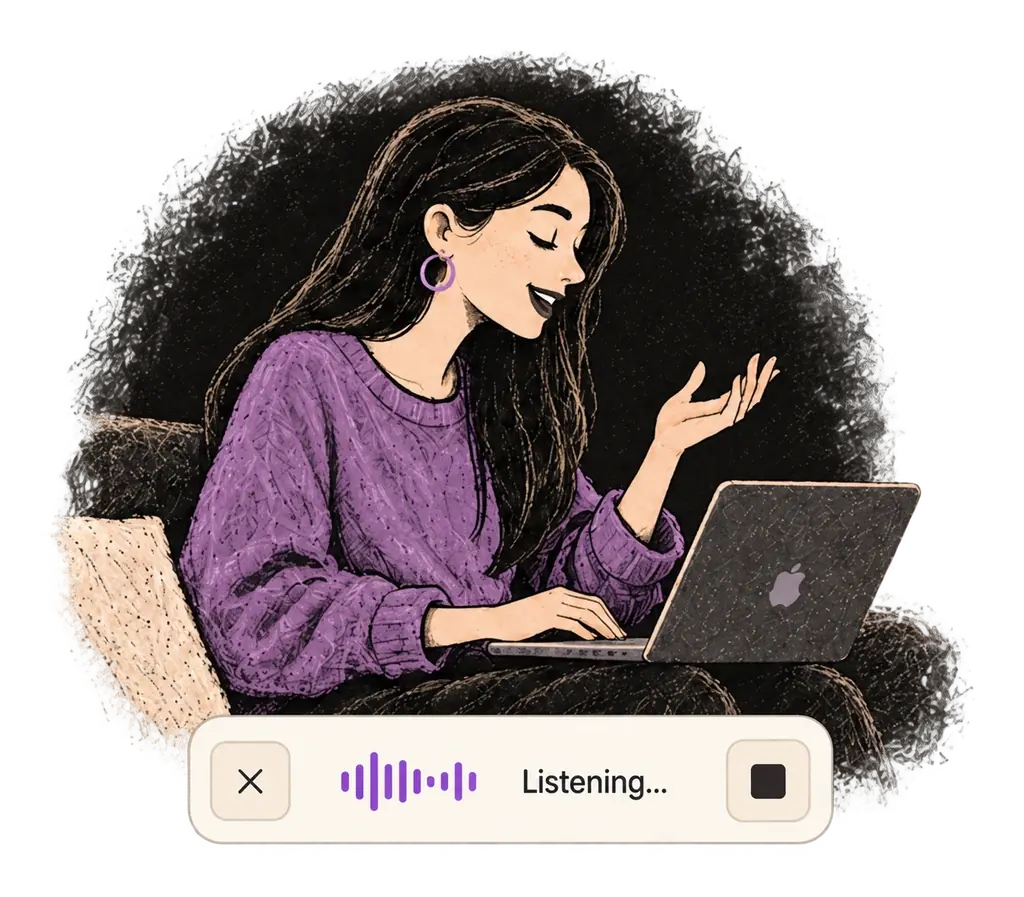
Say what you want to write. Ottex follows your saved writing rules.
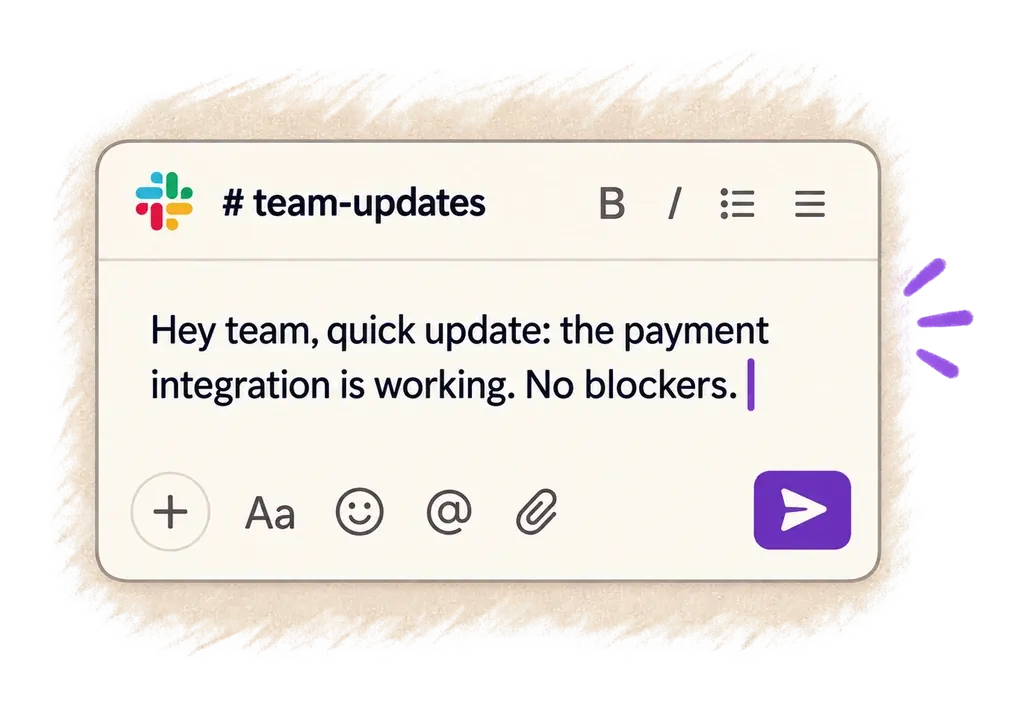
Your text appears right where your cursor is.
Everything you need to do this job efficiently
Speak 150+ words per minute vs 40 wpm typing. Finish tasks in a third of the time.
Speaking naturally gives AI agents more context than typing. Describe your intent, explain edge cases, mention file names—your voice carries nuance that typing shortcuts.
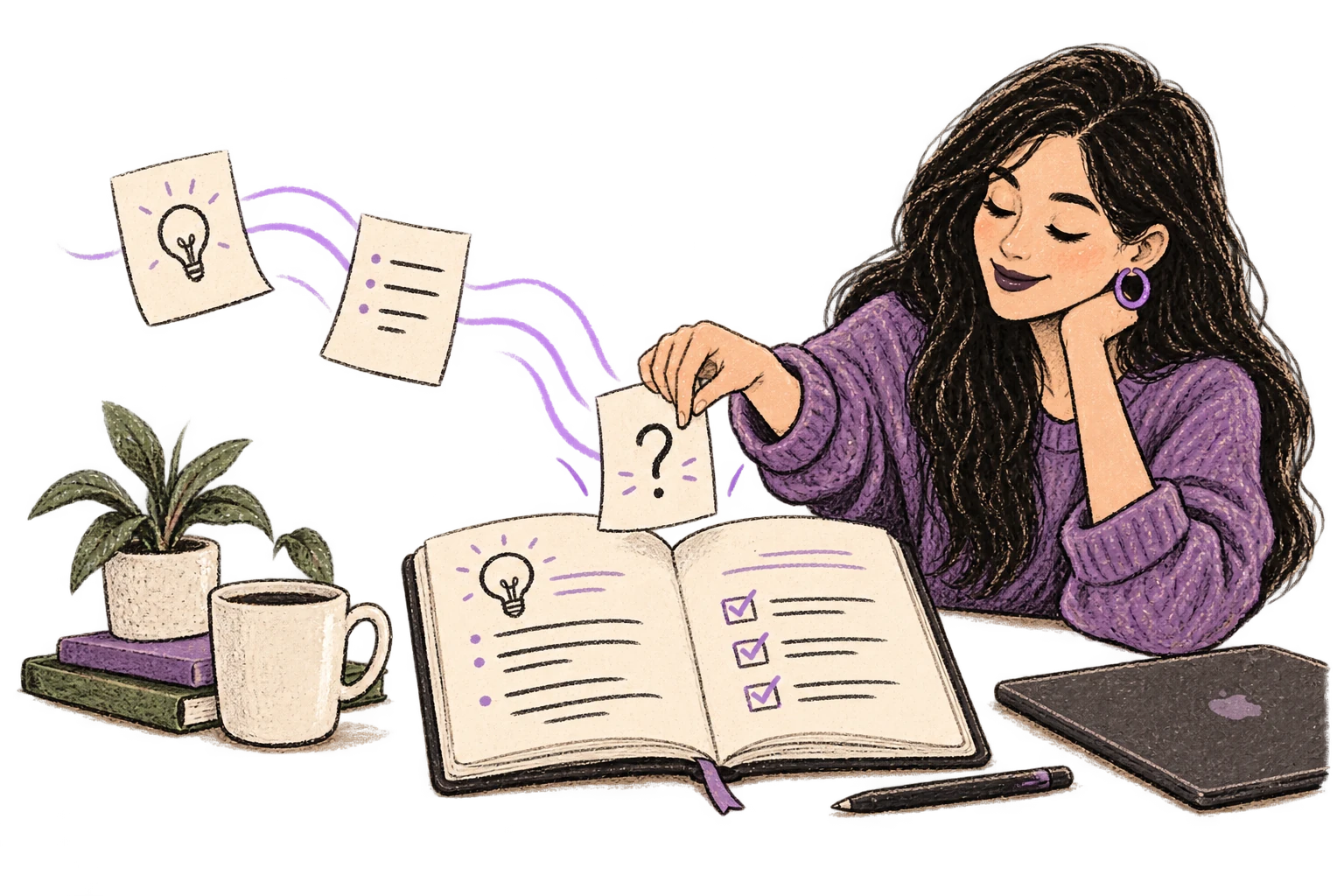
Define custom text replacements and shortcuts. Say 'work signature' to expand your full email signature, or 'my address' for your contact info.

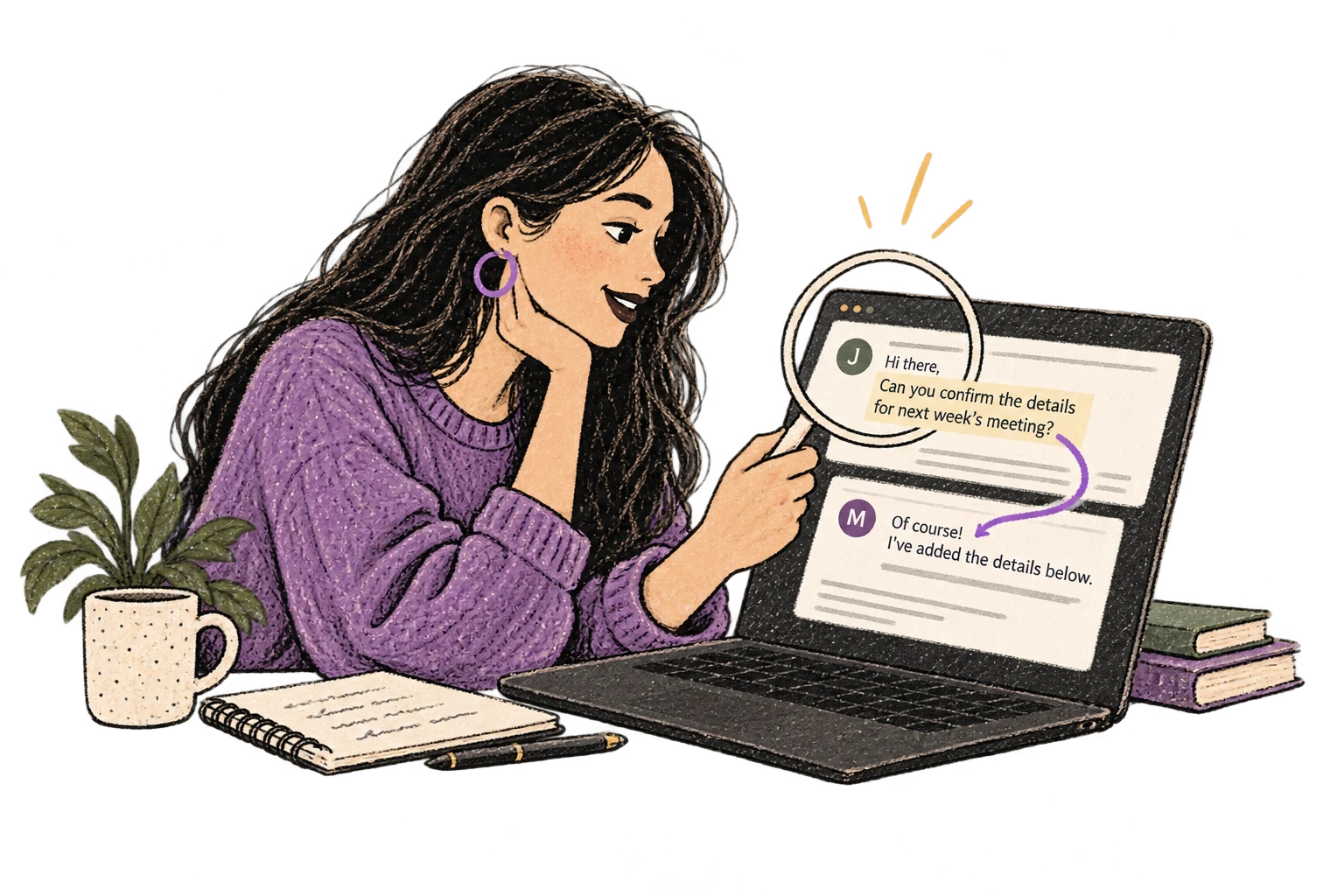
Optionally let AI see your screen for smarter responses. Reply to emails with full context, answer messages knowing the conversation history.
Say 'scratch that' to delete mistakes, 'actually' to rephrase. Fix errors without stopping your flow or touching the keyboard.

Professionals who rely on Ottex for support replies
Yes. Ottex types into any text field on macOS, including all web-based support tools — Intercom, Zendesk, Freshdesk, HubSpot, and more.
Yes. Use smart snippets to save frequent responses. Say 'refund policy' or 'shipping update' and Ottex inserts your pre-written template.
Absolutely. Speaking lets you explain complex solutions thoroughly and naturally. More context in your first reply means fewer back-and-forth messages.
Each team member installs Ottex on their own Mac with their own custom dictionary and snippets. There's no shared account needed.
Other ways to use Ottex
Say 'new paragraph', 'bullet point', 'open quote' and get exactly what you mean. Full formatting control without touching the keyboard.
Speak in your native language, get text in your target language. Perfect for non-native speakers or multilingual communication.
Dictate interview feedback immediately after each call. Speaking lets you capture nuance and context that gets lost when typing quickly.
Speak ideas the moment they hit you. Use Ottex anywhere to capture thoughts, then refine them later.
Dictate unique job descriptions that capture what makes the role special. Speaking helps you articulate culture, growth opportunities, and team dynamics naturally.
Voice-prompt AI coding agents like Cursor and Claude Code. With Ottex handling dictation and AI handling the code, you can architect and ship features with almost zero typing. Perfect for RSI recovery or accessibility.
Get 4+ hours back every week from typing, formatting, and re-prompting AI.
Try for freeNo credit card required.