3x Faster Than Typing
Speak 150+ words per minute vs 40 wpm typing. Finish tasks in a third of the time.

Dictate therapy session notes right after appointments. Capture clinical observations while maintaining client privacy.
Read this example aloud, or say something of your own.
Your voice. Right where you work.

Place your cursor in any app, then hold the Fn key.

Say what you want to write. Ottex follows your saved writing rules.

Your text appears right where your cursor is.
Everything you need to do this job efficiently
Speak 150+ words per minute vs 40 wpm typing. Finish tasks in a third of the time.
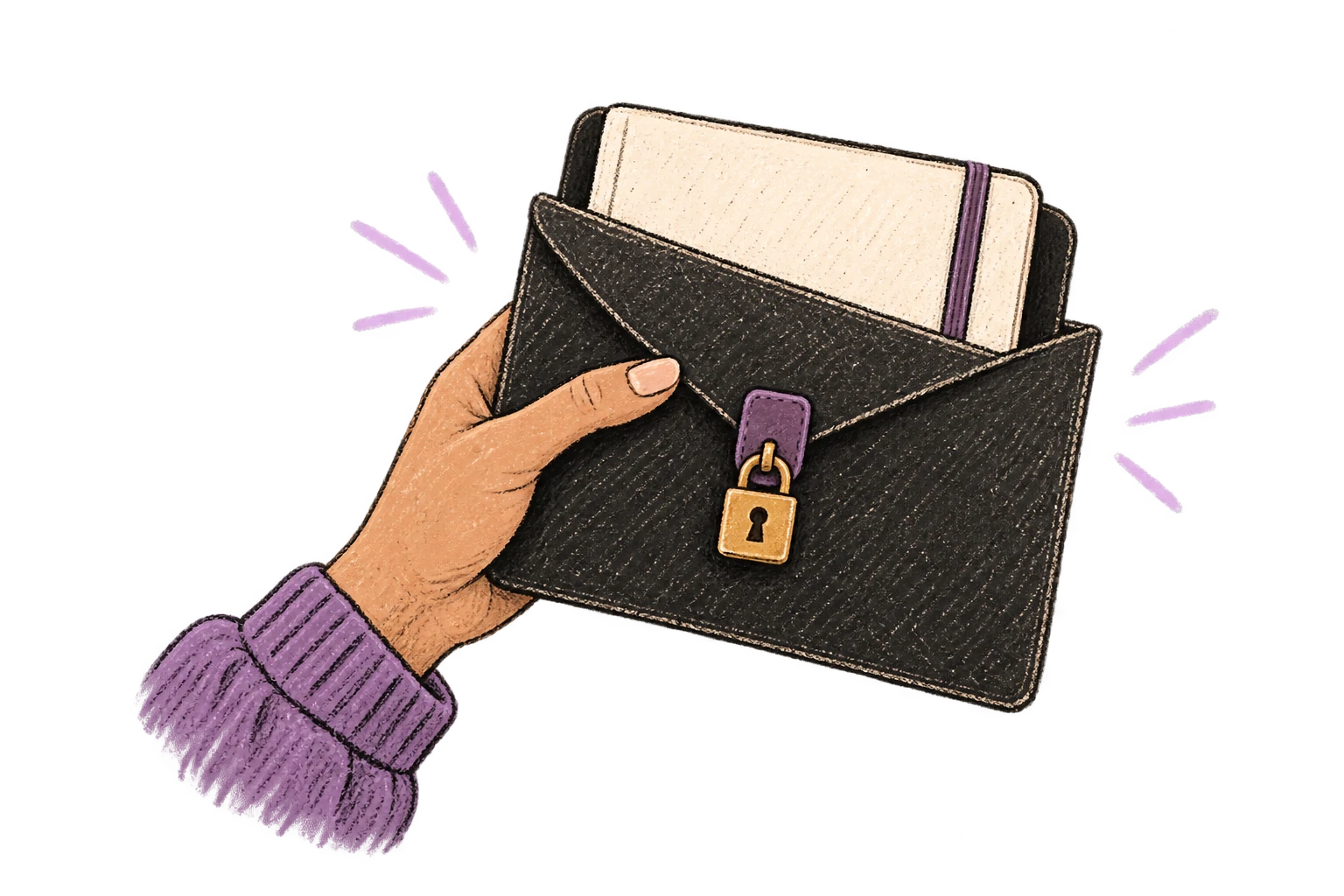
No screen capture, ever. Your audio goes directly to your API provider. Ottex never sees your data.
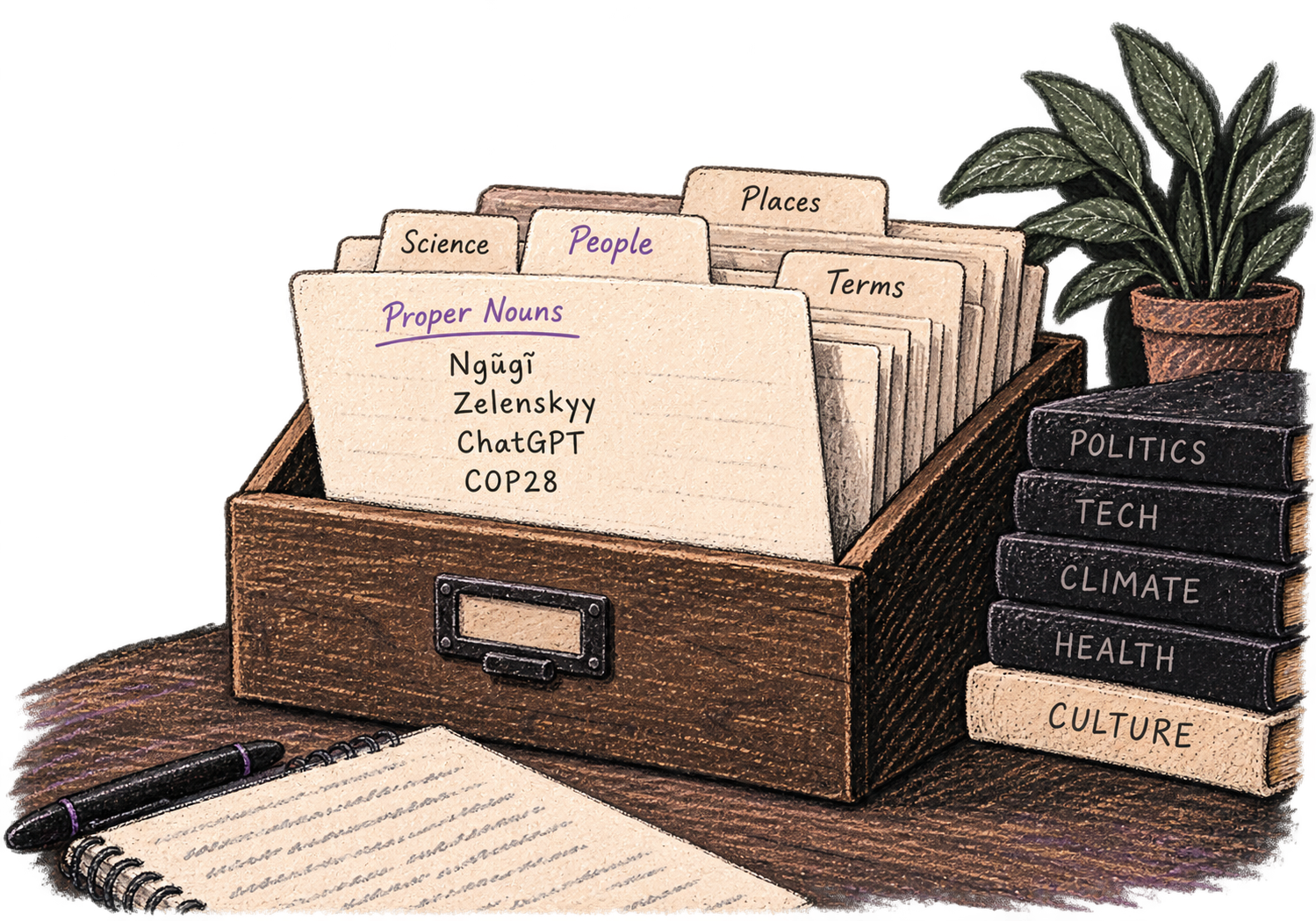
Add names, technical terms, and jargon. Ottex transcribes them accurately every time.
Say 'scratch that' to delete mistakes, 'actually' to rephrase. Fix errors without stopping your flow or touching the keyboard.

Professionals who rely on Ottex for session notes
Right after the session ends. Speak your observations, interventions, client responses, and plan while everything is fresh — it takes 2-3 minutes.
Yes. Custom modes can structure your notes with standard sections — presenting problem, interventions used, client response, treatment plan, and homework.
Ottex processes audio for transcription but doesn't store your dictation or text. Notes go directly into your documentation tool. Review our privacy policy for details.
Yes. Add therapeutic modalities, assessment tools, and clinical terms to your custom dictionary for accurate transcription — CBT, EMDR, PHQ-9, and similar.
Other ways to use Ottex
Dictate property descriptions that highlight what makes each listing special. Polish with AI for maximum appeal.
Reply to Slack messages 3x faster. Dictate casual updates, detailed explanations, or quick acknowledgments without switching context.
Defeat writer's block by speaking your first draft. Don't edit as you go—just talk through your ideas and refine them later.
Speak in your native language, get text in your target language. Perfect for non-native speakers or multilingual communication.
Voice-prompt AI coding agents like Cursor and Claude Code. With Ottex handling dictation and AI handling the code, you can architect and ship features with almost zero typing. Perfect for RSI recovery or accessibility.
Dictate research notes, literature summaries, or analysis. Capture your thinking process without losing momentum to typing.
Get 4+ hours back every week from typing, formatting, and re-prompting AI.
Try for freeNo credit card required.