3x Faster Than Typing
Speak 150+ words per minute vs 40 wpm typing. Finish tasks in a third of the time.

Bill for thinking, not typing
Read this example aloud, or say something of your own.
Your voice. Right where you work.
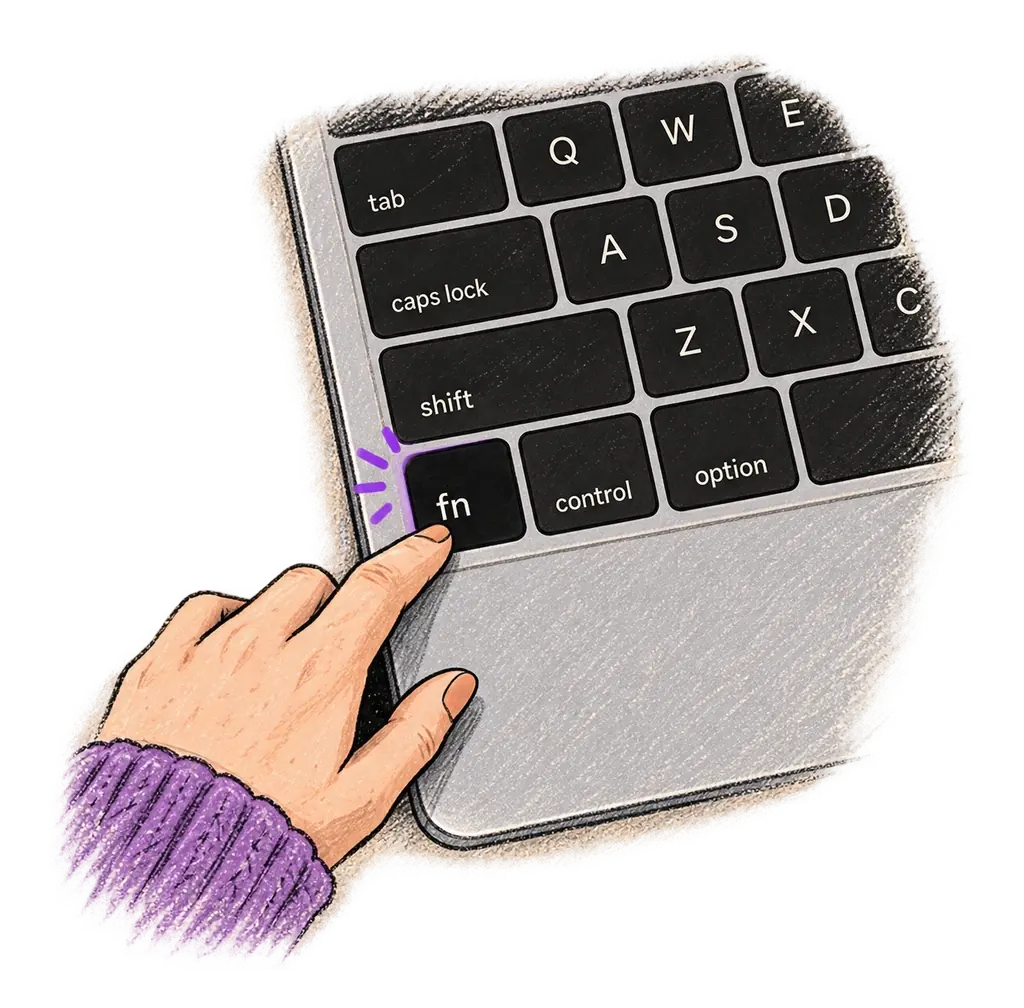
Place your cursor in any app, then hold the Fn key.
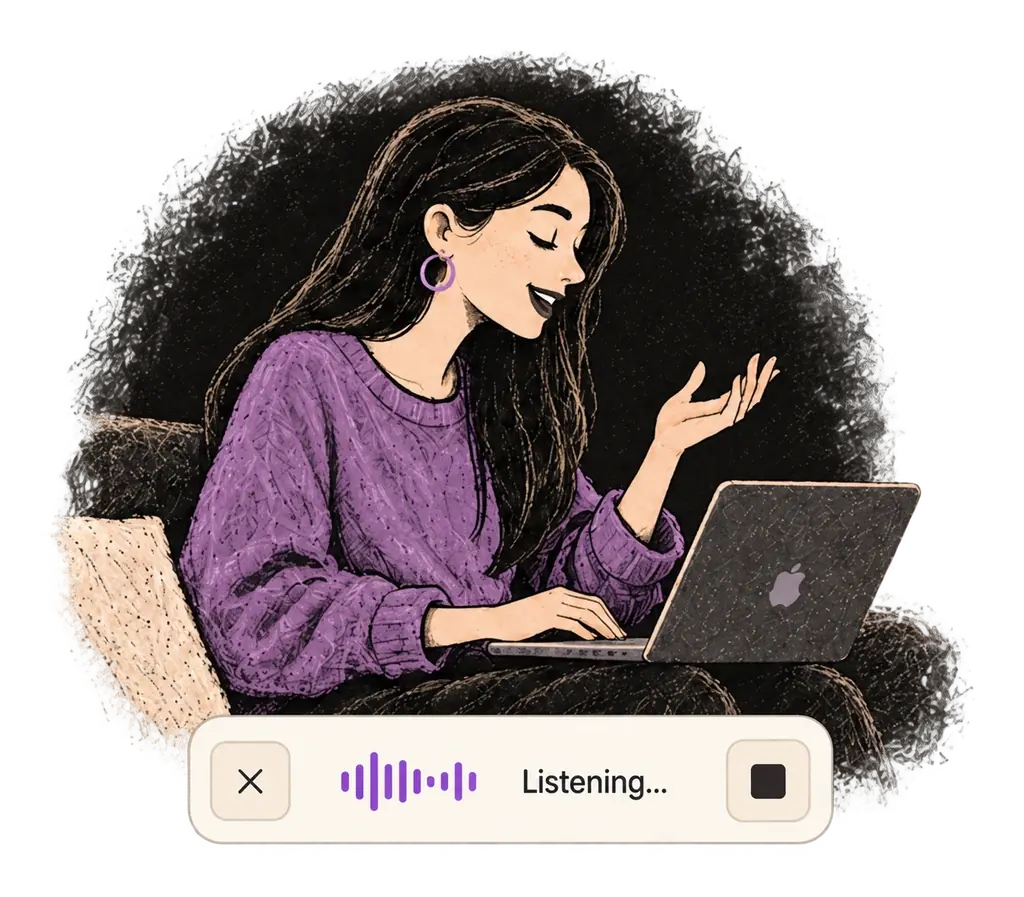
Say what you want to write. Ottex follows your saved writing rules.
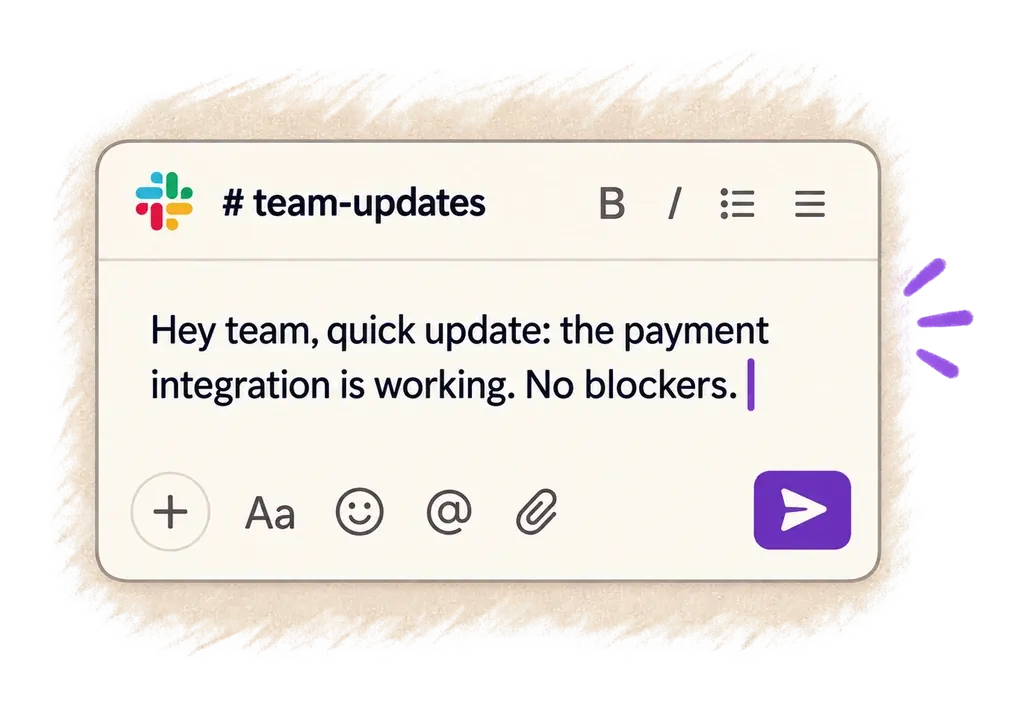
Your text appears right where your cursor is.
Ottex works system-wide on macOS. Dictate directly into these apps and more.
And any other app that accepts text input. See all supported apps
Concrete benefits with real-world impact
Speak 150+ words per minute vs 40 wpm typing. Finish tasks in a third of the time.
Say 'scratch that' to delete mistakes, 'actually' to rephrase. Fix errors without stopping your flow or touching the keyboard.
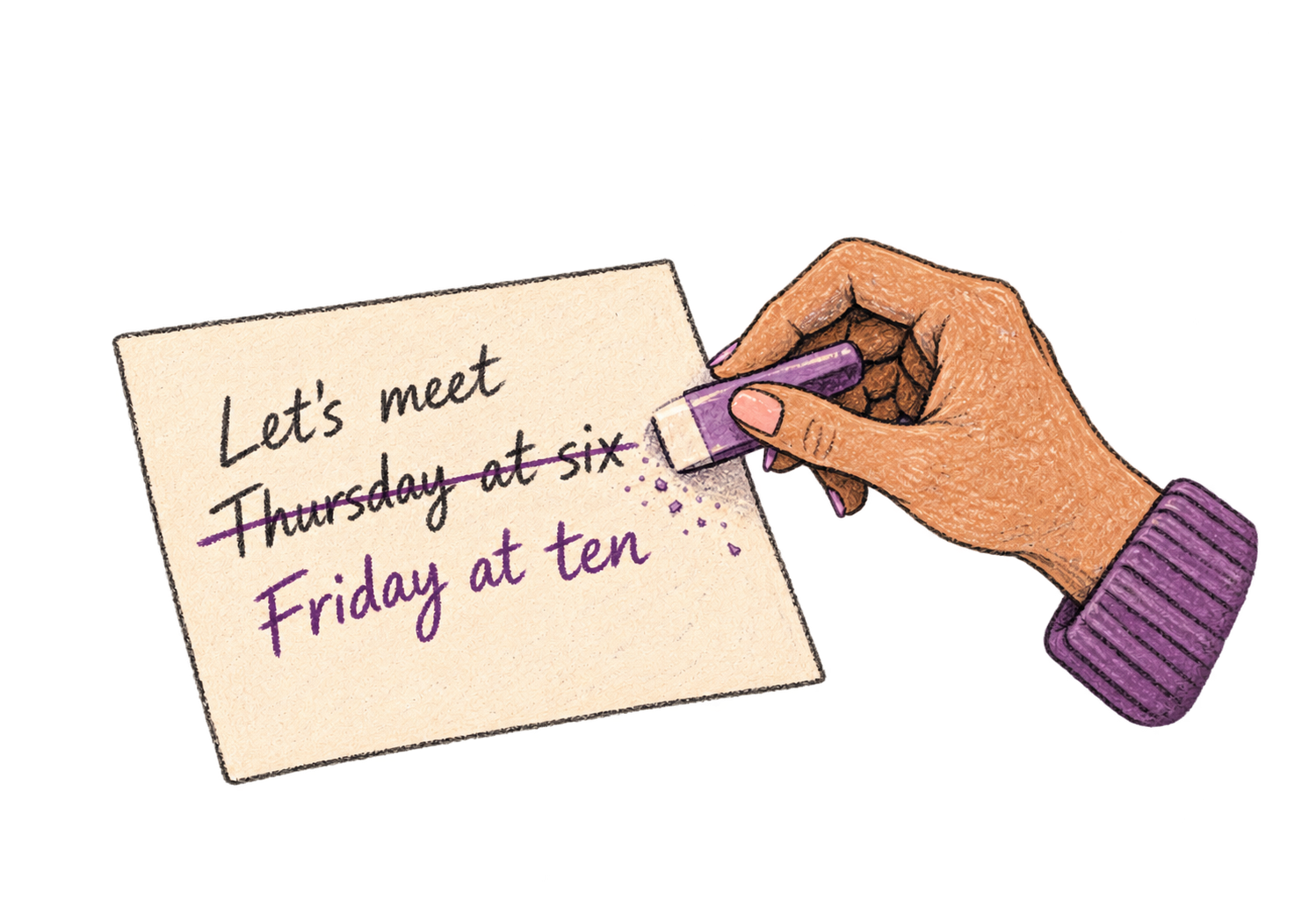
Transform text as you speak: 'Ottex start fix grammar Ottex end'. Edit, improve, translate—all by voice.

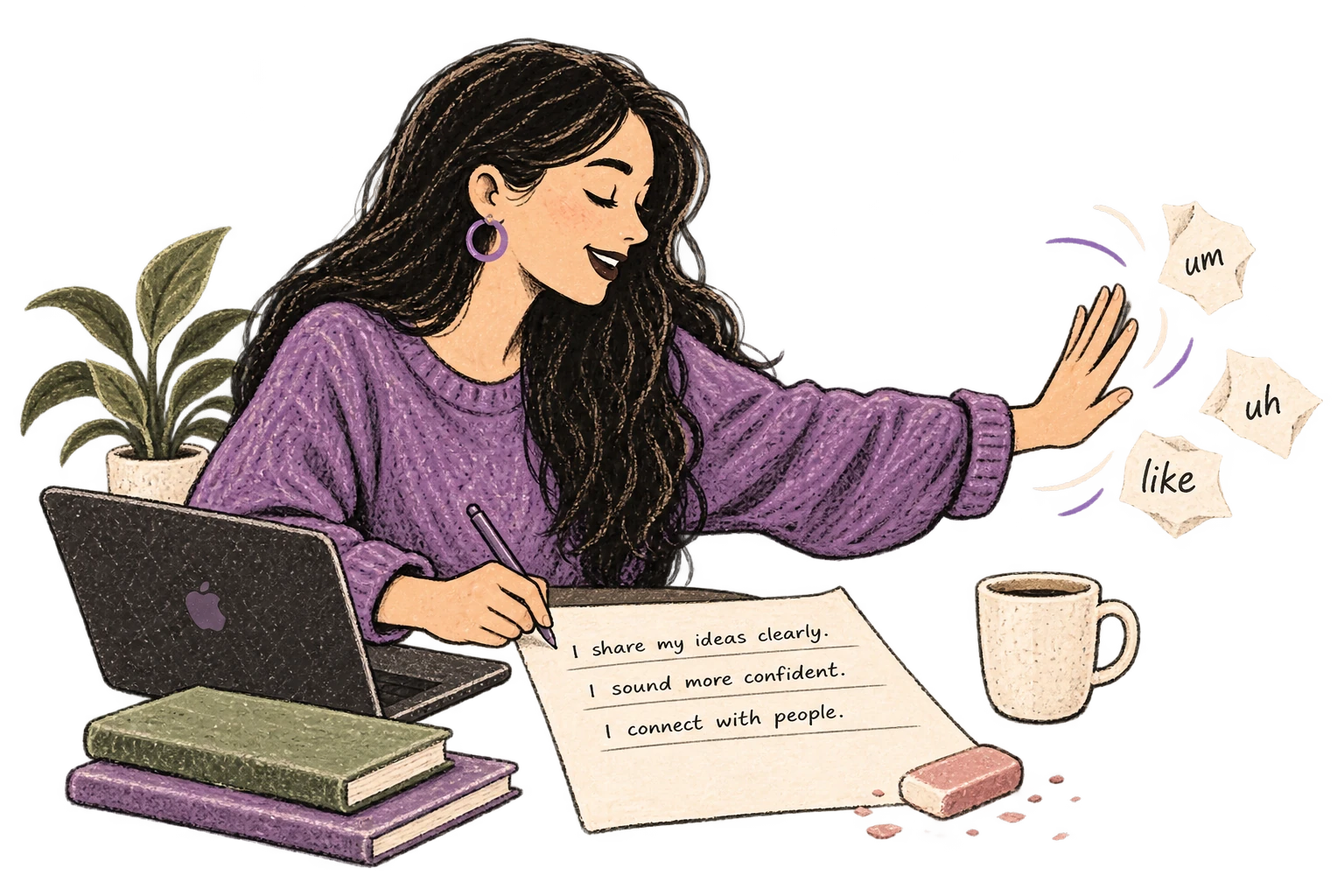
Cloud AI models transcribe your voice with 99% accuracy. Filler words like 'um' and 'like' are automatically cleaned up.
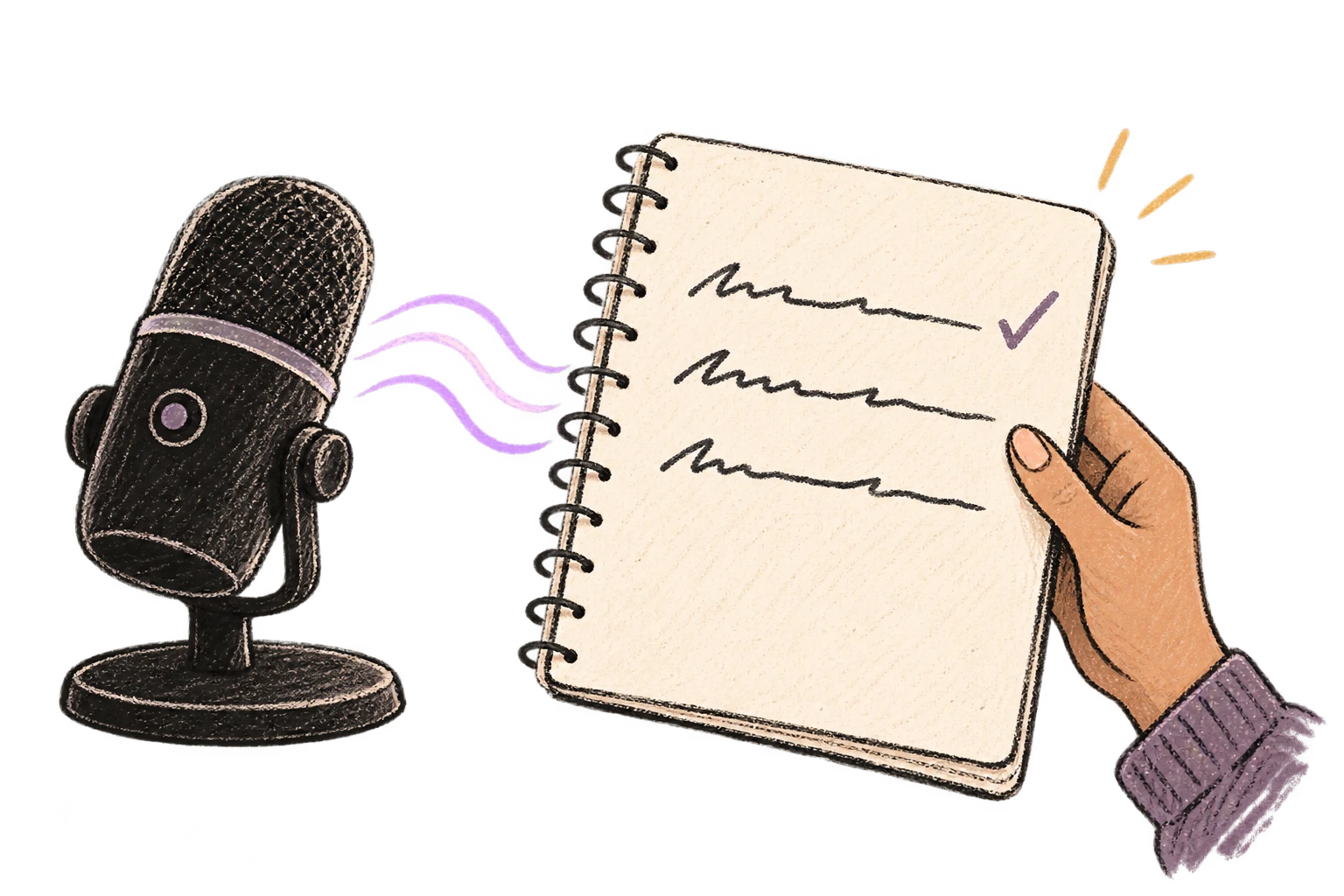
Define custom text replacements and shortcuts. Say 'work signature' to expand your full email signature, or 'my address' for your contact info.

Say 'new paragraph', 'open quote', 'em dash', 'ellipsis'. Full formatting control by voice.

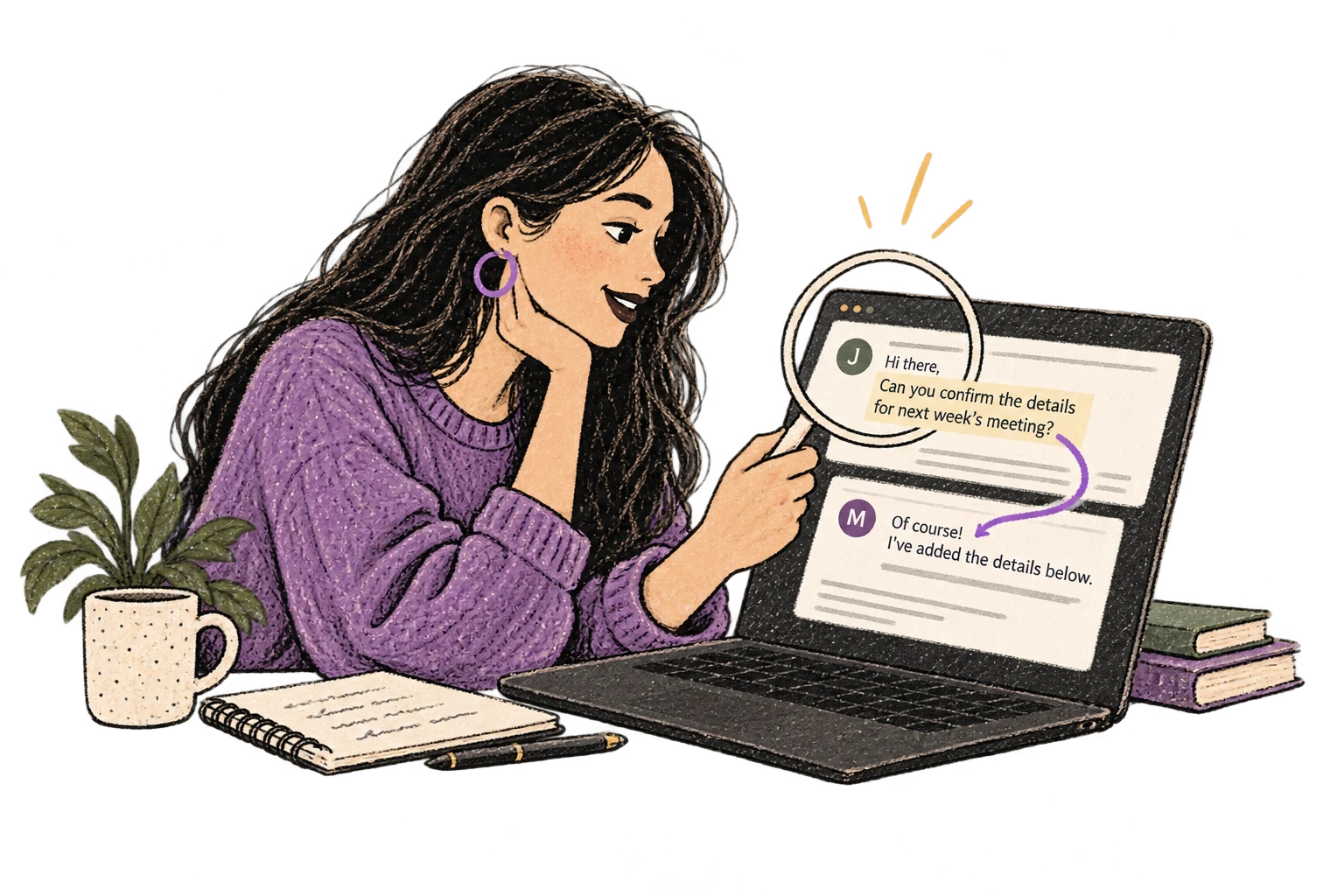
Optionally let AI see your screen for smarter responses. Reply to emails with full context, answer messages knowing the conversation history.
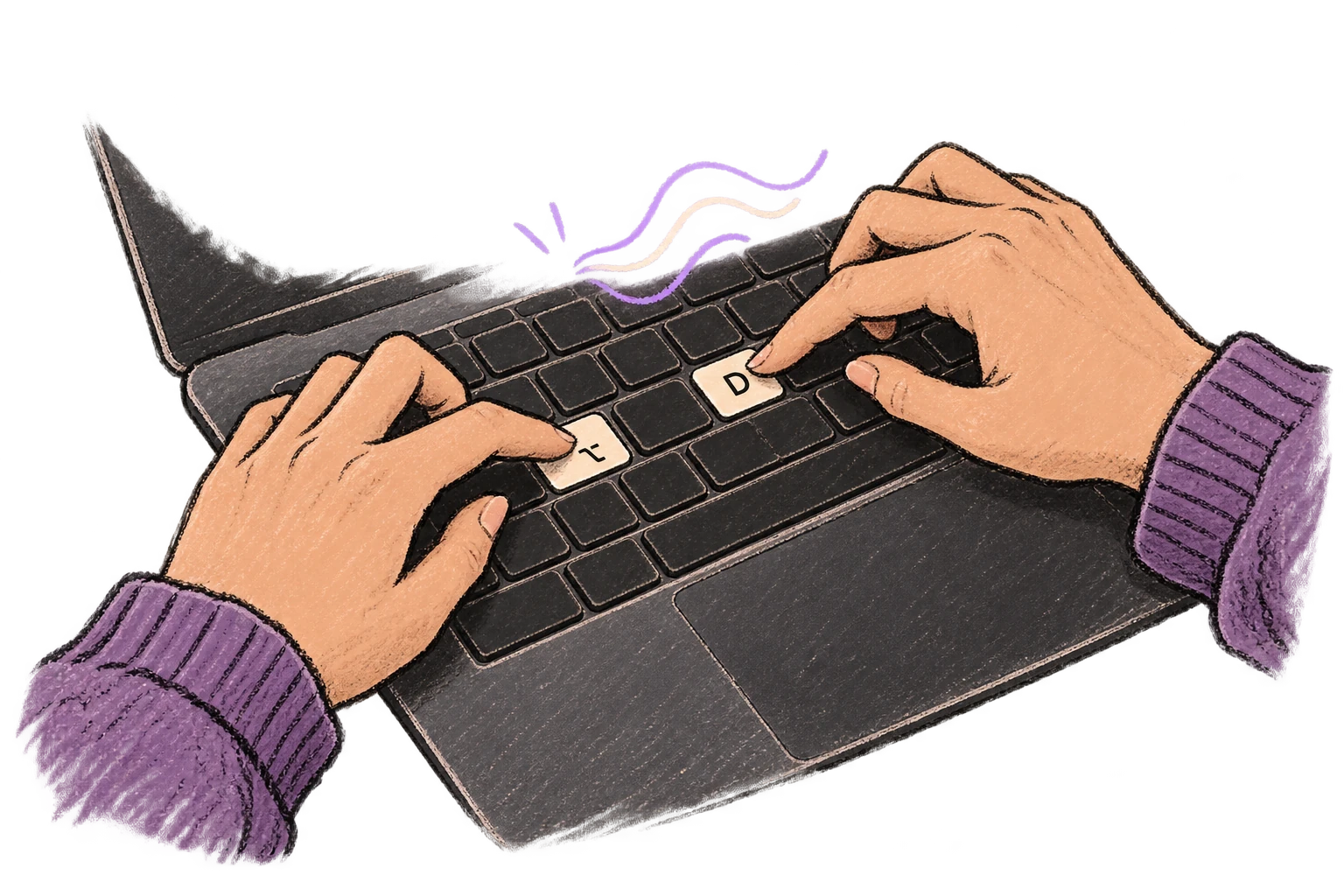
Start recording with Option+D, use Push-to-Talk, or cancel with Esc. All shortcuts are fully configurable.
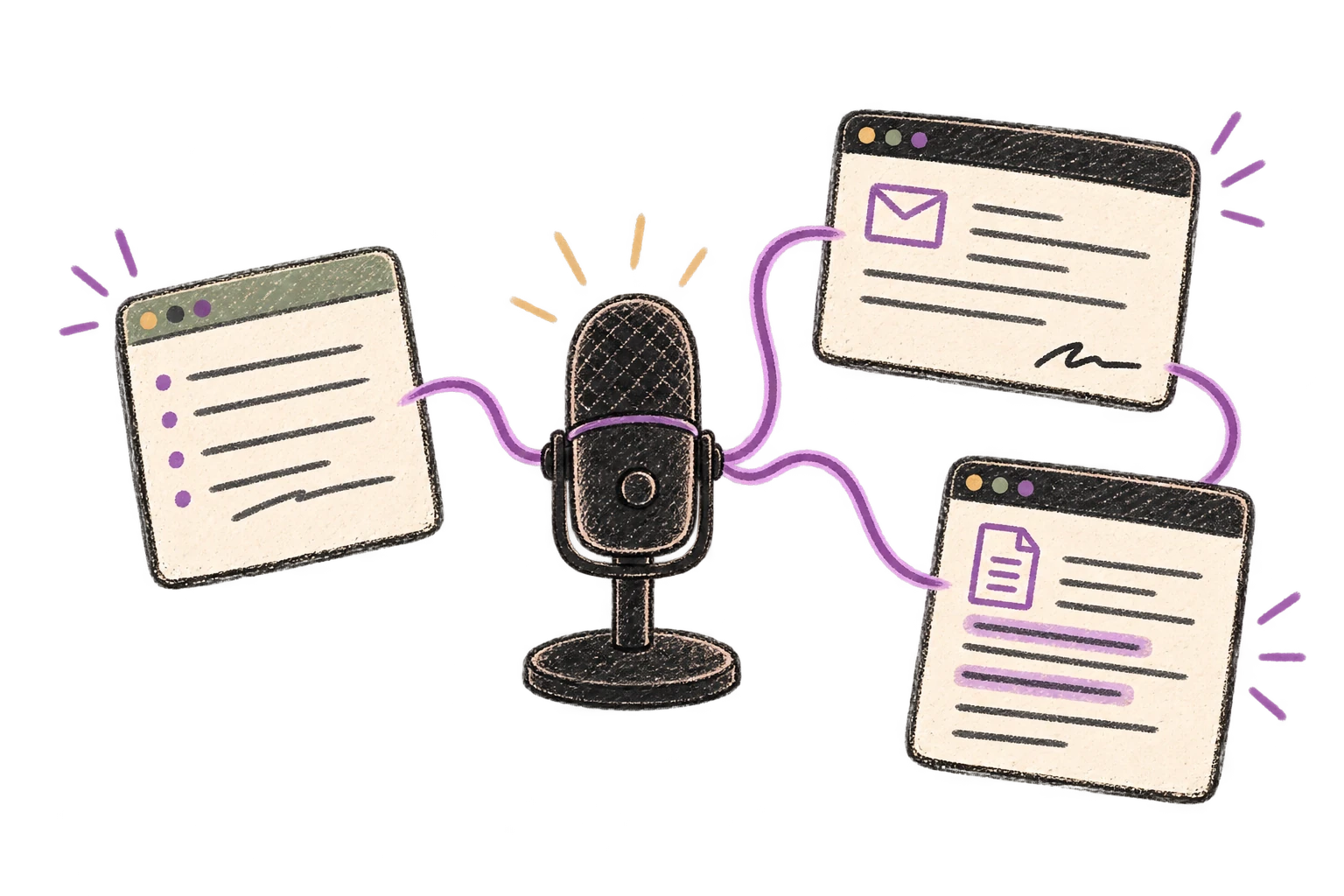
System-wide on macOS—Ottex works wherever you can type. No app-specific integrations needed.
Automatically removes filler words like 'um', 'uh', 'like', 'so' from your transcription. Get clean, professional text without verbal hesitations.
Speaking naturally gives AI agents more context than typing. Describe your intent, explain edge cases, mention file names—your voice carries nuance that typing shortcuts.
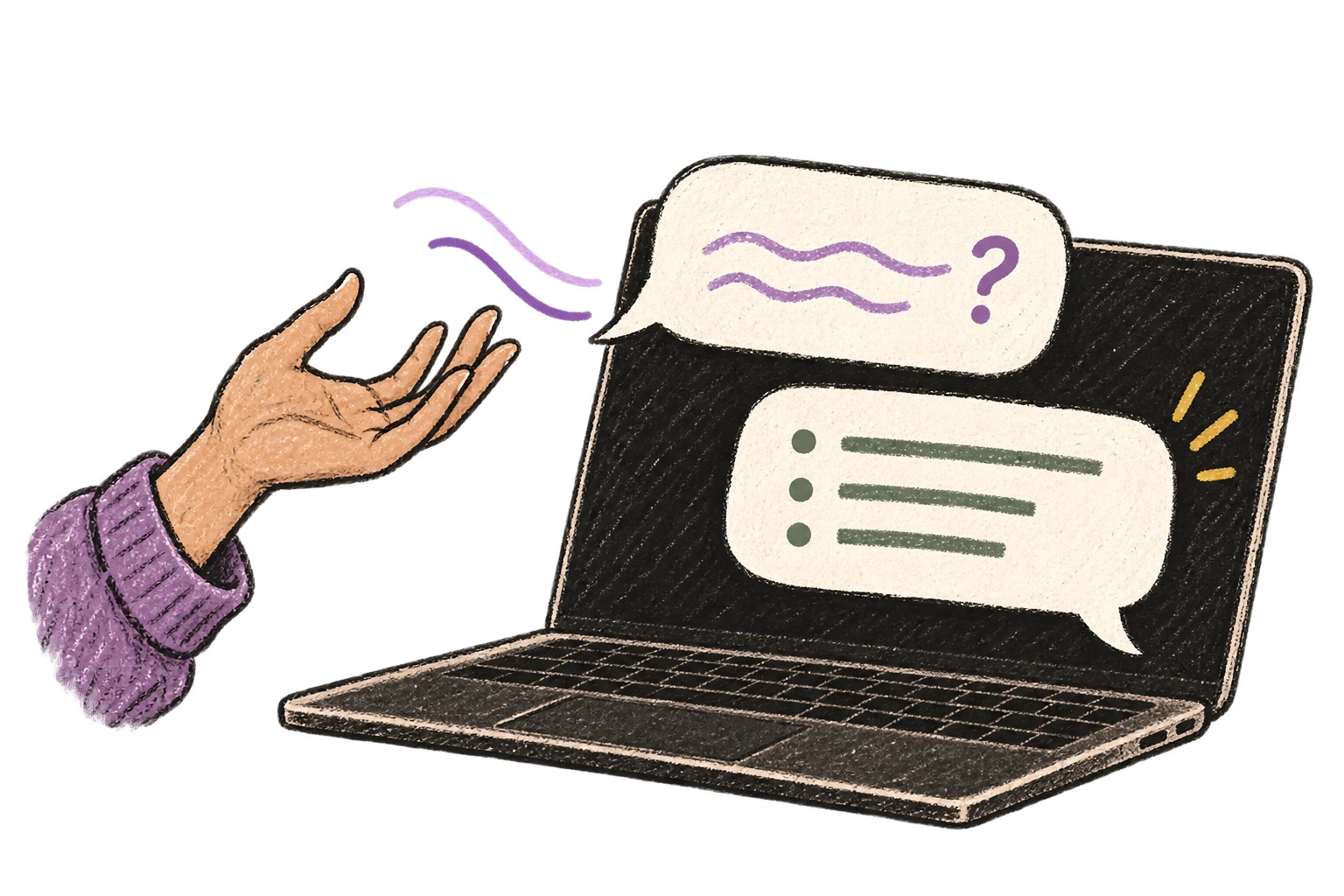
Dictate prompts to ChatGPT, Claude, Perplexity—anywhere you type. Better prompts, better answers.
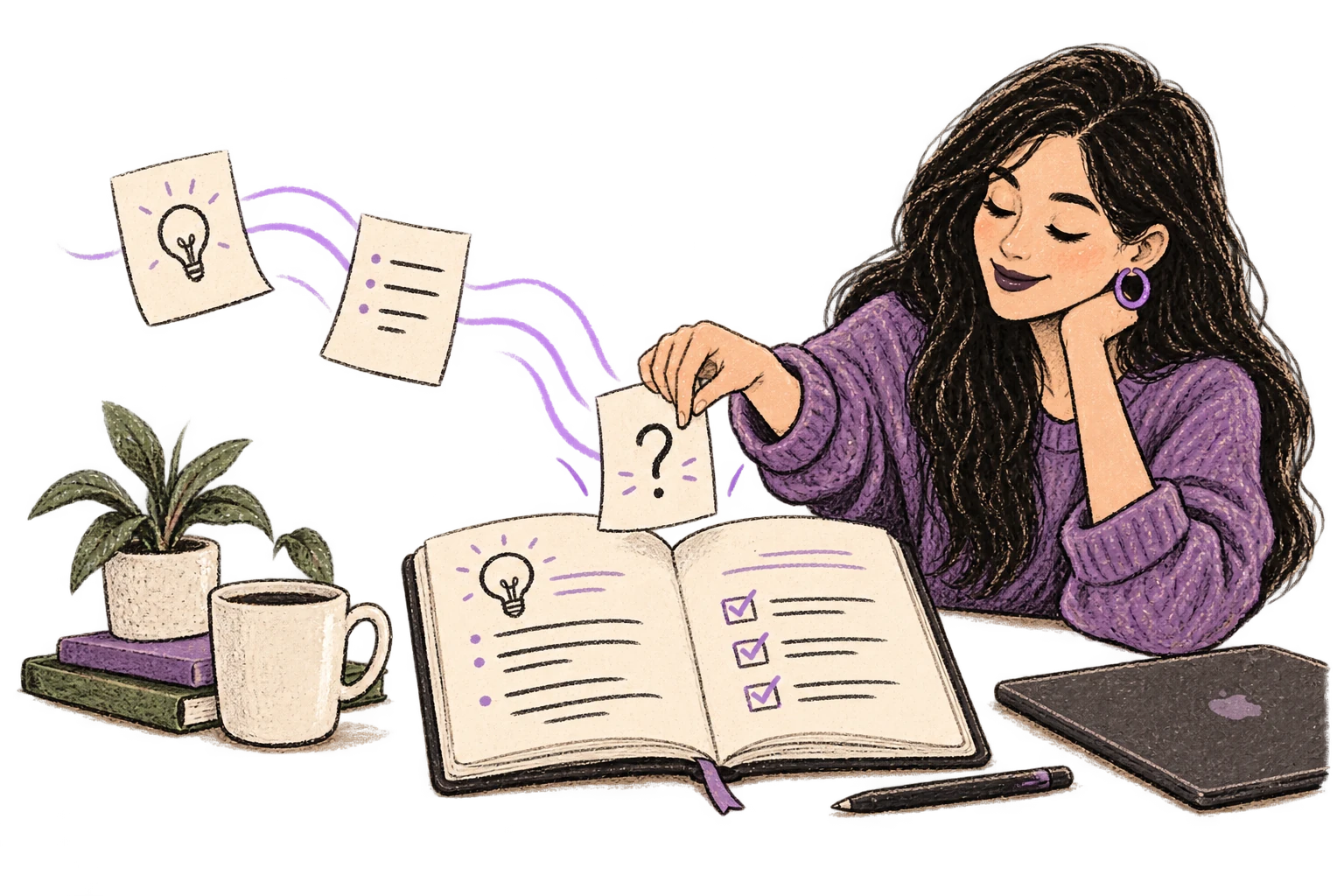
Defeat writer's block by speaking your first draft. Don't edit as you go—just talk through your ideas and refine them later.
Read this example aloud, or say something of your own.
Dictate standup updates, weekly reports, or project status. Speak what happened and what's next—done.
Works with
Read this example aloud, or say something of your own.
Dictate meeting notes in real-time or right after. Capture action items, decisions, and key points while they're fresh in your mind.
Works with
Read this example aloud, or say something of your own.
Dictate email responses with the right tone. Use context awareness to see the full thread, then speak your reply naturally.
Read this example aloud, or say something of your own.
Speak ideas the moment they hit you. Use Ottex anywhere to capture thoughts, then refine them later.
Works with
Read this example aloud, or say something of your own.
Dictate prompts to ChatGPT, Claude, Perplexity, or any AI chatbot. Speaking naturally lets you give more context—better context means better results.
Read this example aloud, or say something of your own.
Yes. Ottex works anywhere you can type—Microsoft Word, Google Docs, PowerPoint, Notion, anywhere. Press Option+D and start speaking.
Say 'heading two', 'bullet point', 'new paragraph'. Precision typing gives you full formatting control by voice. You can also use AI commands to polish sections: 'Ottex start, make this more formal, Ottex end'.
Yes. Ottex offers 100% local processing with Whisper models—your audio never leaves your Mac. Or use BYOK (bring your own key) for cloud models like Gemini 3 Flash. Either way, Ottex never stores your data.
Yes. Many consultants dictate meeting notes immediately after calls while context is fresh. Capture action items, decisions, and client feedback without breaking flow.
Yes. Add client names, company jargon, and industry terms to your custom dictionary. Ottex transcribes them accurately every time—no more fixing acronyms and proper nouns.
Gemini 3 Flash delivers excellent quality across 100+ languages. If you work with international clients or need to draft deliverables in multiple languages, Ottex handles mid-sentence language switching with auto-detection.
Download free. Use local models at no cost, or cloud models for ~$1-3/mo.
Try for freeNo credit card required.