3x Faster Than Typing
Speak 150+ words per minute vs 40 wpm typing. Finish tasks in a third of the time.

Know every account deeply, document effortlessly
Read this example aloud, or say something of your own.
Your voice. Right where you work.

Place your cursor in any app, then hold the Fn key.

Say what you want to write. Ottex follows your saved writing rules.

Your text appears right where your cursor is.
Ottex works system-wide on macOS. Dictate directly into these apps and more.
And any other app that accepts text input. See all supported apps
Concrete benefits with real-world impact
Speak 150+ words per minute vs 40 wpm typing. Finish tasks in a third of the time.
Say 'scratch that' to delete mistakes, 'actually' to rephrase. Fix errors without stopping your flow or touching the keyboard.

Transform text as you speak: 'Ottex start fix grammar Ottex end'. Edit, improve, translate—all by voice.

Say 'new paragraph', 'open quote', 'em dash', 'ellipsis'. Full formatting control by voice.

Define custom text replacements and shortcuts. Say 'work signature' to expand your full email signature, or 'my address' for your contact info.

Optionally let AI see your screen for smarter responses. Reply to emails with full context, answer messages knowing the conversation history.
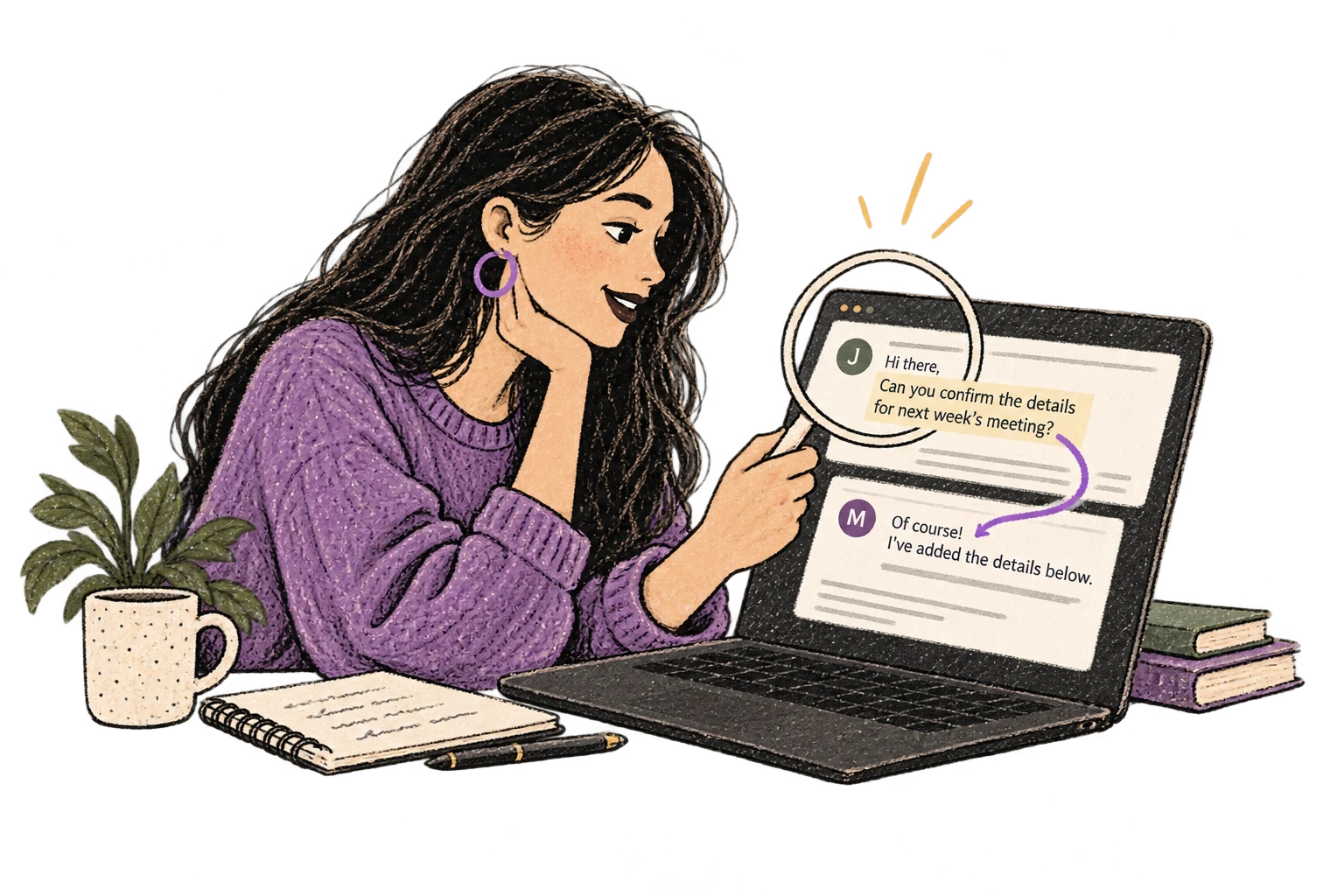
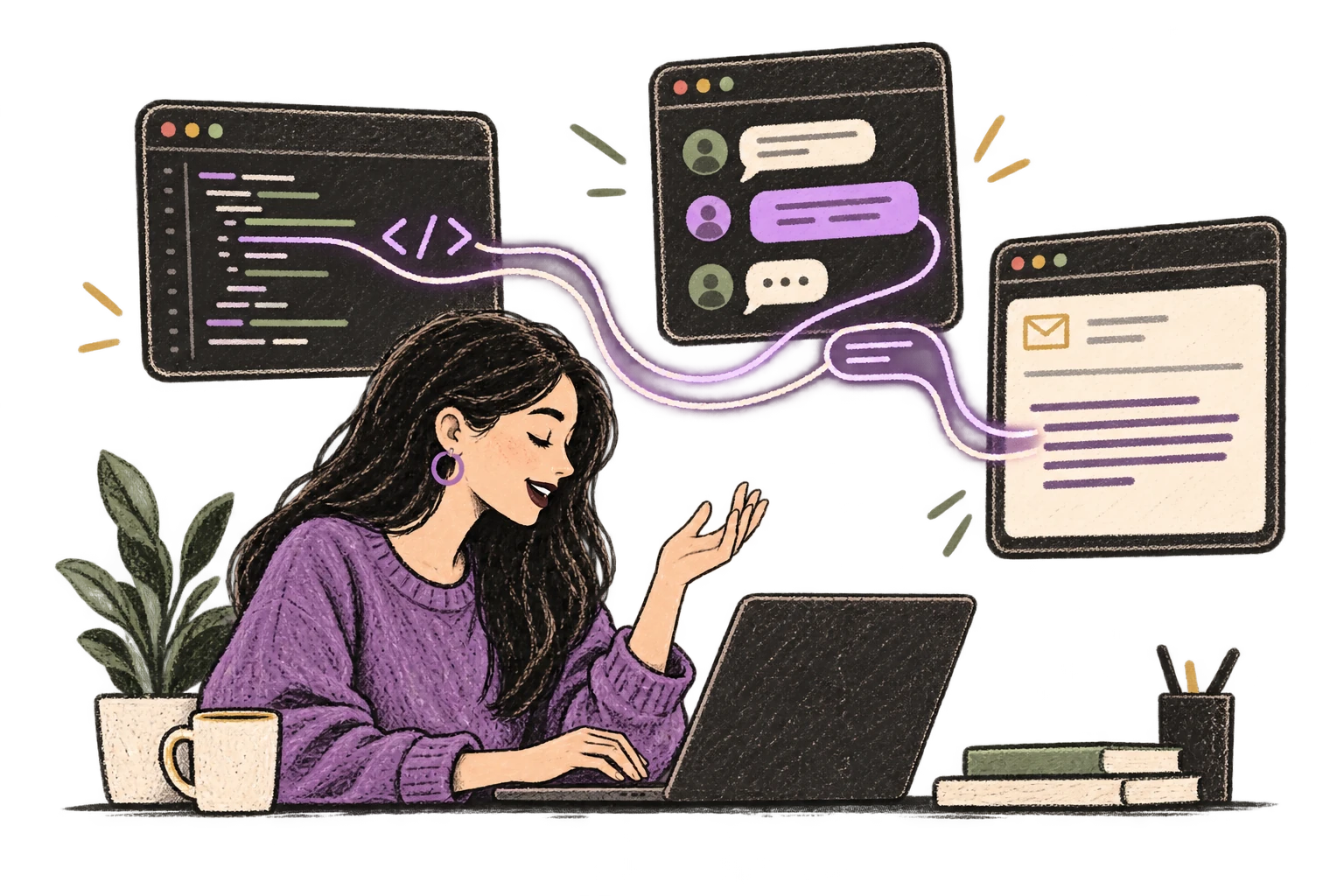
Ottex detects which app you're in and adapts. Coding mode in Cursor, casual tone in Slack, professional in Gmail—automatic context switching.
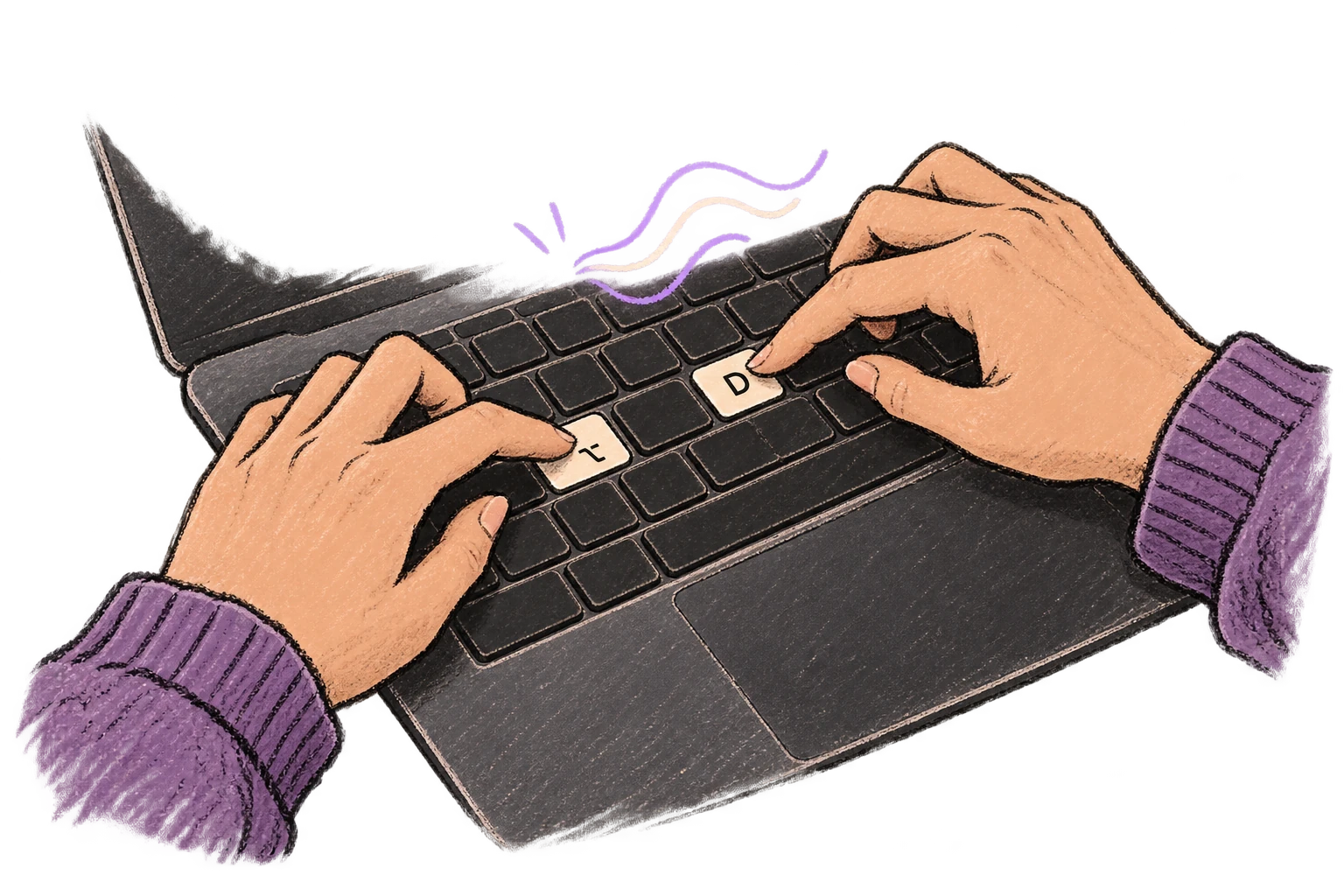
Start recording with Option+D, use Push-to-Talk, or cancel with Esc. All shortcuts are fully configurable.
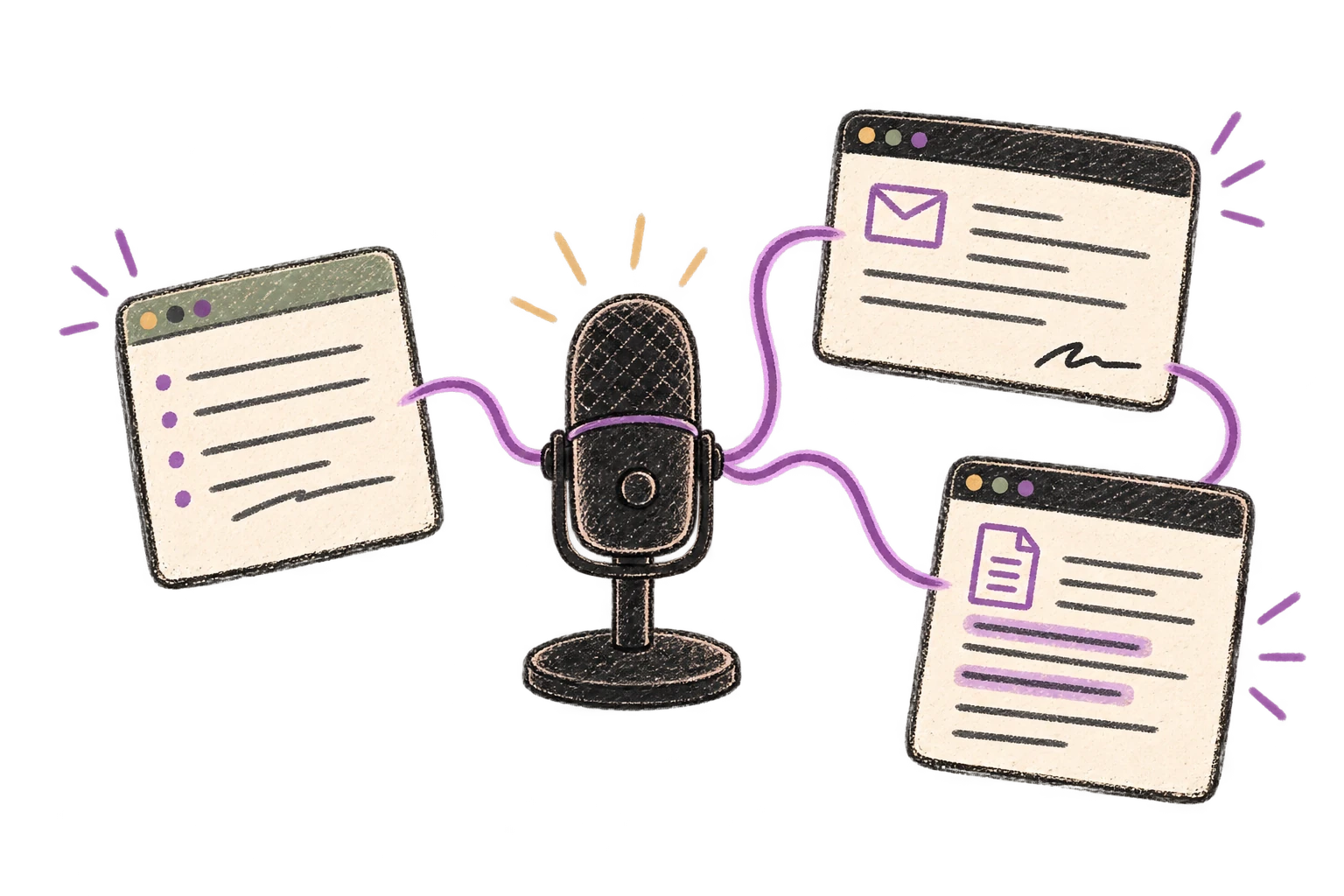
System-wide on macOS—Ottex works wherever you can type. No app-specific integrations needed.
Automatically removes filler words like 'um', 'uh', 'like', 'so' from your transcription. Get clean, professional text without verbal hesitations.
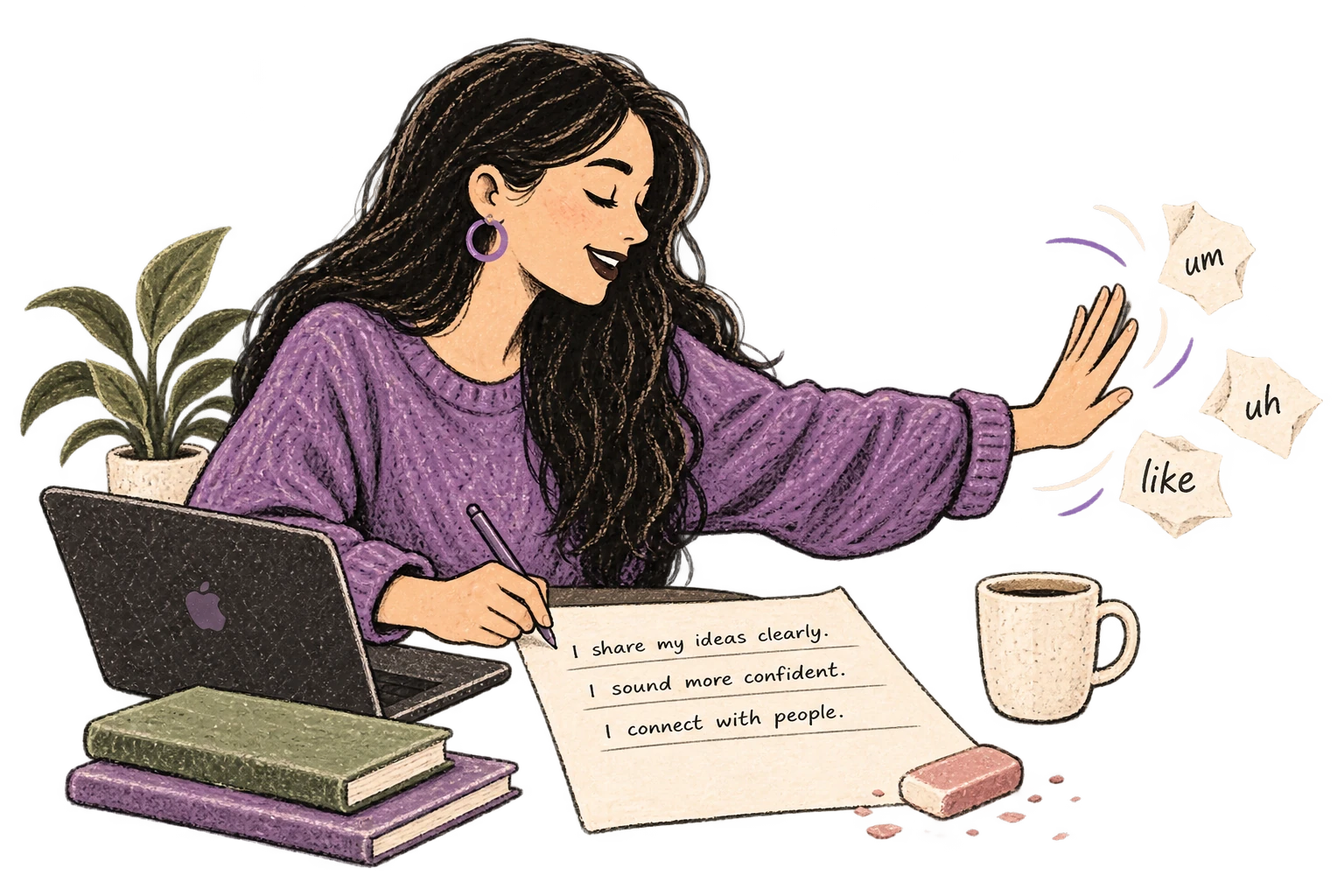
Speaking naturally gives AI agents more context than typing. Describe your intent, explain edge cases, mention file names—your voice carries nuance that typing shortcuts.
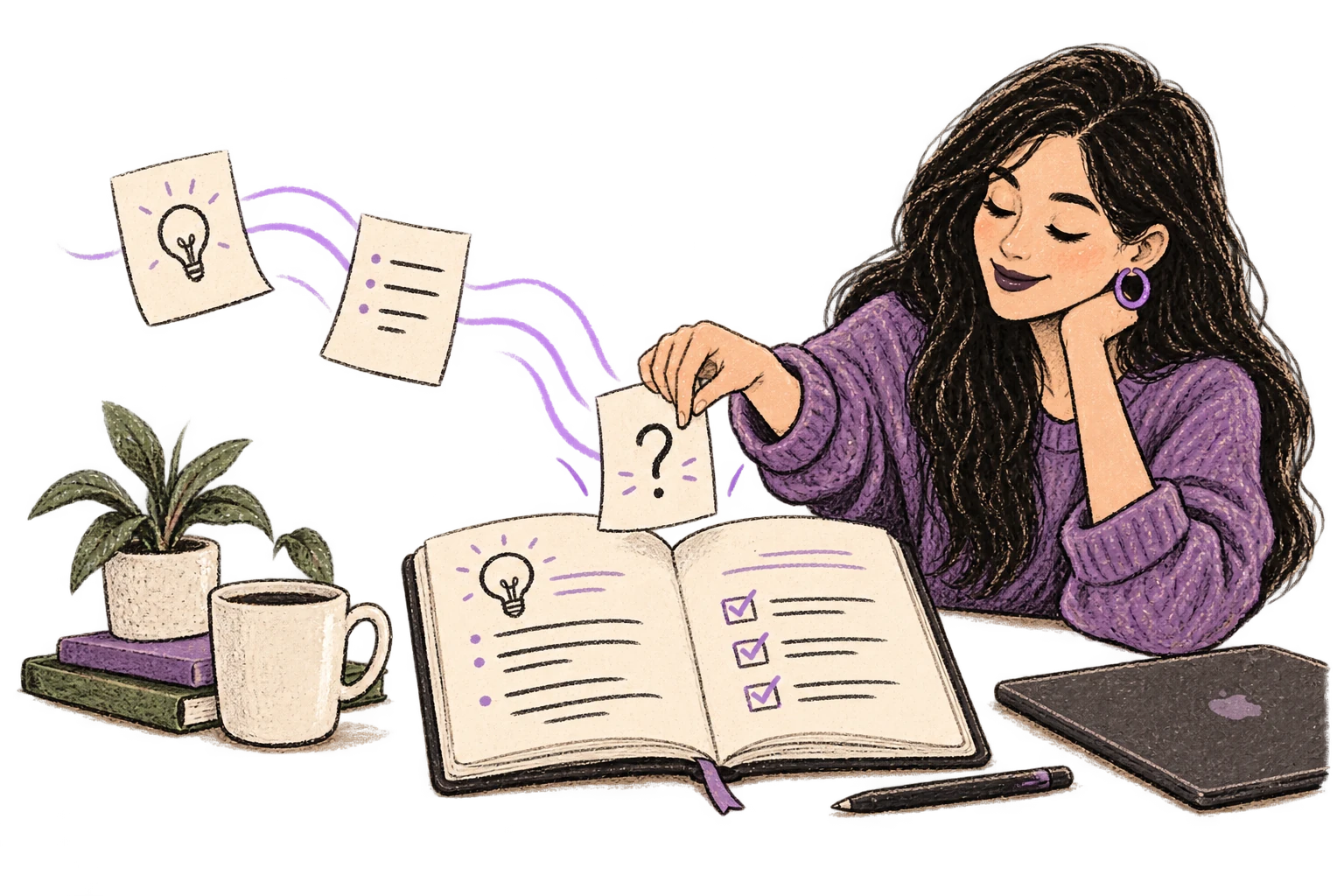
Dictate prompts to ChatGPT, Claude, Perplexity—anywhere you type. Better prompts, better answers.
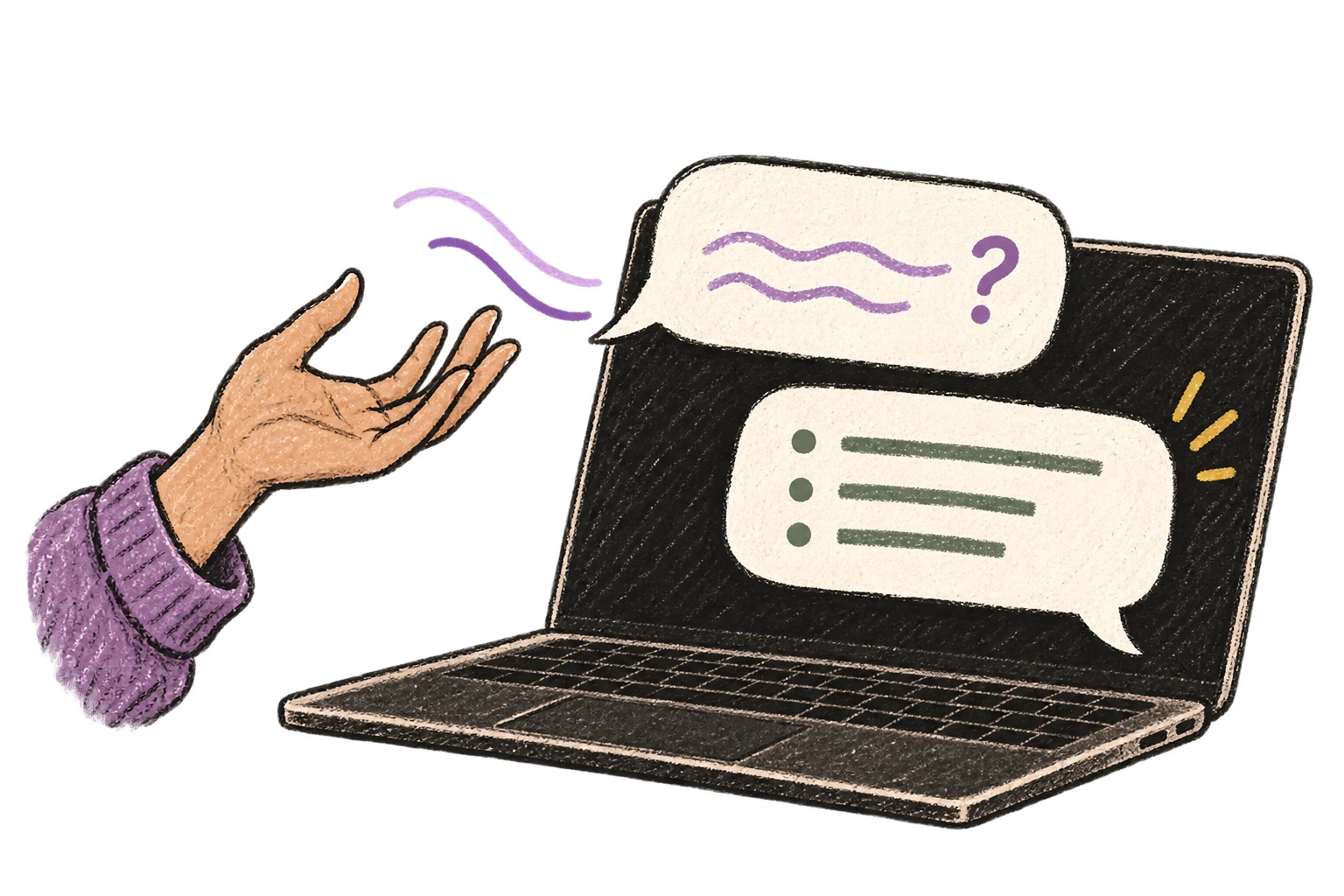
Cloud AI models transcribe your voice with 99% accuracy. Filler words like 'um' and 'like' are automatically cleaned up.
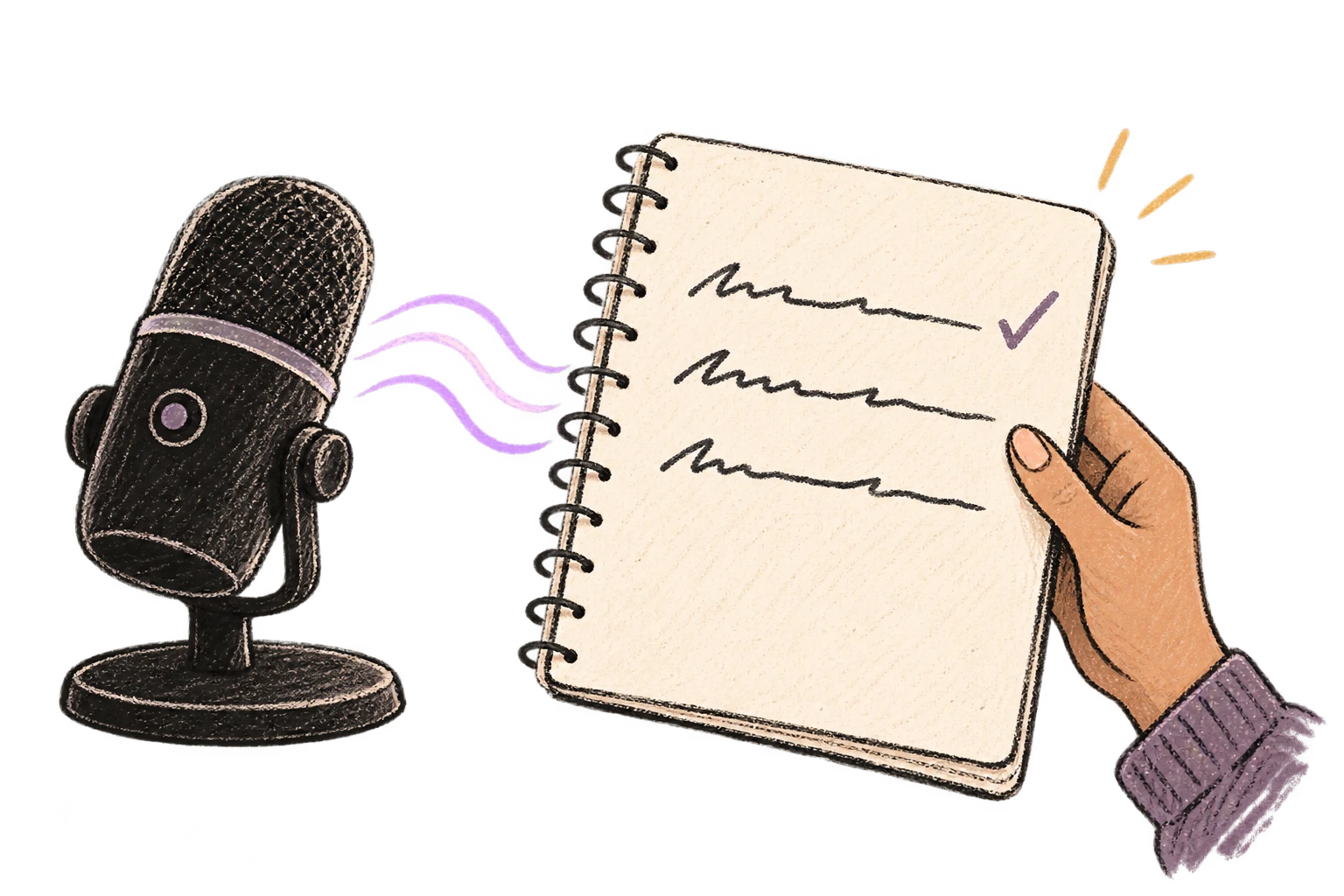
Dictate meeting notes in real-time or right after. Capture action items, decisions, and key points while they're fresh in your mind.
Works with
Read this example aloud, or say something of your own.
Dictate standup updates, weekly reports, or project status. Speak what happened and what's next—done.
Works with
Read this example aloud, or say something of your own.
Dictate call notes, update deal stages, or log activities. Keep your CRM current without the tedium.
Works with
Read this example aloud, or say something of your own.
Dictate email responses with the right tone. Use context awareness to see the full thread, then speak your reply naturally.
Read this example aloud, or say something of your own.
Reply to Slack messages 3x faster. Dictate casual updates, detailed explanations, or quick acknowledgments without switching context.
Read this example aloud, or say something of your own.
Speak ideas the moment they hit you. Use Ottex anywhere to capture thoughts, then refine them later.
Works with
Read this example aloud, or say something of your own.
Dictate prompts to ChatGPT, Claude, Perplexity, or any AI chatbot. Speaking naturally lets you give more context—better context means better results.
Read this example aloud, or say something of your own.
Defeat writer's block by speaking your first draft. Don't edit as you go—just talk through your ideas and refine them later.
Read this example aloud, or say something of your own.
Yes. Ottex works anywhere you can type—Gainsight, Salesforce, HubSpot, ChurnZero, any browser-based or desktop app. Press Option+D and start speaking your account notes.
Dictate notes immediately after calls while the conversation is fresh. Speaking naturally lets you capture tone and nuance: 'Customer seemed frustrated about implementation delays, but excited about the new feature roadmap.' That context gets lost when you type later.
Absolutely. Dictate your QBR narrative, success metrics, expansion opportunities, and risk areas by voice. Use AI commands to formalize sections: 'Ottex start, make this more executive-friendly, Ottex end.' Prep that used to take hours gets done in 30 minutes.
When an escalation happens, dictate the full context immediately: what happened, what the customer said, what's been tried, what they need. Speaking captures the urgency and detail that typing shortcuts. Your escalation notes give leadership and support teams everything they need.
Yes. When you discover what works (or doesn't) with an account, dictate the insight right away. Say 'Heading two: Onboarding for Enterprise' then speak your playbook update. Build tribal knowledge without the documentation overhead.
Yes. Ottex offers 100% local processing with Whisper models—your audio never leaves your Mac. Or use BYOK (bring your own key) for cloud models. Either way, Ottex never stores your data. Perfect for accounts with sensitive information.
Download free. Dictate account notes, QBR prep, and escalations by voice.
Try for freeNo credit card required.