3x Faster Than Typing
Speak 150+ words per minute vs 40 wpm typing. Finish tasks in a third of the time.

Write campaigns faster, test more variations
Read this example aloud, or say something of your own.
Your voice. Right where you work.

Place your cursor in any app, then hold the Fn key.

Say what you want to write. Ottex follows your saved writing rules.

Your text appears right where your cursor is.
Ottex works system-wide on macOS. Dictate directly into these apps and more.
And any other app that accepts text input. See all supported apps
Concrete benefits with real-world impact
Speak 150+ words per minute vs 40 wpm typing. Finish tasks in a third of the time.
Optionally let AI see your screen for smarter responses. Reply to emails with full context, answer messages knowing the conversation history.

Define custom text replacements and shortcuts. Say 'work signature' to expand your full email signature, or 'my address' for your contact info.

Transform text as you speak: 'Ottex start fix grammar Ottex end'. Edit, improve, translate—all by voice.

Say 'scratch that' to delete mistakes, 'actually' to rephrase. Fix errors without stopping your flow or touching the keyboard.

Cloud AI models transcribe your voice with 99% accuracy. Filler words like 'um' and 'like' are automatically cleaned up.
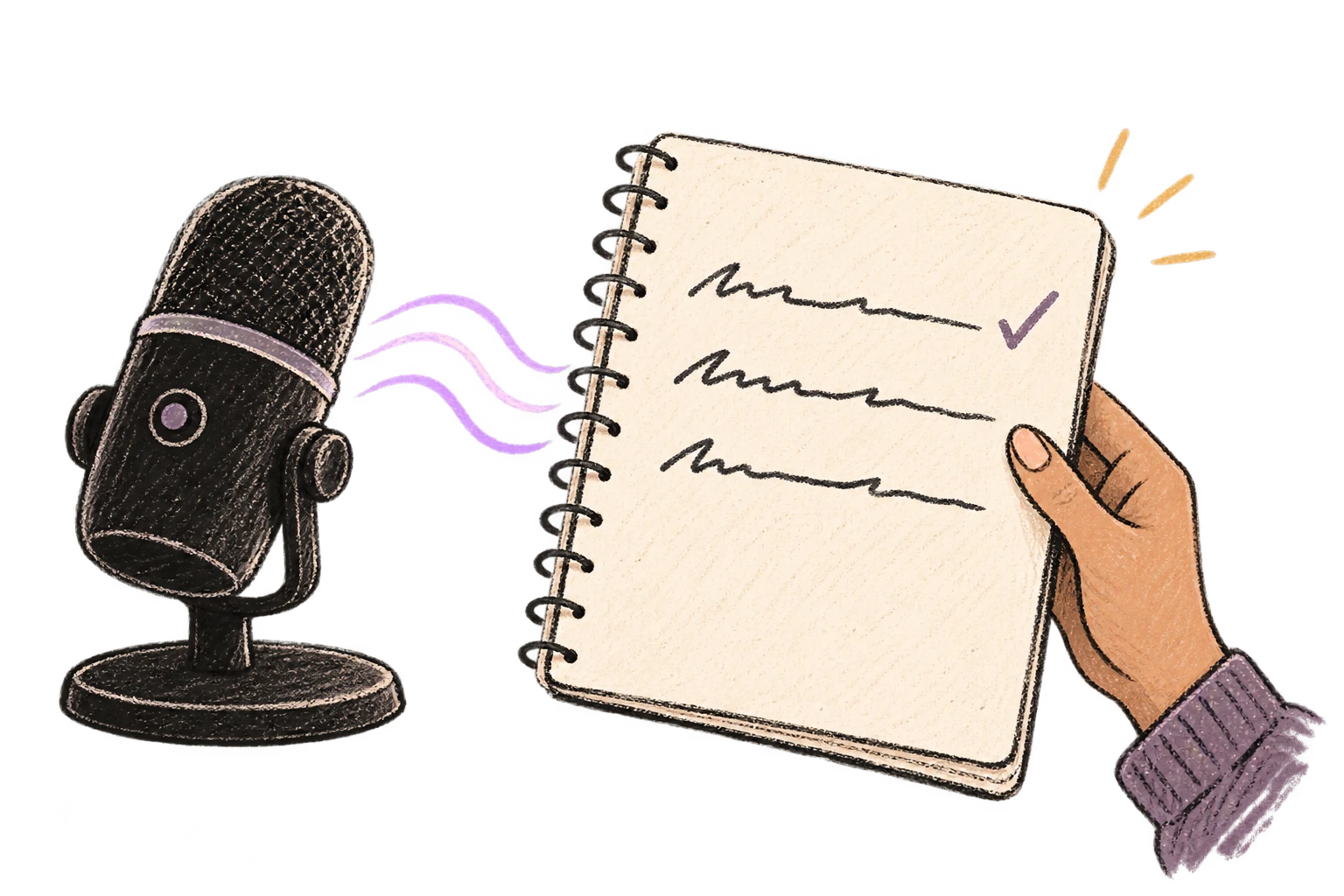
Speaking naturally gives AI agents more context than typing. Describe your intent, explain edge cases, mention file names—your voice carries nuance that typing shortcuts.

Dictate prompts to ChatGPT, Claude, Perplexity—anywhere you type. Better prompts, better answers.
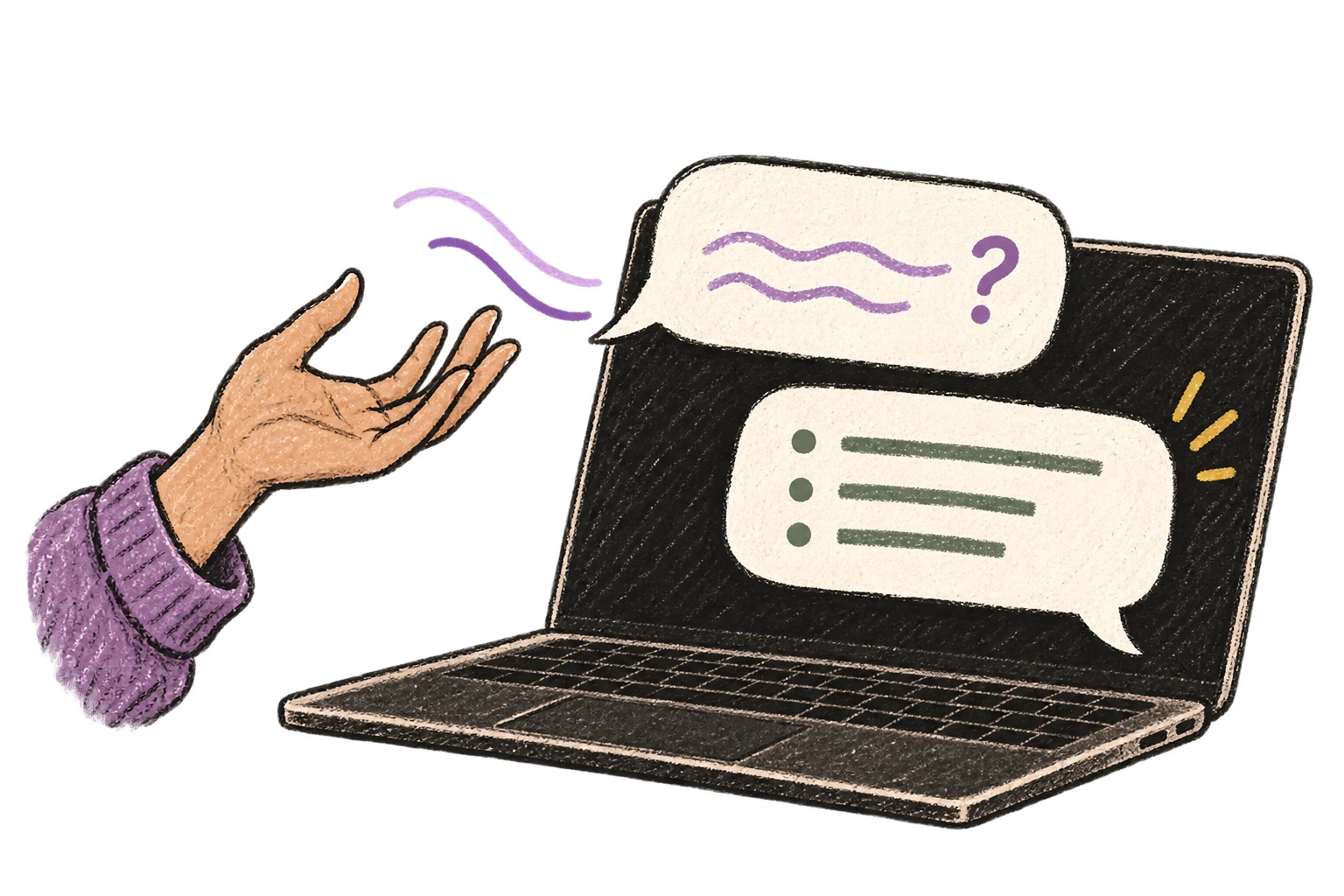
Ottex detects which app you're in and adapts. Coding mode in Cursor, casual tone in Slack, professional in Gmail—automatic context switching.
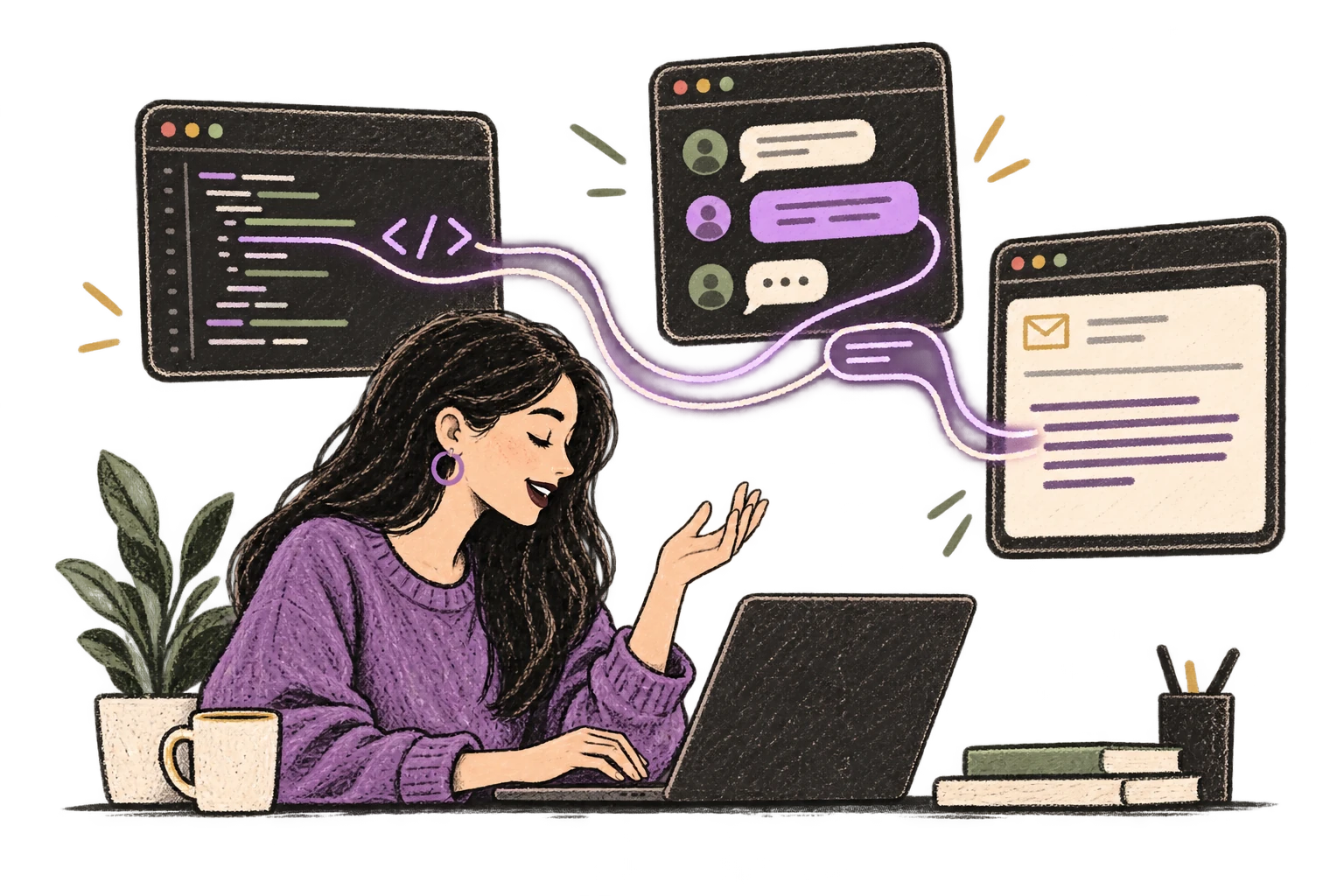
Start recording with Option+D, use Push-to-Talk, or cancel with Esc. All shortcuts are fully configurable.

System-wide on macOS—Ottex works wherever you can type. No app-specific integrations needed.
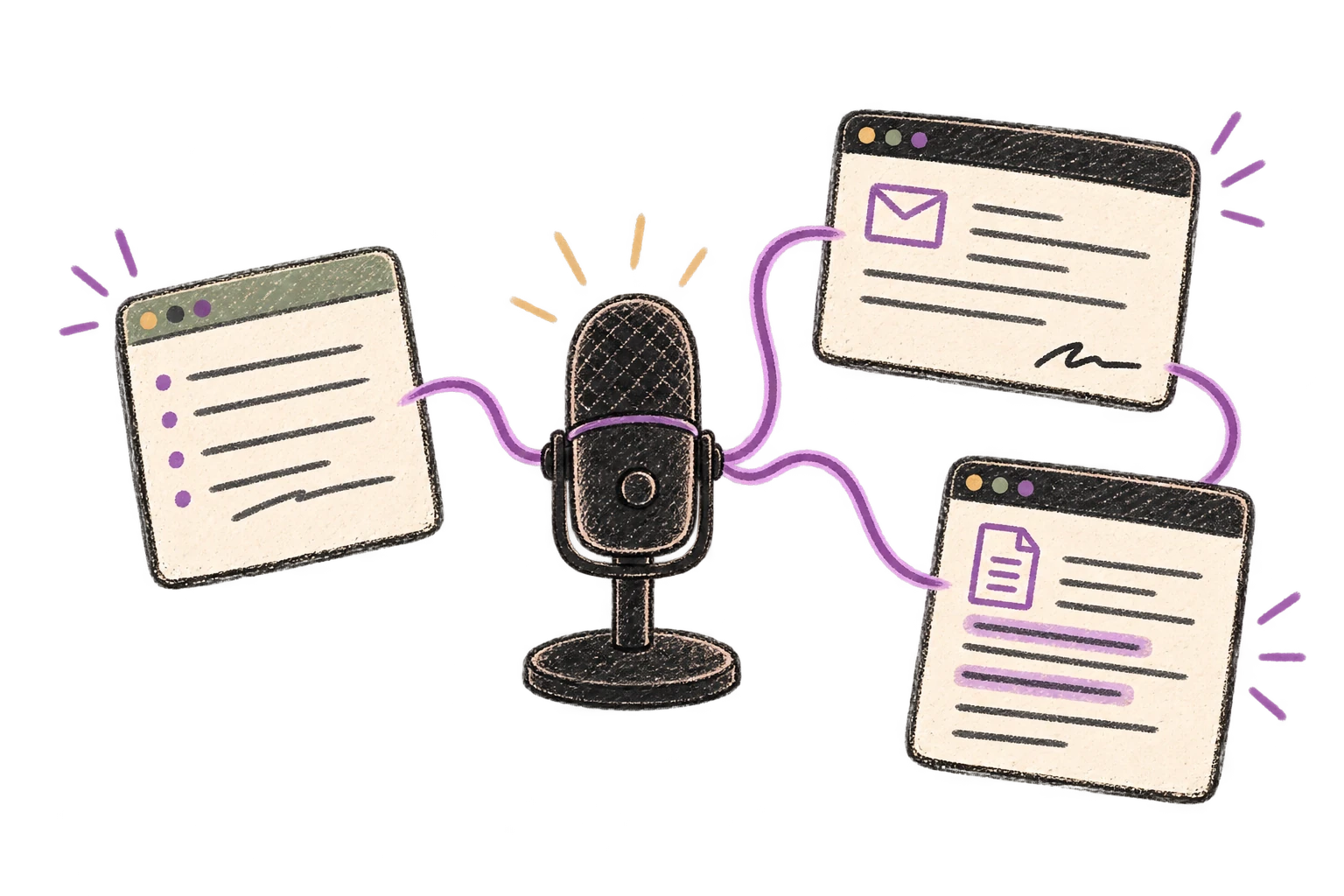
Automatically removes filler words like 'um', 'uh', 'like', 'so' from your transcription. Get clean, professional text without verbal hesitations.

Say 'new paragraph', 'open quote', 'em dash', 'ellipsis'. Full formatting control by voice.

Dictate email responses with the right tone. Use context awareness to see the full thread, then speak your reply naturally.
Read this example aloud, or say something of your own.
Defeat writer's block by speaking your first draft. Don't edit as you go—just talk through your ideas and refine them later.
Read this example aloud, or say something of your own.
Dictate prompts to ChatGPT, Claude, Perplexity, or any AI chatbot. Speaking naturally lets you give more context—better context means better results.
Read this example aloud, or say something of your own.
Dictate tweets, LinkedIn posts, blog articles, or newsletters. Turn your thoughts into content faster than ever.
Read this example aloud, or say something of your own.
Speak ideas the moment they hit you. Use Ottex anywhere to capture thoughts, then refine them later.
Works with
Read this example aloud, or say something of your own.
Dictate meeting notes in real-time or right after. Capture action items, decisions, and key points while they're fresh in your mind.
Works with
Read this example aloud, or say something of your own.
Reply to Slack messages 3x faster. Dictate casual updates, detailed explanations, or quick acknowledgments without switching context.
Read this example aloud, or say something of your own.
Dictate standup updates, weekly reports, or project status. Speak what happened and what's next—done.
Works with
Read this example aloud, or say something of your own.
Yes. Ottex works anywhere you can type on macOS. Dictate directly into Mailchimp's email editor, Klaviyo's flow builder, HubSpot's email composer, or any browser-based tool.
Dictate your base email, then speak variations: 'Now give me a more urgent version' or 'Same message but friendlier tone.' Use AI commands to transform tone inline: 'Ottex start make this more conversational Ottex end.'
Absolutely. Subject lines require rapid iteration. Dictate 10 subject line variations in under a minute. Use ChatGPT with voice prompts: 'Give me 15 subject line variations for an abandoned cart email, mix urgency and curiosity.'
Yes. Create custom modes for different campaign types. Your welcome sequence mode can be warm and friendly, while your promotional mode is punchy and urgent. Ottex switches automatically based on context.
Speaking naturally gives AI more context. Instead of typing a brief prompt, dictate: 'Write an abandoned cart email for our sustainable clothing brand, friendly but with urgency, reference the specific product, and include a 10% discount.' Better prompts = better AI copy.
Free with local models, or ~$1-3/month with BYOK (Bring Your Own Key). Optional $9/month premium includes Gemini 3 Flash with zero setup. You control your costs and your data.
Download free. Local models included. Create email variations at the speed of speech.
Try for freeNo credit card required.