3x Faster Than Typing
Speak 150+ words per minute vs 40 wpm typing. Finish tasks in a third of the time.

Design learning experiences faster. Speak your expertise.
Read this example aloud, or say something of your own.
Your voice. Right where you work.

Place your cursor in any app, then hold the Fn key.

Say what you want to write. Ottex follows your saved writing rules.

Your text appears right where your cursor is.
Ottex works system-wide on macOS. Dictate directly into these apps and more.
And any other app that accepts text input. See all supported apps
Concrete benefits with real-world impact
Speak 150+ words per minute vs 40 wpm typing. Finish tasks in a third of the time.
Speaking naturally gives AI agents more context than typing. Describe your intent, explain edge cases, mention file names—your voice carries nuance that typing shortcuts.
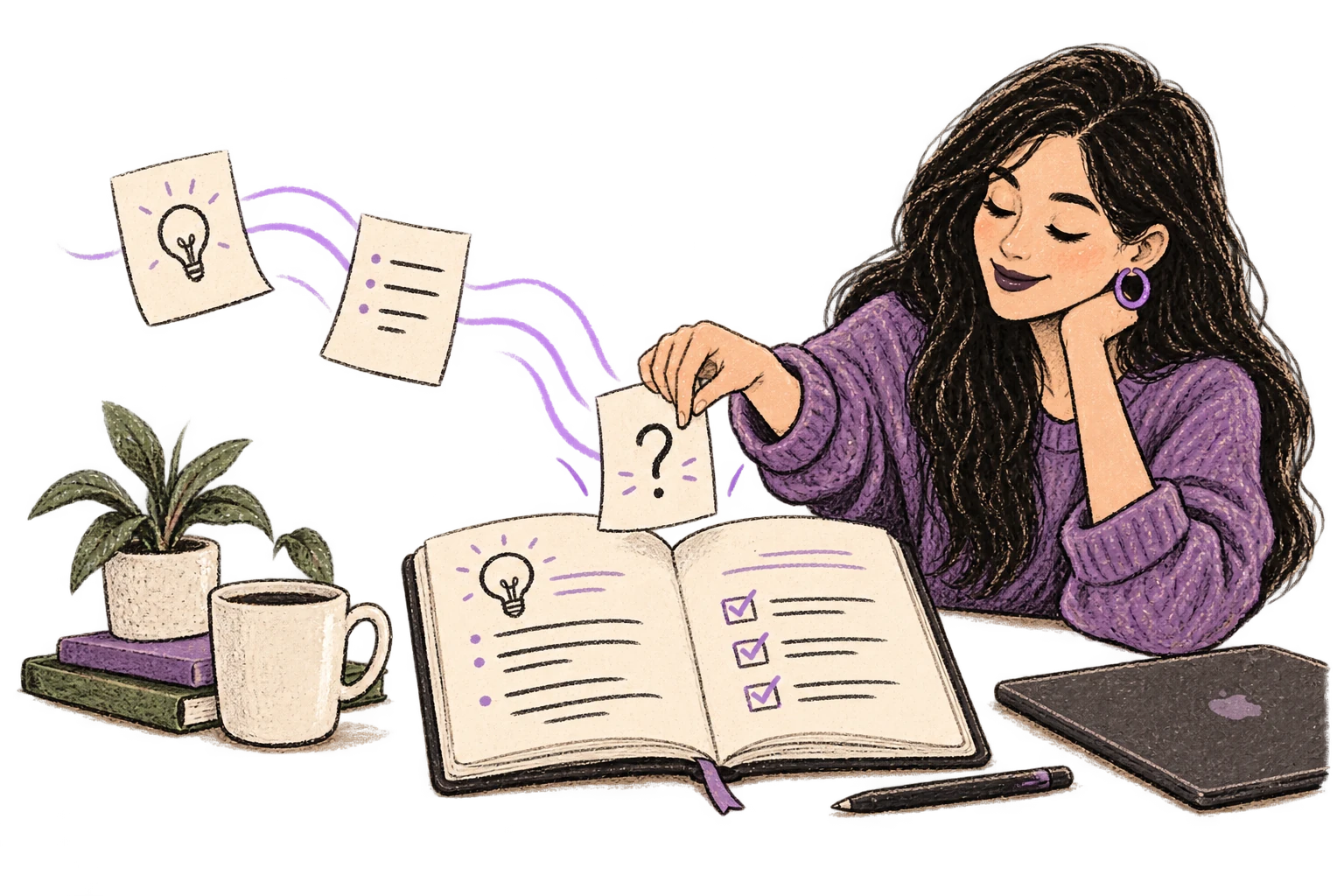
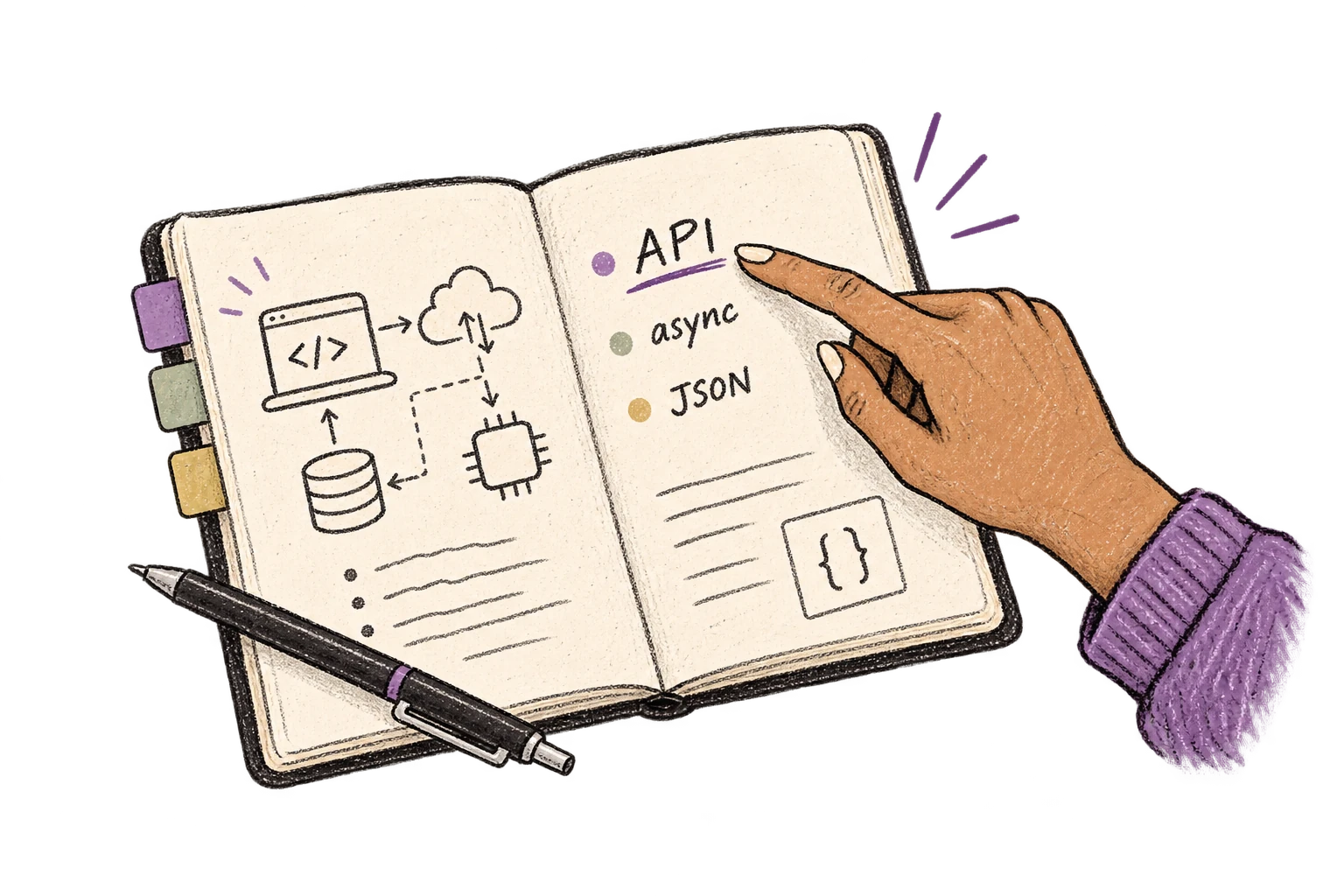
Cloud AI models excel at technical jargon, code terminology, and specialized vocabulary.
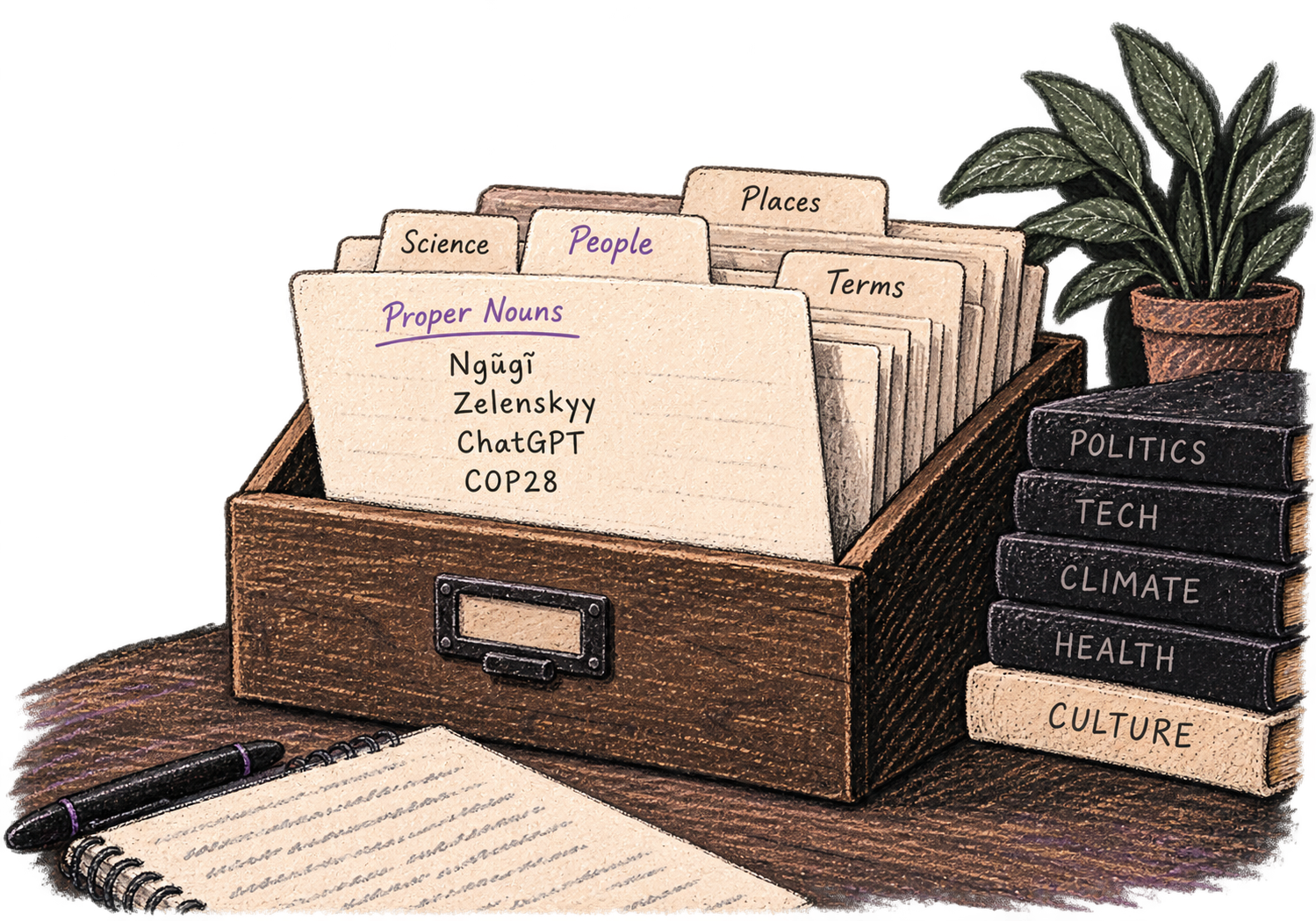
Add names, technical terms, and jargon. Ottex transcribes them accurately every time.
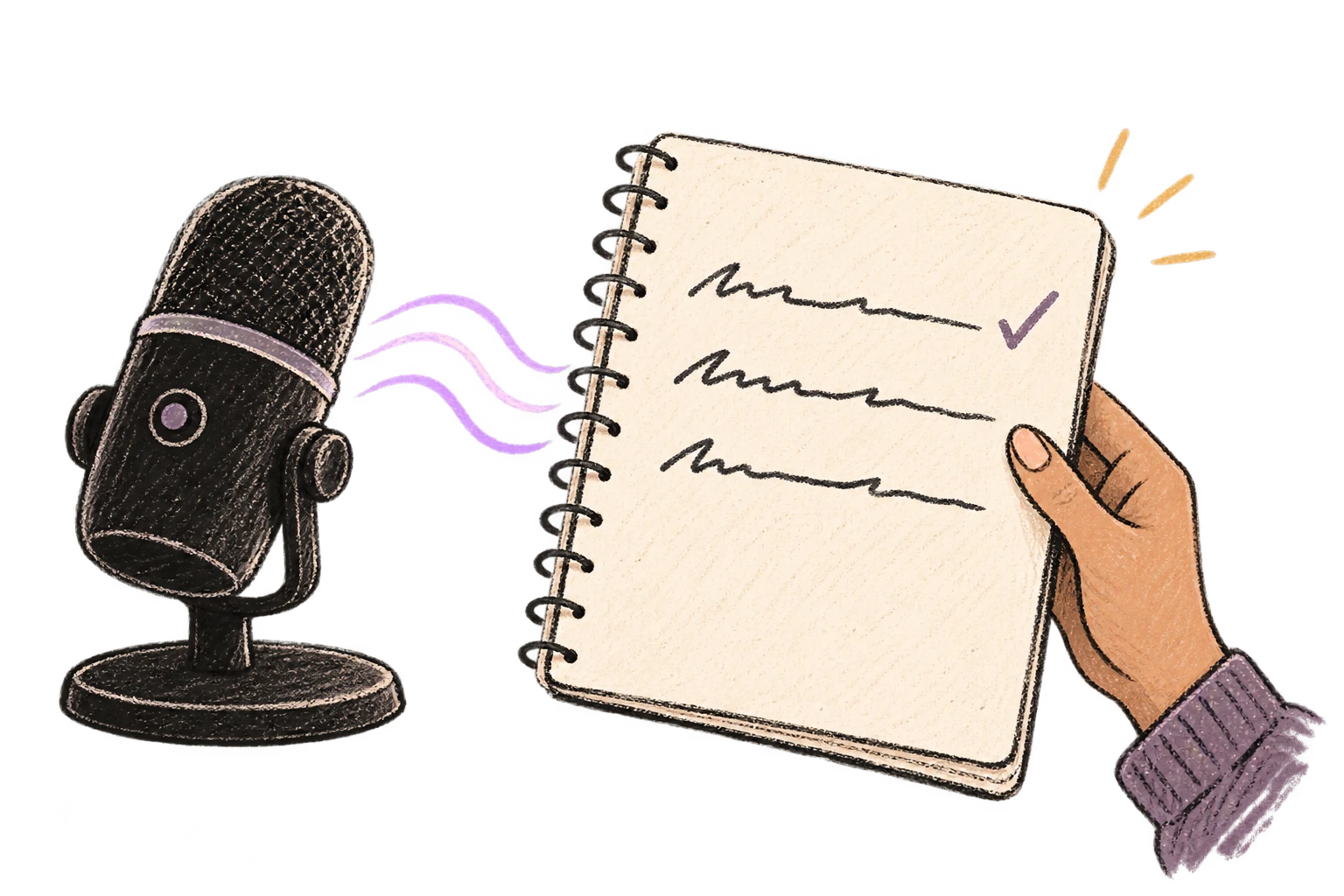
Transform text as you speak: 'Ottex start fix grammar Ottex end'. Edit, improve, translate—all by voice.

Say 'new paragraph', 'open quote', 'em dash', 'ellipsis'. Full formatting control by voice.

Say 'scratch that' to delete mistakes, 'actually' to rephrase. Fix errors without stopping your flow or touching the keyboard.

Cloud AI models transcribe your voice with 99% accuracy. Filler words like 'um' and 'like' are automatically cleaned up.
Dictate prompts to ChatGPT, Claude, Perplexity—anywhere you type. Better prompts, better answers.
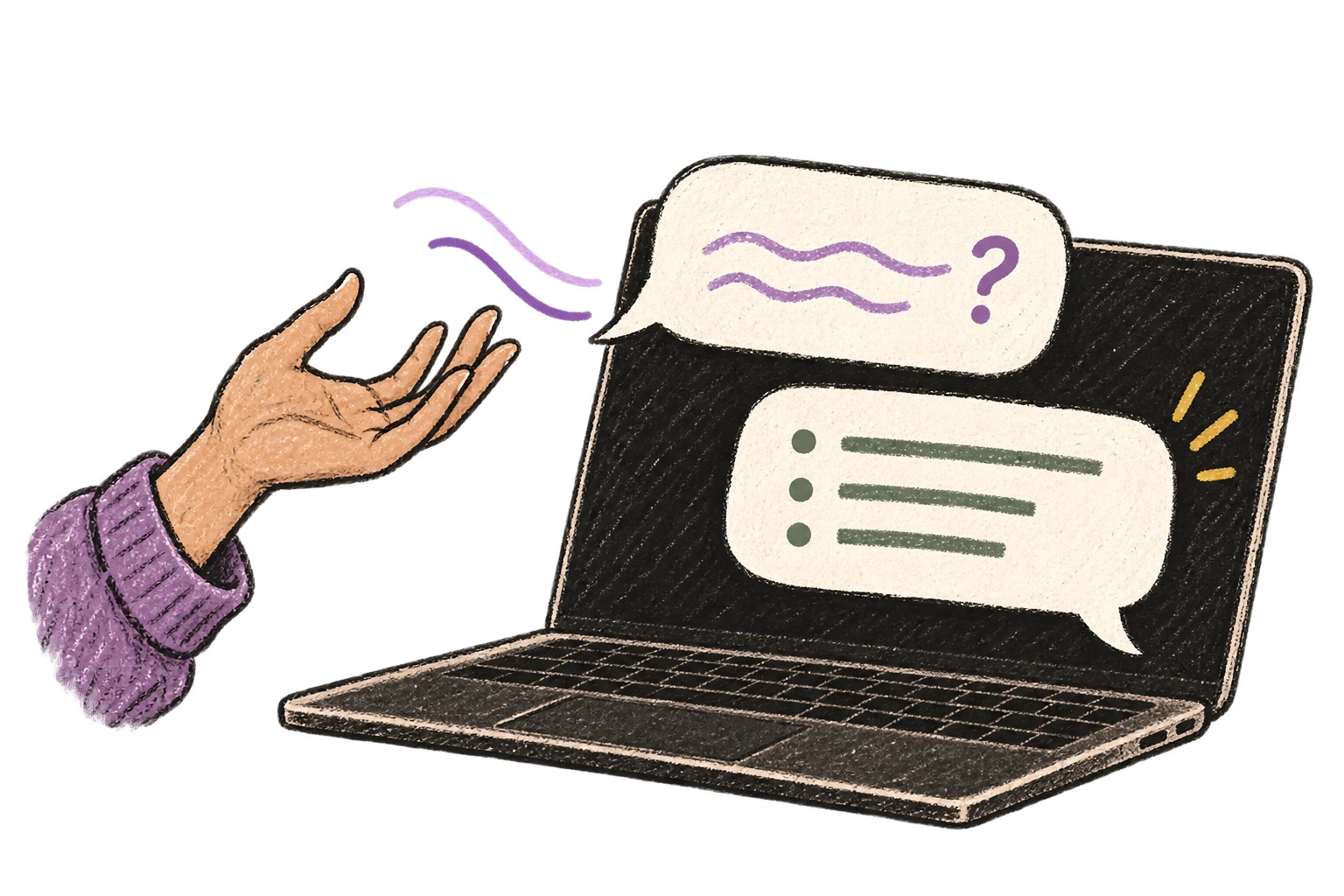
Start recording with Option+D, use Push-to-Talk, or cancel with Esc. All shortcuts are fully configurable.
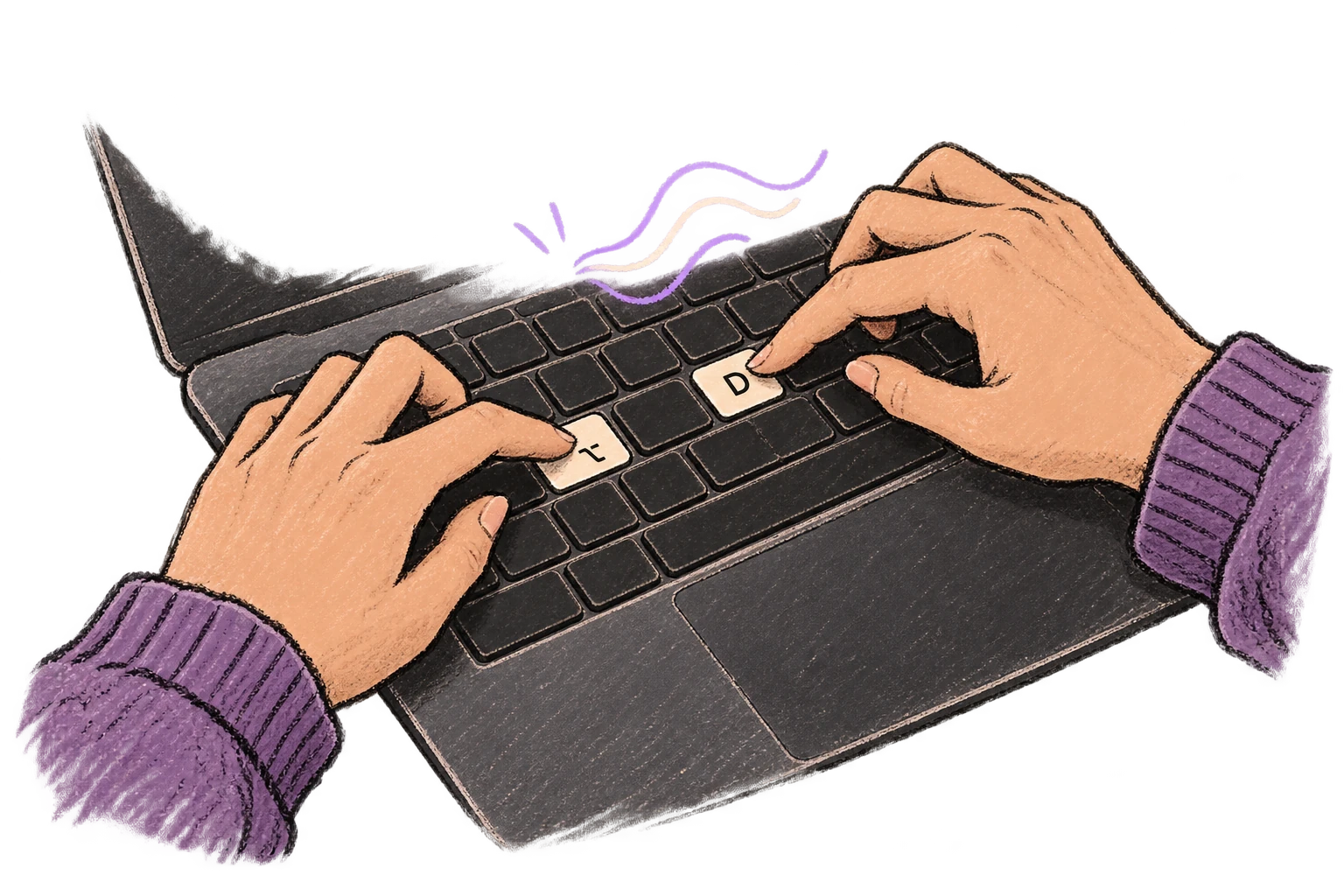
System-wide on macOS—Ottex works wherever you can type. No app-specific integrations needed.
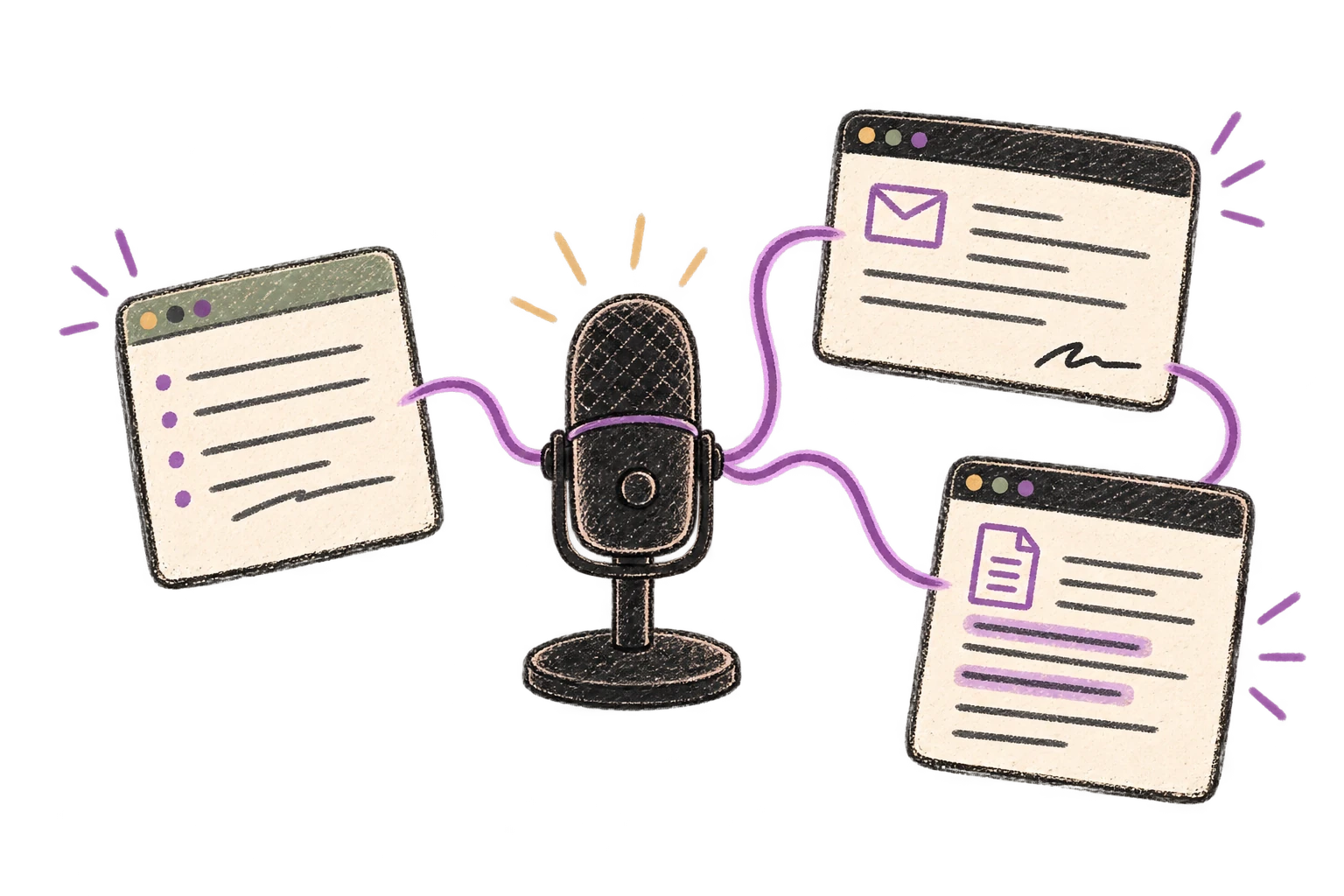
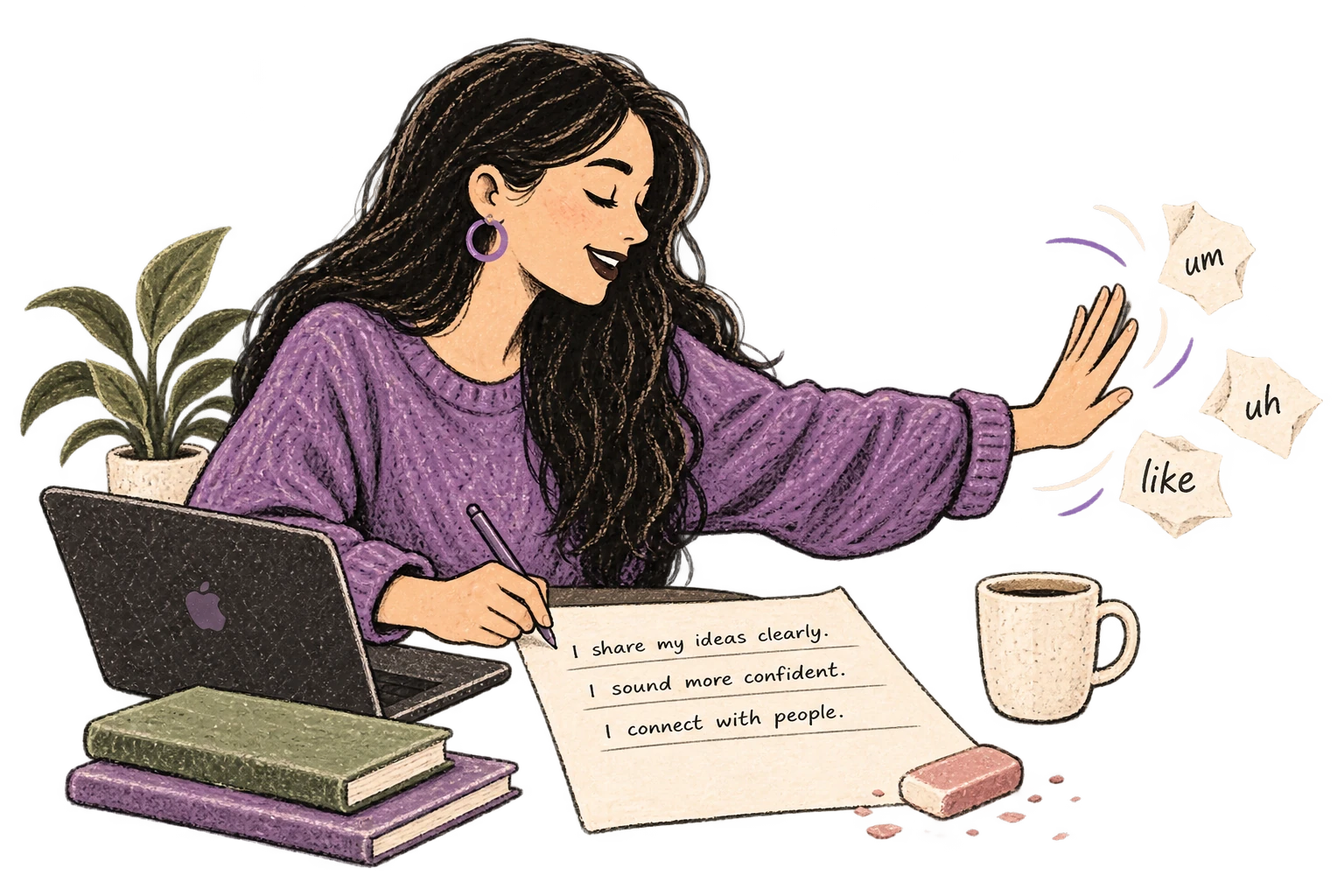
Automatically removes filler words like 'um', 'uh', 'like', 'so' from your transcription. Get clean, professional text without verbal hesitations.
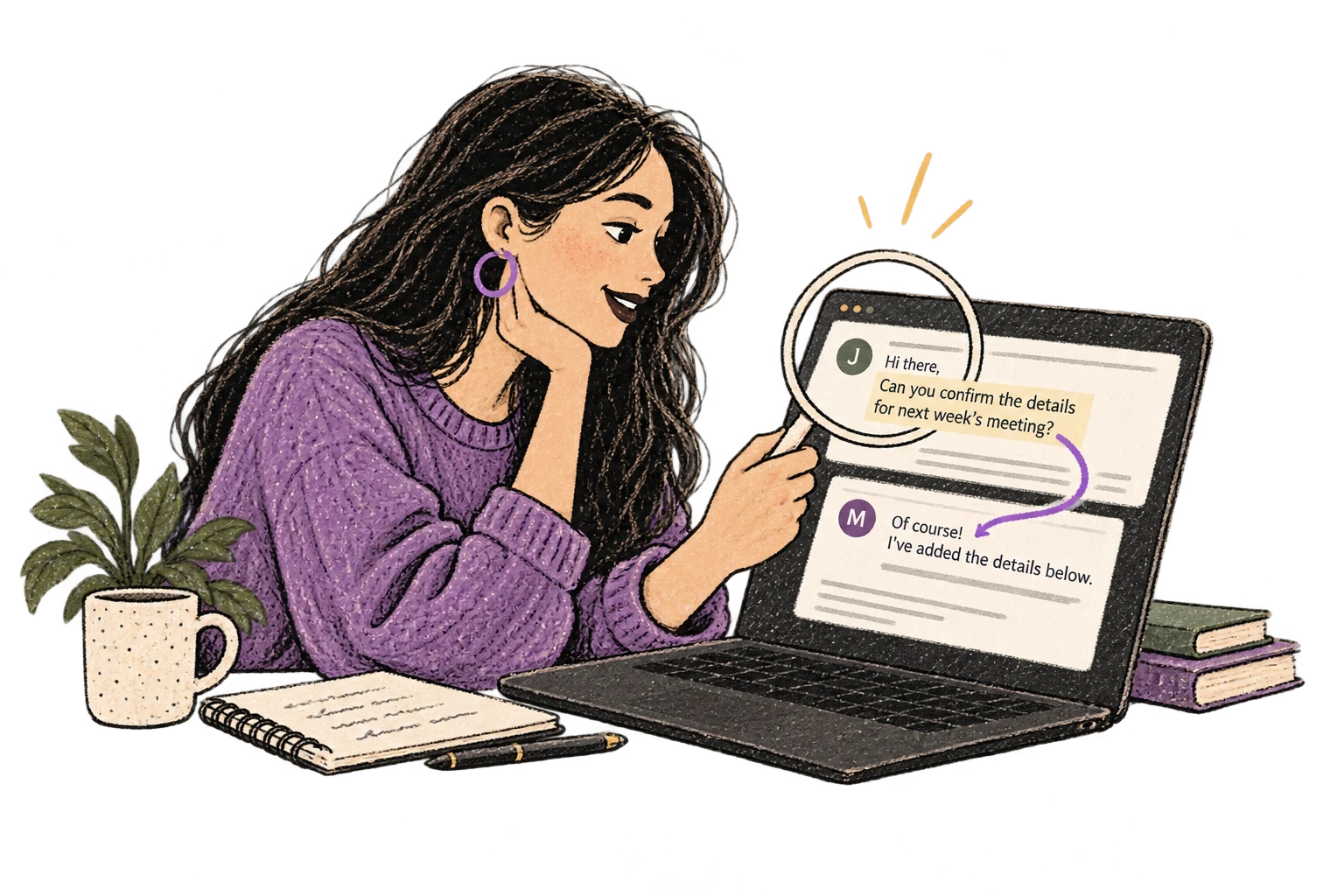
Optionally let AI see your screen for smarter responses. Reply to emails with full context, answer messages knowing the conversation history.
Define custom text replacements and shortcuts. Say 'work signature' to expand your full email signature, or 'my address' for your contact info.

Dictate technical documentation, READMEs, or API docs. Speaking lets you explain context, edge cases, and examples naturally—better docs with less effort.
Works with
Read this example aloud, or say something of your own.
Defeat writer's block by speaking your first draft. Don't edit as you go—just talk through your ideas and refine them later.
Read this example aloud, or say something of your own.
Say 'new paragraph', 'bullet point', 'open quote' and get exactly what you mean. Full formatting control without touching the keyboard.
Read this example aloud, or say something of your own.
Dictate prompts to ChatGPT, Claude, Perplexity, or any AI chatbot. Speaking naturally lets you give more context—better context means better results.
Read this example aloud, or say something of your own.
Speak ideas the moment they hit you. Use Ottex anywhere to capture thoughts, then refine them later.
Works with
Read this example aloud, or say something of your own.
Dictate meeting notes in real-time or right after. Capture action items, decisions, and key points while they're fresh in your mind.
Works with
Read this example aloud, or say something of your own.
Dictate email responses with the right tone. Use context awareness to see the full thread, then speak your reply naturally.
Read this example aloud, or say something of your own.
Dictate Jira tickets, Linear issues, or Asana tasks. Speak the context, acceptance criteria, and details—then move on.
Read this example aloud, or say something of your own.
Yes. Gemini 3 Flash and other cloud models understand educational terminology like Bloom's taxonomy verbs (analyze, evaluate, synthesize), ADDIE model phases, and instructional design jargon. Add course-specific terms to your custom dictionary for perfect transcription of proprietary framework names or client terminology.
Assessment writing is repetitive and time-consuming. Dictate question stems, multiple choice options, and feedback text by speaking naturally. Use formatting commands to structure items: 'Question one colon... bullet point A... bullet point B...' You can create dozens of assessment items in the time it takes to type a few.
Ottex works system-wide on macOS, so it works anywhere you can type—including Articulate Storyline, Rise, Captivate, or any eLearning authoring tool. Dictate directly into text fields, or draft in Google Docs/Notion first, then copy to your authoring tool.
Absolutely. Dictate detailed prompts to ChatGPT or Claude—describe your learner audience, performance objectives, content constraints, and tone requirements. Speaking lets you provide rich context that produces better AI output. Then refine the results with follow-up prompts, all dictated.
After SME interviews, dictate your notes immediately while the conversation is fresh. Press Option+D and speak: 'Key points from interview with Dr. Martinez... First, the compliance process has three main stages... Second, common misconceptions include...' Capture everything without typing fatigue.
Cloud AI models are trained on educational and corporate training content. Terms like ADDIE, SAM, Kirkpatrick, formative assessment, summative assessment, learning objective, knowledge check are transcribed accurately. For organization-specific acronyms or LMS names, use the custom dictionary.
Yes. Storyboards require describing visuals, narration, and interactions for each screen. Dictate scene by scene: 'Screen one. Visual: animated infographic showing the compliance process. Narration: In this module, you'll learn the three key steps... Interaction: Click each step to learn more.' Formatting commands help structure each frame consistently.
Free forever with local models. With BYOK (bring your own API key), even heavy documentation work typically costs $1-3/month. Or choose the $9/month premium for zero-config cloud transcription. Compare that to the time savings on a single course project.
Download free. Dictate learning objectives, assessments, and storyboards.
Try for freeNo credit card required.