3x Faster Than Typing
Speak 150+ words per minute vs 40 wpm typing. Finish tasks in a third of the time.

Deal memos at the speed of deal flow
Read this example aloud, or say something of your own.
Your voice. Right where you work.

Place your cursor in any app, then hold the Fn key.

Say what you want to write. Ottex follows your saved writing rules.

Your text appears right where your cursor is.
Ottex works system-wide on macOS. Dictate directly into these apps and more.
And any other app that accepts text input. See all supported apps
Concrete benefits with real-world impact
Speak 150+ words per minute vs 40 wpm typing. Finish tasks in a third of the time.
Say 'scratch that' to delete mistakes, 'actually' to rephrase. Fix errors without stopping your flow or touching the keyboard.

Transform text as you speak: 'Ottex start fix grammar Ottex end'. Edit, improve, translate—all by voice.

Cloud AI models transcribe your voice with 99% accuracy. Filler words like 'um' and 'like' are automatically cleaned up.
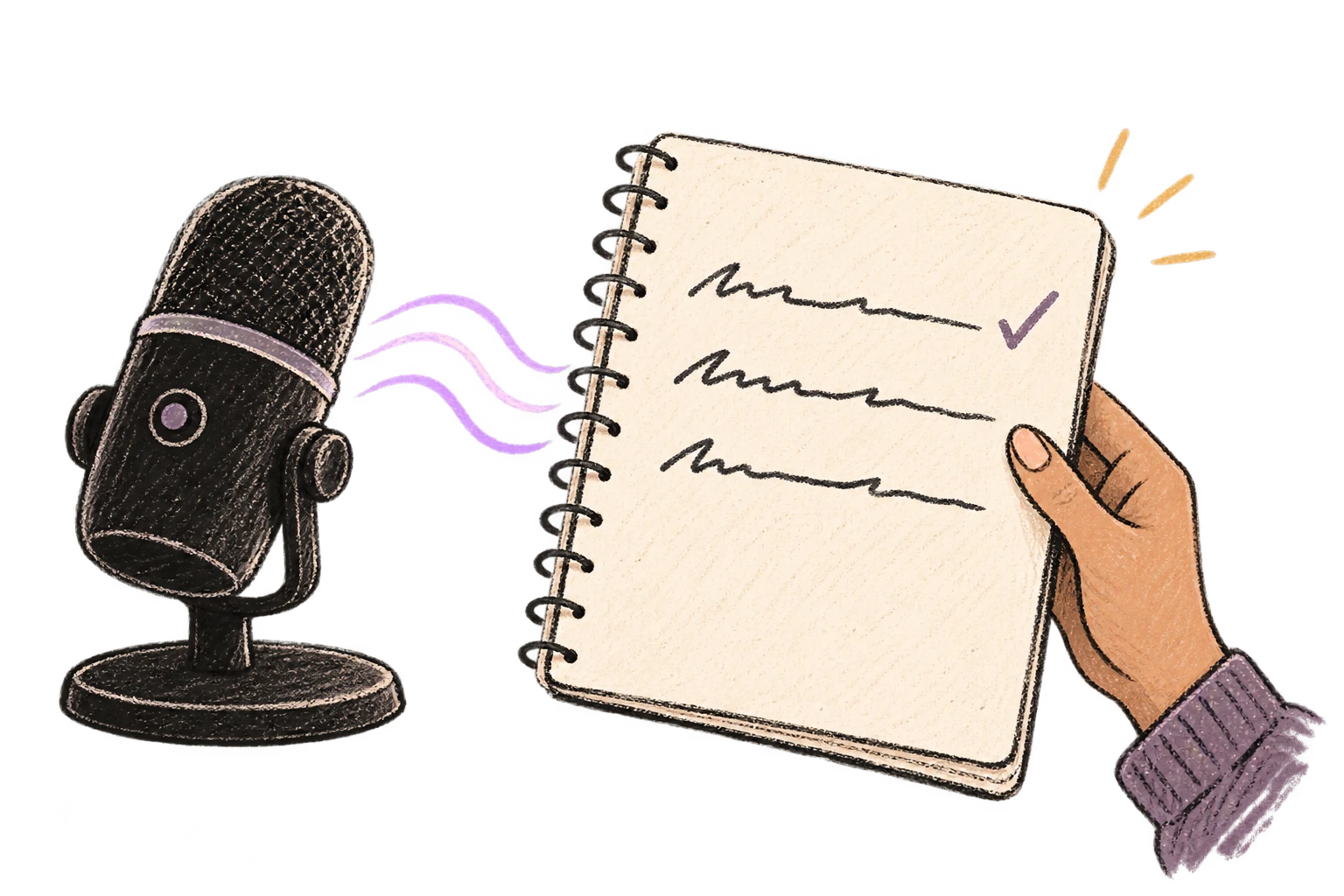
Speaking naturally gives AI agents more context than typing. Describe your intent, explain edge cases, mention file names—your voice carries nuance that typing shortcuts.
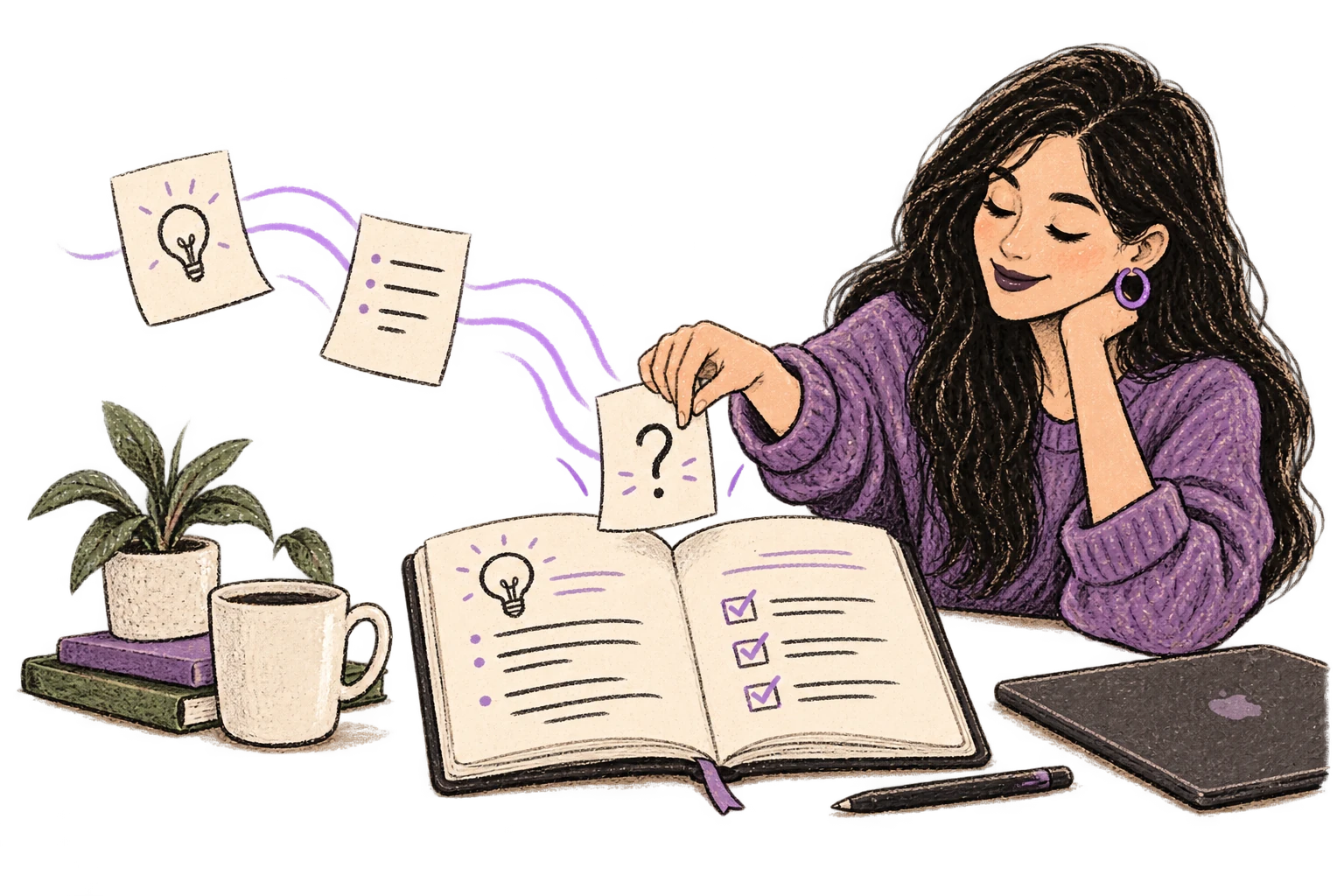
Cloud AI models excel at technical jargon, code terminology, and specialized vocabulary.
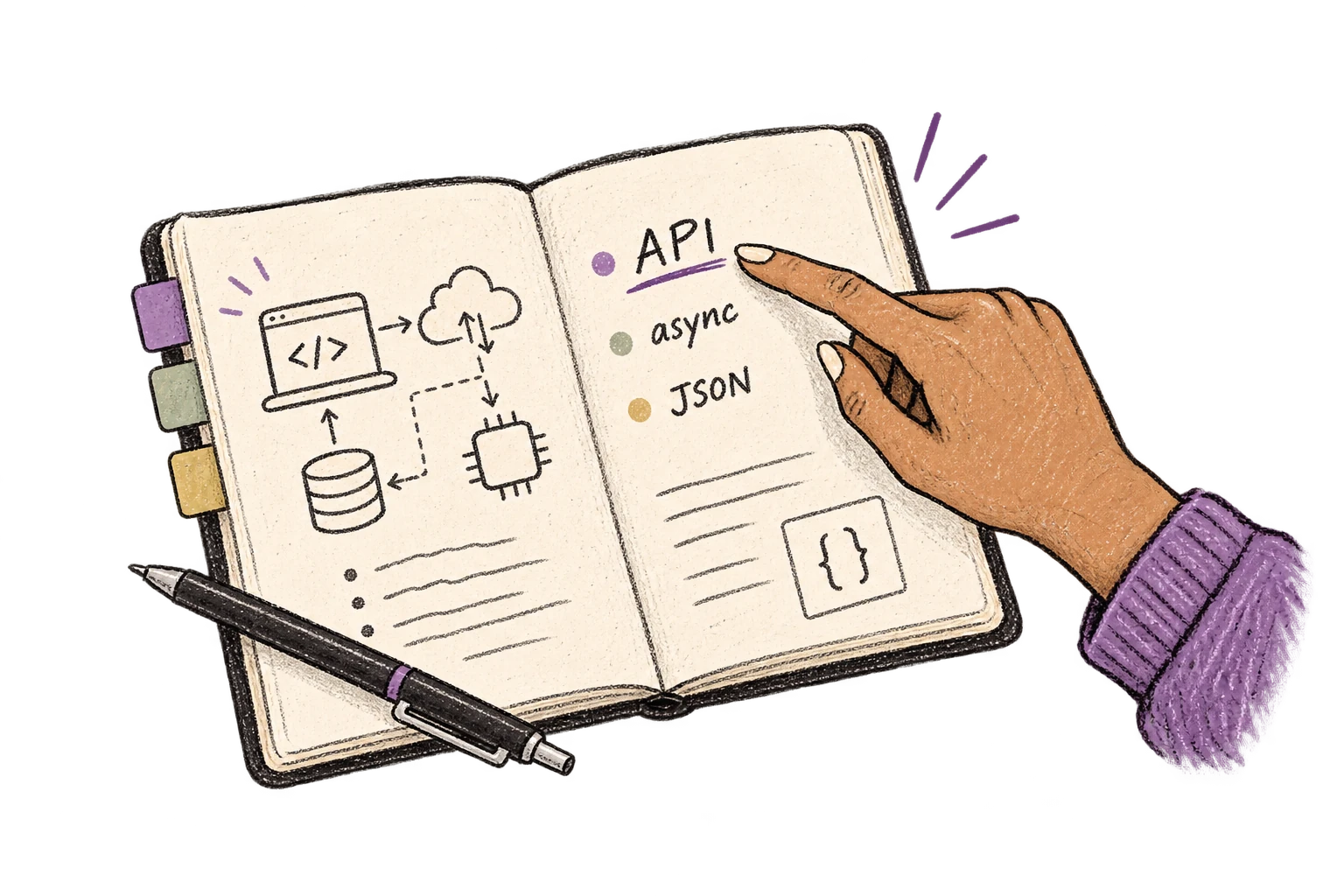
Say 'new paragraph', 'open quote', 'em dash', 'ellipsis'. Full formatting control by voice.

Add names, technical terms, and jargon. Ottex transcribes them accurately every time.
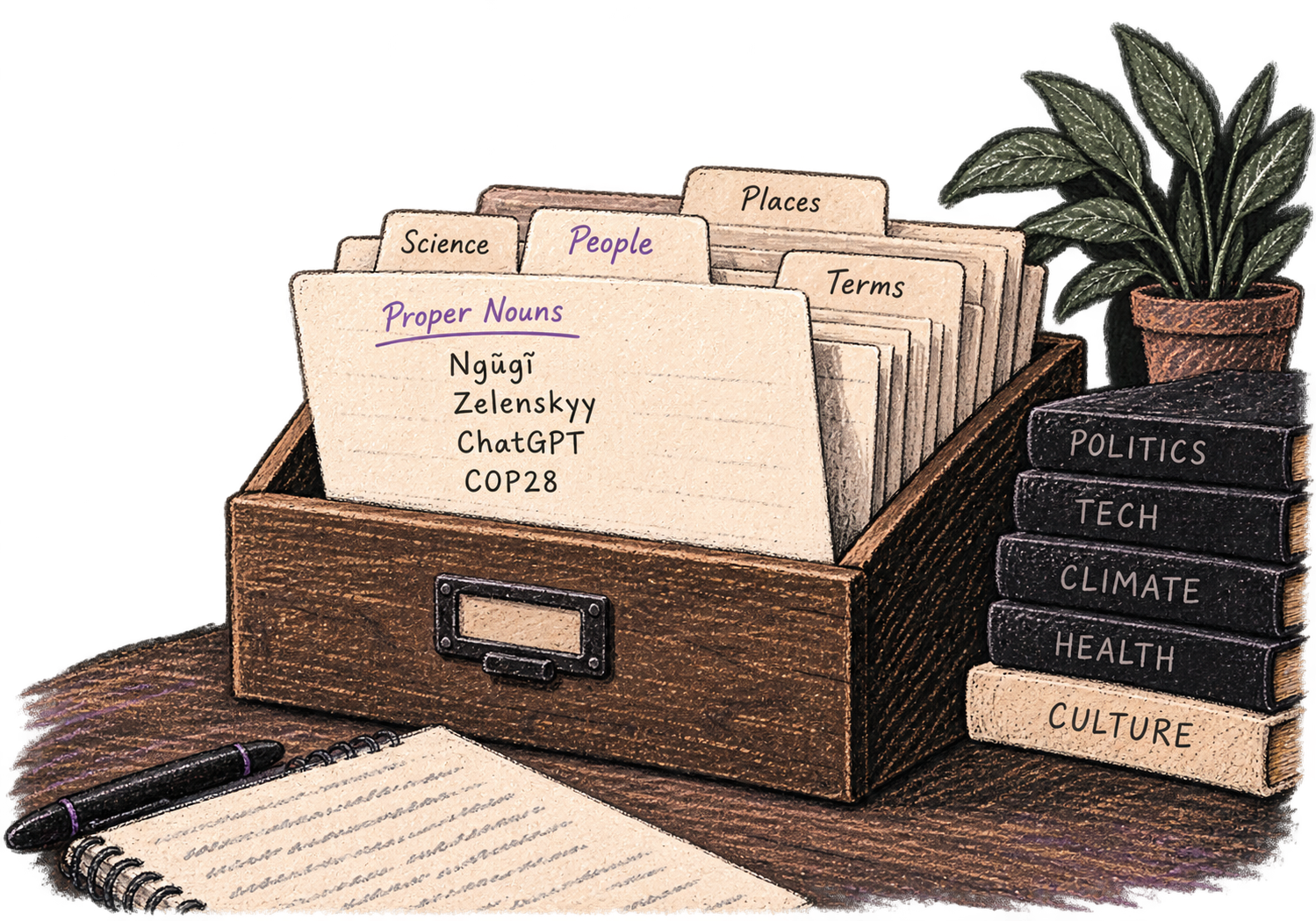
Define custom text replacements and shortcuts. Say 'work signature' to expand your full email signature, or 'my address' for your contact info.

Optionally let AI see your screen for smarter responses. Reply to emails with full context, answer messages knowing the conversation history.
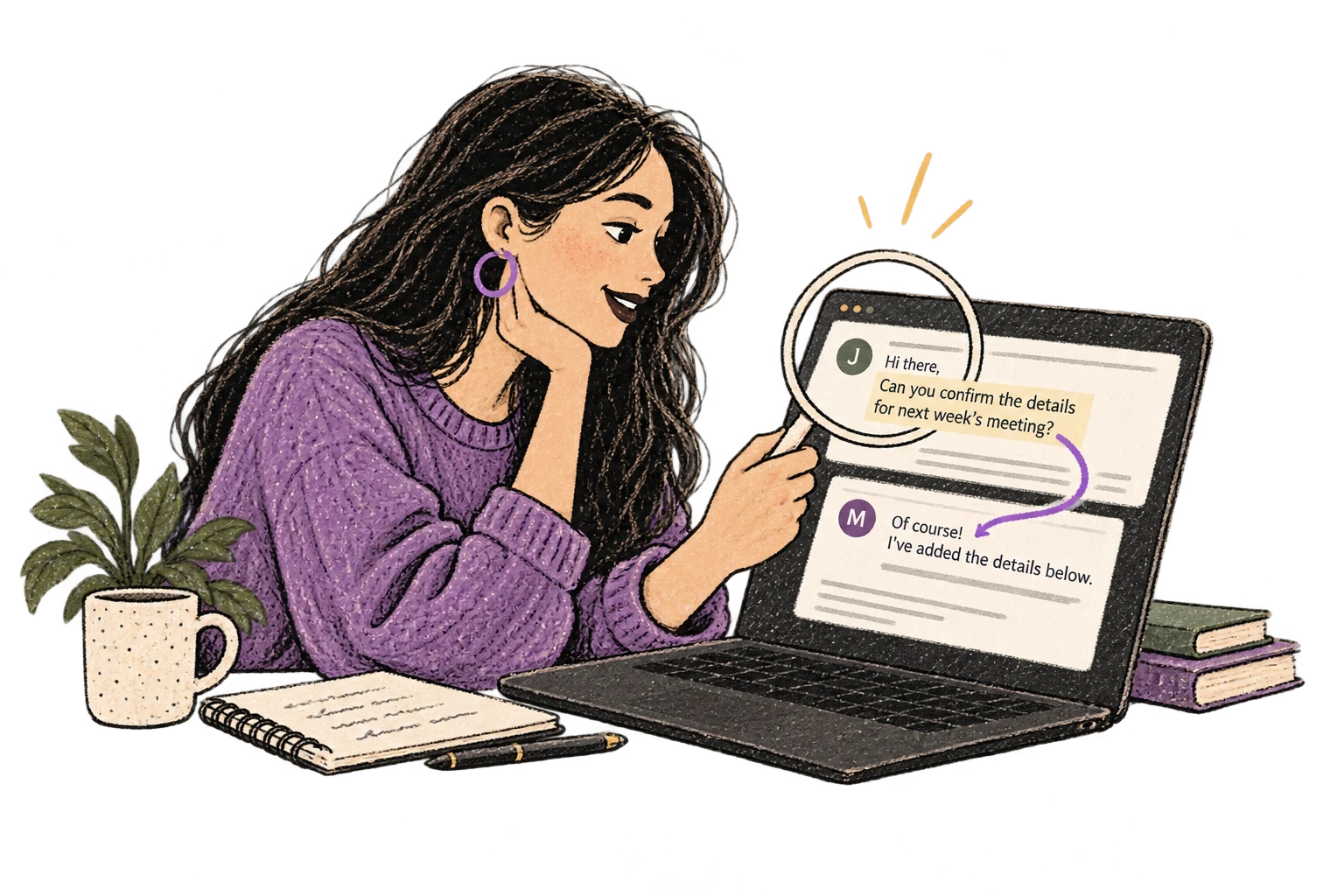
Dictate prompts to ChatGPT, Claude, Perplexity—anywhere you type. Better prompts, better answers.
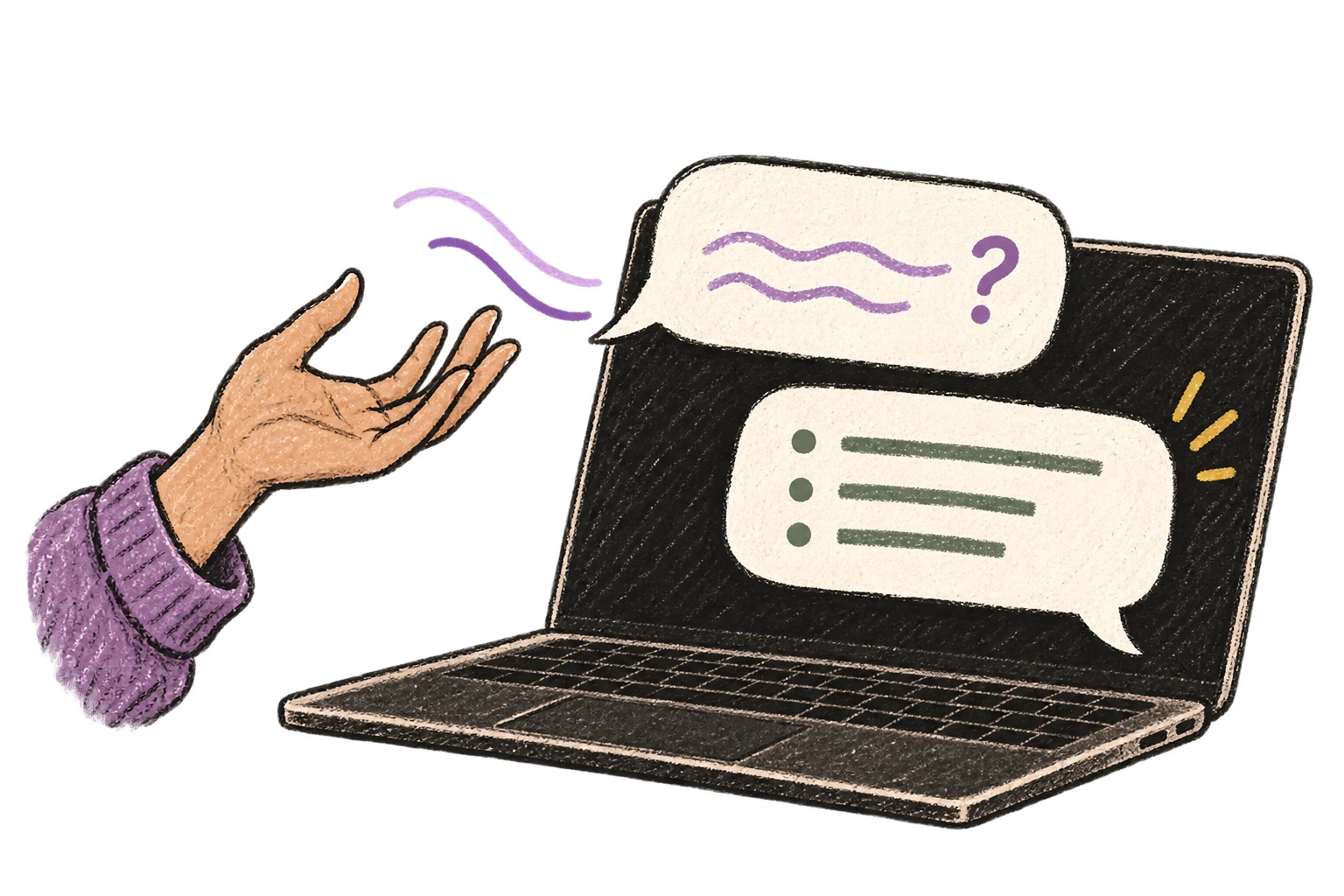
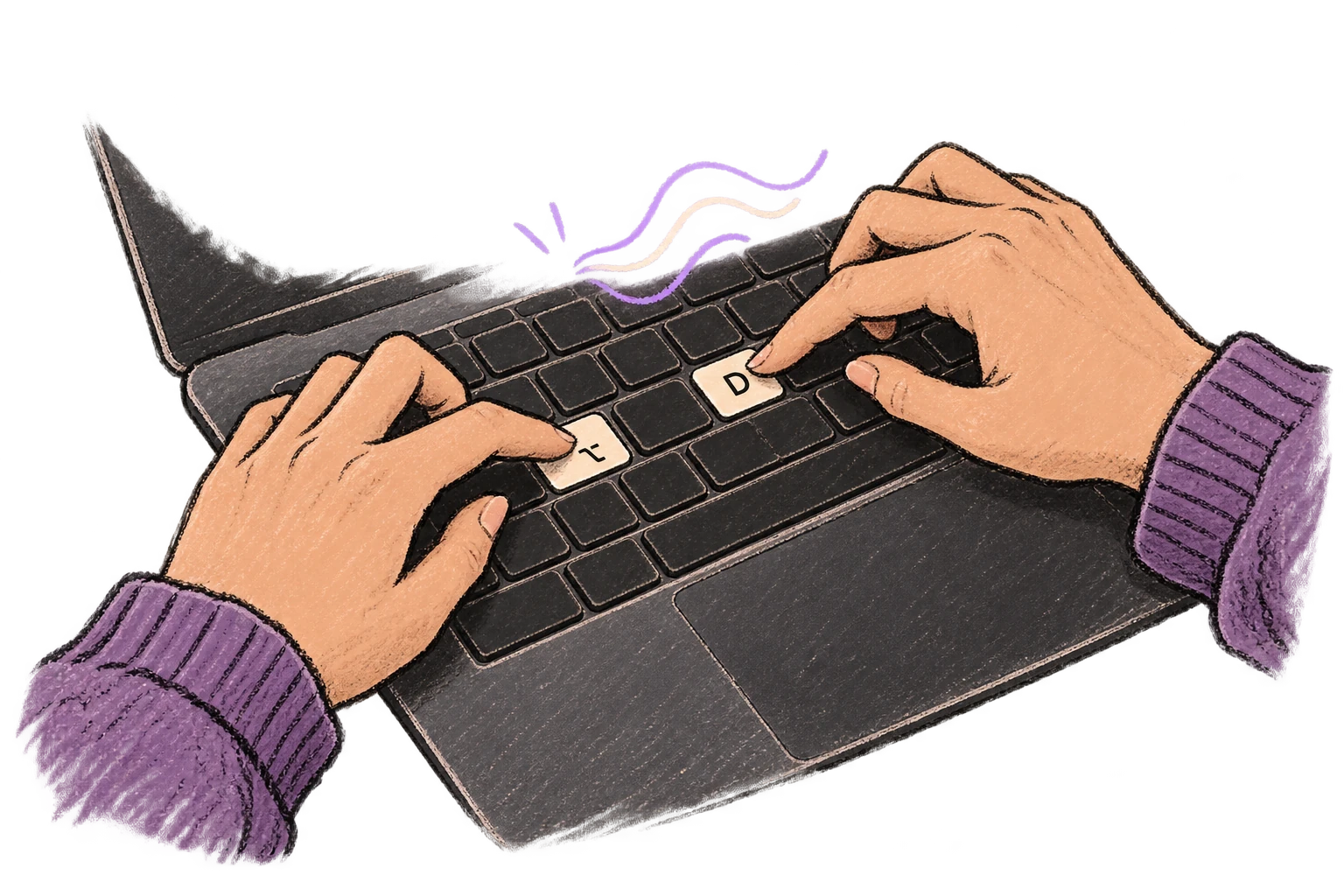
Start recording with Option+D, use Push-to-Talk, or cancel with Esc. All shortcuts are fully configurable.
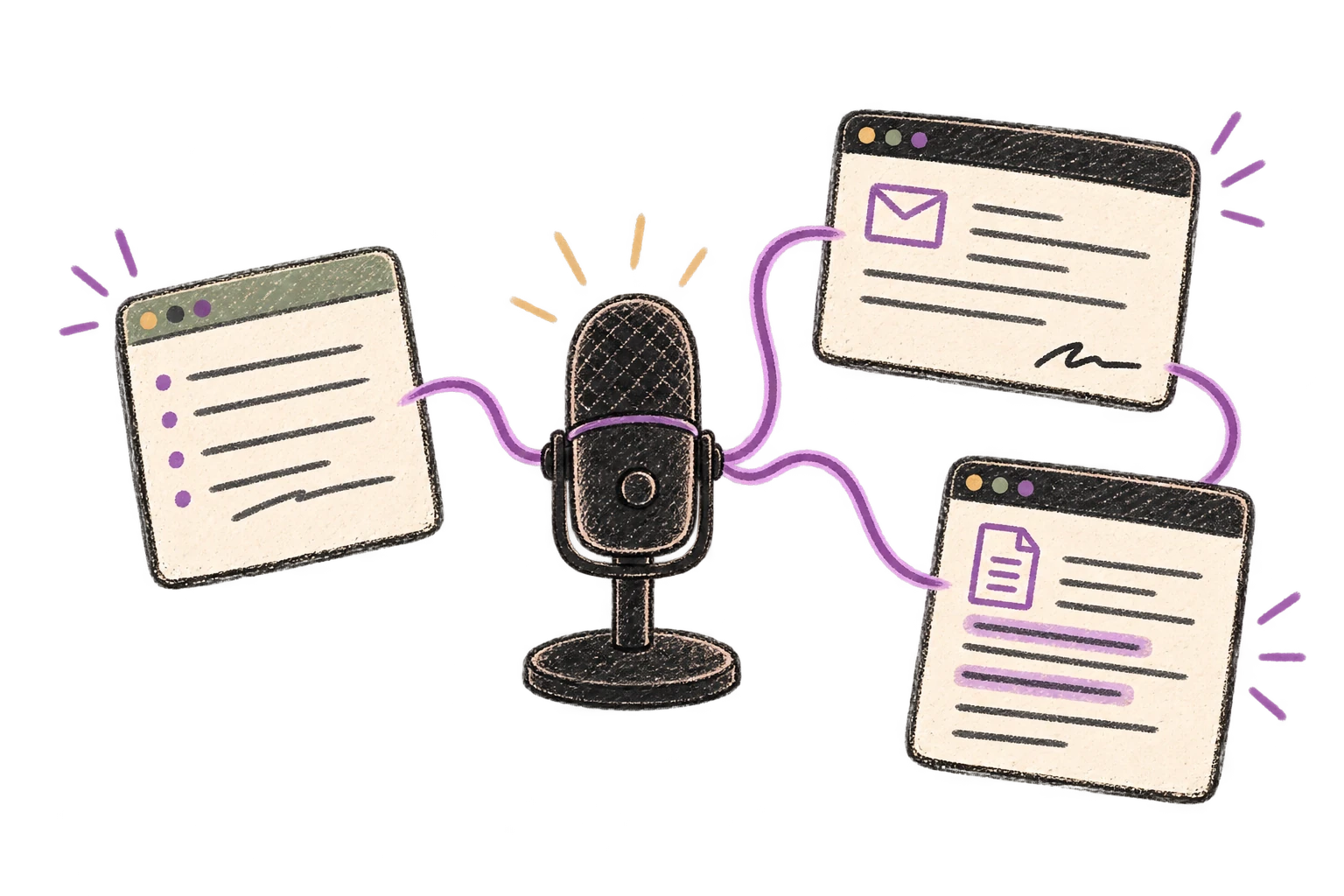
System-wide on macOS—Ottex works wherever you can type. No app-specific integrations needed.
Automatically removes filler words like 'um', 'uh', 'like', 'so' from your transcription. Get clean, professional text without verbal hesitations.
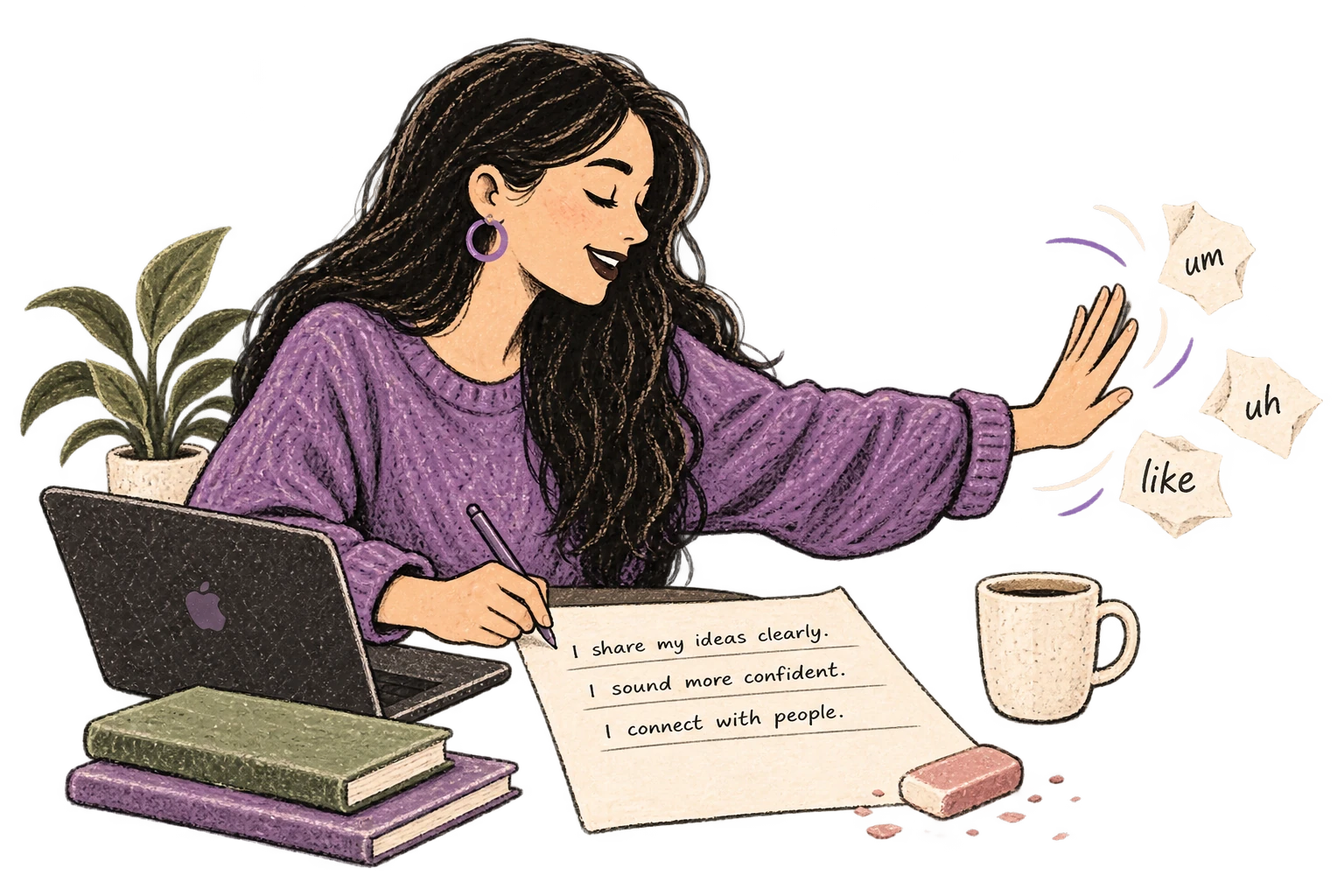
Defeat writer's block by speaking your first draft. Don't edit as you go—just talk through your ideas and refine them later.
Read this example aloud, or say something of your own.
Dictate product requirements, feature specs, or design docs. Speaking lets you explain the full context—edge cases, user flows, and rationale—naturally.
Works with
Read this example aloud, or say something of your own.
Dictate technical documentation, READMEs, or API docs. Speaking lets you explain context, edge cases, and examples naturally—better docs with less effort.
Works with
Read this example aloud, or say something of your own.
Dictate meeting notes in real-time or right after. Capture action items, decisions, and key points while they're fresh in your mind.
Works with
Read this example aloud, or say something of your own.
Dictate standup updates, weekly reports, or project status. Speak what happened and what's next—done.
Works with
Read this example aloud, or say something of your own.
Dictate email responses with the right tone. Use context awareness to see the full thread, then speak your reply naturally.
Read this example aloud, or say something of your own.
Dictate prompts to ChatGPT, Claude, Perplexity, or any AI chatbot. Speaking naturally lets you give more context—better context means better results.
Read this example aloud, or say something of your own.
Speak ideas the moment they hit you. Use Ottex anywhere to capture thoughts, then refine them later.
Works with
Read this example aloud, or say something of your own.
Yes. Ottex works anywhere you can type on macOS—Excel for model commentary, PowerPoint for management presentations, Word for deal memos. One hotkey (Option+D), every app.
Yes. Cloud models like Gemini 3 Flash handle financial vocabulary—EBITDA, LBO, DCF, synergy, accretion/dilution. Add deal-specific terms (target company names, internal codenames) to your custom dictionary for perfect accuracy.
Say 'heading two', 'bullet point', 'new paragraph'. Precision typing gives you full formatting control by voice. 'Heading: Investment Thesis. Bullet: Strategic rationale. Bullet: Financial returns.' comes out perfectly structured.
Absolutely. Dictate findings immediately after management calls while context is fresh. Capture red flags, key metrics, and follow-up questions. Built-in meeting recorder available for full session capture with speaker separation.
M&A increasingly involves AI—analyzing CIMs, generating comps, researching targets. Speaking gives more context than typing shortcuts. 'Analyze this target's margin profile against peers and explain the delta' produces better AI output.
Yes. Ottex offers 100% local processing with Whisper models—your audio never leaves your Mac. Essential for confidential deal work. Or use BYOK with your own API keys. Either way, Ottex never stores your data.
Free forever with local models. BYOK (bring your own API key) costs ~$1-3/month for heavy usage. Optional $9/month premium includes Gemini 3 Flash credits with zero config.
Download free. Start dictating deal memos and diligence notes in minutes.
Try for freeNo credit card required.