3x Faster Than Typing
Speak 150+ words per minute vs 40 wpm typing. Finish tasks in a third of the time.

Dictate SOAP notes, progress notes, or patient summaries. Add medical terms to your dictionary for accurate transcription.
Read this example aloud, or say something of your own.
Your voice. Right where you work.

Place your cursor in any app, then hold the Fn key.

Say what you want to write. Ottex follows your saved writing rules.

Your text appears right where your cursor is.
Everything you need to do this job efficiently
Speak 150+ words per minute vs 40 wpm typing. Finish tasks in a third of the time.
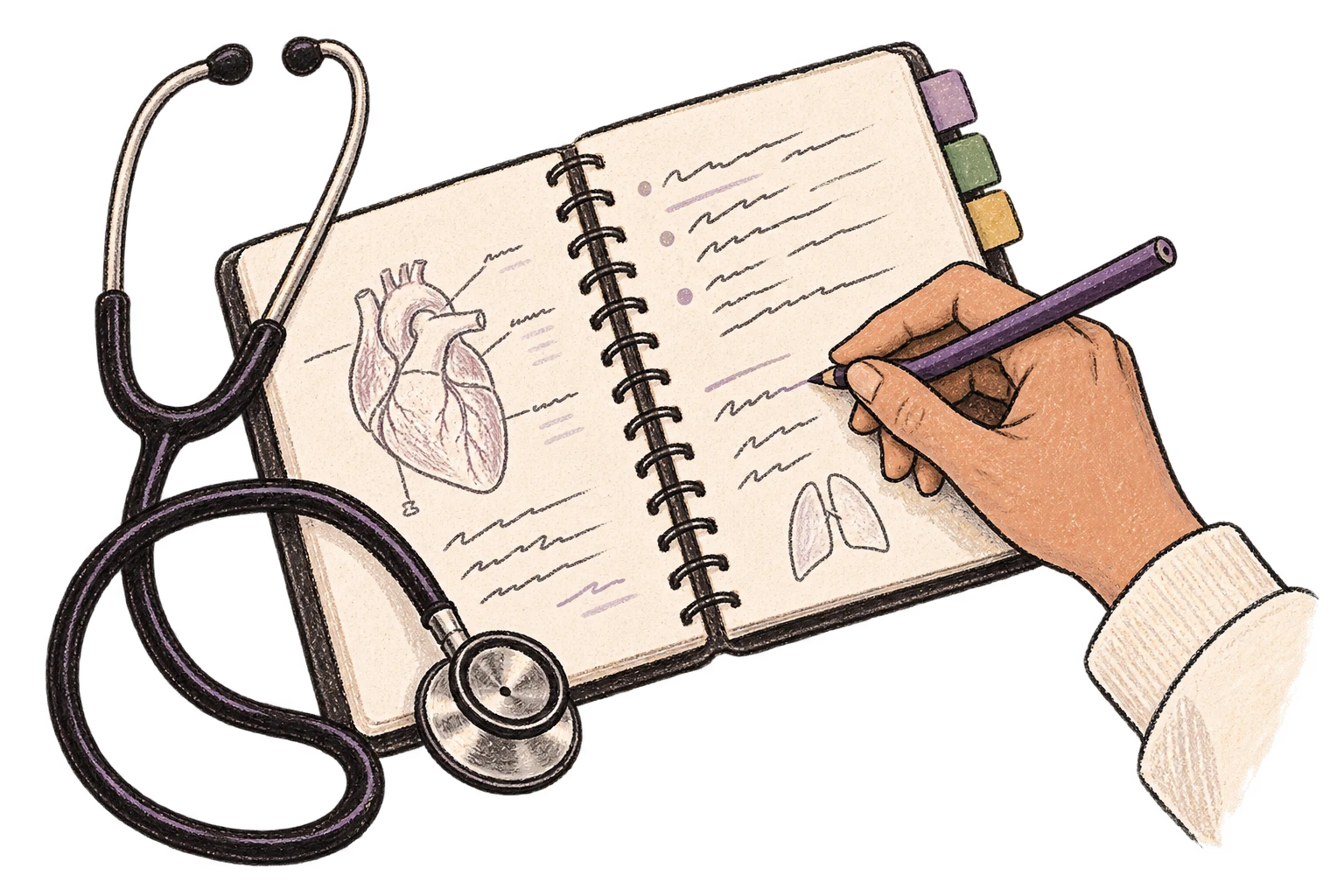
Add drug names, procedures, ICD codes to your dictionary. Accurate transcription for healthcare.
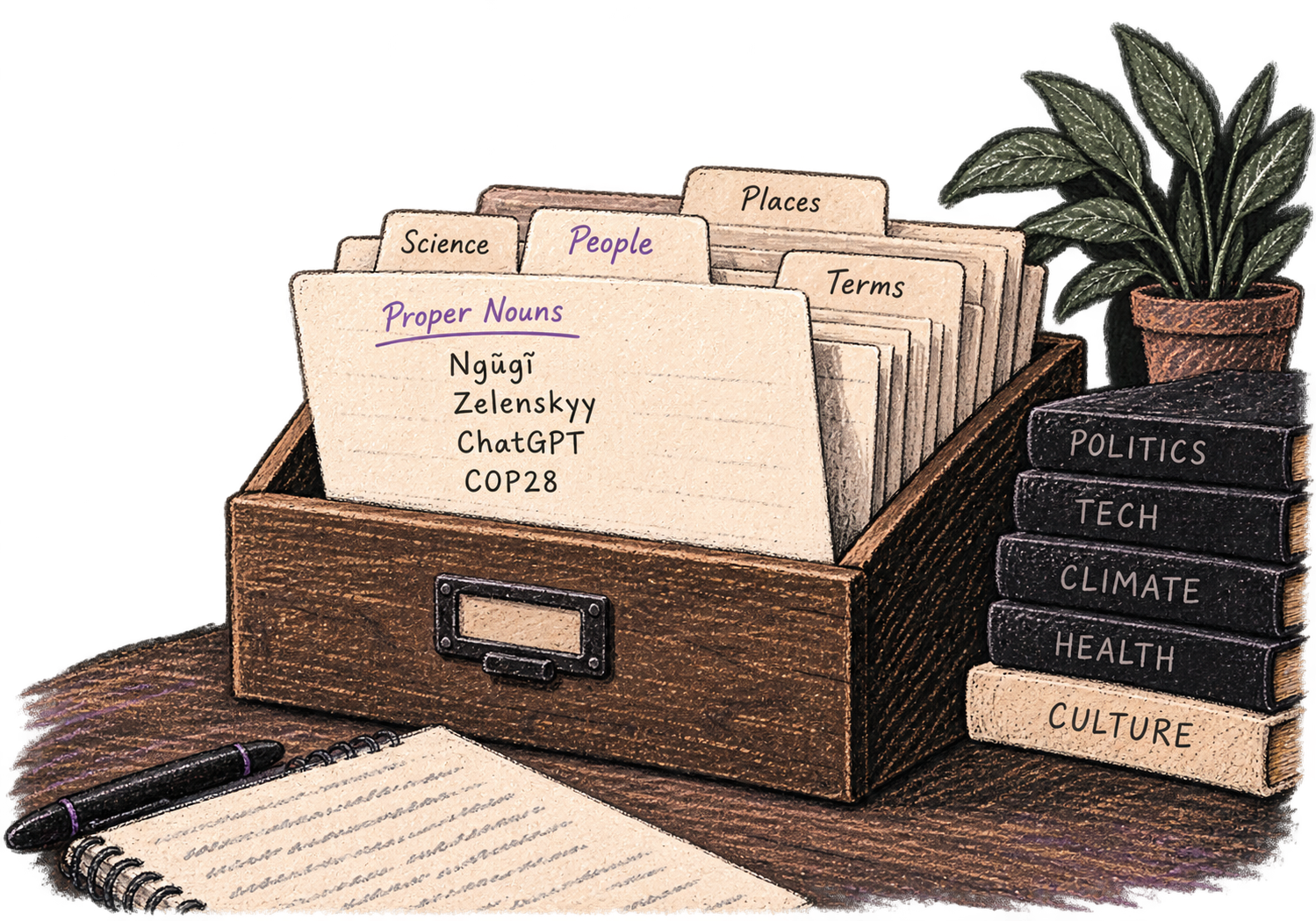
Add names, technical terms, and jargon. Ottex transcribes them accurately every time.
No screen capture, ever. Your audio goes directly to your API provider. Ottex never sees your data.

Say 'scratch that' to delete mistakes, 'actually' to rephrase. Fix errors without stopping your flow or touching the keyboard.

Professionals who rely on Ottex for clinical notes
Yes. Ottex types into any text field on macOS — Epic, Cerner, Athenahealth, or any web-based EHR system. It works wherever your cursor is.
Yes. Add your specialty's terminology, drug names, procedure codes, and abbreviations to your custom dictionary. Ottex transcribes them accurately.
Yes. Custom modes can auto-structure your dictation into Subjective, Objective, Assessment, and Plan sections based on formatting commands.
Ottex processes audio in the cloud for transcription but never stores your dictation or the resulting text. The text goes directly into your EHR. Review our privacy policy for full details.
Other ways to use Ottex
Dictate research notes, literature summaries, or analysis. Capture your thinking process without losing momentum to typing.
Dictate unique job descriptions that capture what makes the role special. Speaking helps you articulate culture, growth opportunities, and team dynamics naturally.
Dictate Jira tickets, Linear issues, or Asana tasks. Speak the context, acceptance criteria, and details—then move on.
Dictate email responses with the right tone. Use context awareness to see the full thread, then speak your reply naturally.
Dictate prompts to ChatGPT, Claude, Perplexity, or any AI chatbot. Speaking naturally lets you give more context—better context means better results.
Dictate personalized prospecting emails. Speaking naturally makes your outreach sound human, not templated.
Get 4+ hours back every week from typing, formatting, and re-prompting AI.
Try for freeNo credit card required.