3x Faster Than Typing
Speak 150+ words per minute vs 40 wpm typing. Finish tasks in a third of the time.

Speak ideas the moment they hit you. Use Ottex anywhere to capture thoughts, then refine them later.
Read this example aloud, or say something of your own.
Your voice. Right where you work.

Place your cursor in any app, then hold the Fn key.

Say what you want to write. Ottex follows your saved writing rules.

Your text appears right where your cursor is.
Everything you need to do this job efficiently
Speak 150+ words per minute vs 40 wpm typing. Finish tasks in a third of the time.
Start recording with Option+D, use Push-to-Talk, or cancel with Esc. All shortcuts are fully configurable.
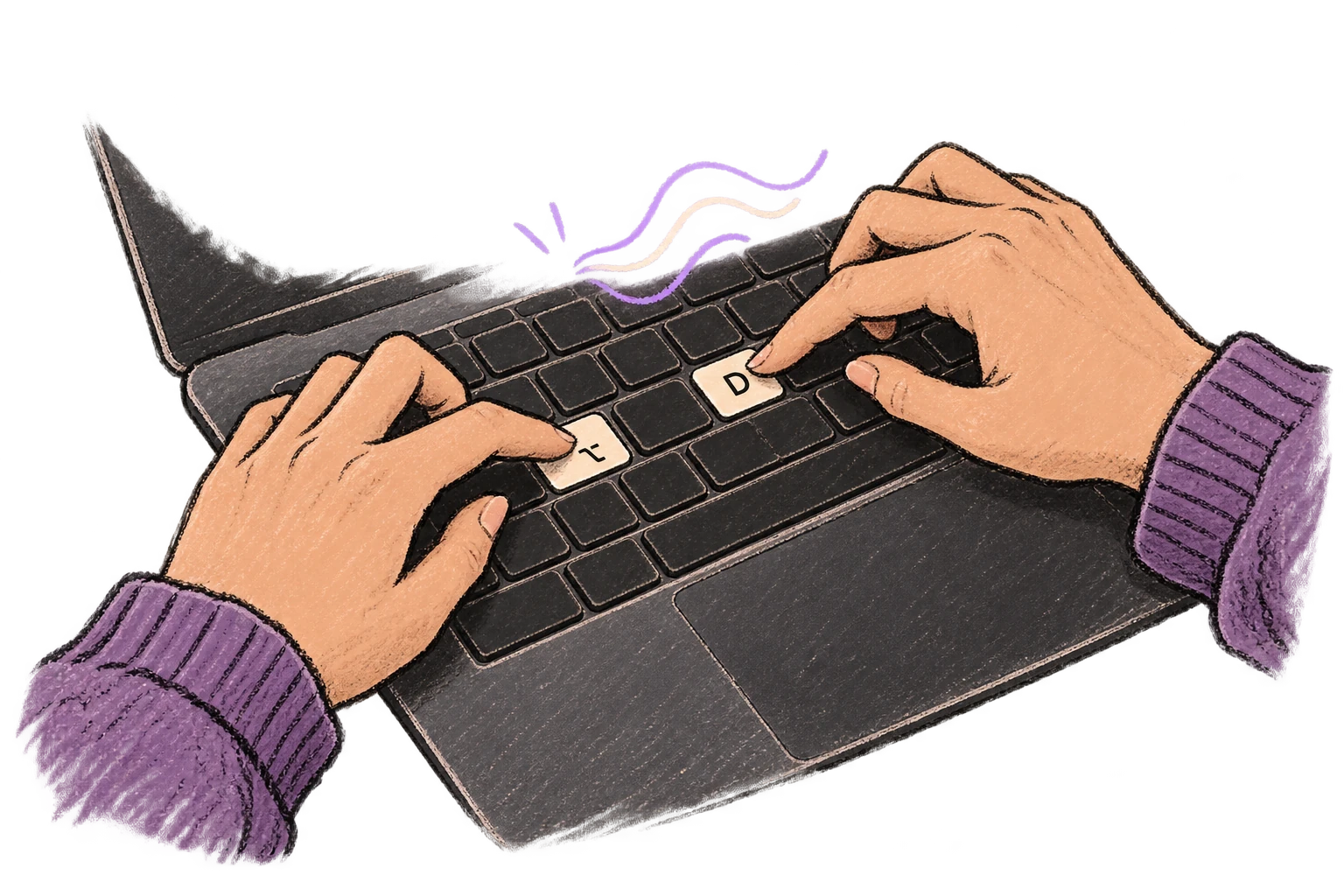
System-wide on macOS—Ottex works wherever you can type. No app-specific integrations needed.
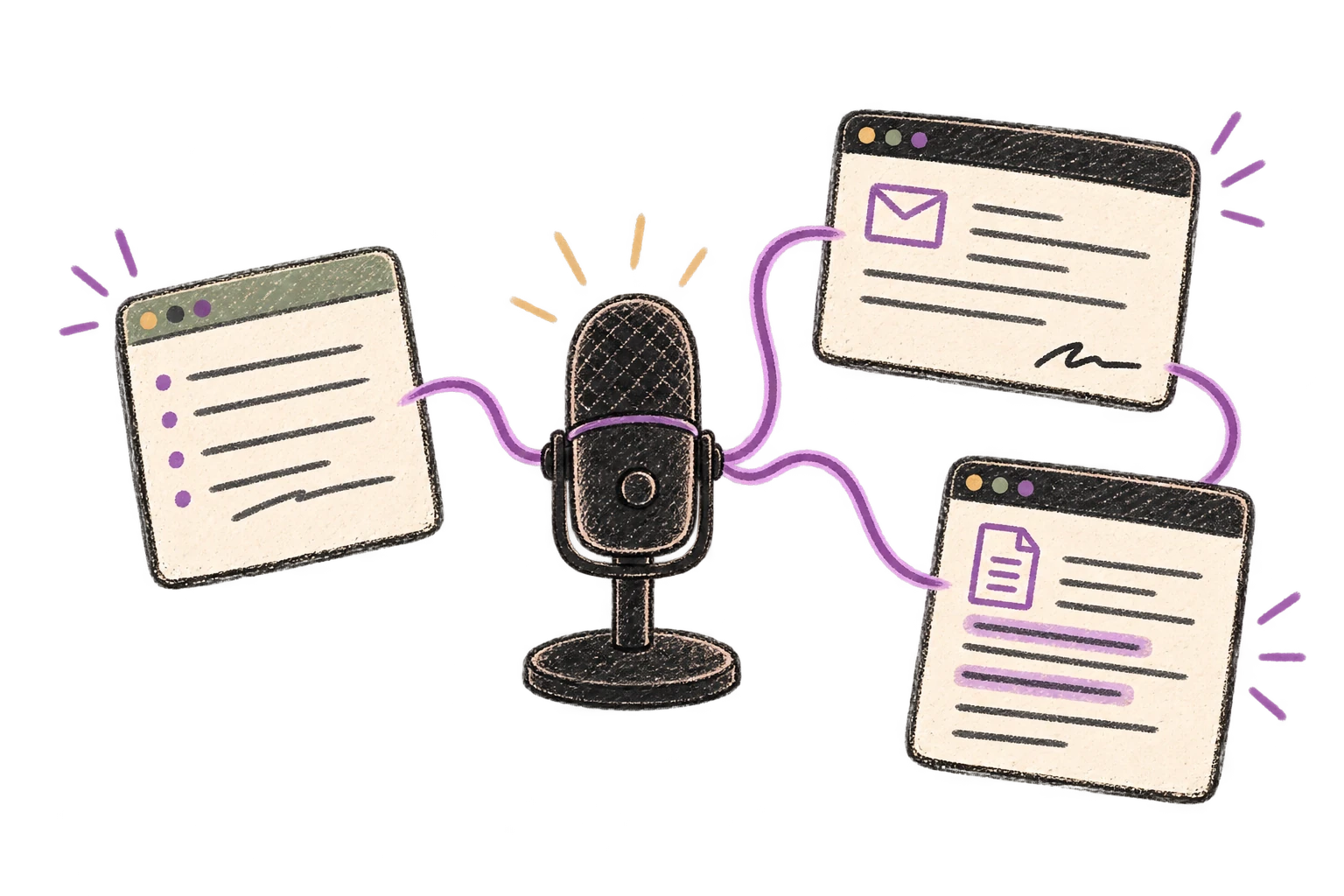
Say 'scratch that' to delete mistakes, 'actually' to rephrase. Fix errors without stopping your flow or touching the keyboard.

Automatically removes filler words like 'um', 'uh', 'like', 'so' from your transcription. Get clean, professional text without verbal hesitations.

Professionals who rely on Ottex for quick ideas
Document design decisions without leaving the canvas
Capture insights without breaking eye contact
Teach more. Type less.
Document faster, advise more
Write meta descriptions and content briefs at volume
Document vulnerabilities faster, respond to incidents in real-time
Press a hotkey and start talking. There's no app to open or interface to navigate — Ottex captures directly into whatever app is in focus.
Yes. Ottex types into any text field on macOS — Apple Notes, Notion, Drafts, Bear, or any other app you use for capturing ideas.
That's the point. Speak your raw stream of consciousness — Ottex removes filler words, false starts, and repetitions, turning your messy thoughts into clean text.
Yes. Press the hotkey, speak your idea into whatever app is open, and keep going. The whole process takes seconds.
Other ways to use Ottex
Dictate unique job descriptions that capture what makes the role special. Speaking helps you articulate culture, growth opportunities, and team dynamics naturally.
Dictate meeting notes in real-time or right after. Capture action items, decisions, and key points while they're fresh in your mind.
Dictate personalized follow-up emails right after calls. Strike while the conversation is fresh.
Reply to Slack messages 3x faster. Dictate casual updates, detailed explanations, or quick acknowledgments without switching context.
Dictate SOAP notes, progress notes, or patient summaries. Add medical terms to your dictionary for accurate transcription.
Dictate research notes, literature summaries, or analysis. Capture your thinking process without losing momentum to typing.
Get 4+ hours back every week from typing, formatting, and re-prompting AI.
Try for freeNo credit card required.